

Ever wonder if a PC game could feel like a movie? Transformers the Game PC does just that, throwing you into wild robot fights. You can switch from vehicle mode to robot mode in a flash, like flipping a switch.
Launched in 2007, it mixes fast action with clever combat moves that keep you hooked. Sure, there are a few glitches, but nothing stops the fun.
In this guide, we'll dig into its cool features, share simple setup tips, and list the system details you need to get started. Get ready for a nostalgic ride that shows this movie-inspired game is way more exciting than you might think.
Transformers The Game PC Overview
In June 2007, Transformers: The Game for PC was released for Windows XP. The game weighed in at about 733 MB and was made by Traveller’s Tales. It came out thanks to Activision, ak tronic Software & Services, and Noviy Disk. Movie fans got the chance to see the film’s explosive robot battles right on their computers.
This third-person shooter tosses you into a big open world where you pick sides , Autobots or Decepticons. It’s cool because you can smoothly shift from robot form to vehicle form. During fights, you even get five different attack moves to choose from. Plus, you race through various spots and grab things from the surroundings to use in combat. It’s a fun mix of speedy vehicle action and clever fighting that feels different from your typical shooter.
Reviews on PC were a mixed bag. Some players loved the creative gameplay, clear graphics, and booming sound effects, which went above and beyond what you’d expect from a movie-based game. Still, others mentioned a few glitches , like a short campaign, the camera acting up sometimes, and some bumps in the difficulty. Over time, the game has become abandonware, so you can download it for free today. Even with its little flaws, it’s still a memorable part of gaming history.
Transformers PC System Requirements & Compatibility
If you're gearing up to play Transformers: The Game on your PC, you gotta know a few basics first. The game runs on Windows XP and needs roughly 733.42 MB of free disk space. Plus, there are official patches and fixes that smooth out any little bugs and keep things running nicely.
| Specification | Requirement |
|---|---|
| Operating System | Windows XP |
| Disk Space | 733.42 MB free |
| Patches | Official patches and fixes provided |
Before you download, double-check that your system meets these specs. Since the PC version is now considered abandonware and is free, a quick tweak of your system settings along with those patches can really boost your gameplay. Running a simple system check helps avoid hiccups so you can jump straight into the action.
Transformers the Game PC: Exciting Features & Setup
Transformers: The Game is free to download as abandonware. In plain terms, it’s available from old game archives where you can also find over 36,200 retro games. Start by picking a solid download link that gives you the game’s ZIP file along with neat extras like manuals and guides. File sizes and speeds might change, so a bit of patience works wonders.
Once you land a link, look for one that bundles files with a manual. It makes installing the game a breeze , nothing beats clear instructions when you’re trying out something new. And if you need help step-by-step, check out a video game walkthrough for extra hints. This way, you get a full package with every bit you need right from the jump.
After the download wraps up, it’s game time for the installation. First, unzip the files into an easy-to-find folder, like your desktop or a special games folder. Then, launch the setup.exe to start the install process. You might have to click a few prompts here and there, but that’s perfectly normal. Once the basic install is done, don’t forget to add any patches that came with the download or are available online. These patches help smooth out any rough spots and keep your game running at its best.
Finally, fire up the game and make sure every part, from the manuals to any extra documentation, is loaded and ready to play. Enjoy the ride!
Core Gameplay Features & Mechanics on PC
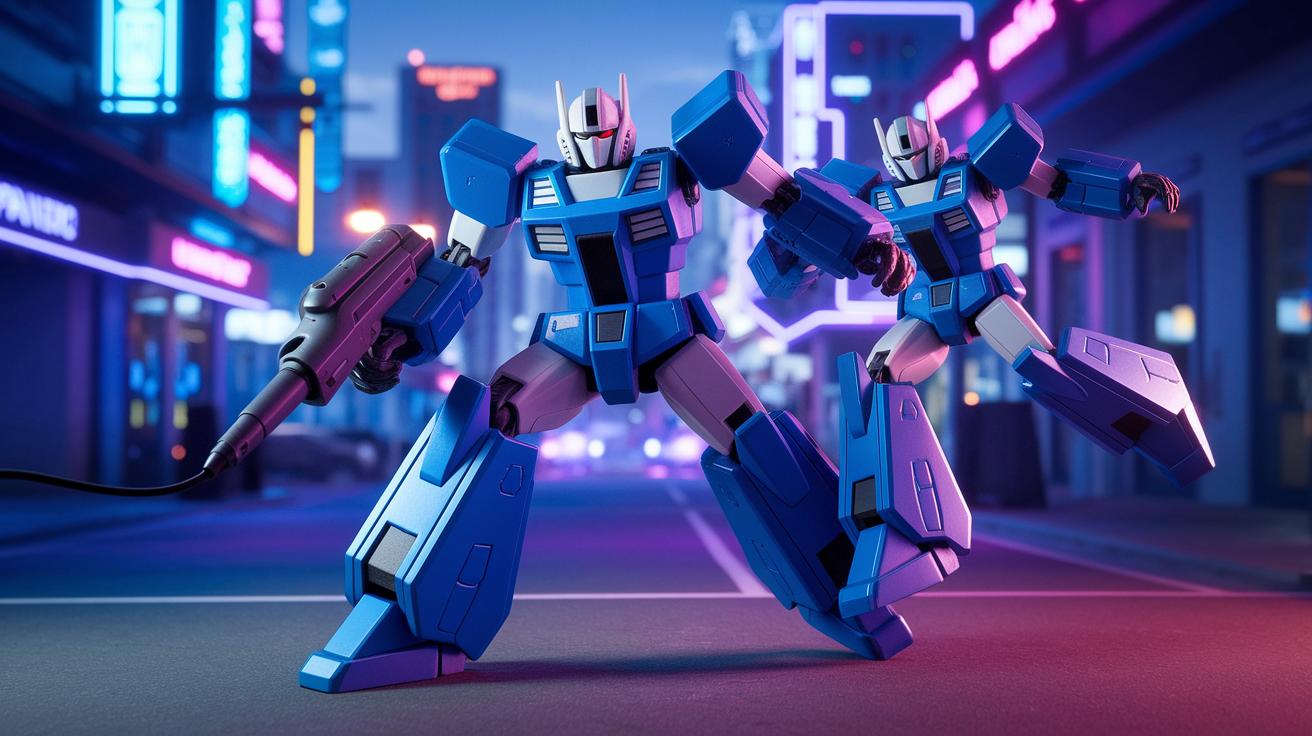
Faction picks and world building on PC shift based on your mission goals and character quirks. On this platform, factions come with special vibes and smarter AI in certain zones. Ever played as an Autobot? You might notice enemy tactics getting a clever upgrade, keeping every clash exciting and fresh.
Combat on PC feels smooth and dynamic. You can switch between robot and vehicle modes without missing a beat, adding a cool twist to your combos. Imagine slamming a powerful robot punch, then flipping into vehicle mode to outsmart your rival, that’s the kind of flow we’re talking about.
Mission challenges on PC dive deeper into strategy. They mix clever item interactions with lively race segments that feel more interactive than before. One gamer even said, "Using a crate to block enemy sensors totally changed the game." It’s all about those little details that make every playthrough count.
Graphics, Performance & Troubleshooting for Transformers PC
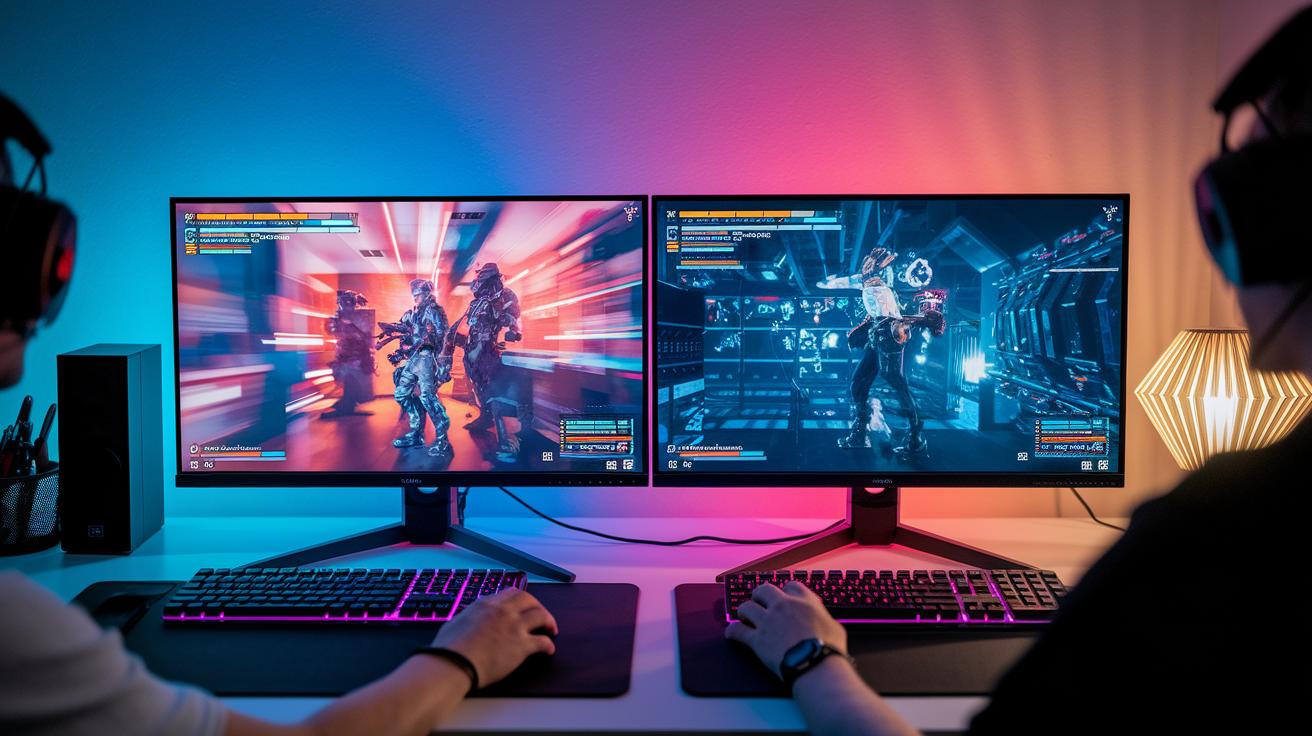
Transformers PC brings you awesome graphics and booming sound effects that really hype up every match. But sometimes you might notice wonky camera angles or sudden slowdowns when the battles get intense. When these hiccups pop up, just remember that official patches and quality visuals are already in play, making it easier to get back into the action. Many players even say a recent patch smoothed things out nicely.
To keep things running at their best, try installing the official patches, updating your GPU drivers, and tweaking your game settings. This combo can help fix those glitchy camera moments and pesky performance drops. One tip from a fellow gamer mentioned that updating drivers and adjusting settings really stabilized their frames per second.
Community Mods & Support for Transformers The Game PC
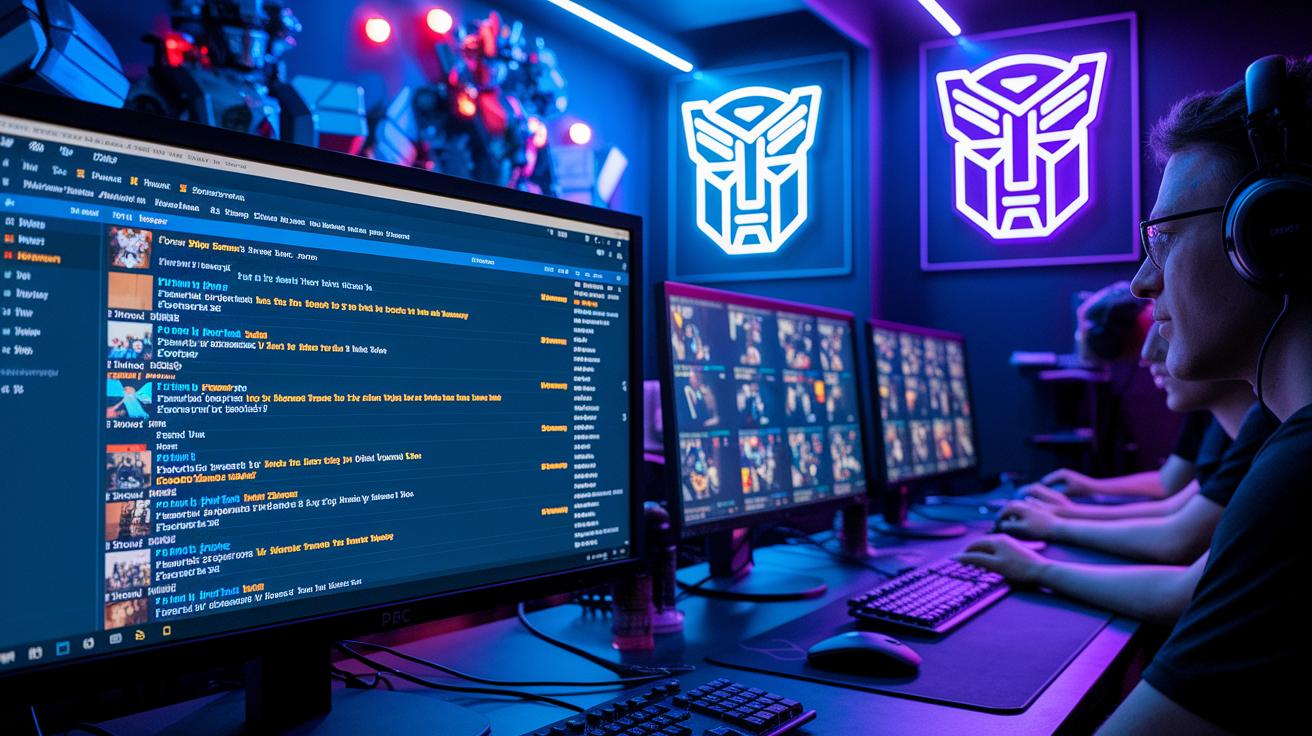
Community channels for Transformers the Game on PC are buzzing with life. You’ll find over 70 comments in forums where gamers swap smart tactics, report sneaky glitches, and cheer on creative fixes. Many players hang out on Transformers game PC forums and Reddit threads to share their real-time experiences and advice. Screenshots, quick captures, and DIY guides pop up all the time, offering you a front-row seat to new strategies and surprise bugs that need workarounds. It’s like being in an active, player-driven workshop where tips and tricks fly around fast.
Fan support here goes way beyond casual chat. Gamers dish out modding tips that include fan-made patches, texture mods, and custom level files that help you tweak the game just the way you want. Folks even share their own tweaks from hands-on trial and error, which is super handy when troubleshooting. Community archives are packed with extra docs and builds from hobbyists who love to spread their know-how. For more details on joining these groups and diving into the conversation, check out the guide to online gaming communities and get in on the action.
Final Words
In the action, this article broke down transformers the game pc. We explored its launch details, checked out gameplay features, and ran through system requirements. The guide covered steps for downloading, installing, and troubleshooting, plus even shared tips on modding and community support.
We also touched on key graphics and combat nuances that keep the game exciting. It’s all about getting the best gaming experience while connecting with fellow enthusiasts. Enjoy refining your play, and may every match bring positive thrills!
FAQ
Frequently Asked Questions
How do I download Transformers the Game for PC?
The download for Transformers the Game on PC is available as a free, abandonware release from trusted archives and internet collections, complete with game files, manuals, and installation guides.
What are the PC system requirements for Transformers the Game?
The PC system requirements for Transformers the Game include running on Windows XP with at least 733 MB of free disk space and the optional use of official patches to boost stability and performance.
Is Transformers the Game available on Steam or as a free download?
Availability of Transformers the Game on Steam is limited; instead, it is offered as a free, abandonware download through several online archives providing full game versions without official platform ties.
Is Transformers the Game compatible with Windows 10?
The game was designed for Windows XP, but with official patches and tweaks, many users have successfully run Transformers the Game on Windows 10 without major issues.
Where can I play Transformers: The Game (2007)?
You can play Transformers: The Game (2007) on your PC by downloading the abandonware version from reputable internet archives, which hosts the full game files and supporting documentation.
Why was Transformers the Game removed?
The removal of Transformers the Game is linked to licensing and publisher decisions made years ago, which led to its status as abandonware, leaving it accessible through unofficial download sites.
How do I redeem a PC key for Transformers the Game?
Redeeming a PC key for Transformers the Game is not required for the abandonware version, as it is freely downloadable without needing activation codes or other key-based verifications.
What distinguishes Transformers: The Game from titles like War for Cybertron or Rise of the Dark Spark?
Transformers: The Game and its related titles differ in graphic style, gameplay mechanics, and story focus, with each game providing a unique take on the Transformers theme and combat experiences.