
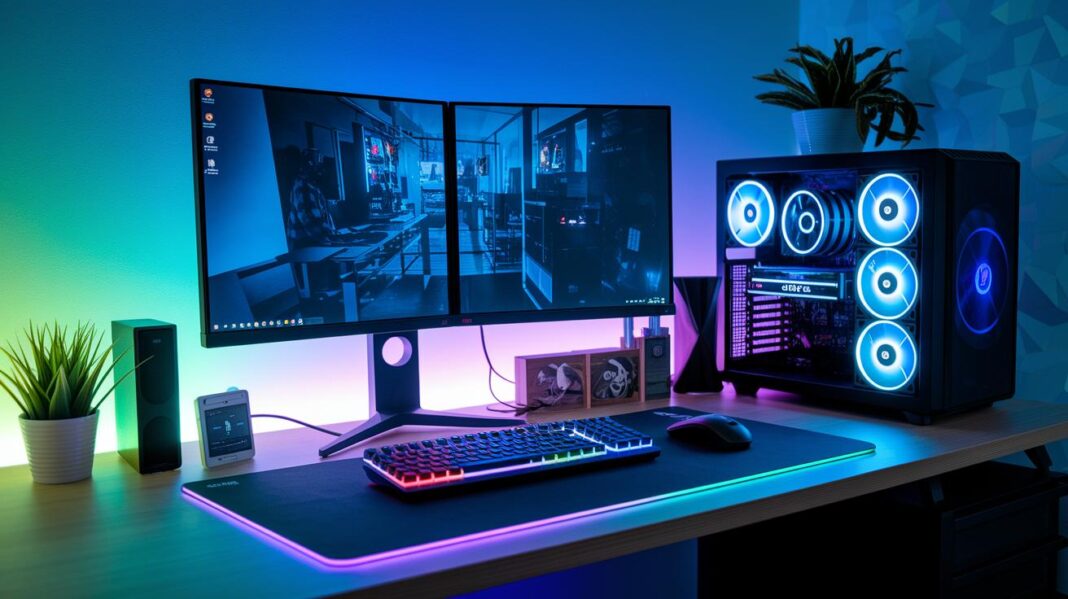

Ever thought your gaming PC could do more than just run games? Imagine your rig lighting up your room and adding a burst of fun, like scoring that secret power-up in your favorite game. Two cool setup ideas show you exactly how. One builds on rock-solid performance, while the other mixes serious power with a look that pops. Curious about building a PC that’s as exciting to use as it is to see? Let's dive in and bring that extra spark to life.
2 gaming pc setup Ideas That Spark Joy
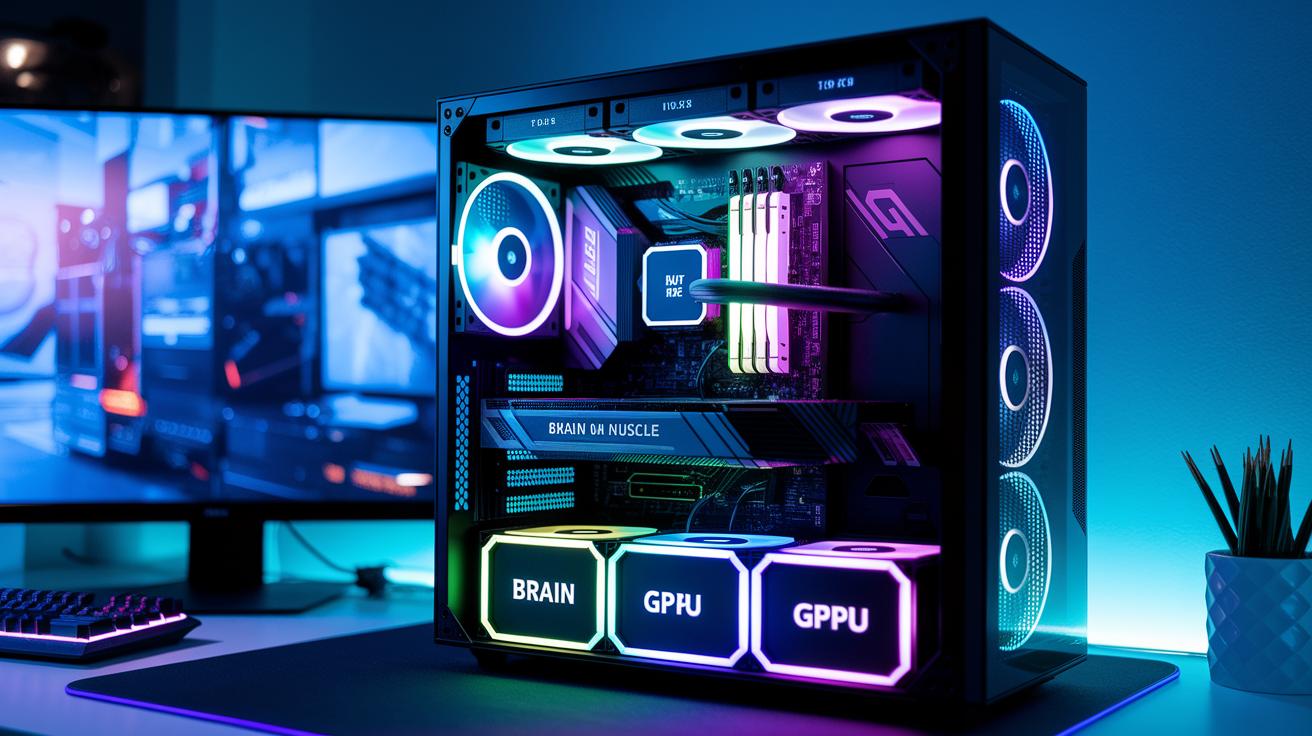
When building a killer gaming PC, you’ve got to balance the brain, the muscle, and the smooth operator memory. Think of your CPU as your team captain, your GPU the heavy hitter, and your RAM as the playmaker that keeps the game running smoothly. It’s like setting up your ultimate squad where every role is in sync for epic graphics and super-fast responses.
Start with the core of your system. Pick a processor like an Intel i5/i7 or AMD Ryzen 5/7, they come with several cores (usually 6-8) that handle big tasks without breaking a sweat. And when it comes to your graphics card, go with what meets your needs. A mid-range card like the RTX 3060 works great for 1080p gaming, while a top model like the RTX 4080 is perfect for razor-sharp 4K visuals. Imagine your CPU and GPU working together perfectly to boost frame rates and make every intense match feel fluid.
Next up, consider your motherboard and memory. Look for motherboards with chipsets like Z690 or X570 which allow you to overclock and upgrade later on. Pair these with 16-32 GB of DDR4 or DDR5 RAM, running at speeds from 3200 to 5600 MHz, to cut down load times and keep everything zipping along. And don’t forget a fast NVMe SSD ranging from 500 GB to 2 TB to help your system boot up in no time and load levels faster than ever.
Finally, don’t overlook power and your case design. A reliable power supply, between 650 W and 850 W with an 80 Plus Gold or Silver certification, ensures your system stays stable during the heat of battle. Choose a good mid-tower or full-tower case that fits ATX/E-ATX motherboards; this not only keeps your cables tidy but also helps with airflow. With this setup, you’re not just getting top-notch performance, your gaming rig will also look impressive on your desk.
Step-by-Step Assembly and Configuration Guide for Your Gaming PC Setup

Before you start, grab your tools and take a moment to handle anti-static precautions. Set up your workstation on a clean, flat surface and consider using an anti-static mat or wrist strap, like gearing up before an epic match. Keep a small screwdriver, a pair of tweezers, and lots of patience close by, as you get ready to build your rig, just like picking out your loadout before a raid.
- Get your workspace clear and all your tools together.
- Install the CPU and cooler on the motherboard. Make sure to apply the right amount of thermal paste and secure everything tightly.
- Slot in the RAM modules into their dual-channel slots so your system can run faster.
- Carefully place the motherboard into the case, making sure the standoffs line up properly.
- Mount your storage drives. Both M.2 and SATA SSDs should be fitted snugly in their spots.
- Install the power supply unit (PSU) in its spot, and neatly route the main power cables.
- Pop your GPU into the primary PCIe x16 slot and screw it in firmly.
- Connect the front-panel I/O, which includes power, reset, and USB connectors.
- Arrange and tie down your cables to keep the inside tidy and to boost airflow.
- Turn on your system, enter the BIOS, and set the XMP profiles to kick your performance into high gear.
After you’ve assembled the hardware, focus on your software updates. Start by installing the latest drivers for your GPU, motherboard, and any other devices. A handy tip: check the motherboard maker’s website for the newest BIOS updates to keep things stable and compatible. Think of this step as tuning your championship ride before you hit the race track, every part needs to sync perfectly for an awesome gaming experience.
Cable Management Strategies in Your Gaming PC Setup
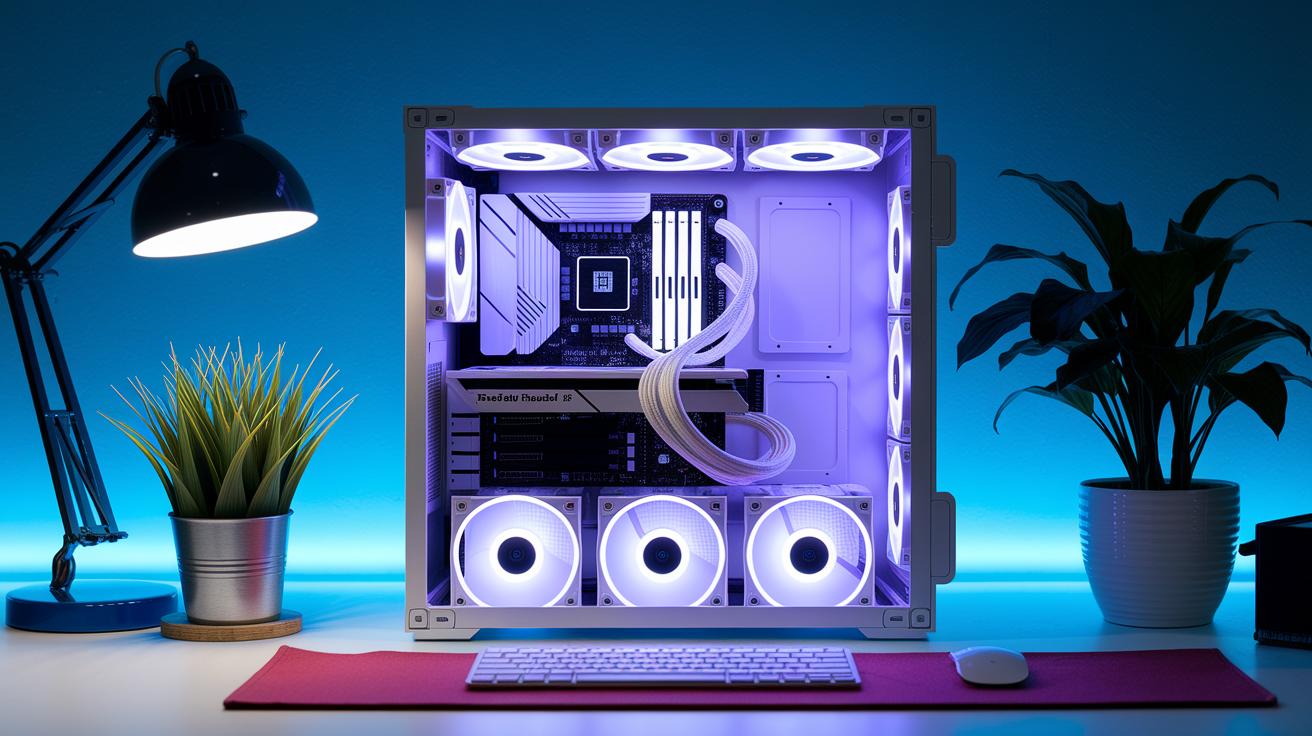
Tucking your cables behind the motherboard tray gives your rig a cleaner look and even boosts airflow by about 10%. When those wires disappear from sight, dust has fewer places to hide, and your gaming setup looks sharp, almost like secret passageways working behind the scenes.
Zip ties, Velcro straps, and built-in tie-down points in your case are the go-to tools for keeping things neat. If you’re using a modular PSU, you’ll greatly reduce extra cords, making it easier to bundle and direct cables. It’s like prepping your toolbox before an intense race, everything is set and organized for top-notch performance.
Plan your cable routes just like you’d plan a game strategy. Group similar wires together and secure them so they don’t block fans or other components. A well-organized interior not only looks slick but also helps your system run cooler and more reliably. For more tips on routing techniques, check out our guide on optimizing cable management for gaming setups.
Optimizing Cooling and Thermal Performance in a Gaming PC Setup

Keeping your CPU and GPU below 70 °C is super important during those long gaming sessions. When your hardware stays cool, your games run smoother and you avoid those annoying slowdowns in the heat of battle. Air cooling with 120 mm to 140 mm fans pushes about 50–60 CFM and stays quiet at roughly 25–30 dBA. But if you're looking for extra chill, an all-in-one liquid cooler with a 240 mm or 360 mm radiator can drop your CPU temps by 5–10 °C under heavy load. This advice helps you pick a cooling setup that fits both your budget and your power needs.
| Cooling Type | Pros | Cons |
|---|---|---|
| Air Cooling | Easy install, reliable, budget-friendly | Less headroom, can feel bulky |
| All-in-One Liquid | Better cooling performance, sleek look | Higher price, slight risk of leak |
Getting your fan curve right makes a big difference. With PWM control, you can adjust the fan speeds based on temperature, keeping things quiet when you're not in intense sessions and cranking up the cooling when needed. Stick your radiators where the air flows best – usually near intake vents – to blast away heat. Even small tweaks, like repositioning a radiator or adjusting the fan curve, can boost performance while keeping your gaming sessions smooth and silent.
Designing an Aesthetic and Functional Layout for Your Gaming PC Setup
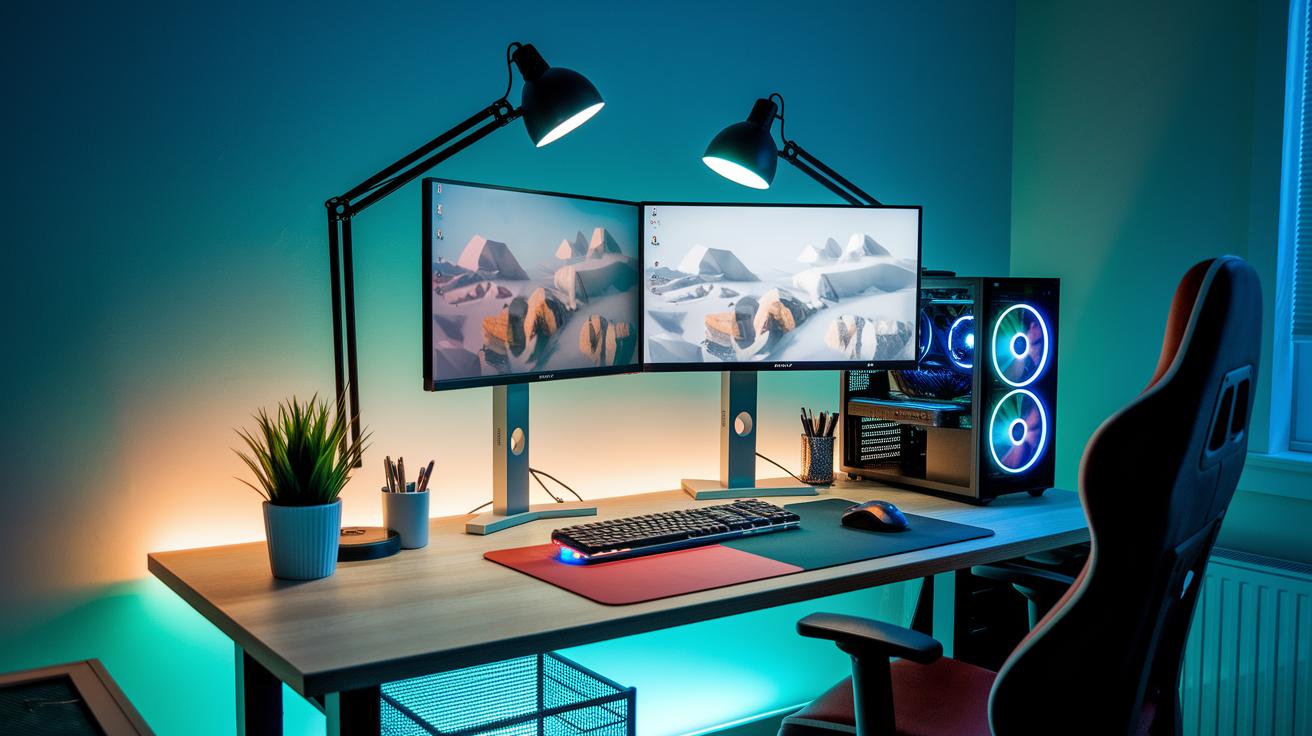
Pick a desk that fits your gaming vibe. Look for one with plenty of space for your tower, monitor, and all your accessories so nothing feels squished. A clean surface not only inspires your home battlestation, but also makes it way easier to sort out cables, like giving your gear room to breathe. You might even grab a desk with extra clearance underneath to keep everything neat and ready to go.
Next, think about getting your monitors just right. Set up dual 27″ 144 Hz screens at eye level and about 50 cm away to dodge neck pain and get a killer view in both 1080p and 1440p games. Adjustable mounts make it simple to hit that perfect angle, so your visuals stay comfy and engaging through long gaming sessions.
Now, add some smart lighting to pump up your setup. RGB LED strips placed behind your monitors can create a cool ambient glow that softens eye strain. You could also use bias lighting or a subtle desk lamp to boost the vibe, making your space as eye-catching as it is practical.
Finally, don’t forget about comfort. Choose a chair that’s built for long gaming marathons, and keep your keyboard and mouse within arm’s reach. A good wrist support can make all the difference too. Arranging your gear thoughtfully, from your main monitor to your trusty input devices, will keep you comfy and in the game every time you play.
Selecting Peripherals and Accessories for Your Gaming PC Setup

Picking the right keyboard and mouse can seriously boost your gaming vibe. Mechanical keyboards with Cherry MX Red or Brown switches feel fast and give a nice tactile kick, keeping you sharp when the game heats up. Every keystroke feels solid and satisfying. And a gaming mouse loaded with a 12,000+ DPI sensor and adjustable weights? It nails the precision you need, making sure your aim and tracking stay on point no matter the genre.
A good monitor is like your gaming window to another world. Go for a 27″ to 32″ IPS panel that bursts with bright, rich colors and offers crisp, wide views. Refresh rates between 144 Hz and 240 Hz keep every frame slick and blur-free, even during the wildest moments. With clear resolution, each scene pops, turning both fast-paced and story-rich games into visual treats that elevate your overall play.
Sound is just as key as visuals. A headset with 7.1 virtual surround sound gives you those pinpoint audio cues, so you never miss an enemy footstep or a subtle ambient detail. If you’re more into speakers, pairing them with a dedicated DAC creates a room-filling, balanced sound that wraps around you. In the end, the choice comes down to your style, whether you like crisp on-ear clarity or a more immersive, booming audio field. Enjoy setting up your perfect, all-around gaming experience!
Budget-Friendly Gaming PC Setup Solutions and Upgrade Planning
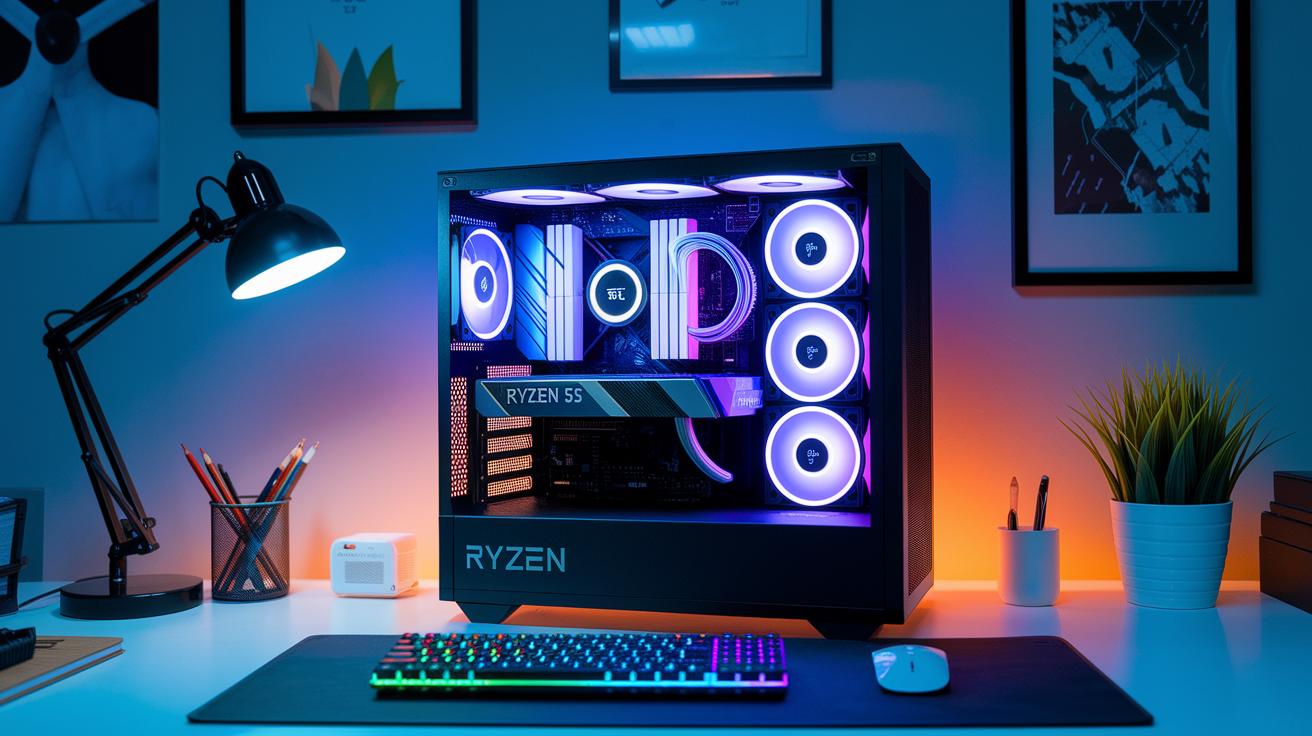
Building your first gaming PC doesn't have to burn a hole in your wallet. You might grab a setup for around $600-$800 featuring something like a Ryzen 5 5600G with built-in graphics or a GTX 1650 Super. These parts give you a solid, budget-friendly base that performs well without splurging on top-tier gear. Even prebuilt systems in this price range can surprise you with decent performance if you check out thorough reviews first. It's a lot like choosing your starting class in a game – reliable, snappy, and ready to grow with your skills.
Another smart tip is to keep your initial spending on memory and storage low. Instead of going all out on high-capacity options right away, why not start with 8 to 16 GB of RAM paired with a modest NVMe SSD? Later on, you can boost your RAM or swap in a larger drive as your needs change. This gradual upgrade path lets you stay on budget while keeping gameplay smooth, kind of like slowly upgrading your gear as you earn more credits in the game.
When it comes to planning upgrades, focus on the GPU first if you have some extra cash. A better graphics card really revs up gaming performance, making a big difference in your play experience. Once your GPU is sorted, you can think about expanding your storage or speeding up your RAM. Upgrading your GPU first is like unlocking a massive power-up, it instantly amps up your whole system for a noticeable boost in performance.
Final Words
In the action, the blog walked you through picking the right components, sharing simple tips on balancing CPU, GPU, and RAM for smooth play. It broke down how to build your rig step-by-step while keeping cables tidy and temps low. Small details on creating a cool desktop and choosing peripherals brought the ideas together. All this can help you create a top-notch gaming pc setup that works for your budget and style. Keep trying new tricks and have fun making your space uniquely yours. Enjoy every play!
FAQ
What does a full gaming PC setup with a monitor include?
The full gaming PC setup includes a main computer with a balanced CPU, graphics card, RAM, storage, cooling, plus a monitor and peripherals like a keyboard and mouse to bring your game visuals to life.
What can a PC gaming setup bundle offer for beginners?
A setup bundle provides a beginner-friendly package that covers a gaming PC, monitor, and basic accessories, making it easier to jump right into playing without worrying about choosing separate components.
Is it cheaper to build a gaming PC compared to buying one prebuilt?
Building a gaming PC can be more affordable when you shop smart for parts and plan upgrades, though prices vary based on choices and market deals, letting you balance cost with performance.
What all do I need for a complete PC gaming setup?
A complete setup needs a gaming computer with quality components, a monitor, keyboard, mouse, proper cooling, and reliable power cables, plus enough desk space to arrange everything neatly.
Is $1000 enough to build a gaming PC?
A $1000 budget can create a decent entry-level gaming PC if you choose cost-effective parts, offering good performance for many games while allowing room to improve specific components later.
Which brands are highly regarded for top gaming PC setups?
Top-rated gaming PC brands include iBUYPOWER, CyberPowerPC, Origin PC, Falcon Northwest, Digital Storm, and Xidax, all known for providing setups that clients trust for solid gaming performance.