
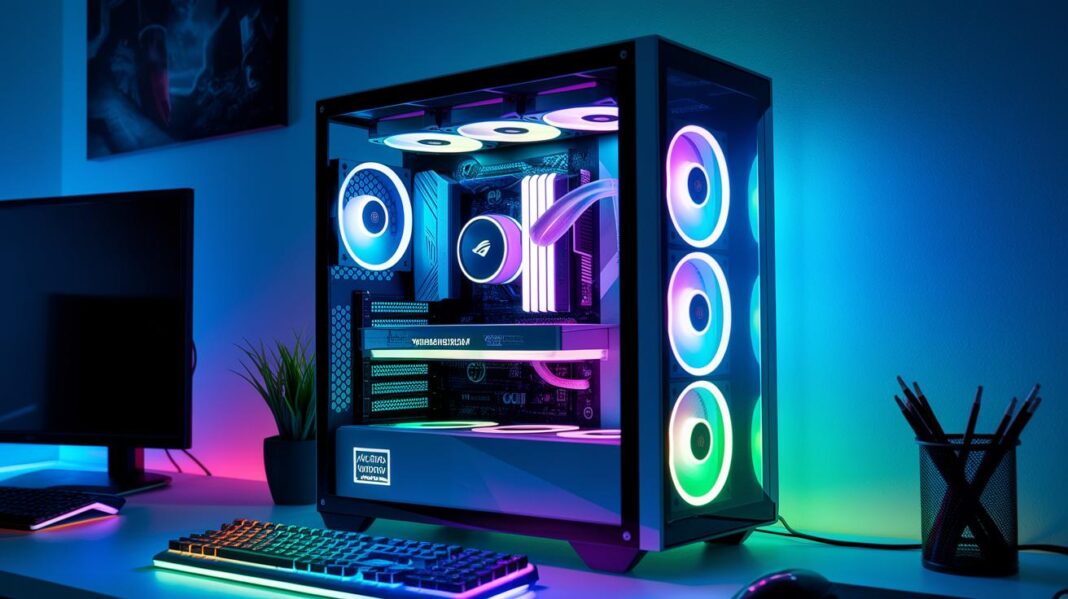

Ever feel like your game needs a boost? A custom gaming PC lets you build the perfect rig that fits your style. Whether you want a ready-to-go setup or love picking out every single component, it’s all up to you.
Expert builds come with smooth frame rates and plenty of power, so your system can tackle even the toughest matches with ease. Curious how choosing the right parts can give you that extra edge? Let’s dive in and check it out!
Custom Gaming PC: Buying vs. Building Overview

A custom gaming PC is made to give you top performance, tuned exactly to your gaming style. You can grab a pre-built rig where experts have already set everything up, or you can dive into a DIY build and handpick every part yourself. In the end, it’s a choice between convenience and total personalization.
Price and performance are key players here. Pre-built systems often come with competitive prices and cool deals like 0% APR for 12 months. They’re built to deliver high frame rates and have solid warranties that back them up. But if you build your own, you get to pick parts that fit your budget and style precisely, making sure everything works together to boost your game instantly.
Gamers have been buzzing about rigs like the Redux gaming PC, with many praising its impressive performance and reliability. Some love the ready-to-go setup of pre-built options, while others enjoy the freedom of crafting a system that’s all their own. Either way, you’ll get a powerful, upgrade-friendly machine that’s ready for your toughest gaming challenges.
Custom Gaming PC Component Selection Process
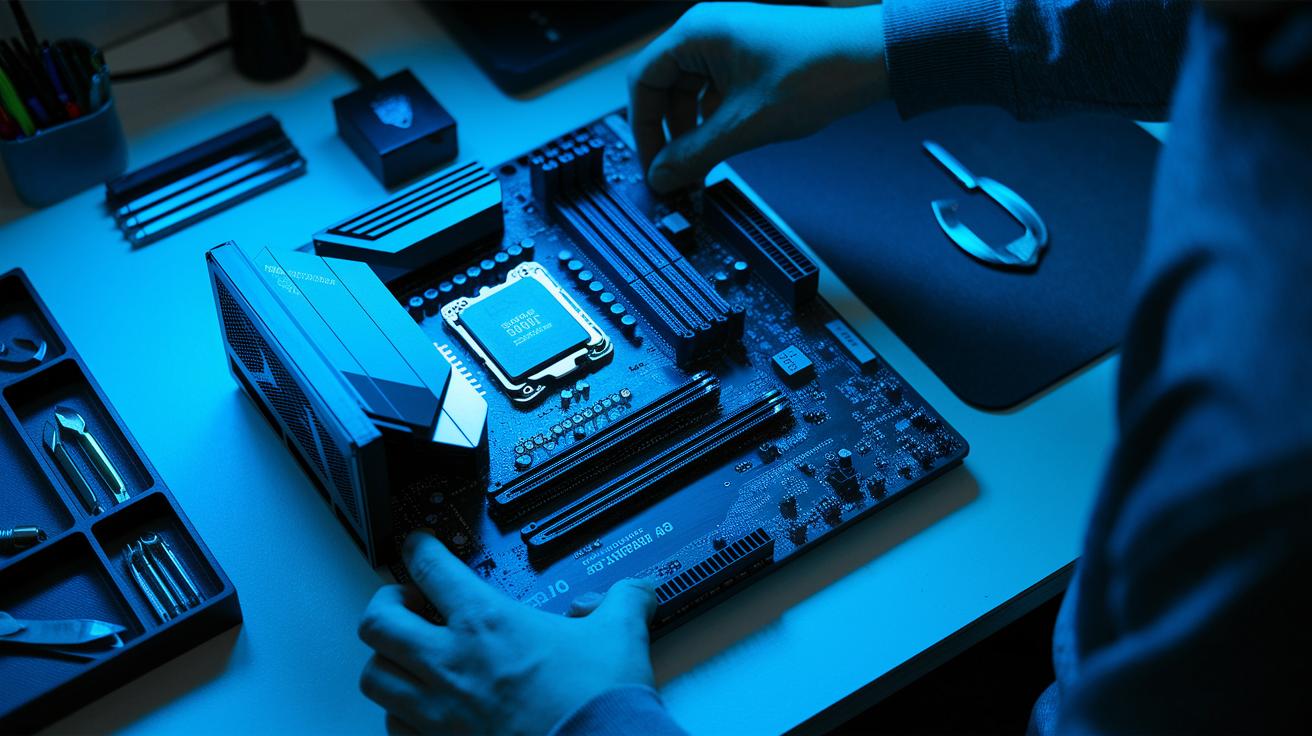
Building a gaming PC is a bit like picking your dream team for a co-op mission. Every part has its own role, and when they mesh together perfectly, your rig runs smoother, faster, and stays cool even in intense moments.
Every part counts. Here’s a quick guide to what each one does:
- CPU: Think of it as the brain of your system. It manages game logic and keeps everything running smoothly with your motherboard.
- GPU: This is the artist that delivers eye-popping graphics and steady frame rates. It teams up with the CPU to ensure no one slows you down.
- Motherboard: Acts like the team’s HQ. It connects your CPU, GPU, and other parts, making sure all the slots and ports match just right.
- RAM: Provides quick memory access so games load fast. With enough RAM, you can keep lag at bay during those epic boss fights.
- Storage: Decides how quickly your games boot up and load. SSDs, for example, get you into the action in no time.
- PSU: Your system’s power source. It offers stable energy so all high-performance parts get the juice they need.
- Case: Not just a pretty shell, it keeps and cools all your components. Good airflow makes sure every part stays in peak condition.
When your components play well together, they create a setup that’s more than just good enough, it’s built to win. Just like in your favorite game, finding the right balance means your PC is always ready for the next level.
Custom Gaming PC: Elevate Your Game Instantly

Ready to unleash your gaming beast? This guide will walk you through building a PC that runs like a dream while keeping safety in mind. We break each step down so you can install every part right and use cool building techniques with ease.
Preparing Your Workspace
Find a hard, flat spot that’s free of clutter, like setting up your gaming desk, and grab your basic tools: a screwdriver, some thermal paste, and an anti-static wrist strap. Always remember to ground yourself first to avoid zapping your parts. A neat setup makes everything smoother and safer.
Installing the CPU and Cooler
Gently take the CPU out of its box, and line it up with the socket on your motherboard, matching the little notches. Then, dab a tiny, pea-sized bit of thermal paste in the middle. Next, place the cooler over the CPU and screw it in snugly (but not too tight!). This part is super important for keeping your PC chill under pressure.
Mounting the Motherboard
When it comes time to install the motherboard in your case, be sure the standoffs line up with the screw holes. Pop the I/O shield into the back of the case first, then carefully set the board in place. Screw it in gently so you don’t hurt any ports.
Adding RAM and Storage
Plug your RAM sticks into the DIMM slots until you hear them click. This is key for a stable and fast system. For storage, either slide in your M.2 SSD or secure a SATA drive in its bracket. Each piece works together to speed up your game load times and keep everything running smoothly.
Connecting Power and Cable Management
Next, hook up your power supply cables to the motherboard, graphics card, and storage devices. Tuck the cables behind the panels to keep your case neat, boost airflow, and make future upgrades a breeze. A tidy setup means a cooler, happier system.
First Boot and BIOS Setup
Now, power on your rig and jump into the BIOS right away. Check that your PC recognizes all the hardware, adjust your fan speeds, and set your system clocks if needed. Once the initial boot is done, install the drivers to get the best gaming performance possible. Enjoy the build and have fun gaming!
Custom Gaming PC Performance Optimization

Ever feel like your gaming rig could use a little extra boost? Overclocking and benchmarking let you tap into every bit of power your PC has to offer. Overclocking pushes your system to run faster during epic battles, while benchmarking checks if those tweaks really make your frames-per-second (fps) jump. It’s like giving your machine a quick health check to ensure it's always ready for action.
| Game/Benchmark | Stock FPS | Overclocked FPS |
|---|---|---|
| Fortnite | 60 | 85 |
| Cyberpunk 2077 | 45 | 70 |
| 3DMark | 7,000 | 9,000 |
Seeing these numbers change is like unlocking a new level of gameplay. It’s not just about the higher stats, it’s the excitement of knowing your system can handle wild, intense scenes while staying cool. And with every PC fully tested, benchmarked for top frame rates, and supported by a solid 2-year warranty, you can game on with confidence. This extra tuning is a smart move for any gamer ready to level up their experience.
Custom Gaming PC Cooling and Aesthetic Customization

Keeping your rig cool and looking fresh is a game-changer for both performance and style. Your thermal fixes and visual tweaks work side by side to keep everything running smooth while making your setup a real head-turner during those epic gaming sessions.
Liquid Cooling Integration
Liquid cooling is a neat trick to slash your system’s temperatures and add a slick vibe to your build. Closed-loop systems are like the plug-and-play option, super easy to set up and reliable when things get heated. But if you’re up for a bit of customization, a custom loop gives you the freedom to move the radiator around for the best chill-out effect. And hey, the pump is key, it keeps the coolant flowing at just the right speed, striking a balance between top-notch performance and low noise. So, decide if you want the simple, solid closed-loop solution or the full-on control that comes with a custom build.
RGB and Cable Management
Mixing in RGB lighting can totally transform your setup into a live light show. Connect your RGB headers on the motherboard and use some dedicated software to sync the lights with your game’s mood or your own style. Plus, smart cable management isn’t just about tidiness, it boosts airflow and shows off your rig’s inner design. A few thoughtful touches, like matching your cable colors with the lighting accents, can turn a practical build into a work of art. Nowadays, bold case designs with see-through panels and cool layouts are all the rage, making your build a dynamic canvas that screams your unique gaming style.
Custom Gaming PC Upgrades and Troubleshooting

Planning ahead for your gaming PC is super important. When you’re thinking about a new CPU, GPU, or extra RAM, check that your motherboard, power supply, and cooling system can handle it all. Leave a little extra room for upgrades so when that amazing new graphics card or faster processor comes out, your rig’s all set. This kind of forward-thinking makes sure your system can easily adapt to all the cool tech that’s coming your way.
Troubleshooting is just part of the fun in keeping your build top-notch. If your PC won’t boot, it might be a loose cable or a component that isn’t seated right. And if you’re seeing weird screen glitches or distorted visuals, it could mean your graphics card is overloaded or your drivers need an update. When temperatures spike unexpectedly, it’s a good idea to check your cooling system. By running through these checks, you can usually pinpoint the issue and keep your gaming sessions hassle-free.
Simple preventive steps go a long way in keeping your PC at peak performance. Regularly update your BIOS, double-check your cables, and test each component whenever you can. It’s a bit like running a diagnostic in your favorite game, spotting potential troubles before they snowball into bigger problems. A little bit of care now means fewer headaches later and a game-ready rig every time you boot up.
Custom Gaming PC Cost Considerations and Purchase Options
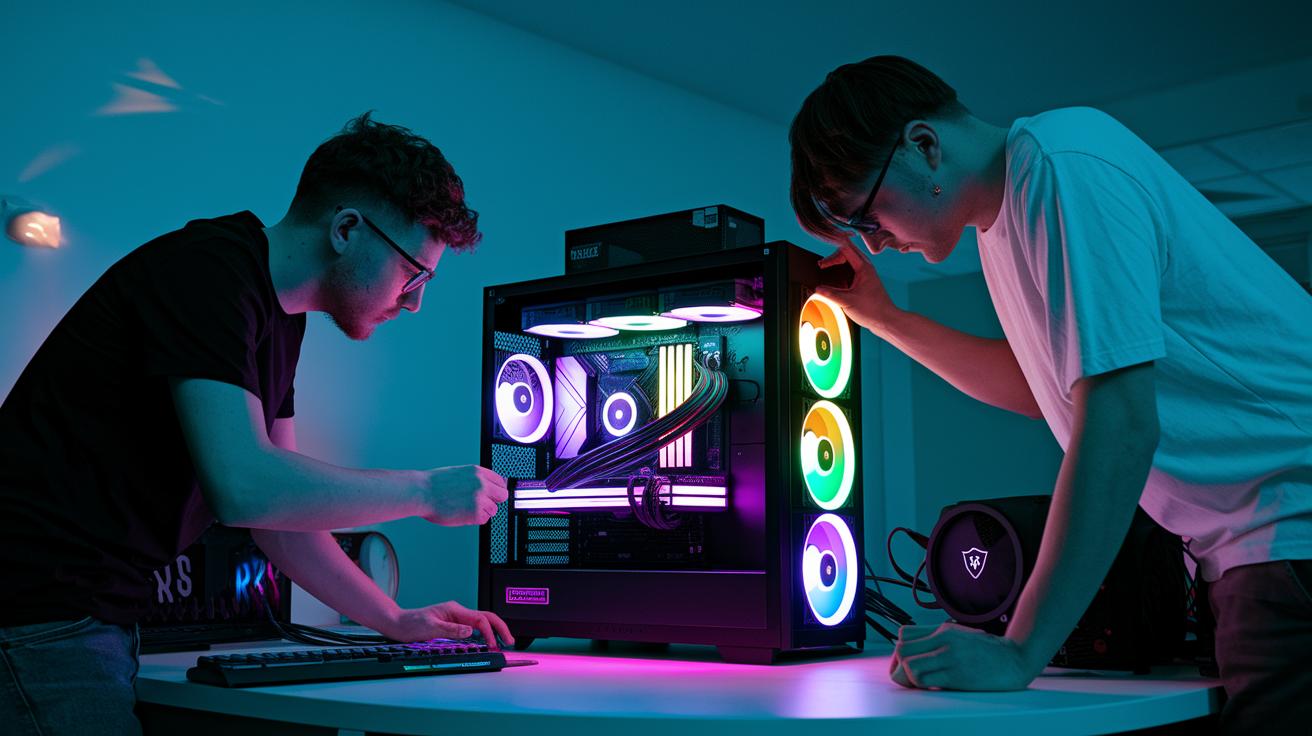
When you're shopping for a custom gaming PC, you often face two big costs: high-end parts and the fees for premium PC assembly. Building your own machine means you can pick each part yourself, and that can sometimes save you a bundle if you know the best places to shop. But if you buy a pre-built system, you get assembly, testing, and a warranty all wrapped into one price. Each path costs differently, so think about what fits your wallet best.
During flash sales like Cyber Monday, you might see deals that knock up to $900 off certain systems. Plus, with 0% APR financing for 12 months, you can split the bill and still jump into high-performance gaming right away. Free shipping is another sweet bonus that cuts down on extra fees. These offers can be a cool alternative to a DIY build, if you’re curious, check out guides on building your own gaming setup, and they give you competitive prices that appeal to a wide range of gamers.
Warranty choices and expert assembly add even more to your decision. When pros build your PC, you’re getting a machine that’s been fully tested and is covered by a solid 2-year warranty. This means your system is set up perfectly and is ready for future upgrades. Plus, many online configurators let you mix and match parts to ensure everything works in harmony. It’s like having a team of experts making sure your rig levels up your gaming experience every time.
Final Words
In the action, we explored key steps for both buying and building a custom gaming pc, laying out choices for each style. We broke down selecting parts, assembling with care, and fine-tuning performance, plus smart cost and upgrade tips. The post laid a clear path from component picks to troubleshooting and aesthetics, making each step feel doable. Remind yourself it’s all about enjoying the build and play experience. Cheers to powering up and having fun every time you boot up!
FAQ
What is a custom gaming PC builder and how do I choose the best one?
A custom gaming PC builder lets you design a rig that fits your needs. It offers part choices, expert advice, and competitive pricing so you get a gaming system that works for you.
Where can I buy a custom gaming PC for sale?
Custom gaming PCs for sale are found through online vendors and local shops. They come with appealing deals, reliable performance, and warranty options that help meet your gaming goals.
What should I look for in a custom gaming PC case?
The custom gaming PC case plays a vital role in cooling and cable management. Look for a case that supports proper airflow, has enough space for components, and matches your style.
How can I learn more about custom gaming PCs on Reddit?
The term custom gaming PC on Reddit refers to active forums where users share build tips and reviews. These communities offer firsthand experiences and advice to help you build a better rig.
Where can I find a custom gaming PC near me?
Finding a custom gaming PC near you means checking local computer shops and service centers. Local experts offer hands-on guidance and sometimes in-person assembly services.
Which website is best for purchasing a custom gaming PC?
The best custom gaming PC website provides clear build options, user testimonials, and competitive prices. It makes comparing specs simple, so you end up with a system that meets your gaming needs.