


Ever wonder why gamers can't stop chatting about one subscription? PC Game Pass throws 599 games at you, from quirky indie finds to the big names you love. Imagine booting up your PC, diving into online play, or checking out fresh updates in under ten minutes. It’s like having an arcade right at home, ready to play anytime. PC Game Pass keeps your gaming fast, fun, and always surprising. Ready to see what all the buzz is about?
Complete PC Game Pass Subscription Overview
PC Game Pass is like having a huge collection of games right on your PC. You get a whopping 599 titles, ranging from cool indie surprises to the big blockbusters you know. Plus, it even throws in fun stats like 16,200 hours of community play and 664 extra details to help you sort and check out reviews. Ever logged in and filtered by “Recently Added” to see the latest releases? Yup, that's how smooth it is.
Built using Microsoft's slick Game Pass system, this deal brings together cloud-based multiplayer, achievements, and easy digital access. Imagine firing up your PC and, within minutes, jumping into a game that just got a fresh update or bonus level. It’s built for speed and fun, just like your favorite fast-paced game sessions.
Reviewers keep praising PC Game Pass for its simplicity and the crazy variety of games available. Whether you're into smart, strategic classics or love the rush of modern action titles, this subscription hands you endless gaming options. The massive library not only delivers plenty to play but also builds a neat sense of community with communal play hours and handy ratings. In short, it keeps your gaming life exciting and ever-changing.
PC Game Pass Membership Plans and Pricing
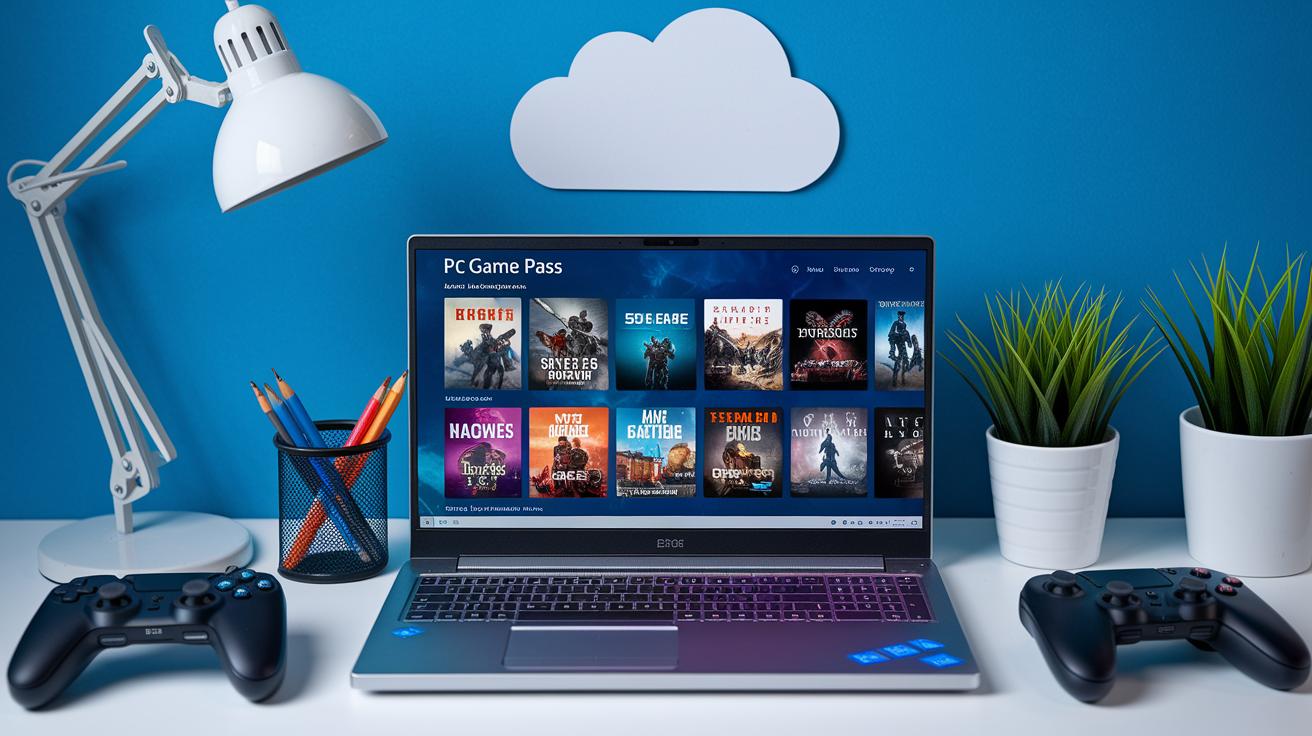
PC Game Pass gives you two cool choices that totally fit your play style. You can stick with the PC-only plan if you game on your desktop or laptop, or you can grab the Xbox Game Pass Ultimate to mix it up with console and cloud gaming. Both options let you dive into a massive library of 599 games, so you're never short on fun.
If you mainly play on your computer, the standalone PC plan might be your best bet. Think about it like this: you pay one simple fee every month, and suddenly you have access to hundreds of games, a treasure trove that even old-school stores would envy! Plus, it uses Microsoft’s easy payment system, which means quick updates and a hassle-free setup.
Now, if you like switching from PC to console (or even cloud gaming for that smooth, on-the-go experience), the Xbox Game Pass Ultimate is perfect. This plan bundles everything together so you can jump between devices without any extra charges. It’s all on a neat, consistent billing cycle that adapts to how and when you play.
Both memberships bring a lot of value. Whether you pick the PC-only plan or go all-in with the Ultimate bundle, you’re getting a solid deal that boosts your gaming experience. Regular plan updates keep the game library fresh, letting you enjoy new titles and keep your playing time exciting.
Exploring the Digital Game Library on PC Game Pass
Ever wondered how a game library can feel as fresh as your latest win? The new PC Game Pass layout shows off game variety in a cool, clear way. It shines a light on community play moments and game previews, so you can quickly spot trending titles along with your old favorites.
User feedback is built right in, giving you a real-time peek at which games are buzzing. For instance, the layout drops live ratings and eye-catching visuals for everything, from indie gems to blockbuster hits. Quick tip: head over to the game preview section to see community scores on the fly.
Here’s what rocks about it:
- A bright layout that puts gameplay previews and live community scores right in front of you
- Easy-to-use filters that sort games by what's trending or recently updated
- Interactive elements that let you check out gameplay snapshots and player reviews
For an easy side-by-side look at different genres, check out this table:
| Genre | Highlighted Title |
|---|---|
| Action | Call of Duty: Black Ops 7 |
| Strategy | Diablo 4 |
| Indie | Hollow Knight Silksong |
PC Games Pass Elevates Your Gaming Experience
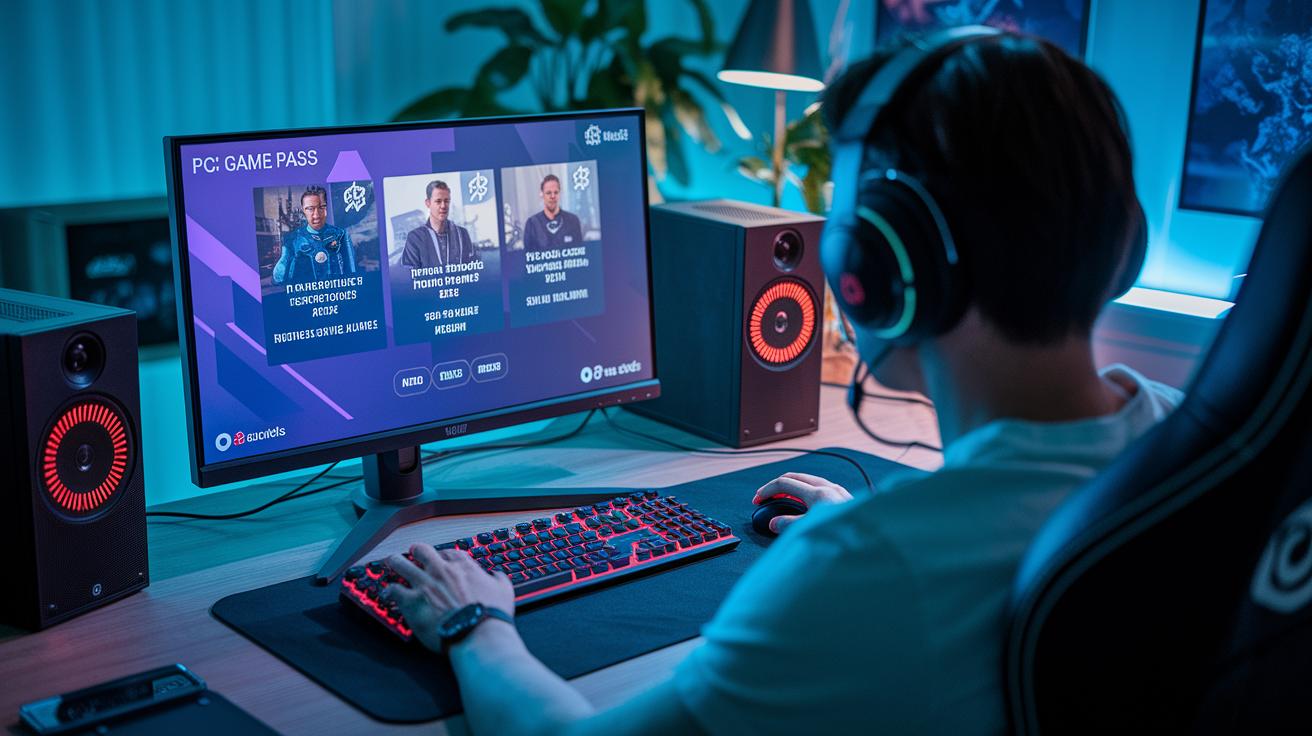
PC Game Pass isn’t just a subscription. It keeps you on your toes with cool surprises and rewards that boost every gaming session. When you sign up, you might get surprise drops – like that unexpected Marvel Cosmic Invasion event – just like finding a secret bonus level. And guess what? On November 18, Fortnite Crew access was added, giving you even more value from the start.
Players even get early updates like aim-assist tweaks for Black Ops 7. This way, the game stays fair before everyone else checks it out. There are extra trial extensions too, letting new members try awesome titles and special DLCs for a short time. Microsoft keeps things fresh with regular DLC trials and timed discounts, so the membership isn’t just affordable – it’s full of extra goodies.
Gamers really love the free trial access and regular membership rewards that keep each session feeling new. Every day feels like unlocking a new level of fun. It’s like having an endless supply of bonus rounds, each one packed with extra excitement and surprises that make your playtime super thrilling.
Step-by-Step PC Gaming Sign-Up Guide for Game Pass
-
First up, link your Microsoft account or create one if you don’t already have it. If you’ve got one, just sign in and make sure your email settings are all set.
-
Next, pick the plan that suits you. You can go with the PC-only Game Pass, or choose the Ultimate bundle that also gives you console and cloud options. It’s kind of like choosing your favorite game controller, either way, you’re ready to play.
-
Then, if you have a trial or promo code, type it in exactly as it appears. This code unlocks a trial membership for a limited time, so double-check it as you type.
-
Now, download the Xbox app on your Windows device. Open the store, install the app, and use your Microsoft account to log in. Think of this app as your door to a huge world of games.
-
Finally, dive into your game library and pick your first title. Enjoy that awesome moment when your screen lights up with a game that grabs your attention. Happy gaming!
Comparing PC Game Pass with Other PC Gaming Subscriptions

When you line up PC Game Pass against other subscriptions like EA Play, Ubisoft+, and Stadia Pro, it's hard to miss its huge game collection and easy access. With over 599 games, from big blockbusters to neat indie gems, it really fills your screen with options. Other services usually offer smaller, more focused lists.
PC Game Pass shines by hitting all the marks. It combines cloud play (playing on remote servers), digital downloads, and one simple billing system. This means that for one flat monthly fee, you get not only a massive game library but also smooth multiplayer play and regular updates.
Here’s what makes it stand out:
- Catalog: A huge list of games that outmatches many competitors.
- Pricing: One clear monthly fee that covers everything, no sneaky extra costs.
- Exclusive Perks: Early access deals and surprise game drops that keep things exciting.
- Free Trials: Flexible trial periods so you can test it out before committing.
When you're comparing subscriptions, PC Game Pass clearly gives you the best bang for your buck. Whether you stick to PC play or explore console and cloud options, its mix of tons of games, cool features, and affordable pricing sets you up for some truly awesome gaming sessions.
Latest Updates and Upcoming Titles on PC Game Pass
Hey, gamers, you won't want to miss what’s coming to PC Game Pass. This service keeps your library buzzing with fresh releases and timely updates. Imagine pinging your phone with a new game drop right when you need that next thrill!
Coming up next year, mark your calendars for Moonlighter 2: The Endless Vault. It’s set to launch on Wednesday, November 19, 2025. And that’s just one piece of the puzzle. Microsoft is also teasing a cool mix of indie and AAA titles still in early development. You might not get exact dates for these yet, but the promise of potential hits is enough to get anyone hyped.
They’ve got a consistent update schedule too. Check out these November dates: 4, 9, 11, 12, 13, 15, 17, 18, and 25, 2025. Each update drops fresh details on upcoming games and tweaks to the catalog, so you’re always in the loop about seasonal access. It’s like having a mini release party every few days!
Keep your eyes peeled for these updates. They line up perfectly with the fast pace of today’s gaming trends and seasonal releases. Trust me, you don’t want to miss any new drops, they get rolled out without any delays.
Final Words
In the action, we took a close look at pc games pass.
We broke down the all-access gaming package, detailed membership plans, and reviewed a vast digital game library full of top PC titles.
A clear guide made getting started a snap, while comparing this service with others showed its unique perks.
We even glanced at upcoming releases and extra benefits that boost gameplay.
Enjoy leveling up your skills and making the most of every exciting gaming moment ahead.
FAQ
What is the difference between PC Game Pass Ultimate and Xbox Game Pass?
The PC Game Pass Ultimate bundles the PC game library with console titles and cloud play, while the standalone PC Game Pass focuses just on PC games, each offering its own catalog and specific perks.
What subscription options are available for PC Game Pass?
The PC Game Pass comes in monthly or annual plans. You can choose a standalone PC plan for PC gaming or opt for the Ultimate tier, which adds console and cloud access under one monthly fee.
How does the PC Game Pass free trial work?
The PC Game Pass free trial gives new users temporary access to the full game catalog and membership perks at no cost, letting you test the service for a limited time.
How do I redeem a PC Game Pass or Xbox Game Pass free trial code?
The redemption process involves signing into your Microsoft account through the Xbox app, entering the code, and activating your free trial access to the game library.
Is there a PC version of Game Pass available?
Yes, a dedicated PC version of Game Pass provides access to a rich catalog of PC games and exclusive perks tailored specifically for PC gamers.
How much does a Game Pass cost per month on PC?
The monthly fee for the PC Game Pass is set at a competitive rate, while the Ultimate tier carries a higher price. Pricing can change over time and may vary by region.
Which Game Pass option is best for PC gamers?
The best option depends on your playstyle. Choose the standalone PC Game Pass for focused PC gaming or the Ultimate plan if you want a broader library including console and cloud features.
Is the PC Game Pass still available for $1?
The $1 promotional offer may be available for new subscribers as a limited-time trial discount, but the price fluctuates with current promotional deals and subscription terms.