

I shared a quick tour of my setup and the specs for those curious — here’s the full breakdown. This post walks through the PC components, peripherals, audio and video gear, desk ergonomics, lighting, and the software stack I use for streaming and content creation. I'll explain why I chose each part, what I'd change next, and affordable alternatives for different budgets. Expect clear notes on CPU/GPU choices, memory and storage, capture cards, webcams, microphones, monitors, and cable management. Whether you’re building your first rig or fine-tuning yours, this guide aims to be practical, honest, and easy to follow.
Full Setup Tour: Components, Peripherals & Workflow
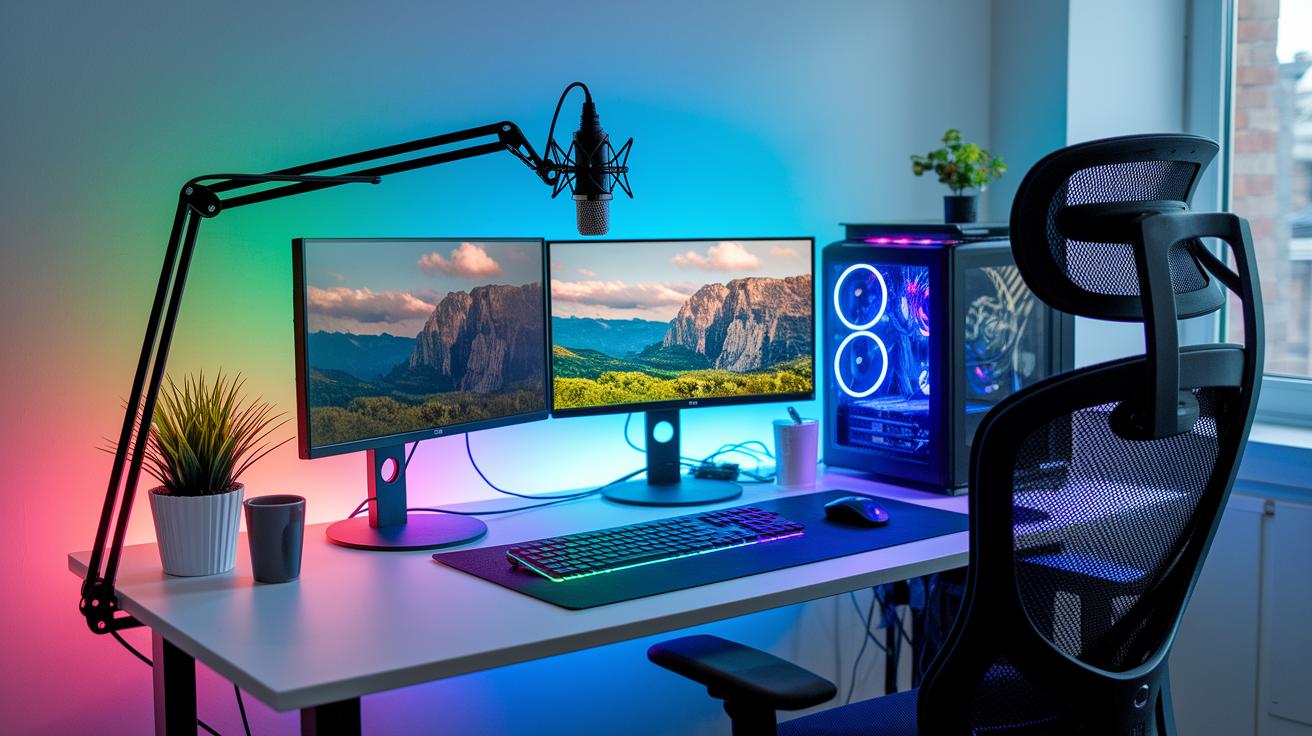
I shared a quick tour of my setup and the specs for those curious , here’s the full breakdown. This walk-through covers the PC components, peripherals, audio and video gear, desk ergonomics, lighting, and the software stack I rely on for streaming and content creation. I'll explain why I chose each part, what I'd change next, and budget-friendly alternatives. Look for notes on CPU/GPU trade-offs, RAM and storage choices, capture cards, webcams, microphones, monitor selection, and cable management. I also include photos of cabling and airflow tips so you can replicate a clean, efficient setup.
Reply & Clarifications: 'Uhhh, wdym?'
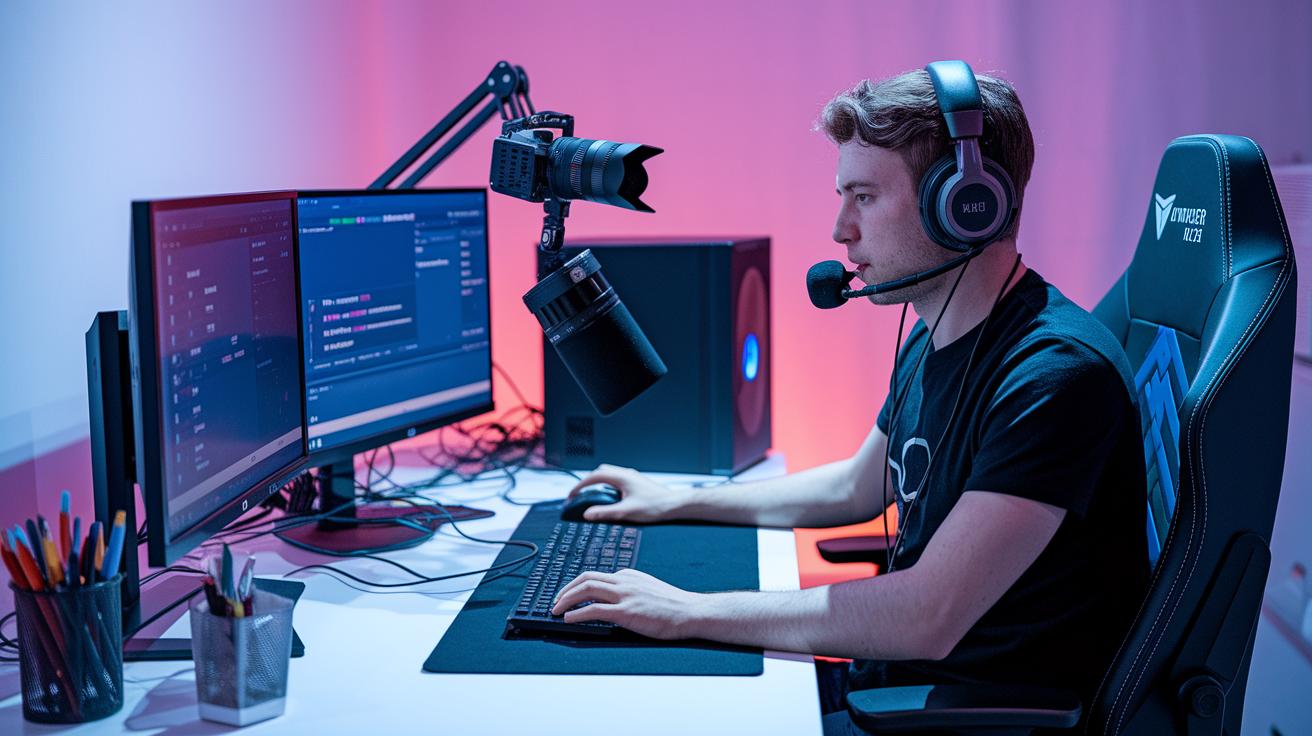
Someone replied 'Uhhh, wdym? 😂' , fair question. By 'setup' I mean the complete ecosystem for creating and streaming: the core PC (CPU, GPU, motherboard, RAM, NVMe SSD, PSU), the audio chain (dynamic or condenser mic, audio interface or mixer, optional GoXLR), cameras and capture cards (webcam or mirrorless paired with Elgato), monitors and ergonomic stands, lighting (key and fill lights), and the software stack (OBS, capture drivers, plugins). The images show my desk layout, mic arm, monitor arrangement, cable routing, and the PC tower. If you want exact part numbers and price tiers, I can list the current build and alternatives.