
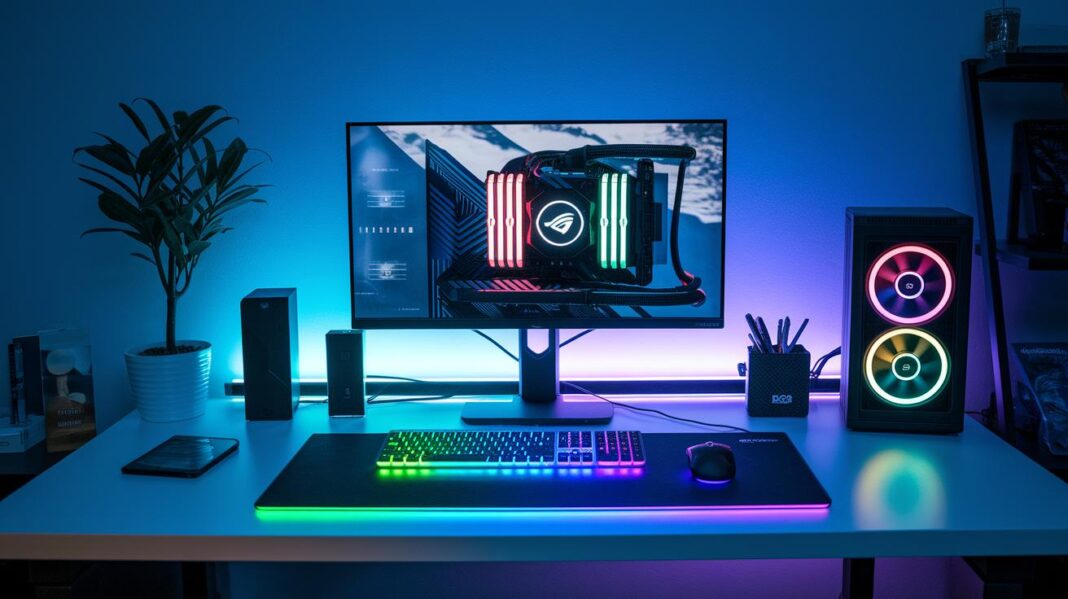

Ever think your messy cables might be messing with your game? A tidy setup not only looks cool but keeps your hardware chill and running smoother. It’s a bit like planning your next raid, each cord finds its spot, making fixes a snap and the air flow just right. In this guide, I'll show you how to sort, route, and secure your cables, turning a cluttered mess into clean order. Ready to kick cable chaos and level up your gaming zone? Let’s jump in!
Step-by-Step Cable Management Workflow for Gaming Setups
A neat gaming setup not only looks cool but also helps keep things cool by letting air flow easily. When you plan how to lay out your cables, you can split up the wires inside your PC from the cords behind your desk. This means your gear stays chill and your setup doesn’t get all messy with tangled cords. Imagine each monitor, keyboard, mouse, headset, and console having its very own cable path – everything is simple to follow and fix. Start by sketching out your setup and marking which cables go to which device to make the job easier from the get-go.
Mapping out your cable routes is key, especially since gaming rigs usually have more wires than the average office. Break the work into clear parts so you can handle it step by step. With a bit of planning, sorting, and securing, your workspace turns into a safer and more efficient zone. Think of it like planning a strategy in your favorite co-op game where every move counts. Here’s a simple plan to follow:
- Draw your plan and mark the routes for both inside and outside your PC.
- Sort your cables by what they do and where they need to go.
- Pick out the right paths inside your PC case and along your desk.
- Lay the cables along these planned paths to stop them from tangling.
- Use ties or clips to keep everything in place.
- Check every connection to make sure nothing is loose and that air can flow freely.
Happy gaming setup building!
Internal PC Cable Routing Techniques for Gaming Rigs
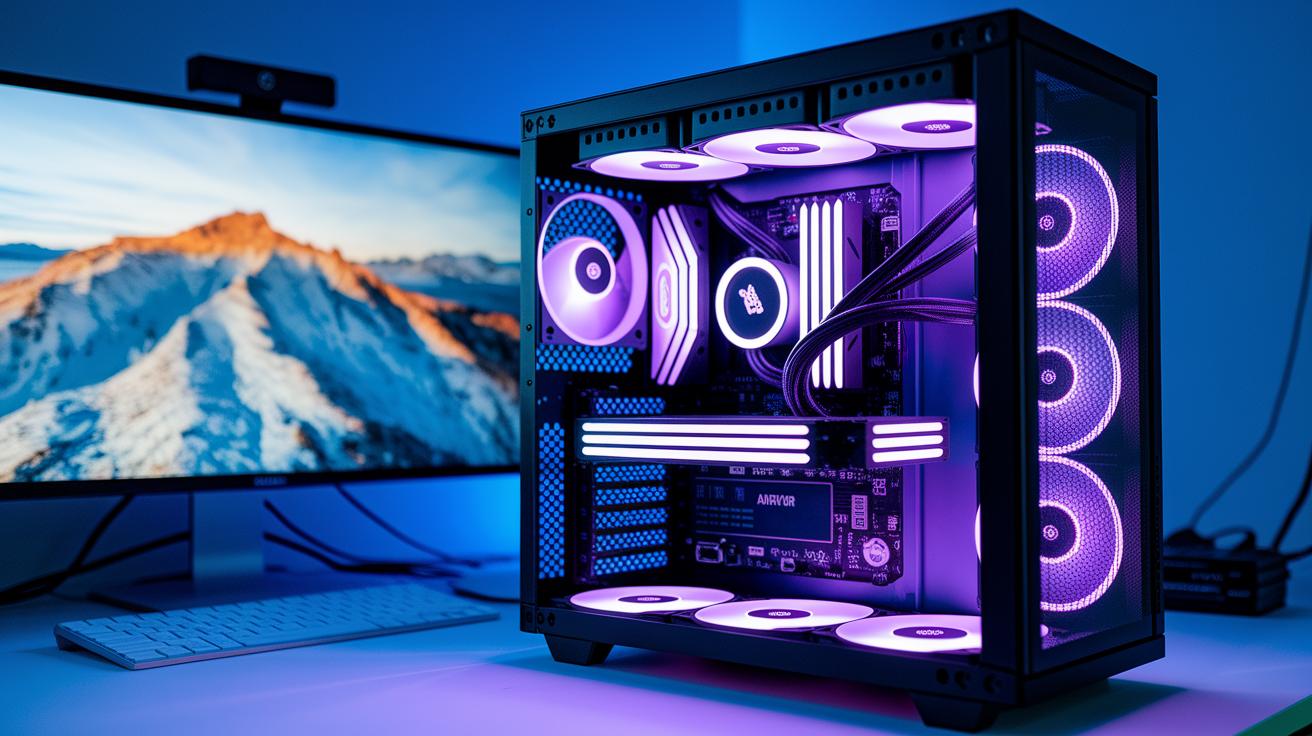
Start by checking your PC's power supply cables, GPU power leads, and fan wires. Take a moment to plan the route for each cable. Use the case's built-in cable channels, tie-down points, and rubber grommets to keep everything in place and free up airflow. Modular PSUs can help drop those extra leads, keeping things neat and ready for action. It’s like setting up the perfect game strategy, when every cable is in its spot, you get smoother performance.
| Component | Cable Type | Routing Tip |
|---|---|---|
| Power Supply | AC and DC lines | Secure with tie-down points |
| GPU | PCIe connectors | Route via cable channels |
| Fans | Fan cables | Guide using rubber grommets |
Keeping your PC's interior neat not only makes it look sharper but also improves its performance with better airflow. When you plan where each cable goes and use your case’s features, you avoid a cluttered mess and make any future maintenance much easier. Think of it as setting up your own digital battleground, where every cable has a job and every corner is ready for the next big play.
Essential Cable Management Tools and Accessories for Gamers
You know how messy cables can mess with your gaming vibe? Proper cable management not only cleans up your space but also keeps your setup cool and ready for action. Using the right gear is like snagging a power-up for your desk, suddenly, bundling and hiding those wires is a breeze, leaving you more time to jump right into gameplay.
Imagine turning cable chaos into a neat and organized setup. With the right tools, you can easily bundle cords and hide unsightly wires behind your desk or inside your cases. This means a cleaner, cooler look that makes your rig shine.
Here’s a quick list of must-have accessories:
- Nylon cable ties
- Reusable Velcro straps
- Braided cable sleeves
- Split-loom tubing
- Cable combs
- Under-desk trays
- Adhesive mounts
- Cable management boxes
Mixing these accessories lets you build a setup that’s both practical and eye-catching. Each tool plays its part by keeping every connection secure and every cable out of sight. Check out more awesome options at gaming accessories to fine-tune your system. With these smart choices, bundling cables and cutting clutter becomes as satisfying as landing that perfect headshot.
External Desk Cable Routing and Concealment Strategies
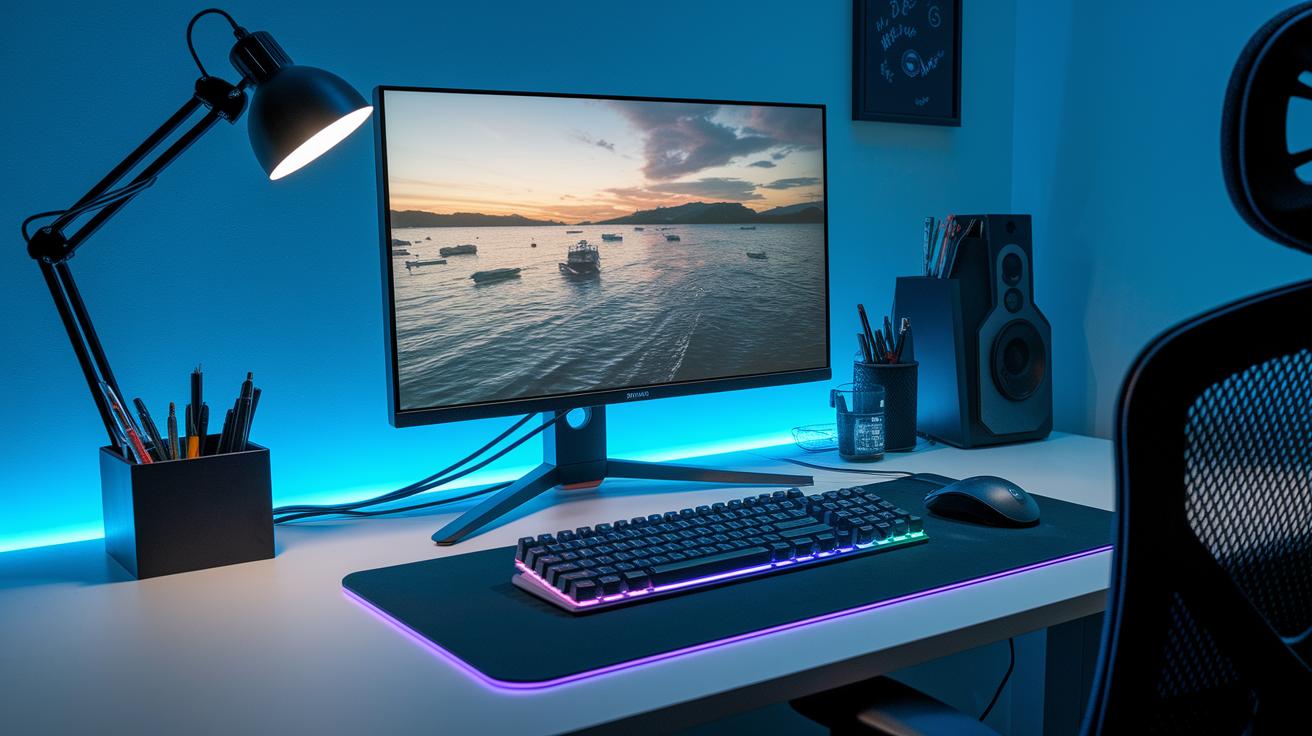
When setting up your gaming desk, planning your cable routes makes a big difference. Arrange your PC tower, monitor, keyboard, mouse, and headset so the cables take the simplest route. By running wires along the desk edges or behind its legs, you cut down on clutter and keep your space neat.
It’s like organizing your gear before a big match; every cable gets a home. Using handy gadgets to secure and hide your wires transforms your setup into a smooth, professional playground. Bonus? Better airflow and less hassle when you need to clean up.
Here are some cool tools you can try out:
- Under-desk cable trays
- Adhesive cable clips
- Surface-mount raceways
- Zip-up cable sleeves
- Cable combs
- Desk edge power strips
- Concealed cable channels
Routine Maintenance and Troubleshooting for Organized Gaming Setups
Keeping your gaming rig neat and ready is a regular part of the game plan. Doing a few simple checks now and then stops clutter from taking over and keeps your gameplay smooth. Picture this: sorting your cables by their job and even labeling them makes future tweaks a breeze, almost like leveling up your setup. And hey, if you can go wireless sometimes, that cuts out extra cords. Swapping out worn sleeves also helps keep your connections safe and sound. A quick look at your cable routes now and then prevents little issues from turning into big lag moments when you're deep in a match.
When your cables get tangled or seem loose, a step-by-step fix can quickly get you back in the game. Think of it like following a cheat code for cleanup that saves time and eases stress. Here’s a clear, simple checklist to bring your rig back to peak performance:
- Sort cables by what they do and label each bundle.
- Check for frayed or damaged sleeves.
- Tidy up cables after you add new hardware.
- Swap out any worn or loose connectors.
- Test every connection to make sure it’s firm and stable.
Enhancing Airflow and Aesthetic Appeal through Cable Optimization

Cable management isn’t just about bunching wires together anymore. Now, you can run cables through built-in channels in custom cases and use magnetic clips to swap things around on the fly. For instance, try tucking your cables into a hidden channel by placing magnetic clips along the side panel so everything stays out of sight. This trick not only clears up the look of your rig but also lets fresh air flow in easily.
Today’s cable accessories are next level. Think about using custom 3D-printed cable combs, trimming each cable to the perfect length, and even using reconfigurable adhesive mounts. It’s like planning a tight gaming raid, measure each cable, cut it down so it’s just long enough, and let your setup breathe. This approach delivers a cleaner look and keeps your system cool.
Modern innovations now let you show off your mods while boosting performance. With modular cable kits mixing cool custom sleeving and advanced routing paths, you can create a setup that fits you perfectly. Try a mix of smart routing clips with micro RGB sleeves to add a subtle glow while keeping cables neat. This fresh combo upgrades the look of your rig and helps it run even smoother.
Final Words
In the action, we broke down setting up a neat gaming station by planning, sorting, and routing cables for both inside and outside your setup. The steps covered from organizing internal PC wires to using the best accessories for a clean desk look, along with routine maintenance and airflow tips.
This guide highlights how to optimize cable management for gaming setups to keep your space tidy and improve performance. The simple improvements can make your gaming session smoother and even more enjoyable.
FAQ
How to optimize cable management for gaming setups on Reddit, PS5, and Xbox?
Optimizing cable management for different gaming platforms starts with planning your cable layout early. Group and route cords separately, use ties or clips, and check that all devices—from consoles to PCs—stay tidy and cool.
What are some gaming cable management ideas?
Gaming cable management ideas include bundling cords with reusable ties, labeling cables, using adhesive clips along desk edges, and employing under-desk trays for a streamlined, neat appearance that improves airflow and overall setup vibe.
What is a cable management box?
A cable management box is a container designed to conceal power strips and tangled wires. It keeps cables out of sight, reducing clutter while also protecting cords from dust and accidental damage.
What defines the best gaming desk with cable management features?
The best gaming desks feature built-in cable channels or trays that hide and organize wiring. These desks offer a clear, uncluttered space for gameplay while supporting cord routing under or behind the desk.
What does a PC cable management kit include?
A PC cable management kit usually contains assorted ties, wraps, Velcro straps, and sometimes cable sleeves. These accessories bundle and route cables neatly inside your case, improving airflow and simplifying maintenance.
How can you make your cable management better?
Improving cable management means planning your cable routes from the start, using ties or clips to secure cables, and regularly inspecting your setup for loose connections to maintain an orderly, efficient layout.
How do you hide wires for a gaming setup?
Hiding wires in a gaming setup involves using adhesive cable clips, cable concealers, or under-desk trays. These methods keep cables out of sight, maintaining a clean look while enhancing your workspace’s overall appeal.
Do cable management trays really work?
Cable management trays are effective because they organize and support your cables, keeping them off the floor and preventing tangles. This not only reduces clutter but also improves the safety and visual appeal of your gaming area.
How do you manage cables when building a PC?
Managing cables when building a PC involves planning their routes behind the motherboard tray, bundling similar wires together, and securing them with ties or Velcro straps. This practice minimizes clutter and boosts component airflow.