

Ever wondered if your gaming monitor really pulls you into the action? A little change in the specs can transform ordinary play into an epic session. A high refresh rate acts like your game’s pulse while a low response time can save you in those nail-biting moments. In this guide, you'll see how features like brightness, resolution, and panel type work together to boost your gaming. We’re here to help you pick a monitor that feels like a trusted buddy in battle, making your screen the center of every awesome play.
Key Specifications for Immersive Play in Your Gaming Monitor
When picking a gaming monitor, you want to zero in on the specs that boost every play session. A high refresh rate, like 144Hz or more, makes things run super smooth. It’s like watching your game come to life without any lag, even during those wild firefights.
Response time is a big deal too. A really low millisecond count stops ghosting, so what you do shows up right away. Most gamers hunt for a 1ms GTG response since it means every move is instantly clear.
Brightness matters, especially when you’re gaming in a bright room. Monitors rated between 300 and 400 cd/m² give you crisp, lively colors so you don’t miss any details. And let’s not forget resolution. Whether you’re picking 1080p, 1440p, or an eye-popping 4K, each step up makes your game look sharper and more detailed.
Screen size can totally change your gaming vibe, too. Many players prefer a 27-32 inch display because it’s just the right mix of a big view without hogging your desk.
This guide breaks down the panel tech and why high resolution is a game-changer. In short, you can find a monitor that fits your play style perfectly, keeping you locked in and ready for battle every time.
Panel Types and Visual Quality for Deep Immersion
Picking a monitor that pulls you right into the game world can totally change your play, and the type of panel you choose is a huge part of that. IPS panels give you wide viewing angles and lively, true-to-life colors so that every scene in your game pops, no matter where you're sitting. Picture it: you're watching your game and every detail is clear, as if you were right in the middle of the action.
VA panels offer super strong contrast, up to 3000:1. This means dark scenes burst with deep blacks and eye-catching highlights that feel almost like a movie. Then there are TN panels, which are built for speed. They can hit response times under 1ms, so you catch every fast flick and reaction. Just keep in mind, TN panels don’t match the color richness of IPS displays.
Now, let’s talk OLED versus LED. OLED screens blow you away with amazing color contrasts and perfect blacks, while LED monitors are more standard and energy-efficient, making them a solid pick for everyday gaming. Plus, tech like quantum dot and mini LED backlighting widens the color range so every hue looks just right.
HDR ramps up the excitement too. Monitors that meet HDR1000 can reach a peak brightness of 1000 cd/m², offering vibrant highlights and deep shadows that really transform your game visuals. Each panel type brings its own unique perk, so finding one that matches your play style is key to getting completely immersed in your game world.
Smoothness Factors: Refresh Rate and Response Time for Immersive Play
When you dive into gaming, refresh rate is a game changer. Competitive titles work best on screens running at 144 Hz, 240 Hz, or even 360 Hz, with loads of players swearing by 240 Hz as the sweet spot. Imagine flipping through a comic at super speed, the pictures just flow perfectly. Picture playing your favorite shooter where every swift move pops on screen with clear, sharp visuals and no annoying blur.
Response time matters just as much. A speedy sub-1 ms GTG (that's gray-to-gray, by the way) response means your screen keeps up with every action you take. Fast transitions let your moves show instantly, which is key in tight multiplayer battles. Gamers often tweak settings like overdrive to keep those transitions crisp without any overshoot or weird artifacts.
Some advanced modes, like ULMB or ELMB, step in to cut down on motion blur and keep the game looking smooth. And if your monitor even allows a bit of overclocking, you can push it just a little further for that extra boost in performance.
With the right refresh rate and lightning-fast response time, every split-second moment becomes a burst of clear, epic action, perfect whether you're in a heated match or soaking in an immersive game story.
Adaptive Sync Technologies for Tear-Free Immersion
Adaptive sync tech is pretty cool, it gets your screen to work in harmony with your graphics card so you don't see any tearing or choppy frames. Basically, it matches your monitor’s refresh rate with what your GPU is doing, which means all your fast moves stay smooth. Think of it like having your friends perfectly synced for a dance-off, where every move lines up just right. Ever played a shooter game where every shot and move lines up perfectly with your actions? That's the magic in action.
But wait, there's more. Variable refresh rates don't just clean up those annoying glitches; they also help steady your game even when the action ramps up. This keeps everything looking smooth during those pulse-pounding moments. Esports players love this trick because monitors with G-Sync often cut down input lag to under 5 milliseconds. In other words, when everything's fast-paced, your actions register nearly instantly, giving you that extra edge in every match.
Some key takeaways:
- Adaptive sync tech, like G-Sync and FreeSync, keeps your visuals neat and stable.
- Variable refresh rates make sure the game flows smoothly, no matter how intense things get.
- Reduced input lag means your moves are seen almost instantly, which is a game-changer in competitive play.
Screen Size, Curvature, and Aspect Ratio Choices for Immersive Viewing
When you're setting up your gaming station, the size of your screen really matters. Monitors between 27 and 32 inches offer a sweet balance – they give you a wide view without taking over your desk. Imagine a 29-inch display that wraps your vision around the game, making every detail pop like you're stepping into the battle.
For quick-action games, smaller screens between 24 and 27 inches can be a real game changer. They help you react in split seconds, almost like a hidden power-up for shooters where every millisecond counts.
Now, let’s talk curves. A monitor with a 1800R to 1500R curve pulls you right into the game by cutting down on edge distortion. It makes the action feel more natural, as if you’re actually in the game world.
Ultrawide 21:9 displays are also super popular. They widen your view by up to 33%, giving you extra side details, especially in games like racing or simulations, where seeing more can really boost your gameplay.
Key points to consider:
- Screen size affects both how immersed you feel and your reaction time.
- Curved monitors keep visuals smooth and engaging.
- Ultrawide and special aspect ratios can take your in-game experience to the next level.
Connectivity, Ergonomics, and Gamer Setup for Immersive Sessions
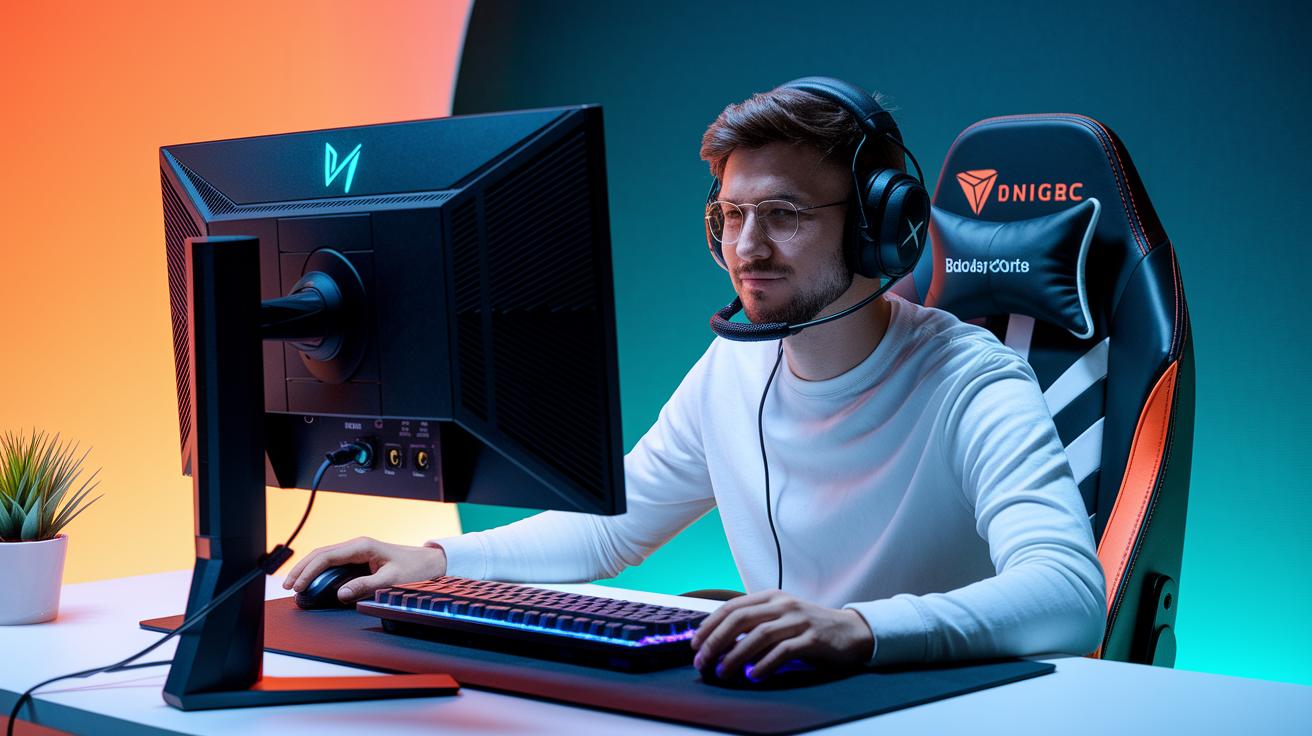
Your gaming setup should be more than just a shiny screen. You need a display that offers lots of port options to hook up all your gear and keeps you comfy through long sessions. Look for a monitor with HDMI 2.0+ since it handles smooth 1440p or even 4K graphics at 144Hz or 60Hz. And hey, if you can add DisplayPort 1.4, you're set for ultra-fast action at up to 240Hz on 1440p, which is epic for high-speed games.
USB-C is also really useful, especially if you game on a laptop. It sends video and power in one go, cutting down on messy cables. Don’t forget ergonomics either. Find a monitor with easy tilt, swivel, pivot, and height adjustments so you can set it just right and keep your neck and eyes happy.
If you love a multi-monitor setup, look for VESA 100×100 mm mounts. They let you arrange your screens however you like for a personalized gaming battle station.
Key considerations:
| Feature | Benefit |
|---|---|
| HDMI, DisplayPort & USB-C | Seamless device connection |
| Stand adjustments | Better posture and comfort |
| VESA mount compatibility | Flexible multi-screen setups |
Think of these features as your in-game power-ups, they help connect your favorite gadgets and let you game without any hitches, whether you're streaming live, teaming up with buddies, or diving deep into new worlds.
Balancing Budget, Brand Reliability, and Longevity in Monitor Selection
When you’re hunting for a monitor that fits your gaming style without emptying your wallet, it's all about striking that perfect balance between cost and quality. For a smooth 1080p 144 Hz gaming experience, you can snag an entry-level monitor for about $150–$250. If sharper images are more your vibe, mid-range 1440p 144 Hz screens set you back around $300–$500. And if you’re after those jaw-dropping, super-detailed visuals, premium 4K HDR models usually come in above $500.
Top brands like ASUS, Acer, and Samsung keep things reliable and built to last. Many of these companies back their monitors with 2 to 3-year warranties and solid customer support. That kind of backup can really help you feel good about your buy over the long haul.
Key points to keep in mind include:
| What to Look For | Why It Matters |
|---|---|
| Panel quality | Keeps colors consistent and builds a tough display |
| Warranty details | Gives you peace of mind if issues pop up |
| User feedback | Shows how well the monitor holds up during long gaming sessions |
Final Words
in the action, the post broke down key specs like refresh rate and response time, panel options, and design choices that add to epic game sessions. We touched on sync tech, screen size, and setup tweaks to boost performance while keeping budgets in mind. The guide serves as a quick buddy chat on how to choose a gaming monitor for immersive play. Try these tips and keep leveling up your gaming setup, your next epic session is just a decision away.
FAQ
How to choose a gaming monitor for immersive play on Xbox?
Choosing a gaming monitor for immersive play means checking key specs like refresh rate, response time, brightness, resolution, and screen size. These features boost clarity and smooth performance for your sessions.
What does a 4K gaming monitor offer?
A 4K gaming monitor delivers crystal-clear detail and rich visuals. Its high resolution makes game worlds pop, offering a sharp and engaging view that enhances your gameplay experience.
What is the best budget gaming monitor?
The best budget gaming monitor balances cost and performance. It provides a solid refresh rate, good resolution, and reliable build quality, allowing you to enjoy smooth visuals without spending a fortune.
Is 144Hz or 240Hz better for gaming?
The choice between 144Hz and 240Hz depends on your gaming style. A 240Hz monitor gives smoother motion and faster response for quick games, while 144Hz still offers a very smooth experience.
What is the best size monitor for immersive gaming?
The best size for immersive gaming is typically between 27 and 32 inches. This range gives you a wide field of view without taking up too much desk space, making for comfortable long sessions.
Are curved monitors more immersive?
Curved monitors pull your view toward the center by wrapping the screen around your sightline. This design makes the game feel more engaging and helps minimize edge distortion for a more comfortable experience.
How do I choose which display a game plays on?
Choosing which display to use involves checking your system’s outputs, available monitor ports, and the performance specs of each screen. This ensures the game runs smoothly on the best suited monitor.
What gaming monitor models are worth considering?
Monitors from brands like MSI, ASUS, LG, and Alienware have strong reviews. Each offers features like high refresh rates, advanced panel tech, and smart designs to deliver a solid gaming experience.
Which gaming monitor works best for PS5?
The best monitor for PS5 gaming should support clear, high-contrast images with low response times. It also needs the proper HDMI or DisplayPort inputs, so your console can deliver crisp, lag-free visuals.
What should I expect from a top gaming monitor in 2025?
Expect gaming monitors in 2025 to feature refined refresh rates, sharper image quality, and smarter connectivity. These models will merge strong performance with sleek styling to suit modern gaming setups.