

Ever thought about creating your own gamer hangout? Imagine a place alive with game tips, live chat, and awesome features that bring gamers together.
In this post, we break it down into easy steps, from picking the right domain to setting up chat and profile tools. You’ll learn how to build a simple, cool site that’s fun for every gamer looking to connect.
Ready to dive in and build your ultimate hub?
Essential Steps to Build a Gamer Hub Website
First up, picture what your gamer hub will be, all about a cool spot where gamers share tips and chat, just like a lively forum (check out an example here: https://funcomputers.com?p=). Even before you write a single line of code, see your site as a place that sparks real conversations.
-
Know your mission and who you're talking to. When you’re clear about your purpose and target audience, every design choice, from colors to layout, falls into place perfectly.
-
Grab a solid domain name, like www.mygamerhub.com, and set up reliable hosting. This is your foundation, keeping your site fast and always online for those game nights.
-
Pick the platform that fits your style. Whether you lean toward drag-and-drop builders like Wix (with over 900 templates to choose from) or a more flexible framework like Django that offers custom tools and strong security, it's all about what works best for you.
-
Jazz up your site with a gaming-themed template that mirrors your hub’s vibe. Think modern design elements, interactive sliders, and vibrant graphics to really bring that gamer energy to life.
-
Add a blog and a community forum so everyone can drop game reviews, post updates, and dive into lively discussions, much like swapping stories after an epic match.
-
Consider interactive features like chat, user profiles, and notifications. These modules give your hub a personal touch, making it feel as dynamic and engaging as a live multiplayer session.
-
Explore ways to monetize your site. Whether it’s through ads, sponsorships, affiliate links, subscriptions, or even an online store, these options help support your ongoing development and keep the hub thriving.
-
Make your site easy to navigate by optimizing the structure and focusing on SEO. A clear menu and a responsive design make sure that your site plays smoothly on any device.
-
Lastly, test your hub on various devices and plan for regular maintenance. This way, you’re ready to tackle any issues as your community of gamers grows and evolves.
Design and User Experience for Your Gamer Hub Website

Start by turning your website into a lively gaming arena. Splash on bold colors, cool accent highlights, and even loop some background videos that make you feel like you're right in the middle of your favorite game level. Imagine this: when neon lights mix with dynamic videos, gamers instantly feel that rush, as if they’d just leveled up in real life, pretty awesome, right?
Next, pick fonts that are super clear and easy to read on every screen. Think of it like choosing the right gear for a raid: you need something that works smoothly. A sleek, futuristic sans-serif font can whisper modern gaming vibes without shouting. And don’t be afraid to play around with your layout. Use tools to toss in interactive sliders or bold banners that guide your visitors, keeping things stylish yet simple to navigate.
Finally, always design with mobile in mind. A ton of gamers check out sites on their phones or tablets, so you want to be sure your site is just as fun on the go. Here are a few tips to nail it:
| Design Element | What to Do |
|---|---|
| Buttons | Make them big and clickable for touch screens |
| Interactive Elements | Keep sliders and menus smooth on smaller screens |
| Overall Details | Ensure colors, contrasts, and font sizes look great on every device |
This way, your gamer hub feels energetic and responsive, ready for every visitor, whether they're at home or on the move. Enjoy crafting a space that’s as dynamic and engaging as your favorite multiplayer session!
Choosing the Right Platform: Builders, CMS, and Frameworks for Your Gamer Hub Website

When you're planning your gamer hub, the first step is to choose a platform that matches your skills and what you want your site to do. If you’re not too keen on coding, try a drag-and-drop builder like Wix. With over 900 gaming templates ready to go, you can get your site looking cool and game-ready in no time. Think of it like picking up a pre-made character skin, it’s fast, fun, and just works.
WordPress offers a bunch of plugins that let you tweak your site to your heart’s content. This is your go-to if you want to add things like blogs, forums, or even a shop for gaming gear. It’s kind of like choosing your favorite controller: smooth, flexible, and always responsive to your moves.
For those who want more built-in features and extra security, Django is a sharp option. It comes with user sign-in and an admin area already set up, which is great if you need a powerful, all-in-one solution. Think of it like upgrading to a high-end gaming rig: a bit more complex, but with amazing performance.
If you want complete control and to tweak every detail, custom frameworks or headless CMS systems let you do just that. It’s like building your own custom PC where every piece is chosen by you. Just be ready for a bit more work on the backend.
| Platform | Pros | Cons |
|---|---|---|
| Wix | User-friendly, no coding needed | Less control on the backend |
| WordPress | Loads of plugins, highly flexible | Needs regular updates and careful security |
| Django | Built-in features, secure platform | Takes extra time to learn |
| Custom Framework | Totally customizable | Higher cost and extra setup work |
Implementing Interactive Community Features in Your Gamer Hub Website

Discussion Forum Setup
Start a lively chat space by adding a discussion forum. Use handy third-party tools like Disqus or bbPress so you can set up your board without breaking a sweat. Set clear user roles and add simple moderation tools to keep conversations friendly. Think back to when gamers used forums as their secret spot for sharing tips, that was a game-changing moment! For extra details on tweaking settings and managing user roles, you might want to peek at this online gaming communities guide.
- Allow users to post, edit, and flag content that doesn't fit.
- Use moderation tools to keep the vibe respectful and fun.
Real-Time Chat Integration
Bring the thrill of live messaging to your site with a chat module that works in real time. APIs like Firebase or Pusher make it easy to drop in a chat widget that feels as smooth as a speed run. Customize the interface with bold buttons and clear fonts to match your gaming spirit. Imagine getting game tips as quickly as a power-up, instant and exciting! And don’t forget to test the chat on different devices so no one misses out on the action.
- Pick a messaging API with clear, helpful documentation.
- Embed and test the chat widget on various screen sizes.
Notification System Implementation
Power up your hub with a notification system that buzzes players about replies, new posts, or community events, just like in-game alerts that keep you on track. Let users choose how they want to receive updates, whether by push or email. Think of notifications as quick bursts of power-ups that keep you informed exactly when you need it. Tweak the system to prevent spam and match the alert frequency to the flow of your gaming sessions.
- Let each user customize their own notification settings.
- Regularly update and improve the system based on community feedback.
Monetization Strategies for Your Gamer Hub Website

Kick off by mixing up different ways to bring in cash that really fit your gaming vibe. First, think about display ads. Imagine flashy sponsor banners with bold pixel art and clever game nods that instantly catch a gamer’s eye.
Next, try out affiliate programs. Add links to cool game gear or those exclusive in-game items. It’s simple, honest, and helps build that trust with your community.
Then, set up an online merch store. Picture a spot where fans can snap up themed T-shirts, custom decals, or even limited-edition gear, all sold easily through trusted payment plugins like PayPal. This not only boosts your earnings but lets your fans wear their passion.
Lastly, consider subscription plans that offer extra perks. With membership tiers that unlock exclusive content or special community features, your subscribers get that VIP upgrade they’ll love.
| Strategy | Description |
|---|---|
| Display Ads | Flashy banners with pixel art and clever in-game references |
| Affiliate Programs | Links to game gear and exclusive in-game items |
| Merch Store | Themed T-shirts, decals, and limited-edition gear available online |
| Membership Plans | Subscription tiers offering VIP content and special community perks |
These ideas blend together like a well-coordinated co-op session, making your hub both fun and profitable. Ever wondered which move will be your game-changer?
Search Engine Optimization and Engagement Tactics for Gamer Hub Websites
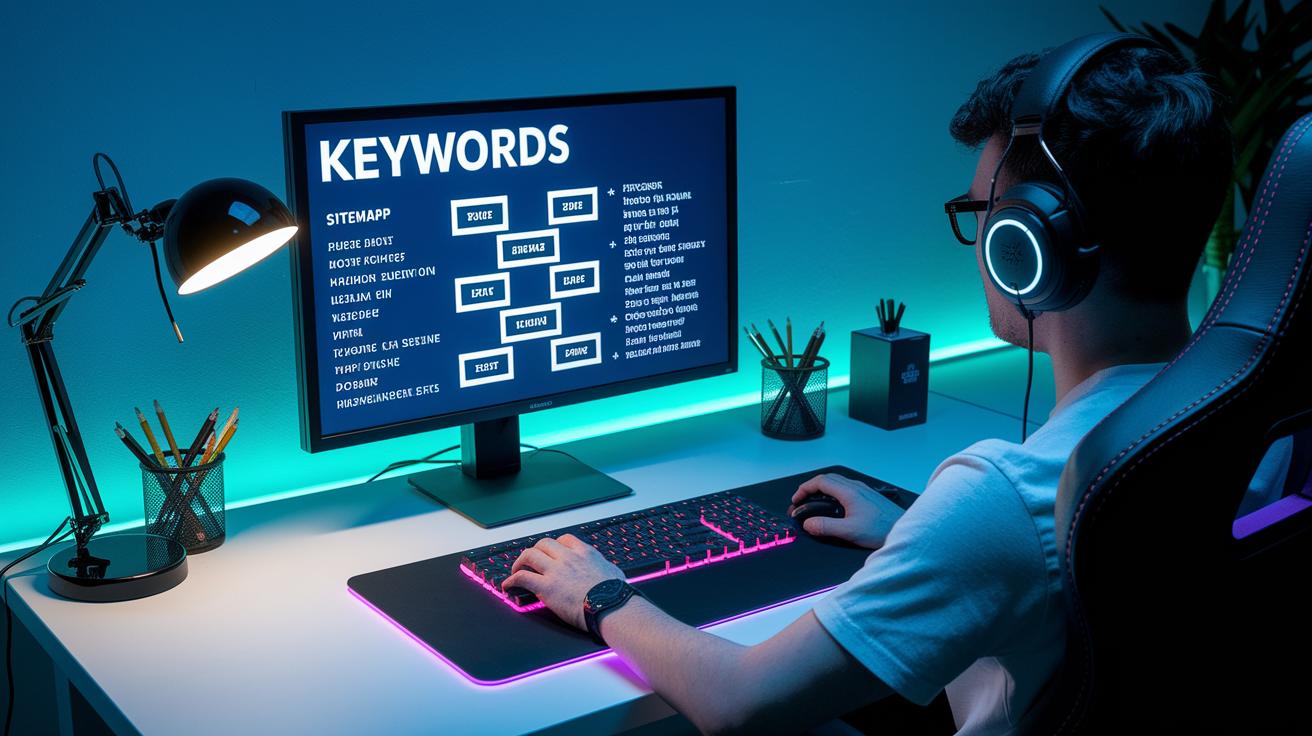
Start by doing some solid keyword research. Pick out popular gaming words and terms fans are talking about, like their favorite game titles and fresh indie hits. Try using research tools to dig up long-tail keywords, those extra specific phrases gamers search for. This helps your site get more organic traffic and stand out like a rare loot drop.
Design your site like setting up a cool game level. Organize your posts with clear breadcrumbs, detailed sitemaps, and menus that make sense at first glance. When everything is neatly arranged, search engines can crawl your pages easily, boosting your visibility. It’s like making sure every secret area in the level is easy to find.
Next, add social features to boost community interaction. Make sure you include share buttons and live social feeds that show tweets or game highlights in real time. These elements spark fun conversations and keep the latest buzz going. Mix in dynamic calls-to-action, engaging email newsletters, and a handy event calendar to get players coming back, just like a favorite multiplayer match that keeps you on the edge of your seat.
Using these simple engagement tactics not only helps your SEO, but also builds a lively gamer community. And once you get things rolling, check out this cool resource for what makes a great gamer hub: what makes a great gamer hub. Keep tweaking your site based on feedback from your community, and you’ll always be one step ahead in the digital gaming space.
Hosting, Security, and Scalability for Your Gamer Hub Website

Kick off your setup by picking a hosting plan that fits your growing gamer family. Whether you choose shared, VPS, or cloud hosting, think of each like a key team member in a tough raid, everyone needs to perform so your server can scale as more players join in.
Then, keep your site secure with SSL certificates and solid firewall rules. Imagine SSL as your digital armor that protects user data like a trusty shield in battle. With these safety measures in place, your hub stays safe while your gamers focus on the action.
Boost your site's speed by using caching tricks and CDNs. Picture it like adding a nitro boost to your favorite race car. When pages load fast, even during peak traffic, it’s like getting straight into the game without any lag.
And finally, set up automatic backup and recovery plans. Think of these like save points in your most challenging levels; they keep your content safe and help you bounce back quickly if something unexpected happens.
Final Words
In the action, we explored concrete steps to build a gamer hub website. The article showed everything from picking the right platform and crafting a cool, mobile-first design to adding interactive forums, live chat, and smart monetization options. It touched on solid SEO and security tips needed for a smooth and safe site. If you’re curious about how to build a gamer hub website, this guide can set you on an exciting path. Enjoy turning your vision into a thriving digital spot!
FAQ
How can I create a gaming website (for free, school projects, or using platforms like Google Sites)?
Creating a gaming website means choosing a free builder or platform like Google Sites, Wix, or coding with HTML. You can tailor it for school projects, personal use, or online gaming communities.
How can I make a gaming website using HTML?
Making a gaming website using HTML involves writing code to build pages, implementing game links, and styling with CSS. This method gives you complete creative control over every element.
How do I create a game link on my website?
Creating a game link means embedding a clickable URL or button that directs users to play a game. You can code this with HTML or use website builders with built-in linking features.
Are gaming websites profitable?
Gaming websites can generate revenue through ads, sponsorships, affiliate programs, and merchandise. Profitability often depends on your audience size, content quality, and effective monetization strategies.
How can I build a gamification website?
Building a gamification website means adding game-like elements such as points, badges, and leaderboards to enhance user engagement. This can boost interaction and add fun challenges for visitors.
Can ChatGPT build a game?
ChatGPT can assist with coding tips, game design ideas, and troubleshooting but cannot directly build a complete game by itself. It serves as a helpful tool for brainstorming and support.