


Ever get annoyed when DRM stops you from really owning your games? With GOG games download, every game you buy is yours to keep for good. Picture snagging a game and knowing it won’t vanish from your library because of annoying restrictions.
In this guide, we’re breaking down a simple, clear way to enjoy DRM-free gaming on your PC. Ready to ditch those limits and own your play? Let’s jump in and check out a smoother, more personal gaming experience.
gog games download: Enjoy DRM-Free Gaming
GOG lets you play games without any annoying DRM, so the game is yours to keep and enjoy. Once you add a game to your GOG library, you can choose to use the GOG Galaxy client for a smooth, all-in-one experience or go with the offline installer package if you prefer setting things up yourself.
Just follow these easy steps on your Windows PC to get started:
- Sign in or create your GOG account
- Search for or browse the store for a game
- Buy it or grab a free title
- Add the game to your GOG library
- Choose "Download with Galaxy" or "Download offline installer"
- Run the installer (.exe or .zip)
- Launch your game from your desktop or library interface
Before you install your game, double-check your system requirements to avoid any hiccups. It’s also a good idea to set up a special folder for your games so they’re always easy to find. This simple process makes sure your downloads are smooth, secure, and fully in your control. Enjoy your DRM-free gaming adventure!
Installing GOG Galaxy Launcher for Seamless Downloads

GOG Galaxy is a handy tool for Windows that brings all your game downloads, updates, and cloud saves together in one simple spot. It’s designed to keep your game library organized so you can spend more time playing and less time fiddling with downloads. Think of it as your own game manager that makes every session smoother.
To get rolling, download the installer (about 90 MB) from the official GOG website. Just make sure you're on Windows 7 or newer and have at least 2 GB of RAM. Run the setup wizard, it’s super easy to follow. Once installed, log in with your account, and you’ll see your whole game library right on the launcher. A few clicks later, you’ll be ready to grab your favorite titles, get notified about updates, and sync your cloud saves with no hassle.
Overall, GOG Galaxy is a smart, all-in-one solution for anyone who wants a hassle-free gaming experience. It lets you focus on the fun parts of gaming, leaving the techy bits on autopilot.
Using Offline Installers to Download Games Without Galaxy
If you’re looking for a way to install your games without relying on the Galaxy client, GOG’s offline installers might be just what you need. They let you download your game once and use that installer on different PCs or keep a backup for later. It’s a handy option if you want to play without being tied to constant internet or a specific client.
Inside your GOG library, you’ll find a button called "Download offline backup game installers." When you click it, you'll see a few file formats, like a standalone .exe or a .zip file. Just pick the one that fits your needs and save it to your computer. After that, running the file installs your game without having to open Galaxy in the background. This setup makes it easy to enjoy your games DRM-free and on your terms.
Accessing and Claiming Free DRM-Free Game Collections on GOG

GOG has a cool free games section that mixes up a bunch of DRM-free titles. You’ll see everything from sprawling open worlds and retro pixel art to fun point-and-click puzzles that capture that classic game feel. These free games drop for a limited time, so if you want to boost your library without spending cash, it’s the perfect chance. Once you claim a game, it sticks with you forever, building your ever-growing collection of awesome, DRM-free downloads.
To grab one of these digital gems, just head to the Free Games area on the main page and click the "Get it Free" button on the game that catches your eye. The game gets added to your library in a flash, and you can download it just like you would any other purchased game. This hassle-free way to score free titles means you can experiment with cool offers and enjoy quality games all day, every day.
Redeeming Codes and Troubleshooting Common Download Errors
When you get a redeem code, it usually lands in your email or over a gift link. Just copy it and pop over to your account's Redeem Code page. Type it in, and boom, the new game shows up in your library. Whether a pal sent it or you snagged it from a promo, the process stays simple. Picture this: an email tells you "Use REDEEM123 to grab your new game!", just type that code and enjoy watching your library expand.
If downloading acts up, like if you hit a checksum mismatch, a wonky download, or even a client crash, try these quick fixes. Clear out the GOG Galaxy cache, download the installer again, and if nothing else works, run the installer as an administrator. These steps usually clear up the issues on their own, so you can get back to your DRM-free gaming without any extra hassle.
Managing Your GOG Library and Updating DRM-Free Titles
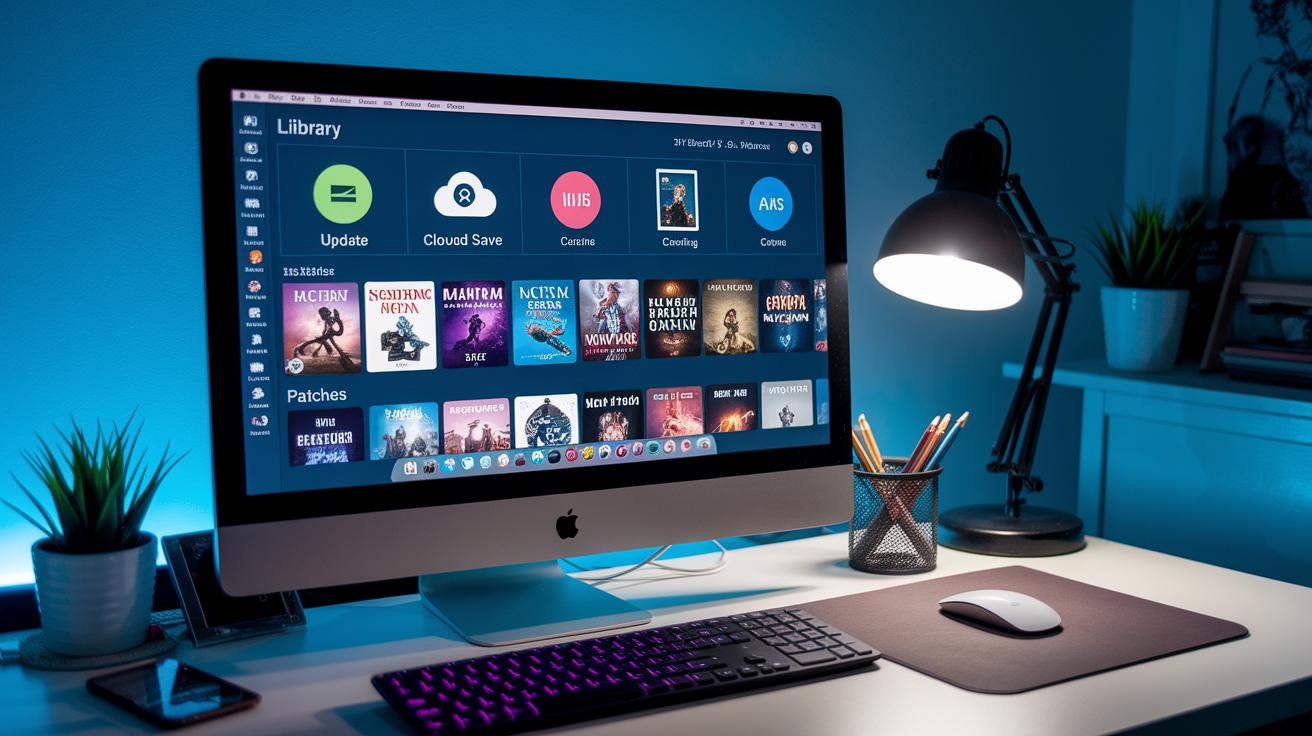
When you fire up GOG Galaxy, it's like having your own game locker where every installed title shows up with its version, DLC info, and patch notes right when you need them. You can decide whether updates download automatically while you chill or if you wanna hit the update button yourself. Everything’s gathered in one cool, easy-to-use space, which means your cloud saves and game backups are always right there to keep your progress safe.
| Feature | Description |
|---|---|
| Automatic Updates | Downloads and installs patches on its own so you’re always up-to-date |
| Manual Patch Selection | Lets you choose exactly when to update your games |
| Cloud Save Sync | Saves your game progress online, like having a backup in the cloud |
| Backup Folders | Gives you the option to back up entire game folders easily |
When you’re ready to update your games, pick the route that works best for you, whether it's the hands-off approach with auto-updates or the hands-on style with manual selections. Either way, the GOG library keeps your DRM-free games current and running smoothly, so you can jump back into your next epic play session without any hiccups.
Tips for Optimizing Download Speed and Ensuring File Integrity
GOG Galaxy lets you adjust download threads and speed caps to fit your network setup. If you hook up with a wired Ethernet cable, you'll notice fewer dropouts and a more stable download flow. Even when your connection is busy, tweaking these settings can help you get a smoother, faster download. For example, bumping up your thread count might cut a few minutes off your wait and keep your files in good shape.
Keeping an eye on file integrity is super important. You can check offline installer checksums or turn on the "Verify Installation" option right in the client settings to catch any corrupted files early. A quick checksum test after your download is like a safety net, it gives you peace of mind and stops any unexpected hiccups during installation.
Final Words
in the action, we broke down everything from your first gog games download to boosting install speed. We hit key points, using Galaxy for smooth setup, running offline installers, scoring free titles, and even sorting out redeem codes, so every step feels as fun as a boss fight win. Each tip works together to boost your game time while keeping downloads stress-free. It’s all about a seamless setup and enjoyable play that gets you right into the heart of gaming. Enjoy the thrill, and game on!
FAQ
How can I download GOG games on my PC?
The question about downloading GOG games on a PC means you can visit the official site, add a game to your library, and then download using either the GOG Galaxy client or a standalone installer.
What do Reddit users say about downloading GOG games?
The question on Reddit discussions means many users share tips on smooth downloads and offline installers. They often discuss successful setups and troubleshooting to help others get their games running.
How can I download GOG games safely?
The question regarding safe GOG game downloads means you should always use the official GOG website or Galaxy client. This method keeps you secure from unofficial or risky download sources.
How do I claim free game giveaways on GOG?
The question about free game giveaways means you can simply click the free games section on the site, add the title to your library, and then download it as you would any other game.
What are considered the best GOG games?
The question on the best GOG games means many users enjoy classics and indie titles that offer full DRM-free play. Community posts and reviews can point you toward crowd favorites.
What is GOG.com Galaxy and how do I use it?
The question discussing GOG.com Galaxy means it is the desktop client that helps manage your game library, auto-update titles, and sync saves. Installing it lets you keep all your DRM-free games in one place.
How do I download GOG Galaxy 2.0?
The question about downloading GOG Galaxy 2.0 means you must head to the official GOG website, download the newest installer, run it on your PC, and log in to get started with the updated client.