
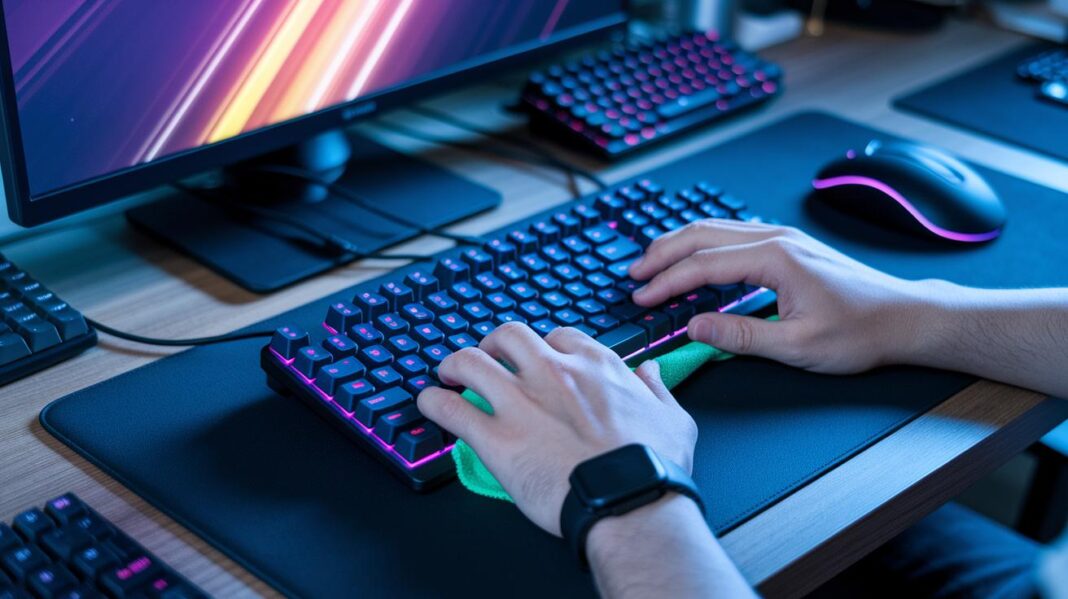

Ever wonder if your keyboard is messier than your game snacks spread on a controller? Crazy to think about, right?
Keeping your gear clean isn’t just about looking cool, it can really up your game. Imagine your mouse or keyboard lagging right when you need that perfect headshot because of dust or crumbs. A quick clean can fix that and keep your equipment ready for the next round.
In this post, we'll chat about easy ways to maintain your gear so it lasts longer and keeps you in the top of your game.
Gaming Peripheral Maintenance Tips Overview
Keeping your gaming gear clean is a must for smooth play. It might sound weird, but keyboards and mice can actually have up to 20,000 times more germs than a toilet seat. Cleaning regularly not only keeps things hygienic but also helps your equipment perform better and last longer. Dust can clog up fans and push your system to overheat, while crumbs and debris can slow things down.
Taking a few minutes for a quick clean-up is a smart move. Try wiping your keyboard and mouse with antibacterial wipes every couple of days. Foam-tip swabs work great for sneaking into tight spots between keys or around buttons. And don’t forget about compressed air, it blasts dust out of vents and fans and keeps your setup cool. This little routine also cuts down on the spread of germs, which can hit surfaces in about 80% of cases, making sure your gear stays in top shape.
For a real power-up, set up a maintenance schedule every month or every few months. Here’s a simple checklist:
| Step | Action |
|---|---|
| 1 | Inspect and clean all common touch areas |
| 2 | Dust vents and fans using compressed air or an anti-static brush |
| 3 | Wipe down surfaces with a microfiber cloth lightly dampened with a safe cleanser |
| 4 | Clear debris from behind devices and tidy cables to keep airflow smooth |
A clean, dust-free space not only makes your gear last longer but also boosts your gaming performance. Think of your peripherals like your favorite controllers, they need some love too. For example, before cleaning, unplug your devices. Then, grab a microfiber cloth dipped in 70% alcohol and wipe all surfaces to knock out any hidden germs. This little routine will keep you ready for hours of uninterrupted, immersive gameplay.
Keyboard Maintenance Tips for Gaming Peripherals

Keep your keyboard running smooth with a few easy steps. Wipe down your keys every couple of days using antibacterial wipes, trust me, it stops your keyboard from turning into a germ magnet. Ever notice how a quick clean-up makes your gear feel brand new?
Next, for a deeper clean, take off those keycaps. Use a keycap puller to gently pop them off and soak them in a mild cleaning solution. Then, grab a foam-tip swab to clear out any hidden dust between the keys. It’s like giving every button a mini power-up so they stay responsive when you need them most.
Also, be careful with food and drinks near your setup. Crumbs can stick around, making keys sticky and messing with your game flow. Once you’ve cleaned both the keycaps and the board, let everything dry completely before putting it back together.
Stick to this routine, and your keyboard will be both hygienic and ready for your next epic session!
Mouse Care Instructions and Maintenance Tips
Hey, keeping your mouse clean is a game changer. Every week, grab a microfiber cloth and dampen it with 70% isopropyl alcohol. Gently wipe the whole outer surface like you're giving your favorite game controller a little polish.
Then, take a can of compressed air and blast a few short bursts around the buttons and in the tiny crevices. This helps kick out any dust so the buttons stay snappy when you click.
Pay extra attention to the sensor area at the bottom. Dip a cotton swab lightly in alcohol and carefully clean around it. This little step makes sure your mouse can track every move without any hiccups.
Before putting everything back together, double-check that all parts are lined up perfectly. A quick look keeps everything in sync and your sensor as precise as it can be.
Stick to this cleaning routine, and your mouse will handle even the longest gaming marathons like a champ. Enjoy smooth, responsive play every time you boot up your game!
Headset Maintenance Guide for Gaming Peripherals
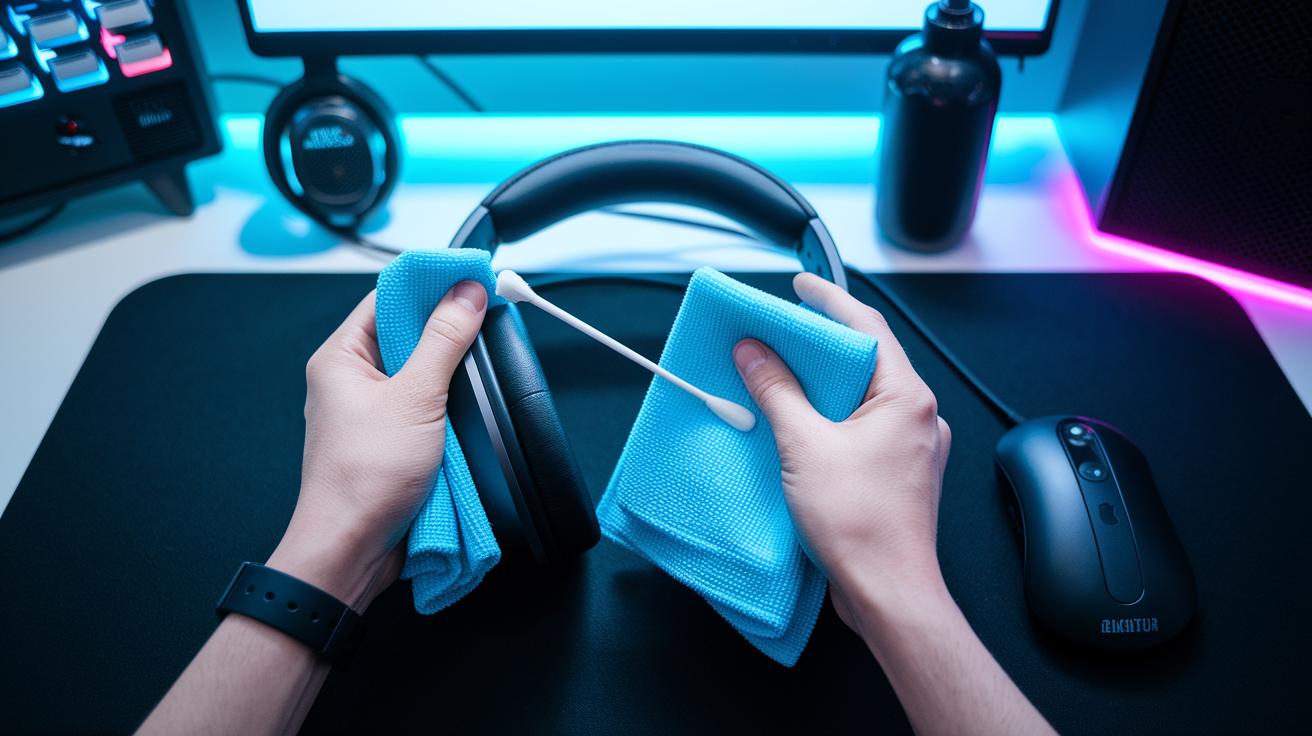
Long gaming sessions can leave your headset feeling pretty grimy. Grab some antibacterial microfiber wipes and give the ear cups and headbands a quick wipe, like you’d clean your favorite controller. This simple step clears off oils and sweat so your gear stays fresh for the next round.
Next, let’s hone in on the mesh grills. Take a foam-tip swab and lightly brush over the grill to lift away dust and grime. Think of it like handling that super sensitive sensor on your mouse, just a little foam makes all the difference for clear sound.
Now, don’t forget your headset’s cables and connector ports. Check the audio jacks and USB ports with a dry cloth to wipe away any tiny bits of debris. This helps keep your connection smooth during even the most intense sessions. And remember, no soaking any fabric or letting liquids get near the electronics!
Finally, once you’ve finished cleaning, tuck your headset away in a dust-proof pouch. Storing your gear safely keeps it in top shape so every gaming moment hits just right.
Controller Cleaning Tips and Gaming Peripheral Maintenance Tips
If you game a lot, your controller takes a beating. Constant use can lead to stick drift and buttons that feel sluggish. Start by wiping the button face with a cloth lightly soaked in alcohol. This simple step gets rid of sticky residues that might slow you down during a heated round.
Next, blast away dust and tiny debris using compressed air. Focus on the crevices, triggers, and around the analog sticks to keep the sensors working right. After that, gently clean the trigger ports by wiping around them, this helps keep the trigger tension spot on.
Once everything’s clean, put a little PTFE silicone lubricant on the pivot points and moving parts. This keeps your sticks and buttons sliding smoothly, making each press feel just right. Take a moment to realign the analog sticks and check the trigger tension to make sure everything is balanced.
Finally, do a quick post-cleanup check. Make sure all the parts are aligned and responsive before you dive back into your game. Your controller will be all set to deliver that flawless play experience!
Peripheral Dust Removal and Cable Management Strategies
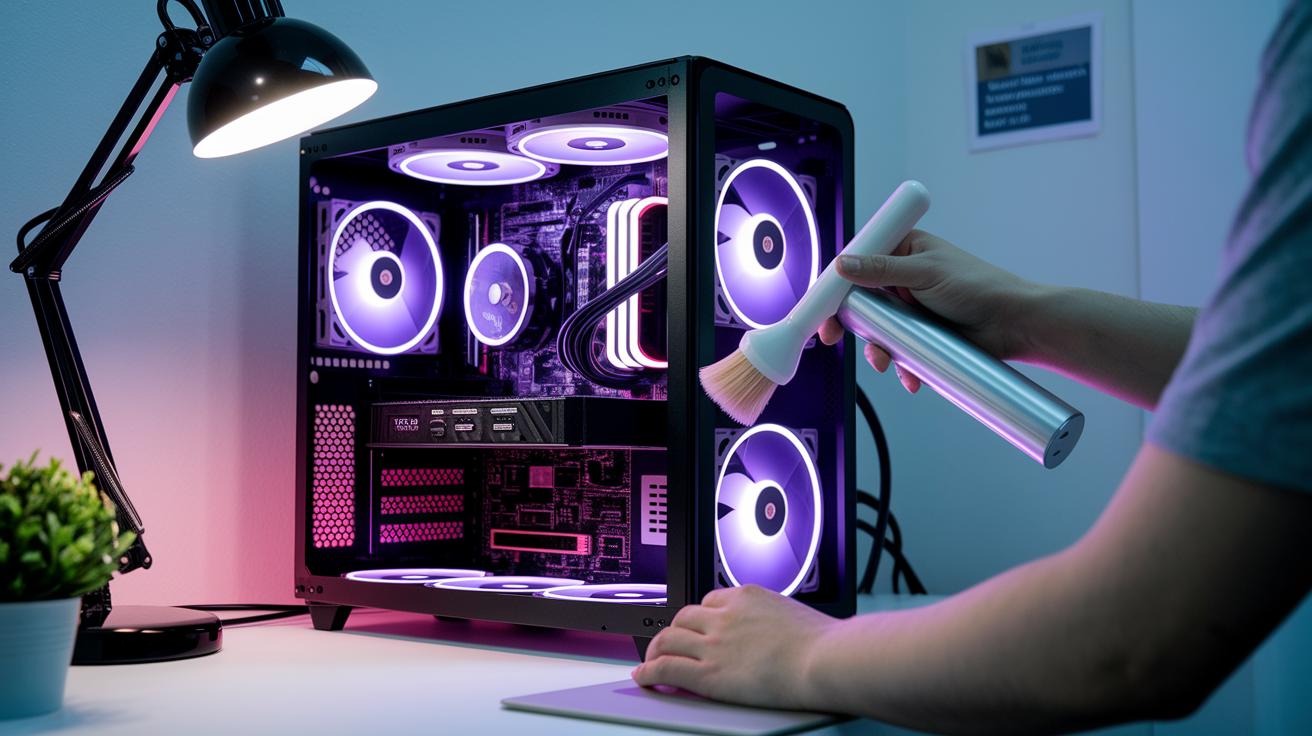
Dust loves to sneak into vents and fans, and before you know it, your system gets overheated and slowed down. Keeping your gear dust-free is like giving it a quick tune-up. A blast of compressed air can clear out nasty debris, while an anti-static brush gently cleans the blades of your fans. A tidy setup not only stops overheating but also makes sure that fresh air flows easily, saving your wires from getting all tangled and messy.
When it comes to cables, think of it as organizing your gaming stash. Tuck your wires together using cable ties or Velcro straps, kind of like lacing up your sneakers. Neatly arranged cables mean smooth airflow and a workspace that's ready for action. Ever tried laying out games in perfect order? That’s the vibe. And by keeping cords untwisted, you make cleaning a breeze, letting air reach every important part of your setup.
| Tool | Purpose | Frequency |
|---|---|---|
| Compressed Air | Eject dust from vents and fans | Weekly/Biweekly |
| Anti-Static Brush | Clean fan blades and surfaces | Monthly |
| Cleaning Gel | Extract dust from tight spaces | Weekly |
| Vacuum Nozzle | Suction light debris off surfaces | Monthly |
Regularly clearing out dust and organizing your cables will keep your gaming rig running smooth, ready to tackle any challenge without missing a beat.
Preventive Maintenance Scheduling and Firmware Update Steps
Staying on top of your game starts by keeping your gear up to date. When firmware is old, you might get lag during those intense battles. Set a regular calendar alert to check for updates on your keyboard, mouse, and headset. Every three months, take a few minutes to update your gear and save any custom settings.
Start by marking your calendar for quarterly upgrade sessions. Keep a simple checklist, like noting when your keyboard got its latest firmware update. Jot down the version numbers so you can easily see what’s changed over time.
Next, make sure any new update fits with your setup. Check that the update supports your current devices without causing any hiccups. And if you start feeling lag after an update, it might be best to roll back to the previous version until a stable one appears.
Keep it simple by tracking all these steps in a digital note or a notebook. Regular firmware checks help you dodge delays that could mess with your play. Calendar alerts and a clear checklist will make sure you never miss an update. Oh, and don’t forget to back up your custom settings before you update!
Stick to this routine, and you’ll keep your gaming rig in top shape. Regular checkups and firmware updates mean your devices stay responsive and ready for action.
Recommended Cleaning Materials and Tools for Peripheral Maintenance
Imagine prepping for a big multiplayer match, streamline your cleaning setup so you always know what to grab. Instead of rehashing the same old methods, mix in pricing details with your kit layout. For example, snag a compressed air duster (roughly $10) to blast dust from sneaky corners and a cleaning gel dust remover (about $5) to tackle tough grime. Keep these with your usual supplies in a handy, portable kit.
It’s like having your best weapons ready in your quick-access game inventory, you know exactly where every tool is when you need it.
For more cool cleaning gear, check out gaming accessories at https://funcomputers.com?p=273.
Final Words
In the action, we've covered a range of gaming peripheral maintenance tips to keep your gear in top shape. We broke things down from keyboards and mice to headsets and controllers, even sorting out dust removal and cable management strategies. The guide also walked you through preventive maintenance scheduling and essential cleaning tools. This quick recap is meant to help you boost your device performance and extend their life. Enjoy a smoother gaming experience and keep leveling up!
FAQ
What do Reddit communities share about gaming peripheral maintenance tips?
Reddit communities share personal tips on cleaning keyboards, mice, and headsets as well as advice on schedules and methods to keep your gear in top shape.
How can I find gaming PC maintenance services near me?
Searching locally for gaming PC maintenance means checking your area’s computer repair shops or tech service centers for cleaning, dust removal, and hardware diagnostics.
What laptop maintenance tips and checklist items should I follow?
Laptop care involves regular screen and keyboard cleaning, updating software, and backing up data. A checklist can help you remember to clean vents and check battery health.
What should a monthly PC maintenance checklist include?
A solid monthly checklist covers dust removal, firmware updates, driver checks, and ensuring cooling fans are clear. This routine boosts system stability and performance.
What are the dos and don’ts for gaming PC upkeep?
The dos involve safe cleaning practices, regular updates, and proper shutdown procedures. The don’ts include using too much liquid or neglecting dust buildup that might harm your system.
How do I care for and maintain peripheral devices properly?
Caring for peripherals means wiping down surfaces, removing keycaps for deep cleaning, and clearing sensor areas with proper tools. Regular upkeep keeps them responsive and germ-free.
What maintenance should be done on a gaming PC?
Gaming PC upkeep involves clearing dust from fans and vents, updating firmware and drivers, and checking that cooling systems work well to prevent overheating during play.
Should I shut down my gaming PC daily or keep it on 24/7?
Shutting down your gaming PC daily helps save energy and may extend hardware life, while leaving it on continuously can work for some setups but can increase energy use over time.