


Ever wonder if a gaming PC can be lightning fast and still be easy on your wallet?
We dive into what makes a solid rig. You might want a trusted prebuilt system that runs your favorite games smoothly, or a build where you can pick exactly what you need.
We mean choosing a machine that can handle intense gameplay without costing a fortune.
Stick around and you'll learn how to mix power with savings to gear up for your next big win.
Choosing the Right Gaming Desktop PC: Key Factors

Picking a gaming PC is all about balancing power and price. If you want smooth gameplay in today's top titles, you need a rig with high-performance parts. And yeah, you want it to fit your budget too. For example, the MSI Codex R2 features an Intel Core i5-14400F and RTX 4060 that give you reliable performance without emptying your wallet. But if you're ready to spend a bit more, the HP Omen 35L cranks it up with a Ryzen 7 8700G and an RTX 4080 Super for extra power.
The trick is to match your gaming needs with your money. A prebuilt system is like a trusted buddy, it comes with a solid, tested setup and even warranties and support. On the other hand, building your own rig lets you pick every component, from storage options to cooling fans, to create the perfect machine. Whether you’re stepping up from 1080p gaming or just need a trusty system for everyday play, aligning your features with your needs is a must.
Here are some key points to check out:
- CPU performance and future-proofing
- GPU capability for your target resolution
- Memory and storage options
- Cooling effectiveness and noise levels
- Upgradability and modular design
By keeping these factors in mind, you can choose a prebuilt system with verified performance and support, or go for a custom build that gives you more flexibility (though it might need a bit more research and setup). In short, focus on a strong processor, a robust graphics card, plenty of storage, smart cooling, and room to upgrade. That way, your gaming PC will be ready to handle today’s games and stand up to future challenges.
Top Prebuilt Gaming Desktop PCs Reviewed for 2025
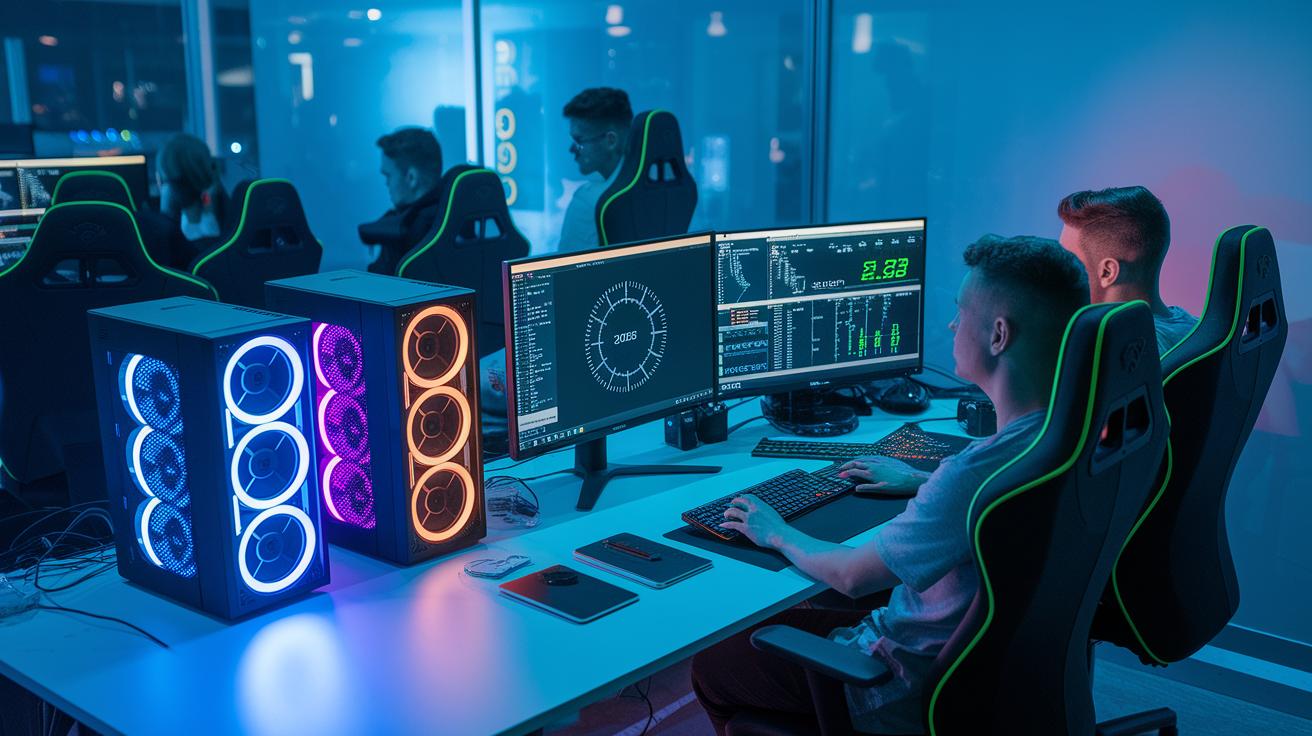
We put these rigs to the test using modern benchmarks and real gameplay, checking everything from frame rates in epic battles to load times in huge open worlds. Yep, we made sure these systems aren’t just pretty on paper, they’re built to handle intense, marathon gaming sessions. Each one has been proven smooth, reliable, and durable when things heat up.
| Model | CPU | GPU | Memory | Storage | Price |
|---|---|---|---|---|---|
| MSI Codex R2 | i5-14400F | RTX 4060 | 16 GB | 1 TB SSD | $1,049 |
| HP Omen 35L | Ryzen 7 8700G | RTX 4080 Super | 64 GB | 4 TB SSD | $1,139.99 |
| Alienware Area-51 | Ultra 9 285K | RTX 5080 | 64 GB | 2 TB SSD | $2,949.99 |
| Asus TUF T500 | i7-13620H | RTX 5060 Ti | 32 GB | 1 TB SSD | $999.99 |
| Raptor Z55a | Ryzen 7 9800X3D | RTX 5090 | 64 GB | 2 TB SSD | $2,174 |
| FragBox | various | RTX 5090 | up to 64 GB | up to 4 TB | $3,968 |
Each of these builds is made for a different kind of gamer and budget. For example, the MSI Codex R2 is perfect if you want solid 1080p gameplay without spending a ton. Need extra space for multitasking? The HP Omen 35L is loaded with fast storage and big memory. If you’re chasing that premium feel with near-silent operation and top-notch parts, the Alienware Area-51 has your back. The Asus TUF T500 delivers steady 1080p performance in a compact frame, and if you’re ready to splash out for top-end speed and options, the Raptor Z55a and FragBox offer the high-powered performance needed for tomorrow’s titles.
Custom vs. Prebuilt Gaming Desktop PC: Pros and Cons

Prebuilt gaming desktops are ready out of the box. You get a tested, reliable system with great warranties and solid support that gets you playing fast. They also offer clear specs and simple billing. Just keep in mind that many models come in special cases (like the Asus TUF T500 or Lenovo Legion Tower 5) that can make upgrading trickier.
Building your own rig puts you in the driver's seat. You can choose standard ATX boards and power supplies, making it super easy to swap out parts later and control your costs. This DIY approach gives you total control over your setup, and guides like "how to upgrade your gaming battle station" break it down step-by-step so your PC grows along with your gaming needs.
Budget Gaming Desktop PCs for 1080p and 1440p Play

If you're after smooth 1080p gaming, it's not just about hitting high FPS. You need a setup that handles changes in refresh rates and game settings too. Take the MSI Codex R2, for instance, it usually delivers around 80 to 100 FPS in full HD, and even during intense scenes, you only see a tiny drop. Imagine switching to a 120Hz screen and noticing less than a 10 FPS dip during a hectic mid-tier game. That extra bit of info helps you decide if the cost matches the performance.
When you move up to 1440p or even try some entry-level VR, every detail counts. The Asus TUF T500, loaded with a mobile i7-13620H and an RTX 5060 Ti, keeps things steady at about 50 to 60 FPS even when the resolution increases. Simple tweaks like lowering shadow details can really help keep the frame rate smooth. Picture this: in a graphically busy scene, turning down those shadows lets you hold around 55 FPS on your 1440p screen. That small adjustment makes this sub-$1,100 rig a pretty sweet deal for gamers looking to boost visuals or dip their toes into VR for the first time.
High-End Gaming Desktop PCs for 4K and VR Experiences

The Alienware Area-51 is built to wow you with crystal-clear 4K visuals. It’s powered by a Core Ultra 9 285K and an RTX 5080 that pushes games at 80-100 FPS with DLSS 4 support. It handles VR like a champ and runs nearly silently, making it perfect for setups where every sound matters. Its top-notch parts mean you get a rig that’s great for intense graphics and smooth, immersive gameplay.
The Falcon Northwest FragBox is another killer option. It comes with a flexible RTX 5090 and custom cooling that keeps things cool and quiet. This PC is tailor-made for VR and shows off amazing 4K performance along with precise streaming. Plus, a three-year warranty backs it up, so you can trust it to deliver ultra-high quality visuals and gameplay without a hitch.
Then there’s the Velocity Micro Raptor Z55a. It mixes a Ryzen 7 9800X3D with an RTX 5090 to give you ultra-fast frame rates and solid performance for streaming and demanding 4K gaming. Designed to tackle immersive VR and heavy-duty gaming, it still runs quietly. With full warranty coverage, it’s a safe pick for anyone looking to invest in a future-proof, high-performance gaming setup.
Essential Specs for a Future-Proof Gaming Desktop PC

If you're gearing up for 2025 and beyond, you'll want a CPU that can handle heavy tasks and new game demands without breaking a sweat. Check out the "Choosing the Right Gaming Desktop PC: Key Factors" section to decide if you need an Intel Core i5/Ultra 5 for everyday play or an Intel Core i7, i9, or Ryzen 9 for those more intense sessions. I remember one time, before a big update hit, my CPU kept everything running smooth and let me dive right into the action.
For graphics, grab an Nvidia RTX 40 or 50 series card to deliver crisp visuals and high-res performance during those demanding game moments. Pair it with at least 16 GB of DDR5 memory, so every game texture loads quickly and gameplay stays steady.
When planning your storage, aim for a 1 TB NVMe SSD to get fast boot and load times, and add a secondary drive between 2 and 4 TB to comfortably store your game collection.
A high-refresh dual-monitor setup can really boost your multitasking and create an immersive view. For some handy setup ideas, check out our guide to setting up a dual monitor gaming station.
Lastly, choose a build with modular components and clear upgrade paths. This way, your desktop stays ready for the latest improvements and evolving game tech.
Gaming desktop pc: Stellar Speed and Power

When you build your gaming desktop pc, start with parts that let you upgrade easily. High-end rigs like the Alienware Area-51 use a robust 850W power supply and ATX boards, which means you can swap out your GPU or other parts without any hassle. A modular case, similar to the FragBox, makes replacing components a breeze and supports upgrades down the line so you won’t need to rebuild everything. This smart design lets you mix and match parts while keeping your system compact and efficient. For more ideas, check out setup ideas for a pro gaming rig.
Good cable management and proper cooling are game-changers too. Keeping your cables neat cuts down on clutter, lowers your system’s temperature, and even reduces noise during those long gaming sessions. Upgrading to liquid cooling or a quiet air cooling system helps maintain optimal temperatures when you push your system hard, like during overclocking. By planning your cable routing carefully, you'll not only get a cleaner look but also create extra room to boost performance as your gaming needs evolve.
Final Words
In the action, we broke down the must-know factors for choosing a gaming desktop pc. We covered balancing performance with price, comparing prebuilt systems against custom builds, and outlined key specs like CPU, GPU, memory, cooling, and upgradability.
We also reviewed top prebuilt models and weighed their cost versus features. With clear tips on both budget and high-end options, you’re set to find a system that amps up your gaming hours. Enjoy your next epic play session!
FAQ
What is the best desktop gaming computer?
The best desktop gaming computer offers a blend of strong CPU and GPU performance, ample RAM, and effective cooling. It is built to deliver smooth gameplay, support upgrades, and handle modern titles with ease.
Is it possible to build a gaming PC for $500?
Building a gaming PC for $500 is tough. Lower-budget builds may work for older or less demanding games, but they often struggle with today’s high settings and frame rates without compromises.
What’s the average cost of a good gaming PC?
A good gaming PC usually costs between $800 and $1,200. This range reflects systems designed for reliable performance and smooth gameplay, with prices varying based on chosen components and overall power.
How much RAM is needed for a gaming PC?
A gaming PC typically needs about 16GB of RAM to run most modern games smoothly. Some high-performance systems may use 32GB, especially when multitasking or handling advanced games and applications.
Can you get a quality gaming PC under $1000?
Yes, you can find gaming PCs under $1,000 that offer solid entry-level performance. These systems often include mid-range processors and graphics cards suitable for 1080p gameplay and smooth performance on popular titles.
What defines a great prebuilt gaming PC?
A great prebuilt gaming PC comes with balanced, tested hardware, reliable warranty support, and effective cooling. It saves time by offering a ready-to-use setup of quality components that provide hassle-free gaming.
How much do gaming desktop PCs generally cost?
Gaming desktop PC prices vary from roughly $800 to over $3,000. The cost depends on the build’s performance, the quality of its parts, and whether it targets entry-level play or premium, high-end gaming experiences.
What does a full gaming PC setup include?
A full gaming PC setup typically includes a high-performance desktop connected to a quality monitor, plus essential peripherals like a keyboard, mouse, and headset or speakers, all designed for a complete gaming experience.
Can you really find a quality gaming PC for under $100?
Quality gaming PCs under $100 are extremely rare. Systems at that price point usually struggle with modern games and tend to run older titles, offering very basic performance and limited features.