


Ever thought your gaming setup might be your secret power-up? A well-arranged desk can totally level up your game and get rid of messy cables and other distractions. In this guide, we'll walk you through turning your regular desk into a pro gamer command center. With smart organization and plenty of breathing room, you can create a space that's both cool and boost your performance when you need it most. Ready to upgrade your game?
Crafting Your Gaming Desk Setup: Step-by-Step Walkthrough
Setting up your own gaming zone really changes the game. When you have a space just for playing and chilling out, everything feels sharper and more focused. Think of your PC tower as the pulse of your setup. It’s not just about showing off, it affects airflow, your system’s performance, and even how easy it is to upgrade. Imagine placing your tower in a spot with few cables and plenty of room for air, kind of like choosing the perfect base in your favorite game.
Laying out your gear with care is as key as lining up your squad for a boss fight. A smart desk setup leaves extra space, keeps cables neat and makes your hardware easy to grab when needed. Your monitor, keyboard, and mouse should team up with your PC tower to give you a clear, uncluttered space. It’s like having the perfect loadout for any challenge, style and performance all rolled into one.
Here’s a simple step-by-step plan to get your desk ready:
- Pick a spot that will serve as your dedicated play area.
- Choose a desk that fits all your gadgets and your vibe.
- Place your PC tower in a spot with plenty of room to breathe.
- Set your monitors so they’re at a comfy height and angle.
- Arrange your cables so your surface stays clean.
- Organize your lighting to cut down on glare while looking cool.
- Finish off with little touches like stands or decor that show off who you are.
Each step in this setup is like leveling up your gaming station. With smart choices, from where things go to how they look, you’ll build a comfy, efficient space that gets you pumped for every gaming session.
Selecting the Ideal Desk for Your Gaming Desk Setup
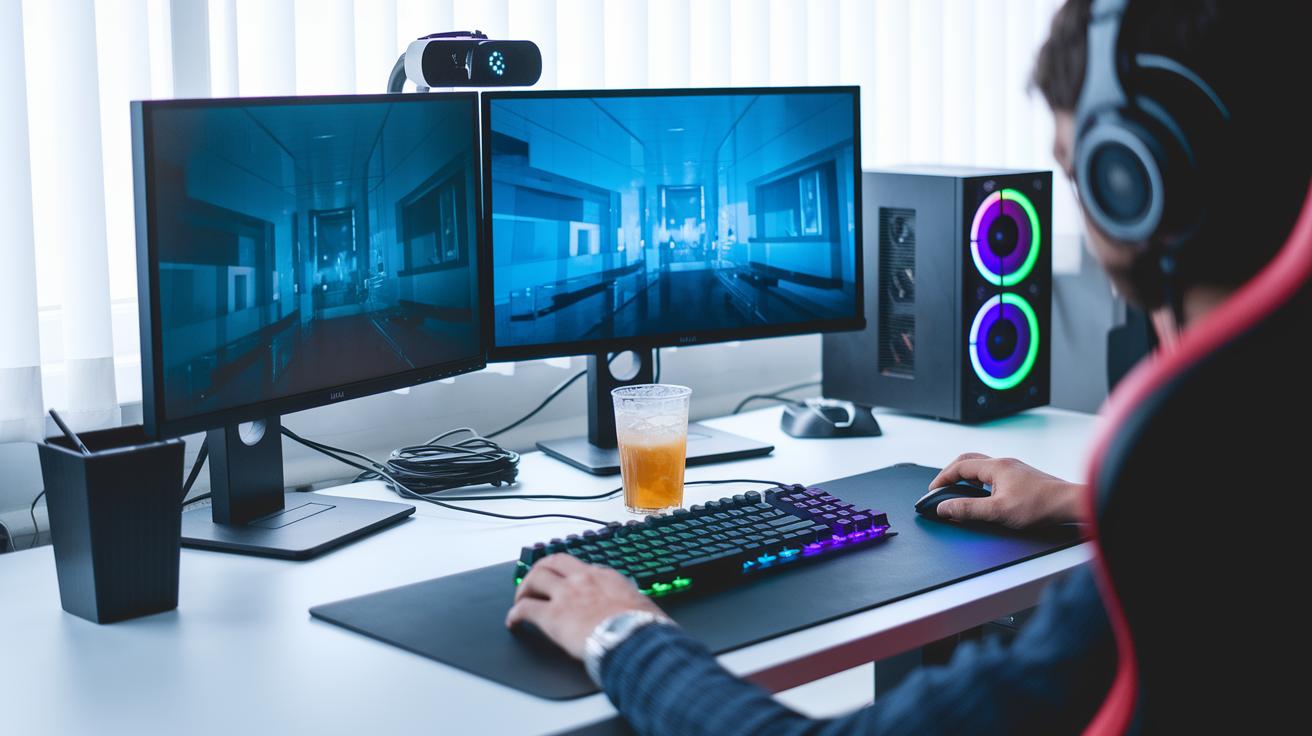
When you’re setting up your gaming space, choose a desk that fits your style and needs. Think about the size, price, and how much stuff it can hold, like your screen, drinks, snacks, and little gadgets, all without making things feel cramped. You might even want a desk that works for both gaming and office work.
I remember the mess I used to make, spilling soda on a wobbly desk, until I found one that could handle both snacks and controllers. So, pay close attention to the dimensions, your budget, and whether it gives you enough room to show off your collectibles.
| Model | Dimensions | Price | Standout Feature |
|---|---|---|---|
| Autonomous Desk 5 | 60 x 30 in | $250 | Scratch-resistant finish |
| Compact Edge Desk | 48 x 24 in | $180 | Space-saving design |
| Dual-Purpose Pro Desk | 55 x 28 in | $220 | Office and gaming dual-use |
It also makes sense to plan not just for today, but for tomorrow too. Look for a desk that has enough space to grow with your evolving setup. This way, whether you add a new gadget or expand your display area, your gaming station stays ready for the next level.
Arranging Hardware and Monitors in Your Gaming Desk Setup
Find a spot for your PC tower where air can flow around it and it's close enough to your desk so the cables don’t get out of hand. For example, placing it on the floor in a corner of your desk area keeps things tidy and makes upgrades a breeze.
Set your monitors so they sit right at your eye level. Whether you use one super-wide screen or a couple of monitors, you want the top edge at or just below your natural line of sight, about an arm’s length away. If your monitor is too low, try propping it up on a stand so every detail stands out clearly.
Keep your peripherals part of your overall setup instead of treating them like an afterthought. Put your keyboard in the middle and keep your mouse close by for smooth, quick moves. And if your gamepad is always in the way, consider a clip-on stand to keep it handy yet out of the main work zone.
Mastering Cable Management for Your Gaming Desk Setup
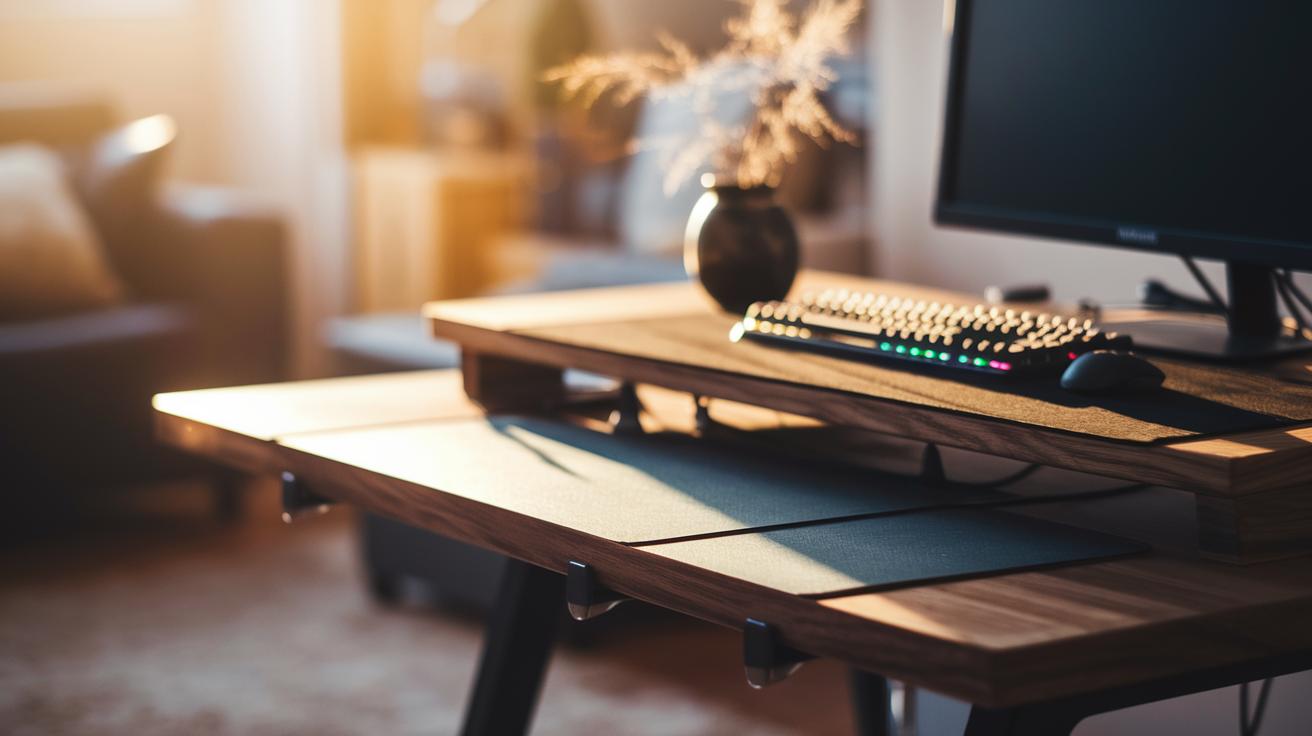
When you're setting up your gaming battle station, having the right cable tools can really help you win against clutter. Tools like grommets, under-desk trays, and cable sleeves work like magic. Grommets let you guide wires neatly through your desk, under-desk trays hide bulky cables out of sight, and sleeves wrap up multiple cords into one tidy bundle. And hey, if you add clips along your desk’s edge, it's like equipping extra perks for your setup.
Organizing your cables is like arranging your gear before a big game. Start by sorting them into groups, maybe one for your monitor, another for your keyboard, and one for your power supply. A quick tip: use cable ties or Velcro straps to keep similar wires together, just like stacking items in your inventory. You can even stick small labels on each group, so you always know which power brick is what. This not only clears up space but also makes it easier when something goes wrong.
Before you tie everything down, take a moment to test your cable paths. Give each bundle a gentle tug to make sure there's enough wiggle room for movement and any future upgrades. Leaving a bit extra is like having a backup plan for an unexpected in-game twist. Spending a few minutes setting up your cable routes now can save you a lot of hassle later, keeping your desk as smooth as the perfect run in your favorite game.
Illuminating and Personalizing Your Gaming Desk Setup Ambiance
Creating a comfy gaming zone means choosing lights that are easy on your eyes. Pick brightness levels that feel natural and keep the glare low. Think of it like setting the perfect scene, soft, even light that helps your eyes chill during those long sessions. This setup not only shows off your PC tower and collectibles but also keeps your vision clear and relaxed.
Now, let’s talk about adding some RGB magic. Place LED strips behind your monitor or under your desk. These lights cast a smooth glow that boosts your game vibe. Try matching the hues to the mood of your game; it’s like syncing your setup to your gameplay for a fully immersive feel. Play around with different colors until you hit that perfect balance that fits your style.
Finally, mix in some accent lighting to tie the room together. Use ambient LEDs around key spots, maybe match them with your wall colors or favorite game memorabilia. It’s like giving your gaming space the finishing touch that makes it uniquely yours, blending function with a bit of flair for a setup that's ready for action.
Choosing Seating and Accessories for Your Gaming Desk Setup
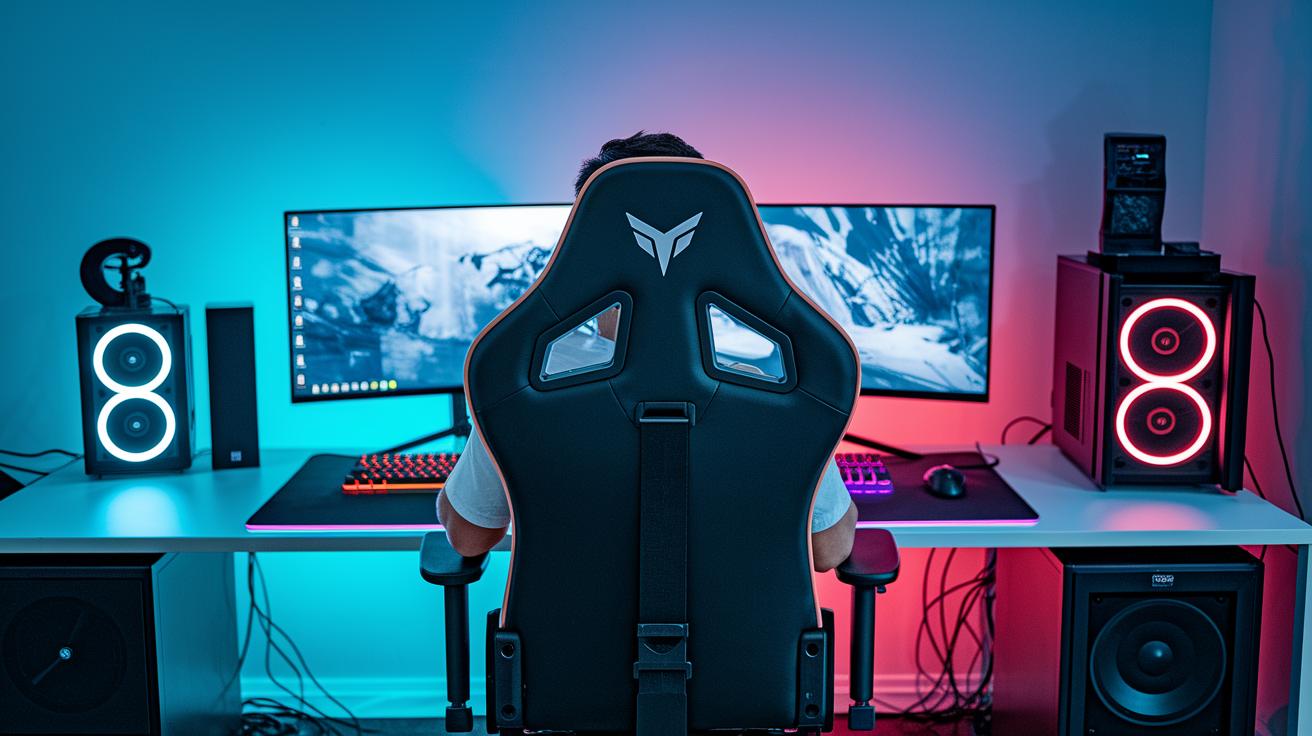
First off, finding the right chair is crucial for any gaming setup. You need a seat that stays comfy even when you're locked in for hours. Look for one with great lower-back support, armrests you can adjust, and maybe even a footrest to relax your legs. Think of it like upgrading your gear: a perfect chair helps keep your back in top shape so you can focus on the game without distractions.
Models like the ErgoChair Ultra 2 really stand out. They’re easy to set up, pack neatly, and offer awesome comfort, all without breaking the bank. It’s just like picking your favorite weapon; you want something reliable that boosts your performance in every match. If you need a solid pick, check out the gamer gear gaming chair listed on FunComputers.com?p=93. Trust me, having a dependable chair makes a huge difference.
Now, let’s talk accessories. They might seem small, but these little items can seriously level up your desk. Essentials like headset stands, cable bungees, and controller docks keep your battle gear neat and ready for action. Think about using monitor stands to get your screen at the perfect eye level, headphone hooks to hang your gear, and a mouse bungee to clear up cable clutter. Just like every tool in a game has its role, these add-ons make sure your setup is smooth, tidy, and always ready for the next challenge.
Budgeting and Maintenance Tips for Your Gaming Desk Setup
When you’re putting together your gaming desk, there are options for every budget. It’s like picking a common skin versus a rare one, each price comes with its own perks. One setup might cost around $250 and only take half an hour to put together, while a fancier rig could cost more because of extra storage or cool design touches. Deciding on a budget early helps you mix quality with performance without breaking the bank.
Keeping your setup in top shape is just as important. Imagine dusting off your game controller or rerouting cables to avoid any annoying tangles. A quick clean-up every couple of weeks can work wonders, much like installing a helpful game patch that keeps everything running smoothly. Little steps, like labeling your cables or checking connections, can save you from a lot of headaches later.
Planning when to buy new parts or upgrade your gear is a lot like mapping out your in-game strategy. Think about scheduling when you'll add a new desk, chair, or other gadgets so your system stays fresh and ready for action.
Final Words
In the action, we broke down every step for a neat and efficient space, from planning your layout and PC placement to organizing cables and lighting. We explored seating choices and accessories that boost comfort while keeping your station stylish and functional. Our guide wraps up budgeting tips and maintenance advice to keep your setup running smoothly. All these insights come together in one handy gaming desk setup guide, making it easy to create a workspace that feels both playful and practical. Enjoy putting it all together!
FAQ
How do I set up your desk for gaming?
Setting up your desk for gaming means planning the layout, positioning your monitor and PC for optimal airflow, routing cables smartly, and adding lighting and accessories for an organized, comfy station.
What is the checklist for a gaming setup?
A gaming setup checklist covers selecting a spot, choosing a proper desk, placing your monitor and PC for good airflow, managing cables carefully, and adding accessories like ergonomic seating and ambient lighting.
What accessories are needed for a gaming desk setup?
Key accessories include cable organizers, monitor stands, headset hooks, and controller docks. These pieces help you keep cables tidy and your desk clutter free while boosting overall comfort.
Are IKEA gaming desks a good choice for your setup?
IKEA desks are a favorite among gamers for their versatile design and spacious surfaces. Models like UTESPELARE, FREDDE, HUVUDSPELARE, and MICKE offer clear instructions and efficient layouts for a neat gaming area.
Is $1000 too much for a gaming PC?
A $1000 gaming PC can be a smart buy if it meets your performance needs. It balances quality components with room for upgrades, making it a well-rounded choice for solid gameplay.
What defines a perfect gaming desk setup?
A perfect gaming desk setup blends ideal monitor positioning, ergonomic seating, effective cable management, and ample accessory space to create a clean, user-friendly station for both intense gaming and casual play.