
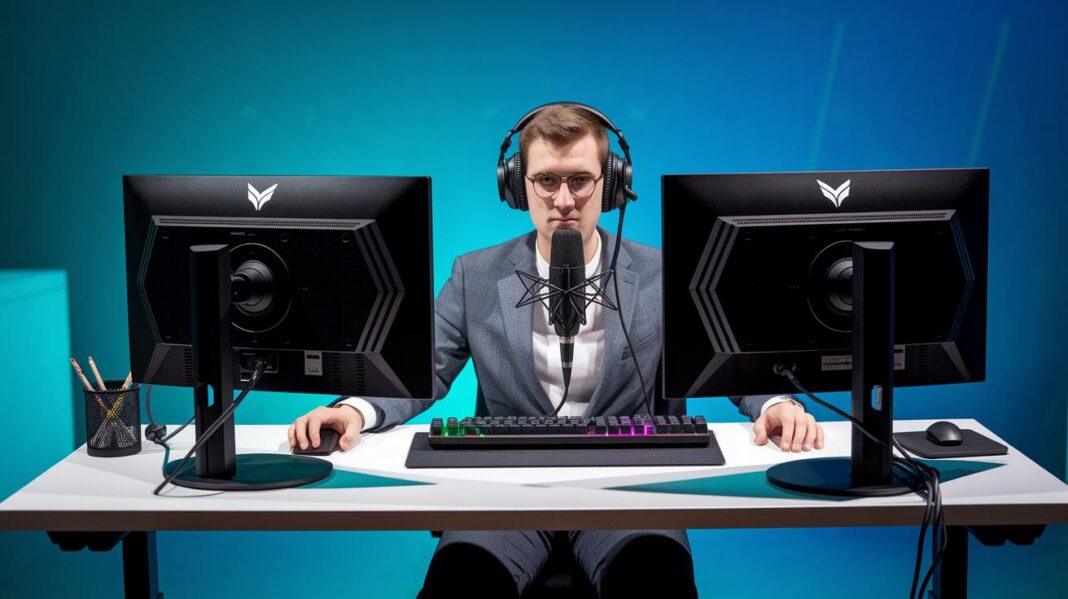

Ever wondered if your streaming setup might be holding you back? You may be missing that little spark that grabs your audience's attention. The right gear makes a huge difference, from clear audio to smooth visuals that keep your viewers glued to the screen.
This post dives into some cool gaming accessories designed to help you create an amazing stream. Whether you’re just starting out or you’re already a pro, these tools can upgrade your broadcast without emptying your wallet.
Ready to level up your stream and keep your audience coming back for more? Let’s jump in and explore these must-have gadgets.
Top Gaming Accessories for Streamers in 2025
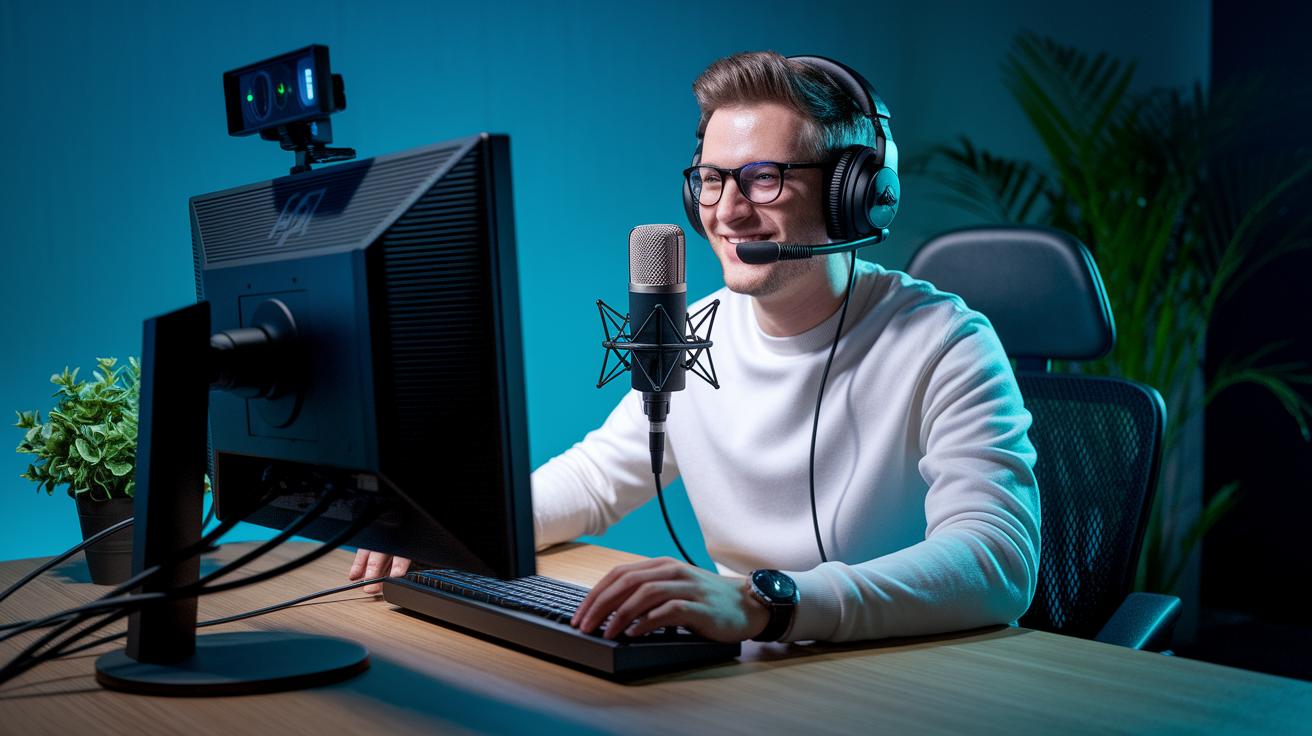
Looking to level up your streaming experience? Here’s a cool lineup of gear that’ll boost your production vibe and keep your audience hooked:
-
Shure MV7+: This mic is a real game changer. It sports both USB-C and XLR connections (that means you’ve got plenty of hookup options) for studio-grade sound. Whether you’re just starting out or already a pro, it captures your voice with crystal-clear quality, even when the game gets intense.
-
Logitech C922 Pro: Say hello to smooth streaming with this high-definition webcam. It cranks out 1080p60 video, so every move is caught in crisp detail. Paired with a solid PC and a steady Ethernet connection, you won’t miss a single moment of your gameplay.
-
Elgato HD60S: For those who live for real-time action, the Elgato HD60S is a must. This capture card minimizes lag and delivers sharp visuals, so every epic play looks as great as it feels.
-
Lumecube Ring Light Pro: Picture this, you get your own spotlight! This ring light uses balanced LED rims to smooth out shadows and brighten your on-screen presence, making sure your expressions pop during those critical moments.
-
Elgato Stream Deck: Take command of your stream with programmable buttons that let you change scenes, trigger audio cues, and manage overlays in a snap. It’s like having an extra set of hands during a heated co-op session.
-
Elgato Green Screen: Keep your background fresh and fun with this adjustable, portable green screen. Whether you’re switching up the vibe or just adding a bit of flair, it’s a breeze to set up.
-
Noise-cancelling Headsets: Block out the background noise so your game sounds and commentary come through crisp and clear. Perfect for maintaining that professional streaming feel even during chaotic game moments.
-
Mechanical Keyboards, Precision Mice, and Ergonomic Chairs: Round out your setup with accessories that boost comfort and control. These tools help you push through long streaming sessions with ease, keeping you sharp and ready for action.
Audio Essentials for Streaming with Pro Microphones and Interfaces
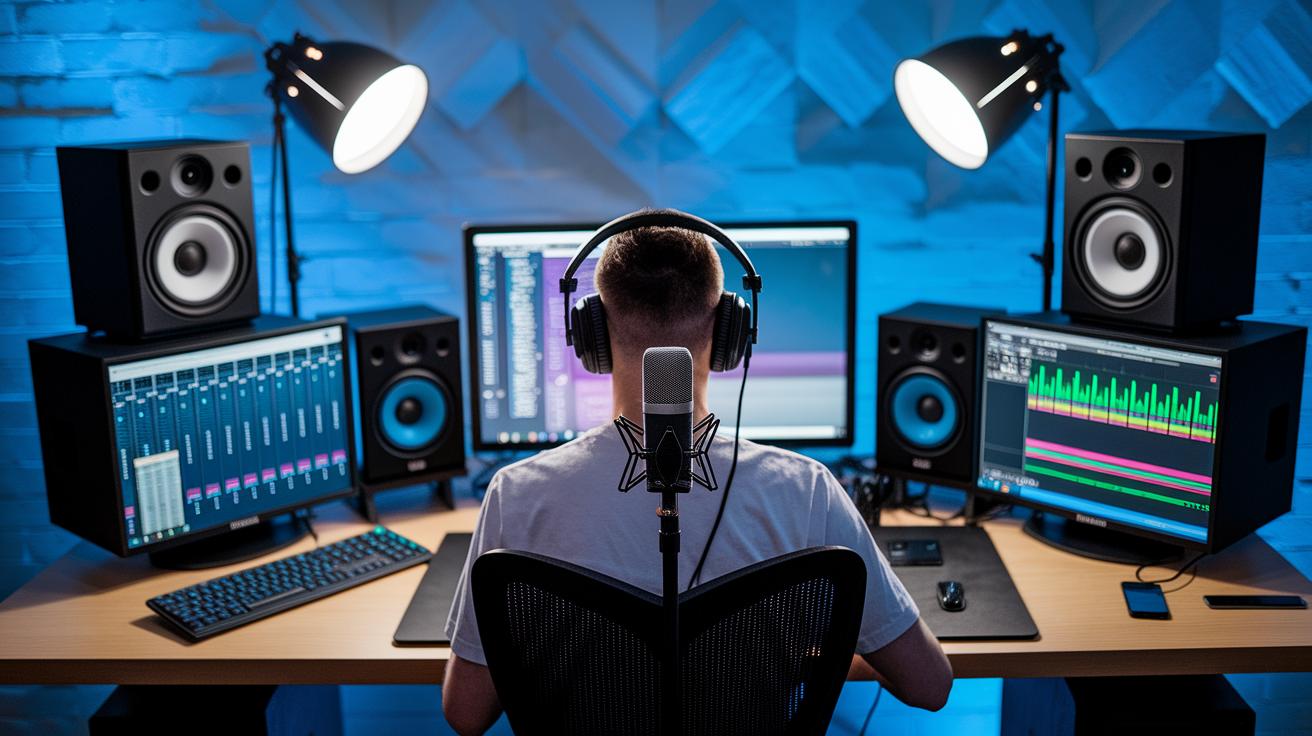
When you’re setting up your stream, nailing the audio is just as key as having crisp visuals. High-quality mics, interfaces, and mixers are the heart of any pro streaming setup. Fancy mics like the Shure MV7+ and Blue Yeti Nano pick up your voice clearly and let you connect using USB-C or XLR, so you can start small and easily level up your gear as your stream grows.
Fun fact: the Shure MV7+ lets you record in both USB and XLR modes, kinda like switching characters in your favorite fighting game. Pair these mics with a solid audio interface like the Focusrite Scarlett 2i2, and you’re in studio-grade territory. This device transforms your analog voice into crisp digital signals so every shout and whisper reaches your fans clearly.
Mixers, like the RodeCaster Duo, take your stream even further. They come loaded with multiple faders and SMART pads so you can tweak your music, sound effects, and mic levels on the fly. With XLR and USB-C inputs, these mixers keep your audio balanced, even when game sounds suddenly get louder.
Don’t forget noise-cancelling headsets. They help you monitor your game audio and mic without picking up background noise. Plus, vibration isolation mounts and adjustable mic arms cut down on desk noise, keeping your voice front and center.
| Product | Type | Connectivity | Approx. Price |
|---|---|---|---|
| Shure MV7+ | Dynamic USB/XLR Mic | USB-C, XLR | $249 |
| Blue Yeti Nano | Condenser USB Mic | USB-C | $99 |
| Rodecaster Duo | Audio Mixer | XLR, USB-C | $399 |
| Focusrite Scarlett 2i2 | USB Audio Interface | USB-C | $179 |
Visual Streaming Gear: Cameras, Lighting, and Green Screens
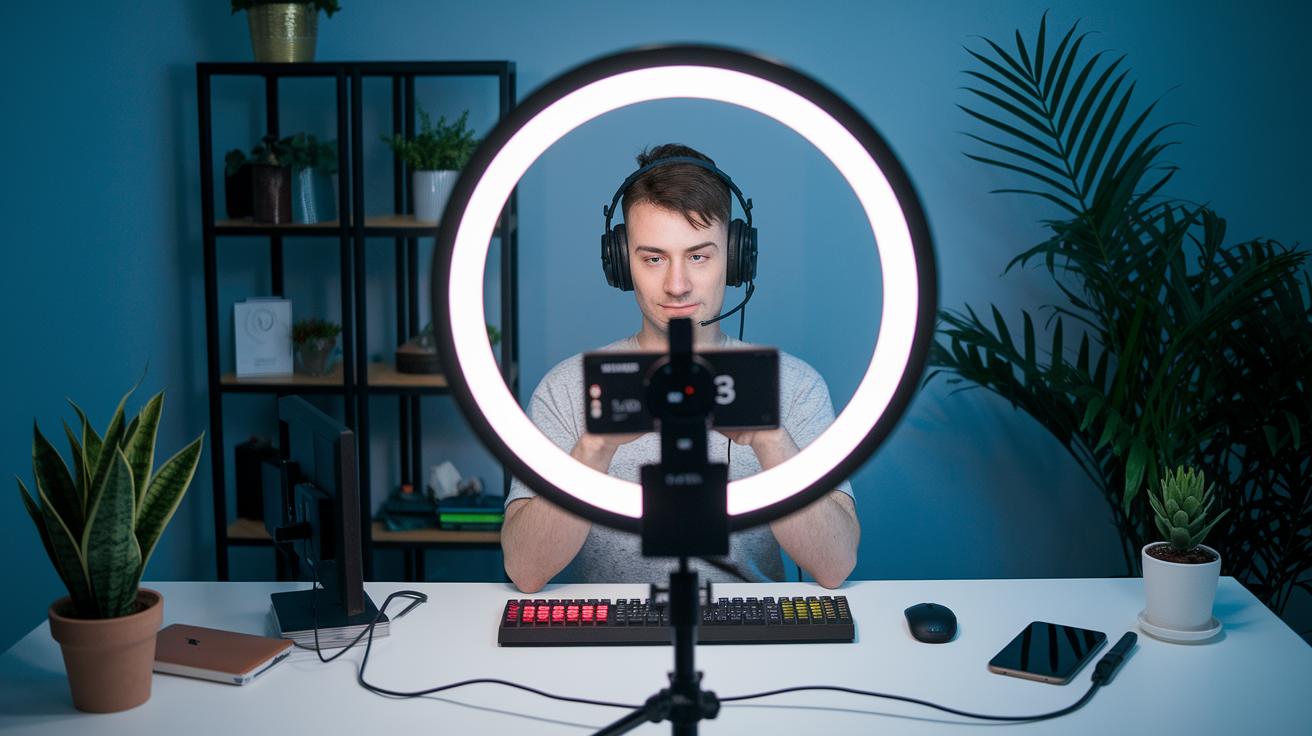
Ever been excited to stream with a camera that nails every game moment in crisp 1080p? A dedicated streaming camera like the Logitech C922 Pro does just that, capturing every move with a movie-like vibe. You might even find yourself saying, "Wow, that camera brought the game to life!"
When it comes to lighting, it’s all about using simple gear. Ring lights like the Lumecube 17.5″ and LED rim lights let you balance key, fill, and back lighting with ease. The diffusers smooth out harsh brightness so that every scene has that perfect, soft glow.
Green screens are a game-changer too. With adjustable models, pop-up or with a handy portable stand, you can swap backgrounds in seconds. Plus, adding multi-angle camera mounts means you can catch all the exciting gameplay from different perspectives. Experimenting with lighting and camera angles is like fine-tuning your loadout, making your setup as dynamic as your gaming.
Streaming Capture and Control: Cards, Decks, and Hubs
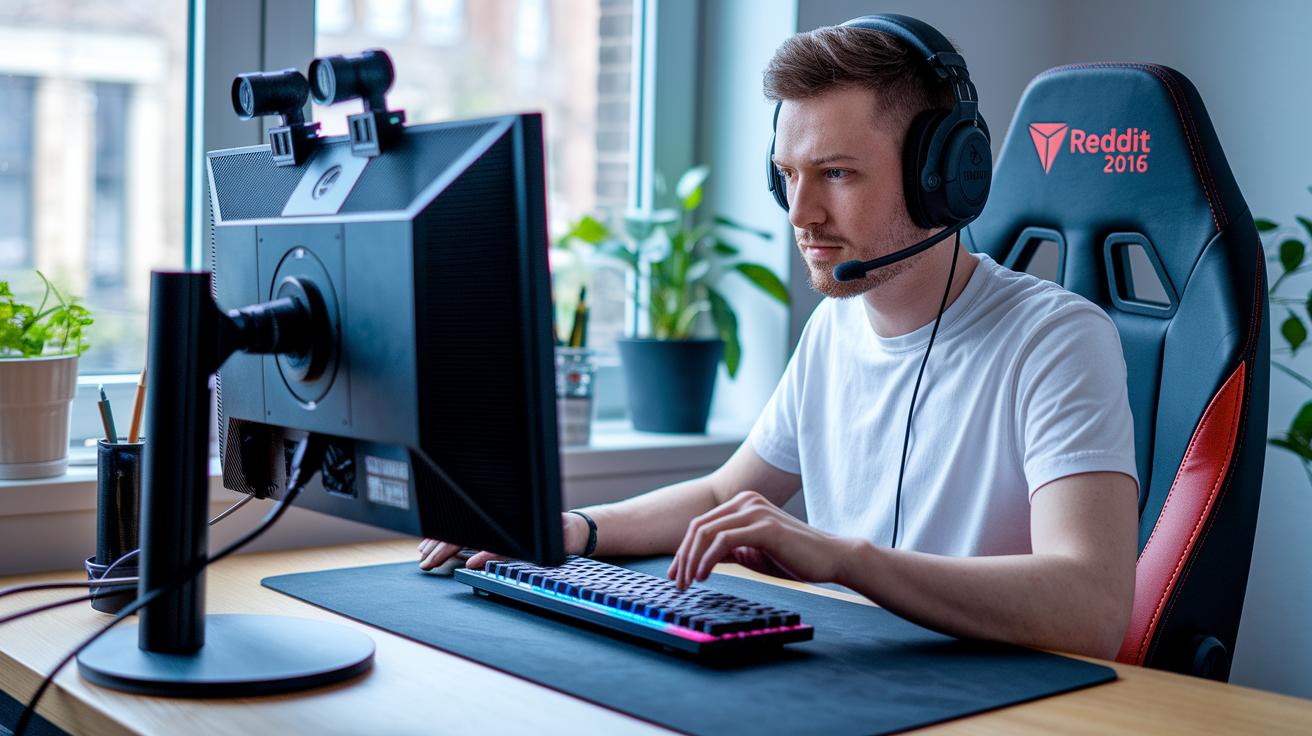
Streaming your gameplay smoothly can really change the game. The right gear makes everything easier. For example, if you're aiming for crystal-clear 4K60, the AverMedia Live Gamer Ultra 2.1 is a solid pick. And if you're all about 1080p60, the Elgato HD60S delivers sharp video over USB. These tools cut down on lag and help keep your setup neat and organized.
Video switchers and external converters let you mix different camera angles on the fly. They’re perfect when you want to show both your face and your game at the same time. Plus, they make it easy to stream across different platforms, which can help you reach more fans.
When it comes to control, stream decks really shine. Take the Elgato Stream Deck, for instance, it has eight keys with dials that let you switch scenes quickly, trigger sound effects, and even run macros with a single button press. This makes your broadcast feel more professional and responsive.
Desktop broadcasting hubs and multi-function USB hubs are great for keeping all your gadgets like mics, cameras, and lights in one spot. They help keep your cables from tangling and your setup looking clean, so you can focus more on playing and less on tech headaches.
All these tools, from speedy capture cards and flexible video switchers to smart stream decks and tidy USB hubs, work together to create a smooth, control-friendly streaming experience that keeps your audience hooked.
Comfort and Ergonomic Gear for Streamers
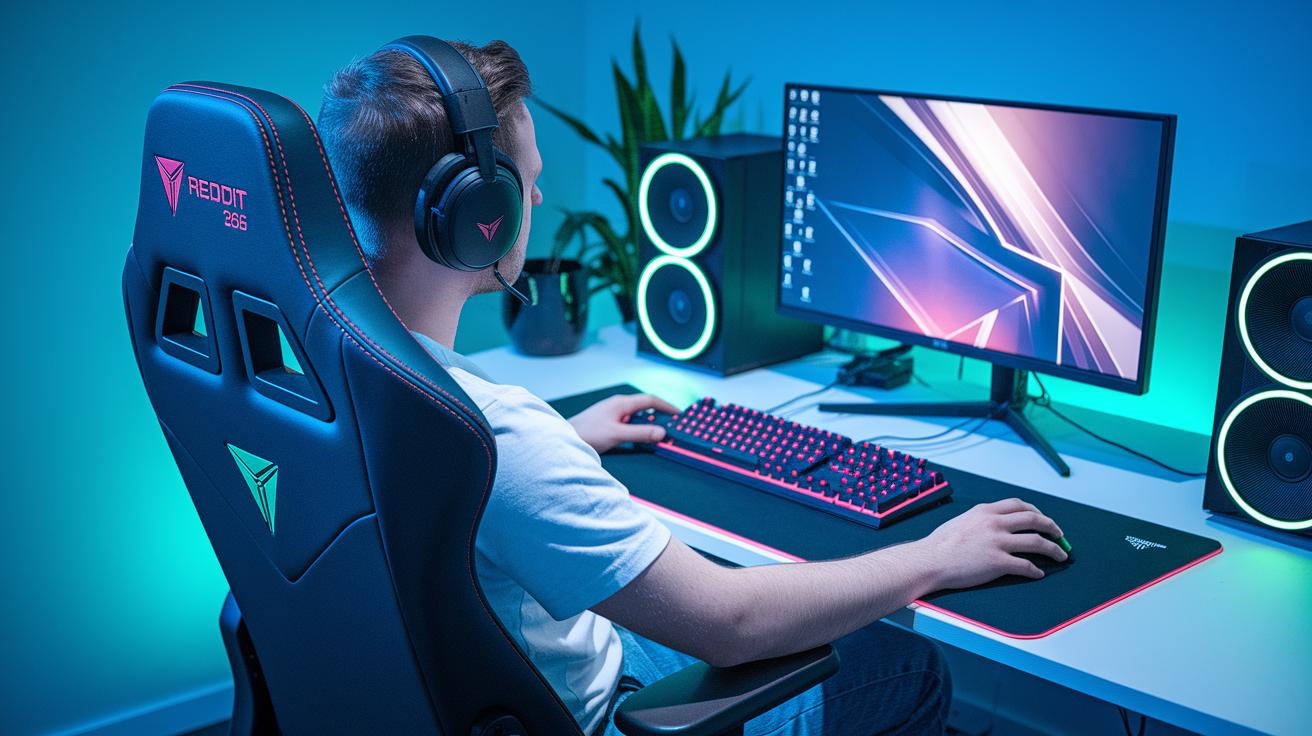
Hey, streamer! You know those marathon sessions in front of your screen? An ergonomic setup can really make a difference. Imagine a gaming chair that fits just right, adjustable lumbar and arm supports, like the ones at gamer gear gaming chair, help keep your back happy so you don’t feel worn out.
Then there’s the mechanical keyboard. It offers that crisp click with every stroke, kind of like the satisfying sound when you pull off a perfect jump in your favorite platformer. And let’s not forget a precision mouse that sharpens your in-game moves; it feels just like having a secret advantage!
Wrist rests and anti-glare filters join the party by taking care of your hands and eyes. Picture your wrists resting comfortably while the harsh screen glare fades into the background, letting you focus on your game without distractions.
And think about a well-organized desk, one with smart cable management and handy organizers. When every cord is in its place, your streaming area stays neat and you never have to worry about tripping over tangled wires mid-game.
All these gear upgrades work together to keep your posture on point, reduce strain, and boost your energy. With the right comfort and setup, every streaming session feels a whole lot smoother.
Studio Environment: Soundproofing and Cable Management
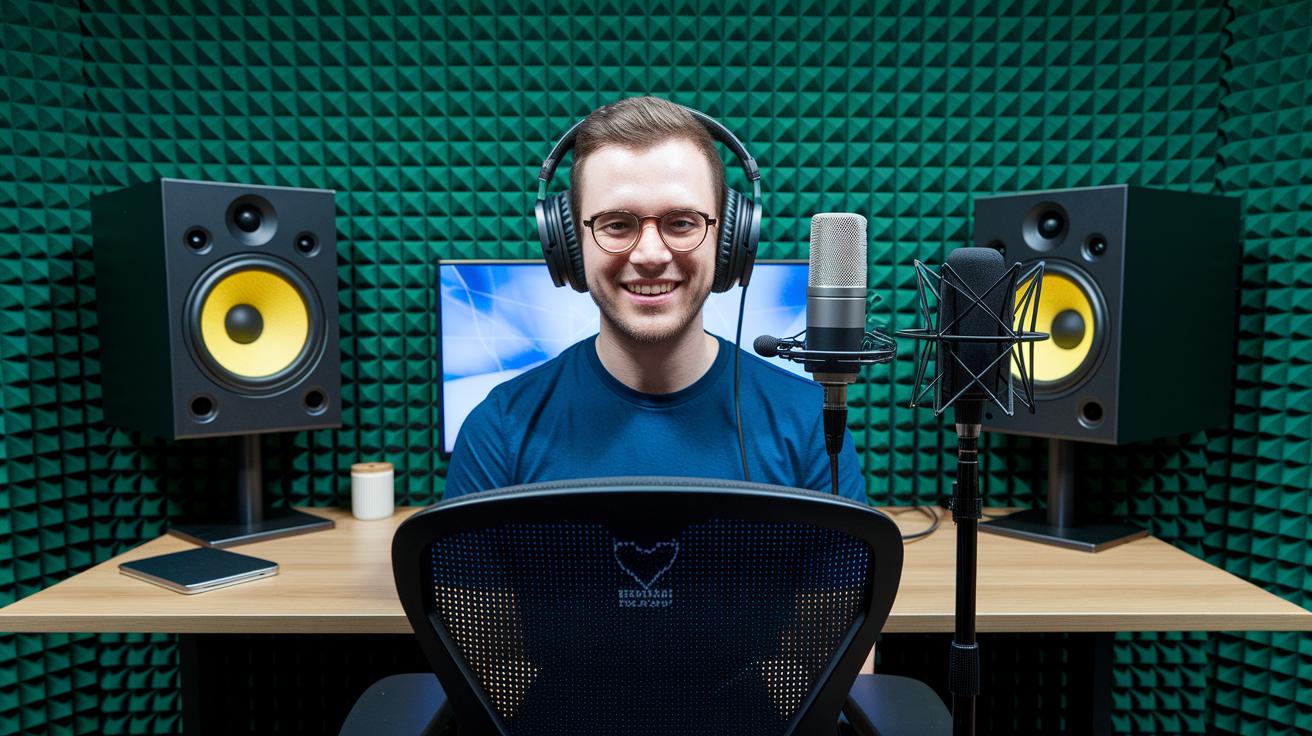
Building a streaming room that really works isn’t just about lining up cool gear; it’s all about setting up your space so your sound and cables are on point. Acoustic foam panels and sound dampeners cut out echoes and background noise, making sure your mic picks up your voice loud and clear. For instance, hanging foam panels on your wall can quiet things down a lot, kind of like tuning a guitar to hit the perfect note.
Soundproofing tricks, like door seals and window plugs, add another layer of protection by keeping random noises out. Think of it as sealing off your base camp so only your game sounds and commentary break through.
On the tech side, using a solid power management unit keeps your pricey gear safe from voltage spikes, making sure everything runs smoothly. Plus, network enhancement tools help keep your upload speed steady, so you can stream in crisp 1080p without lag.
This careful mix of sound and cable management means every moment on stream comes through clear, crisp, and professional, just like scoring that winning play in your favorite game.
Streaming Software and Overlay Tools for Live Production
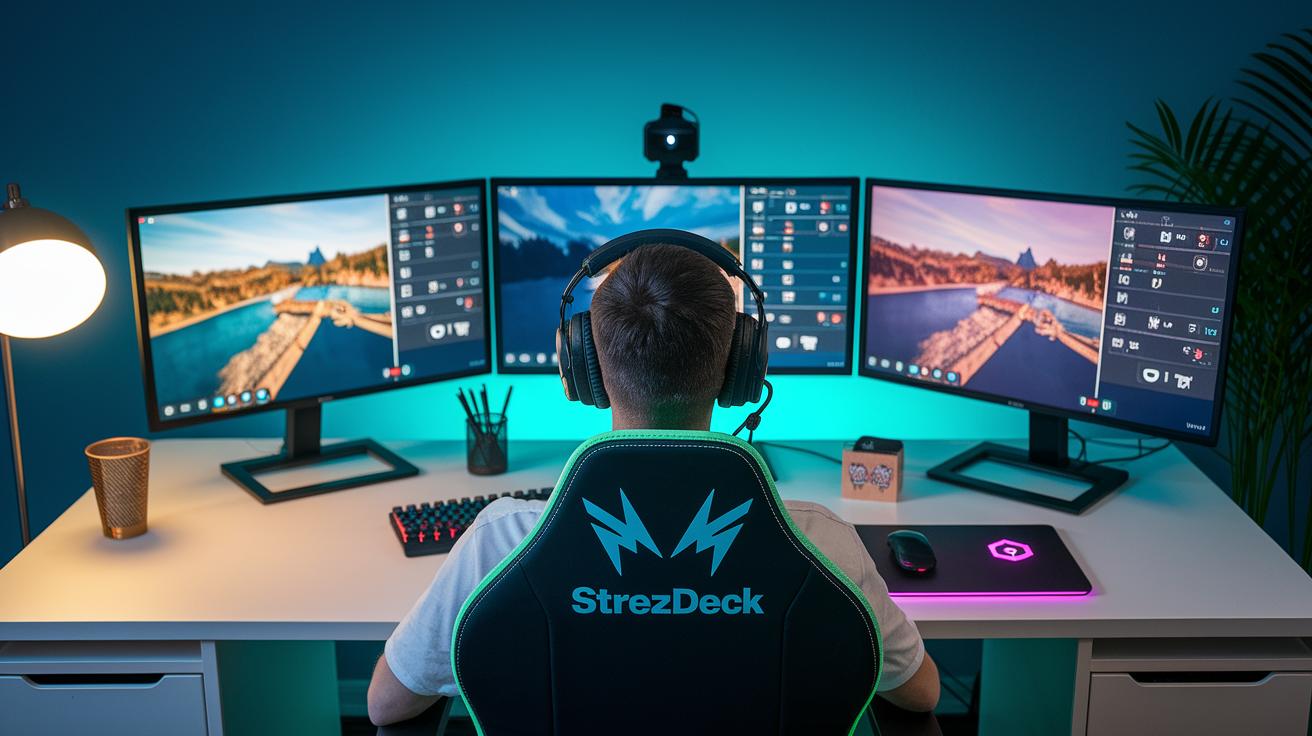
For streamers, solid software is as important as great hardware. Programs like OBS Studio, Streamlabs OBS, and XSplit help you switch scenes and add cool overlays with ease. Imagine triggering a flashy graphic as soon as you hit a milestone, it’s like giving your viewers a mini celebration each time!
Real-time broadcast tools can really elevate your stream. They add animated transitions that blend one scene into the next, making your broadcast flow smoothly. Ever try setting up a neat slide-in effect when switching from gameplay to your reaction cam? It’s a game-changer.
Gadgets like the Elgato Stream Deck are also awesome. One tap lets you adjust your lighting or sound cues instantly, just like swapping weapons during an intense match. Plus, with remote collaboration tools, you can co-stream with friends without any lag. It’s the perfect way to share the spotlight and keep your stream both professional and lively.
Experimenting with these tools gives you more control and helps create a dynamic, engaging broadcast that your audience will love.
Final Words
in the action, you explored gear that cranks up your streaming game. You checked out a range of setups, from pro audio to crisp visuals, smooth capture tools, and ergonomic comforts that keep you playing at your best.
Each section broke down tips and tricks to level up production quality and keep setups tidy. With top gaming accessories for streamers on your side, you're all set to boost your stream into something truly epic.
FAQ
What are some cool gaming accessories and streaming kits for streamers?
The list of cool gaming accessories and streaming kits typically includes a high-quality microphone, HD webcam, LED lights, a stream deck, and even an adjustable green screen. These tools boost production value and viewer engagement.
What equipment do you need to be a gaming streamer or to stream live?
Being a gaming streamer means running a setup with a high-performance PC, a clear microphone, an HD webcam, proper lighting, a capture card, and a handy control panel. This gear keeps your stream crisp and engaging.
What does a gaming streaming setup PC require?
A gaming streaming PC requires a strong CPU, plenty of RAM, and a high-end graphics card. A stable Ethernet connection also helps keep your stream smooth at crisp 1080p60 quality.
What streaming equipment is best for Twitch beginners?
Twitch beginners should start with a basic kit: a cost-effective mic, a reliable webcam, simple lighting, and clear headphones. This beginner-friendly setup lets you build your channel without overspending.
Who is considered the #1 streamer in the world?
Rankings for the top streamer vary with trends, but many fans often mention popular figures like Ninja. The leading spot can change as new stars rise and audience interests shift.
What should I wear while streaming?
When streaming, opt for comfortable, camera-friendly clothes that express your style. A neat and casual outfit helps you feel relaxed, ensuring you can focus on entertaining your audience.