


Ever been stuck feeling sore during long gaming marathons? When your gear weighs you down instead of helping you, it really kills the vibe.
Imagine a chair that hugs you right, a desk that moves with you, and gadgets that get you. That’s what proper ergonomic accessories do, they turn your room into a real command center so you can focus on every move.
Upgrade your setup, and you’ll play better while staying comfy all game long. Ready to step up and game without the aches?
Comfort-Driven Ergonomic Gaming Accessories for Long Sessions

Ever felt like your gaming setup is more of a pain than a power-up? A clunky chair or wonky desk can leave your neck and shoulders sore, like using a laggy controller in a clutch moment. Good ergonomic gear stops that quicksand of discomfort, letting you focus on those epic wins without the constant aches.
When you add the right accessories, you’re not just dodging pain, you’re dialing up your game. Upgrading your space is like turning your usual room into a secret tactical base. With the proper tools, you’re ready to react fast, strategize better, and keep that energy high throughout every round.
Below are some awesome examples:
| Accessory | Description |
|---|---|
| Supportive Chairs | Chairs that hug your back with good lumbar support |
| Adjustable Desks | Desks that let you switch from sitting to standing with ease |
| Mechanical Keyboards | Keyboards offering a satisfying click that feels on point |
| Precision Mice | Mice with settings you can tweak for perfect control |
| Monitor Arms | Arms that position your screen at the ideal angle |
| Adaptive Lighting | Lighting that eases eye strain during those long sessions |
When you get your gear right, marathon gaming isn’t a battle, it’s a breeze. Less fatigue means sharper reflexes during high-stakes moments, turning every match into a smoother, more fun ride. Game on and enjoy the win!
Supportive Seating Gear for Long Haul Esports Sessions
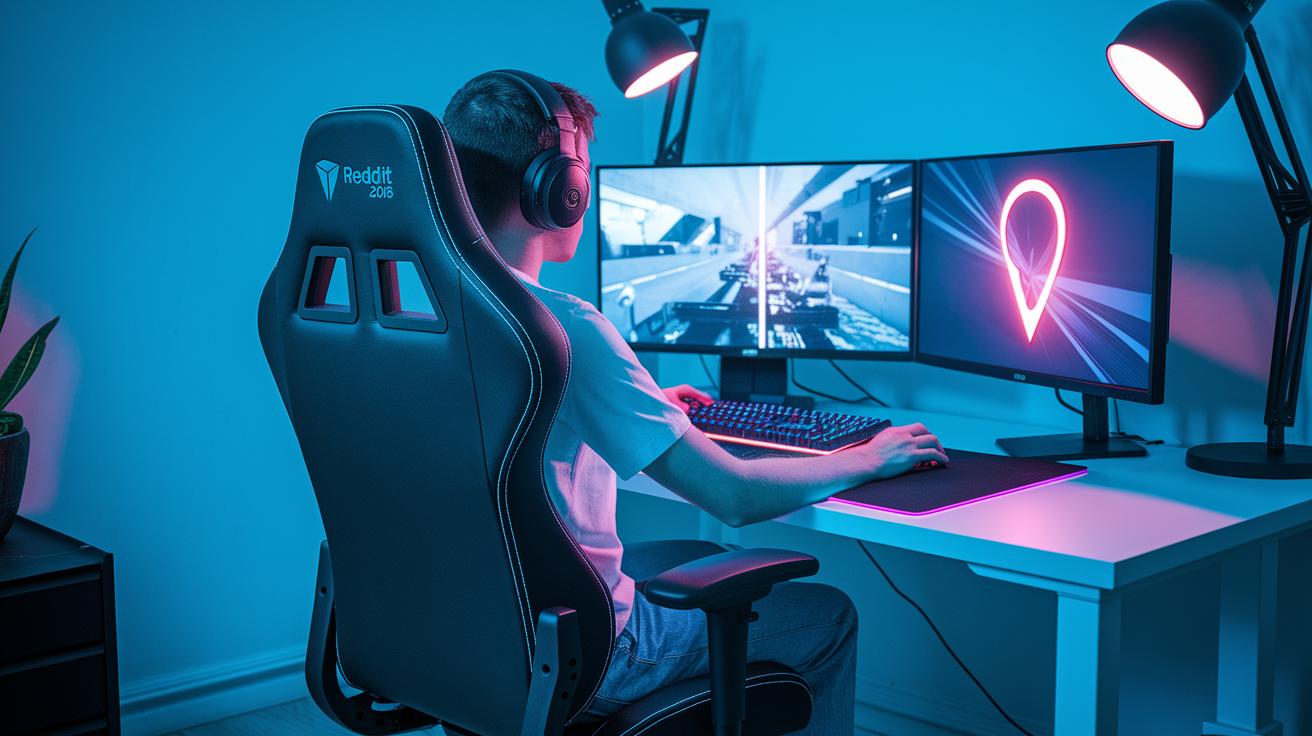
Gamers know that spending hours playing can really take a toll on your body. An awesome ergonomic chair is like having a trusty sidekick that supports you during those epic gaming marathons. It helps you sit comfortably and keeps your back straight so you can focus on the game without pesky aches.
One of the coolest features is built-in lumbar support. Think of it as a safety net for your lower back, easing tension just like a teammate covers your blind spots in battle. It keeps you feeling steady, no matter how heated the match gets.
Getting a chair with adjustable height and recline is a game-changer too. Being able to tweak your seat lets you set up the perfect angle for your desk and monitor. That means less strain on your neck and shoulders, so you can keep your cool even in high-stakes situations.
Memory foam cushions and supportive seat padding are there to save the day as well. They spread your weight evenly, cutting down on pressure during those long, marathon sessions. It honestly feels like the chair was built just for you.
To round it all out, breathable and cooling fabrics keep things fresh. Sure, things can heat up when the game gets intense, but these fabrics let air flow, so you stay cool and focused on those big plays.
| Component | Function | Benefit |
|---|---|---|
| Lumbar Support | Holds your lower back in place | Keeps your posture strong and steady |
| Adjustable Height | Lets you set your perfect seating spot | Matches your desk and monitor setup |
| Memory Foam Cushions | Spreads out your weight smoothly | Prevents fatigue during long matches |
| Breathable Fabric | Allows air to flow freely | Keeps you cool even when the action heats up |
High-Precision Mechanical Keyboards and Ergonomic Mice for Extended Play
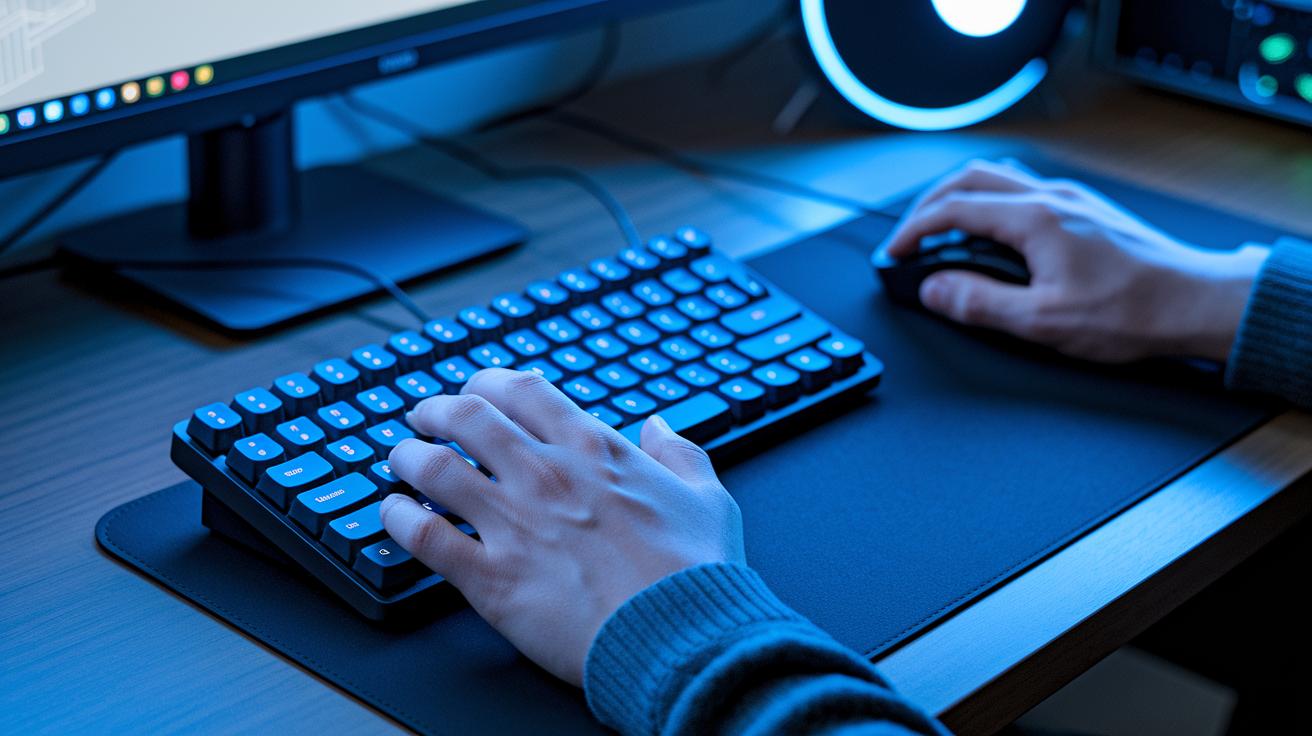
Ever notice how the right keyboard and mouse can feel like a secret power-up for your hands during marathon gaming sessions? A mechanical keyboard gives you that satisfying click, like a mini victory with every tap, while keeping your fingers fresh, even when you’re deep in battle. They come in lots of styles, from left-handed layouts to more compact models, so everyone can game in comfort. And ergonomic mice? They’re designed with shapes that fit your hand just right, whether it’s a vertical style or a smooth, contoured design. It’s like having a custom controller that never lets you down.
When you pair these tools together, you level up your game with unbeatable control and comfort. The keyboard’s responsive keys adapt to every quick move, while the mouse offers pinpoint tracking with a grip you can trust. This combo eases hand fatigue, so you focus on epic wins rather than sore fingers. Whether you’re juggling complex key combos in a fast-paced match or exploring an expansive game world, these designs keep you agile and in the zone.
Ergonomic Keyboard Types:
- Left-handed layouts
- Mini or travel models
- Integrated touchpads
- Numeric keypads
Ergonomic Mouse Styles:
- Vertical designs
- Contoured shapes
- Hands-free models
- Left-handed variants
- Travel versions
Adjustable Workstations and Monitor Mounts for Optimal Posture

Ever tried an electric sit-stand desk? It lets you switch between sitting and standing quickly, which gets your blood pumping and keeps you feeling energized. A smart desk with memory settings shifts modes in just seconds, making sure your setup fits you perfectly after a long gaming session. It’s like reloading your health bar, vital for keeping your back feeling great.
Monitor arms and stands work like magic by letting you adjust the screen to the perfect angle. You can move your display so it suits your neck and eyes, cutting down on strain while freeing up space for extra gaming gear. It’s a bit like lining up that crucial shot in the final round, when everything just clicks, and you’re ready for the win.
And then there’s cable management, which keeps your desk neat and distraction-free. Tucked-away wires mean more space for your peripherals and a natural spot for your arms to rest. A clutter-free setup clears your mind, letting you focus on every in-game move like gearing up before a boss fight.
Targeted Accessory Add-Ons: Headsets, Wrist Rests, and Anti-Fatigue Pads

Good gaming headsets bring clear, rich sound with cool surround effects and noise cancellation so you never miss a teammate's call. For a deeper dive into comfort features, check out this guide on choosing the best gaming headset.
Wrist and forearm supports help relax your hands and keep your wrists comfy during those intense gaming sessions. They cut down on extra strain so you can keep playing without any annoying aches.
An extra-large mouse pad gives you a smooth, non-slip surface that boosts your precision during quick moves and keeps your desk tidy. Paired with anti-fatigue mats, these tools ease leg pressure, especially in sit-stand setups. The mats gently cushion your feet and legs, helping you stay fresh and focused even during long game sessions.
Integrated cable clips and under-desk trays add the finishing touch to your setup. They keep cords neat and out of the way, blocking cable chaos so you can aim for that next win without distractions. These add-ons make your workspace look clean and boost comfort, ensuring you focus fully on dominating the game.
Ambient Lighting and Layout Strategies for Extended Play
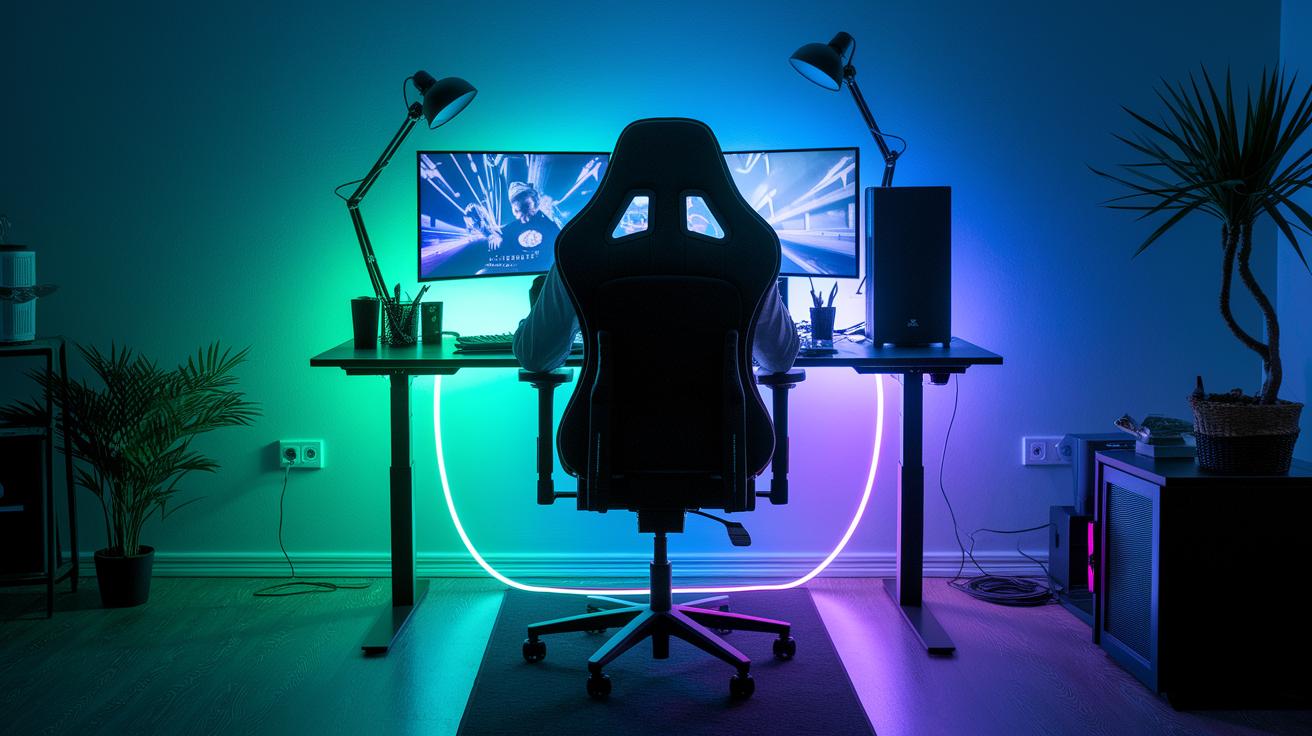
Ambient RGB lighting can totally change your gaming room. These lights show over 16 million colors and change with your gameplay. Imagine your room lighting up like it’s cheering you on during epic boss fights. It cuts down on harsh glare, so your eyes stay comfy even during long sessions.
Under-desk cable trays and clips are a real lifesaver. They hide all your wires so you don't get tangled up while trying to land that perfect headshot. Picture a setup where every cable is neatly tucked away, leaving you free to focus on making those slick moves.
When your desk and chair are lined up just right, everything feels smoother. The perfect screen, keyboard, and chair placement supports your posture and eases strain. This clever layout keeps you comfortable, letting you stay in the zone and play at your best all night long.
Final Words
In the action, our guide tackled key comfort upgrades that boost performance during extended play. We broke down seating solutions, precise mechanical keyboards and mice, adjustable workstations, and handy add-on accessories. Each section offered clear insights to help cut down on fatigue and keep you on top of your game. Remember that choosing the right ergonomic gaming accessories for long sessions can boost both focus and fun. Keep experimenting and enjoy every win!
FAQ
Frequently Asked Questions
What are the best ergonomic gaming accessories for long sessions?
The best ergonomic gaming accessories for long sessions include supportive chairs, adjustable desks, mechanical keyboards, precision mice, monitor arms, wrist supports, and cable management systems. These items reduce fatigue and boost focus during play.
What features make an ergonomic gaming chair ideal for extended play?
The ergonomic gaming chair ideal for extended play has adjustable height, built-in lumbar support, memory foam seating, and breathable fabric. These features keep gamers comfortable during long sessions by reducing strain and discomfort.
How do gamers sit comfortably at a desk and maintain a healthy posture?
Gamers sit comfortably by using chairs with proper back support, adjusting desk height, and positioning monitors at eye level. This setup keeps the spine aligned and helps reduce neck tension during extended play.