


Ever notice how flipping a digital object can feel almost real? It's all because game physics are designed to mimic what we see in the real world. When you watch a barrel spin just right or see raindrops slide over a forest, clever tech makes it happen. In this review, we'll chat about how lifelike interactions and smart environmental clues combine art and science to pull you right into the game. Stick around to see why these little details can totally change your game experience.
In-depth Analysis of Game Physics and Environmental Interactions

Game physics today is like a finely tuned machine that brings life to every move you make. Developers mix cool design with smart tech to get objects moving and acting just like in the real world. Take Half-Life 2 for example, its Havok engine lets you toss barrels to distract enemies. Imagine this: you chuck a barrel, and your enemy loses focus for a moment. It’s a neat trick that makes gameplay more fun and real.
Breath of the Wild takes things up a notch. In this game, everything around you is interactive. You can see the weather change, light fires with just the right materials, and even find tricky terrain that makes climbing mountains a little wild. Picture sparking a fire that spreads smoke and light all around you. It’s like the game world is breathing along with your every move.
Games like Death Stranding 2: On the Beach and Elden Ring: Nightreign show us how deep these ideas go. Every small detail, like the sound when you walk on a surface or a visual change when you bump into something, makes the world feel alive. It’s all about blending tech, art, and interactive fun to keep players on their toes and fully immersed in the game.
Comparing Physics Engines for Real-time Dynamics
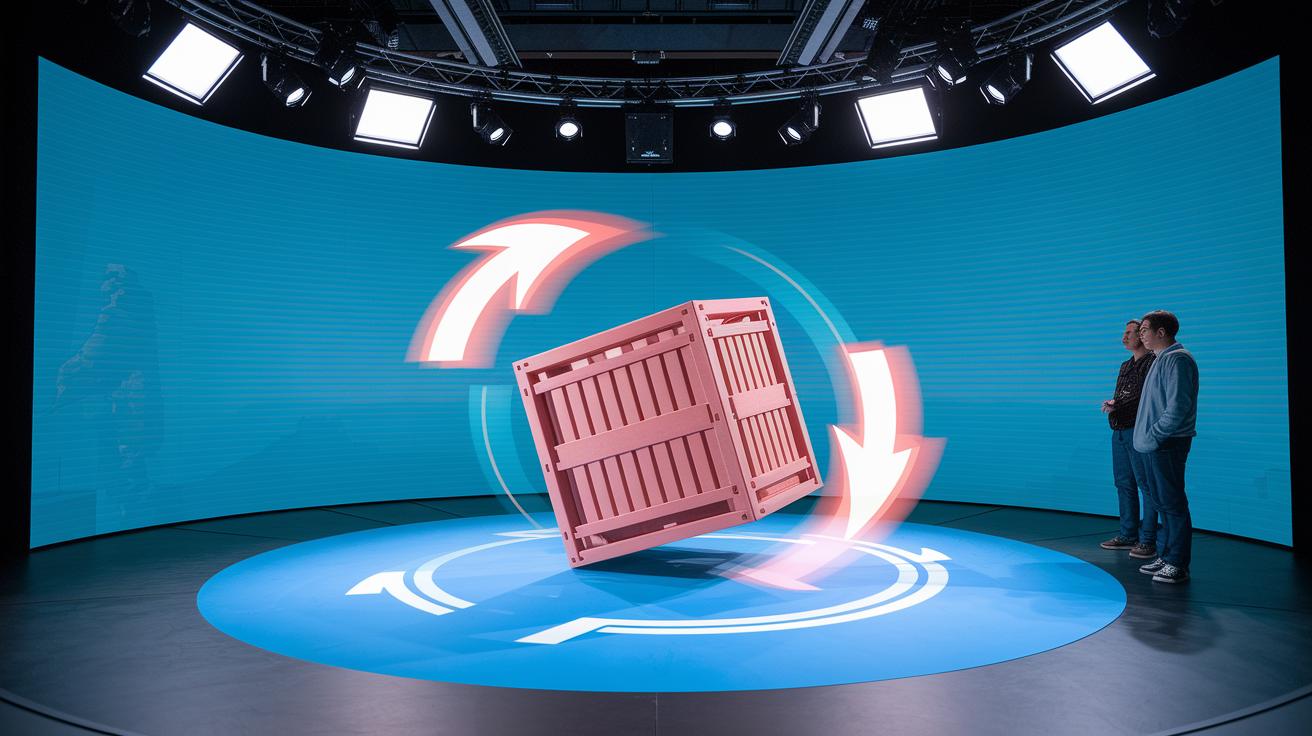
Game physics engines have come a long way. They now use real-time math to make movements feel natural, instead of just playing pre-made animations. For instance, in Half-Life 2, when you throw a barrel, the Havok engine calculates its spin, bounce, and collisions so it acts like a real object. Ever tossed something and marveled at how real it felt?
Performance is a big deal, too. Good engines work smoothly with the game’s graphics and code, keeping gameplay fast and fluid. Each extra calculation matters, just like the perfect team strategy in your favorite co-op session. Many game critics point out that solid physics engines make even the craziest combat scenes look super smooth.
In the end, the best engines handle crashes and sudden changes with ease while keeping everything consistent. They mix clever algorithms with non-stop testing to deliver lifelike object behavior. This upgrade in tech makes every move you make in the game feel reactive and real, like a true next-level gaming experience.
Environmental Simulation Techniques in Popular Game Worlds

Today's games use cool simulation tricks to make their worlds feel alive. Take Breath of the Wild for instance, its particle effects bring fire, smoke, and wind into play in a way that feels natural. Imagine watching a campfire as little embers dance off into the night. It’s these small touches that really pull you into the experience.
Fluid dynamics is another neat part of these games. Water flows just like a real river, and weather changes are handled with real care. Picture raindrops gathering into puddles and then slowly merging into a tiny stream. It’s like nature is playing out right before your eyes.
The magic isn’t only in liquids and particles. Clever 3D modeling builds detailed landscapes where every bump and surface matters. This means you really feel the difference, trudging through soft snow compared to sprinting over hard ground adds an extra layer of immersion.
Dynamic fracturing techniques boost the realism even more. When objects break apart, like walls crumbling under pressure, these effects mimic the chaos of real-life destruction. When a stone structure collapses in a game, the way debris scatters feels surprisingly authentic.
All these techniques come together seamlessly, transforming game worlds into places that truly react to every move you make.
Collision Detection and Response Strategies in Game Physics
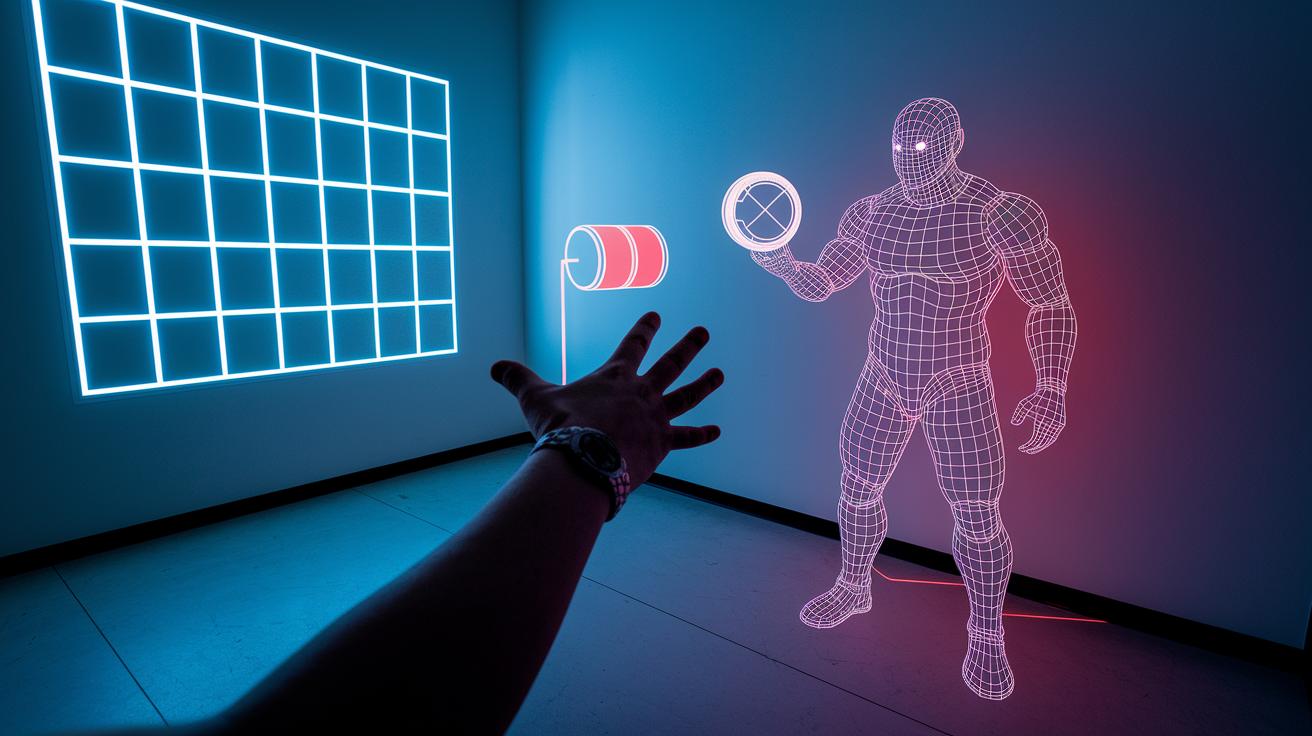
Collision detection is what makes game worlds feel real. Take Half-Life 2, for example, the Havok engine handles object interactions with a clever system that figures out exactly where objects hit each other. Picture tossing a barrel at an enemy; the game calculates the spot of impact so everything reacts just right.
Some games use cool tricks like spatial partitioning, where the game world is split into small areas. Imagine a huge map divided into neat grids, with only objects in the same grid cell being checked for hits. This helps cut down on heavy computing, keeping the game running smoothly even when lots of stuff is moving around.
Collision response is all about making those impacts feel natural. When something hits a surface, the game simulates a bounce, friction, and even a bit of shape change, like a ball gently bouncing off a wall. Its speed slows down gradually, and you might see a tiny deformation on impact. These small effects not only boost realism but also give every collision a satisfying, tactile feel.
Every hit is handled with careful math to deliver behavior that feels lifelike, balancing fast action with solid physics. This way, each collision matters and adds to that immersive, believable game experience.
Soft-body and Ragdoll Physics in Interactive Environments
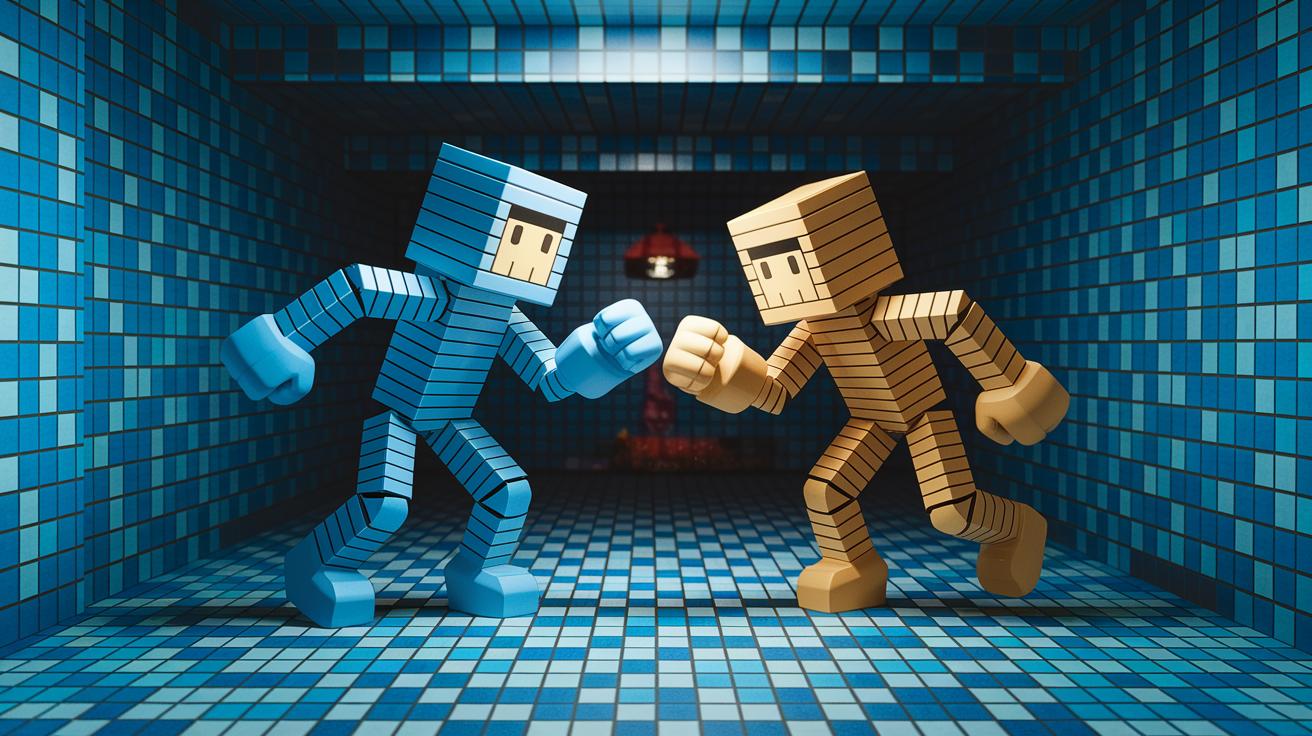
In physics-based 2D platformers, characters move with real momentum and simple collision laws. Designers use soft-body models so that when a character takes a hit or lands from a jump, its body can bend, twist, and even change shape. It's like watching a small figurine gently sag under pressure, making every move feel extra real and alive.
Ragdoll physics steps things up by using a skeletal system that lets characters fall and recover in ways that seem natural. Imagine your hero tumbling after a big hit, their body flops and twists instead of freezing in place. It’s a bit like a marionette losing its strings, adding both surprise and a true-to-life feel.
Mixing soft-body and ragdoll physics creates a fun balance. Designers match flexible movements with kinds of predictable reactions so even wild, chaotic motions keep a bit of order. This combo of bendable models and ragdoll surprises makes gameplay feel engaging and authentically real.
Performance Benchmarking and Optimization Techniques for Physics Simulations

Developers work hard to keep physics simulations smooth and fun. They use clever algorithms and try out tests on different systems to see if everything runs at a chill pace. Imagine a game engine running a quick 60 physics updates every second, but even a small bump in object numbers can push the load up. Getting these calculations just right is key for that flawless gameplay feel.
They also cut out extra physics work you don’t need and share the processing load using multi-threading. In real life, you might see developers lower the detail on collision checks or simplify effects in busy scenes to keep things running fast. Here’s a quick list of common tweaks:
- Adjusting physics update rates
- Adding multi-threading to avoid frame drops
- Dynamically adjusting quality based on your hardware
Benchmarking tools help measure important stuff like update rates, CPU and GPU load, and thread performance. Check out this table for some sample metrics:
| Metric | Sample Value |
|---|---|
| Physics Update Rate | 60 updates/sec |
| CPU Load | 45% |
| GPU Load | 50% |
| Thread Utilization | Optimized across 4 cores |
Using these tests and tweaks, developers pinpoint slow spots and fine-tune simulations to work great no matter what hardware you’re on.
Integrating Physics Systems with Gameplay Mechanics for Enhanced Interactivity

When a game world reacts like it really should, everything feels more alive. Picture stepping into a room where each footstep sets off a soft sound and the lights shift in cool ways, almost like the game is chatting with you.
Think about it: a heavy box crashing to the ground might unlock a secret door, or a wall falling apart could force enemies to change their plans. It’s neat how physics can kick off big moments that change how you play.
Designers often mix movement rules with the layout to make the world feel interactive. Imagine tossing an object that not only distracts your foes but also spills a flickering shadow everywhere, one study even said players felt like they were in a living playground when chaos took over.
Developers stick to a few key tricks to keep things clear:
| What It Does | Why It Matters |
|---|---|
| Triggers visual cues | Makes every interaction pop |
| Matches sounds to actions | Enhances the mood instantly |
| Unlocks secret areas | Boosts that sense of discovery |
By weaving together tech and creative design, game makers turn simple physics into powerful, fun experiences. It’s all about keeping you curious and ready to explore every corner of the game world.
Debugging and Diagnostics of Simulation Systems

When you’re building a game, developers use cool debugging tools to find and fix problems in real-time setups. They run lots of tests and smart algorithms to catch any hiccups early. Imagine your collision mesh, an invisible grid that tells objects how to bump into each other, acting funny. A quick pause, thanks to breakpoints in the physics steps, can show you the problem, kind of like checking a race car’s alignment before a big race.
Next, developers check the motion systems by keeping an eye on update loops and even drawing out collision meshes. This hands-on method helps set quality benchmarks, so every jump, hit, or slide feels real and exciting. Then, a few small tweaks in physics settings can clear up glitches and keep the game running smoothly.
There are also academic tricks from game studies (check out https://funcomputers.com?p=119) that give a step-by-step approach to test these systems. In the end, this ongoing process turns potential bugs into smooth, responsive gameplay that really keeps the action flowing.
Final Words
In the action, we broke down the inner workings of game physics, showing how realistic collisions and environmental effects make gameplay exciting. We checked out concepts like soft-body physics, performance testing, and the blend of tech with level design. This detailed review of game physics and environmental interactions shines a light on the magic behind immersive worlds. It’s amazing to see how advanced systems boost our gaming experience and connect us with the art of digital play. Enjoy experimenting with these insights on your next gaming session!
FAQ
Which open world game has the best physics?
The open world game with best physics is often considered Breath of the Wild. It uses realistic physics to simulate dynamic weather, interactive environments, and object behavior, making gameplay feel truly immersive.
How does physics help the environment?
The way physics helps the environment is by simulating natural forces. It drives effects like fire, smoke, and water flow, which bring the game world to life and enhance the sense of realism.
How is physics used in games?
Physics is used in games to mimic real-world interactions. It controls object movement, collision responses, and environmental dynamics, offering a realistic feel that makes gameplay engaging and believable.
How much physics is needed for game development?
The amount of physics needed in game development depends on the desired level of realism. Developers adjust physics complexity to balance immersive interactions with optimal performance in their games.