
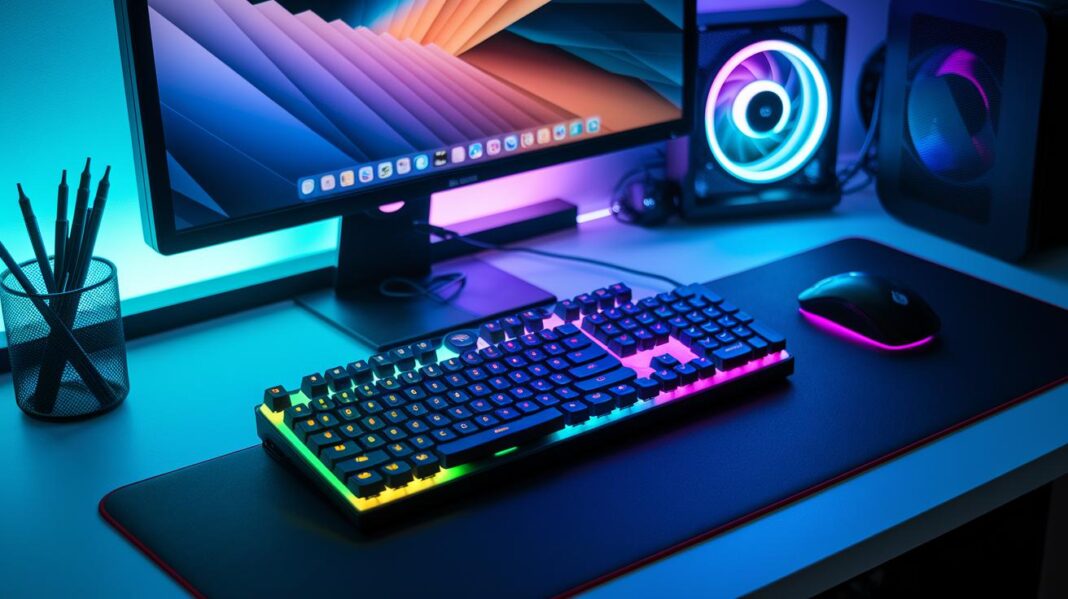

Ever thought your gaming setup could use a little extra pop? RGB lighting gives your station that boost it’s been missing. Picture this: as you play, your desk and screen light up in perfect sync with every move, kind of like having your own private light show during every match.
We’ve handpicked three awesome options that blend cool design with smart, easy controls. Get ready to turn your gear into a vibrant, action-packed centerpiece that brings every game to life.
3 best RGB lighting for gaming gear shines
Get ready to boost your gaming space with a burst of color. The Govee Smart LED Light Bars stand out with their 10.5-inch design that fits screens up to 45 inches. They come in a two-pack, usually under $50, and are super easy to control using the Govee Home app, as well as Google Home or Alexa. Imagine your monitor or desk lighting up and pulsing right along with your game beats – it’s like turning every play into a mini light show.
If you’re after something flexible and budget-friendly, check out the Kasa Smart LED Light Strip. Stretching a cool 16.4 feet and available for less than $20, it lets you switch up the colors however you like. Its easy mounting options mean you can create a custom vibe in just minutes.
Then there’s the dynamic duo: Nanoleaf Shapes and the Govee RGBIC Neon Rope Light 2. Nanoleaf Shapes, usually priced between $180 and $200, offer modular hexagon panels that you can arrange on your wall, complete with Matter and Thread support for that next-level tech flair. The Neon Rope Light 2, which fits perfectly on your desk, gives you multi-zone control via Bluetooth and Wi-Fi, even if it skips Thread connectivity. Both add a smart, interactive touch to your gaming station.
Each of these lighting options combines savvy tech with cool style, syncing up with voice commands or in-app settings to give your setup a refined, epic feel. For more awesome gear ideas, swing by our gaming accessories page.
Comparing Top RGB Light Strips and Kits for Gaming Gear
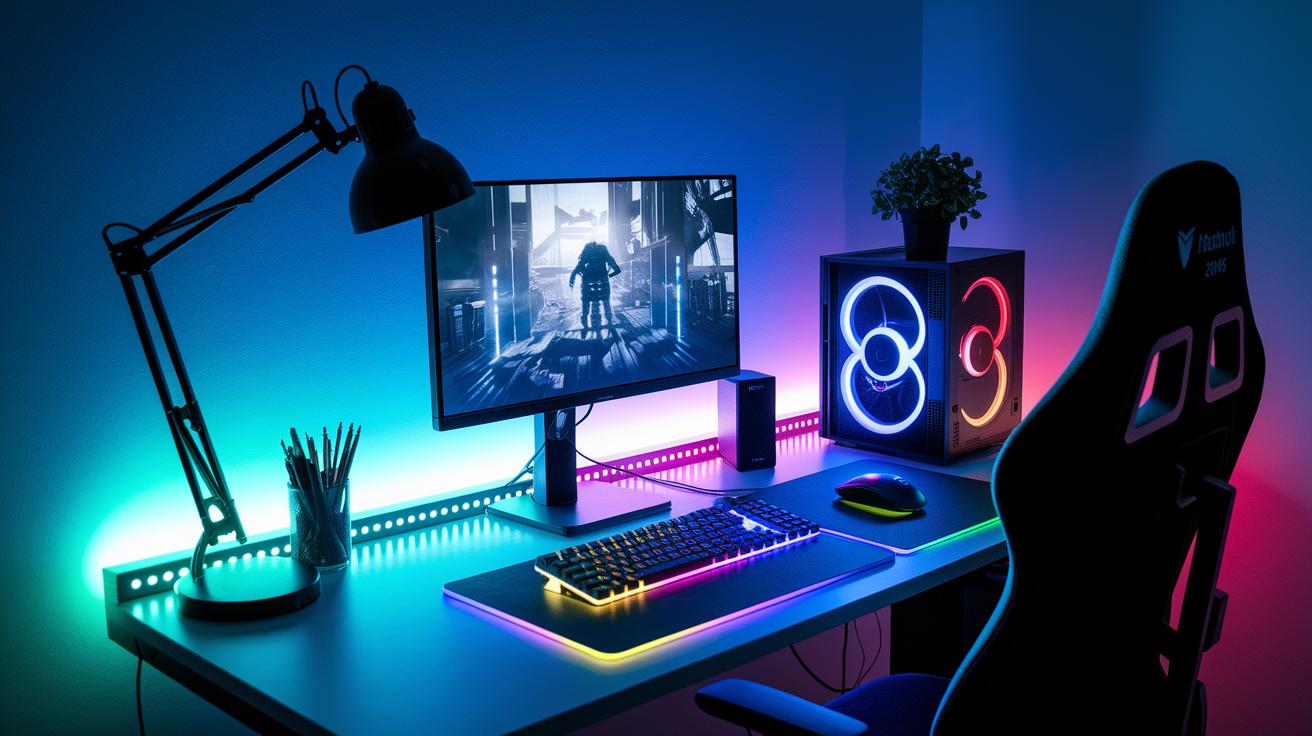
The Govee Smart LED Strip Lights supercharge your gaming setup with bright, dynamic colors. They let you control different zones and sync up with your favorite tunes. You can tweak the settings through the app or even by voice, imagine your room lighting up in time with every in-game beat!
Next up is the Kasa Smart LED Light Strip. This budget-friendly choice stretches a solid 16.4 feet and comes with cool preset colors and a built-in schedule. It’s a great pick if you want eye-catching effects without spending a ton.
If you’re after an ultra-bright vibe, check out the Philips Hue Play Gradient Lightstrip. With 1230 lumens and a 4500 K white light range, it creates smooth, gradient transitions that truly elevate your gaming space. The light adjusts instantly so you can keep up with every move in your game.
Finally, there’s the Nanoleaf 4D Screen Mirror Kit. It reacts directly to what’s happening on your screen, making your room pulse right along with your gameplay. At around $70–$80, it brings a mix of real-looking and vibrant effects that add an extra edge to your gaming battles.
Key Features to Consider When Choosing RGB Lighting for Gaming Gear
When you're picking out lights, brightness and true colors are your best friends. Check the lumens rating to see how bright the light shines. Some models show off bold RGB colors, while others mix it up with RGBWW for those warm, cozy glows. Fun fact: getting your lumens just right can make your game world feel almost alive, like the screen is part of the action!
Next, think about how long the lights are and how you can mount them. Look for options with strong adhesive strips, solid bar stands, or wall mounts that let you place the lights wherever you want them. This means you can create cool zones on your desk or around your room without cluttering up your space.
The way you control your lighting matters too. The best gear works with apps or voice commands through Alexa or Google. Plus, using systems that support Matter and Thread makes future upgrades a breeze.
Lastly, zone customization is key. Some lights allow you to control each LED separately, creating a neat light show that moves in sync with your game. It's like having your very own light concert that pulses with every in-game moment!
How to Install and Sync RGB Lighting with Your Gaming Gear

First, take a moment to plan out your lighting setup. Before you stick any LED strips or light bars, clean the area and figure out where every cable will run. It’s a lot like lining up your favorite toy blocks with a trusty adhesive pad.
Now, let’s get into the installation. Here’s a quick checklist:
- Double-check your cable paths to avoid tangles. Decide which cables go for the light bars and which for the strips.
- Make sure the surfaces you're using are prepped properly. This stops anything from getting misaligned.
- Keep the lights spaced out well. That way, each bar or strip shows off its full, synchronized glow.
Next up, set up your smart control app. If you’re working with LED bars, fire up the Govee Home app. For light strips, grab the Kasa Smart app. And if your setup supports Nanoleaf Matter, be sure to hook that in, too. Think of it as syncing your favorite beat with the perfect light show.
If you want your gear to play nicely together, try syncing it with services like Razer Chroma. Turn on features that let your lights pulse to in-game music, and set up voice control so your smart assistant can trigger cool light effects on command.
Finally, keep your hardware in mind. Place your power supply in a smart spot and use extension cables if you need extra reach. And if you’ve got multiple devices, check if you need a hub to keep everything running smoothly. Follow these easy steps, and your gaming space will light up with a vibe that’s as immersive as your favorite game!
Budget-Friendly RGB Lighting Solutions for Gaming Gear
If you're looking to light up your gaming gear on a budget, check out the Kasa Smart LED Strip. It stretches 16.4 feet and gives you full RGB control straight from your smartphone, all for under $20. Super cool, right?
Then there’s the Govee two-pack Light Bars. Priced around $40–$50 on sale, these bars offer flexible accent lighting you can place pretty much anywhere you need a pop of color.
For those with smart home setups, the Nanoleaf Essentials Matter Lightstrip and Bulb are great picks. Each one costs about $30–$40 and works smoothly with Matter support, making switching colors a cinch.
A standout option is the Logitech Litra Glow. At roughly $47–$60, it delivers an adjustable white tone that’s perfect for streamers needing that balanced, reliable glow during long sessions. Imagine it like setting the stage perfectly for your live broadcast!
- Kasa Smart LED Strip: under $20; 16.4 ft of smartphone-controlled RGB lighting
- Govee two-pack Light Bars: roughly $40–$50; adaptable accent lighting anywhere
- Nanoleaf Essentials Matter Lightstrip & Bulb: about $30–$40 each; smooth smart home integration
- Logitech Litra Glow: around $47–$60; fine-tuned white light ideal for streamers
| Product | Price Range | Key Feature |
|---|---|---|
| Kasa Smart LED Strip | <$20 | 16.4 ft full RGB control via smartphone |
| Govee Light Bars | $40–$50 | Dynamic accent lighting for any spot |
| Nanoleaf Essentials | $30–$40 each | Seamless smart home integration with Matter support |
| Logitech Litra Glow | $47–$60 | Adjustable white tone designed for streamers |
Advanced RGB Customization and Effects for Gaming Gear
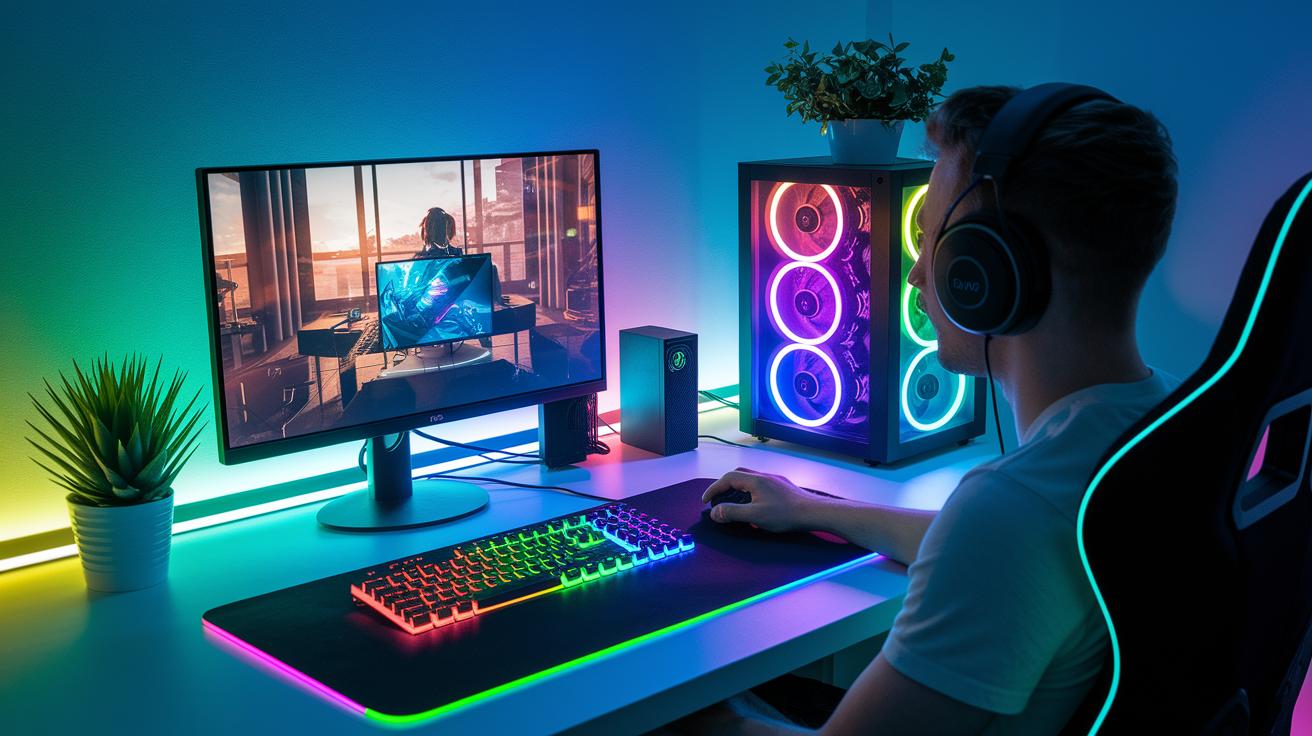
Get ready to power up your gaming space with a setup that bursts into color. Your lights react on the fly, matching every cool move you pull in-game. Imagine your room lighting up in real time, just like the Nanoleaf 4D Mirror, it’s like your game is painting your walls with action.
Now, meet the Govee Floor Lamp Pro. This isn’t your ordinary lamp, it even has a built-in speaker! It syncs with the beats of your game and moves with every twist and turn. With smooth fades and sudden flashes, your gear creates a mood that’s just as epic as the battles you face.
You can also dial in your own vibe by crafting custom light scenes. Using the Govee Home and Nanoleaf apps, set up timed color changes, animated effects, and patterns that match your mood. And if you’re into a full setup, pair your lights with Razer Chroma on your keyboard, mouse, and more. This way, every move is highlighted in a synchronized glow, turning your gear into a living, breathing canvas for your gaming adventures.
Final Words
in the action, we broke down top light picks, compared smart features, and laid out easy installation tips. The guide walked through setting up vibrant effects, syncing setups with apps, and keeping everything budget-friendly. These insights aim to boost your play and bring flare to your setup. Keep checking out the best RGB lighting for gaming gear to amp up your experience and enjoy every glowing moment ahead!
FAQ
Best rgb lighting for gaming gear reddit
The best rgb lighting for gaming gear reddit recommendations often point to products like Govee Smart LED Light Bars and Kasa LED strips for their vibrant colors, smart features, and affordable price points that suit many gaming setups.
Best RGB lights for gaming room and RGB Light for gaming room
The best rgb lights for gaming room setups combine dynamic color effects with easy installation. These lights, like LED strips, transform a gaming room into an immersive space while complementing your other gaming accessories effectively.
Best RGB lights for PC and Best RGB light strips for PC
The best rgb lights for PC setups include high-quality LED strips, offering precise color control and multiple customizable zones that add a sleek, immersive glow behind your rig, perfect for enhancing your gaming station aesthetics.
Best RGB strips and Best light strips
The best rgb strips, including popular models like Govee and Kasa, provide vibrant, customizable colors and easy setup options. They allow gamers to tailor the lighting to match their mood or sync with game audio for extra effect.
Best RGB lights for TV and Best TV light strip
The best rgb lights for TV setups create an ambient glow that enhances your viewing experience. They easily attach behind the TV and can sync with screen content, adding a fun and immersive atmosphere to movie or gaming sessions.
Best RGB light bulb
The best rgb light bulbs for gaming spaces deliver flexible color options and smart control through apps or voice assistants. They offer a subtle upgrade for accent lighting, transforming the room’s mood during gameplay or streaming.
What is the best RGB color for gaming and What LED light color is best for gaming?
The best rgb color for gaming often leans toward cool hues like blue or purple, which create a focused, energizing vibe. These colors are popular as they enhance concentration and reduce eye strain during long sessions.
What is better, RGBW or RGBWW?
RGBW adds a dedicated white channel for a crisp display, while RGBWW offers warmer white tones. The choice depends on whether you prefer a cooler or cozier lighting feel during play.
Are RGB lights good for gaming?
Yes, rgb lights enhance gaming setups by adding ambiance, syncing with on-screen action, and providing customizable color patterns that boost the immersive environment and overall experience.
Best RGB lights for videography and Best lighting for content creators
The best rgb lights for videography and content creation often include options offering adjustable color temperatures, brightness, and smart control. These lights help set the right mood for filming and create visually appealing backgrounds.
Best Alexa compatible LED light strips
The best alexa compatible led light strips integrate smoothly with smart home systems. They offer voice-controlled brightness and color changes, making it simple to set the perfect lighting scene for gaming or room ambience.
Best key light for video
The best key light for video streamers delivers steady, adjustable illumination that minimizes shadows. It enhances video quality during live streams or recordings and is an essential component in a streamlined content creation setup.