

Ever noticed how some teams win big just by talking it out while others just don’t click? Good in-game chat is like your secret power-up. Think back to that unforgettable Valorant round when one smart call flipped the whole game. Clear, quick words spark clever moves that pull your squad together. With a few simple chat tips, you can turn hectic moments into smooth wins that unite your whole team.
Achieving Tactical Victories with Multiplayer Communication Strategies
Good communication can be the secret sauce that turns a messy game into a win. I remember this one round in Valorant where clear shout-outs helped flip an 11–12 score. When teammates share quick updates and really listen, every second counts. It’s like turning high pressure into neat, smart moves.
Teammates who nail clear, friendly commands can easily change tactics on the fly. Using game chat to pass on updates helps everyone get on the same page quickly. Even a short word can spark a well-planned play. These strategies not only boost your game but also tighten your group skills, skills that matter in every match.
- Callout clarity
- Active listening
- Pace control
- Immediate feedback
- Brevity
When you use these simple chat tips, the whole match gets better. Mixing clear voice cues with quick game adjustments builds awesome team synergy. Upgrading your setup with cool tools like Jira or Trello, think of them as power-ups for your gaming rig, adds extra control. Every well-timed word brings you closer to victory, sharpening your focus and uniting the squad. Clear talk turns frantic moments into smart plays that lead to a strong win.
Leveraging Voice and Text for Enhanced Multiplayer Dialogue
When you're in a game, talking fast and clear with your team can be the difference between epic wins and close defeats. Nowadays, the switch from simple text commands to real voice and video chats means you can chat live with your buddies. With low-lag servers, your voice calls and quick messages get through in a flash, even when every split second counts. Plus, features like live translation break down language walls so players from anywhere can join the fray.
Voice Channel Best Practices
- push-to-talk setup
- noise gate tuning
- mic testing
- volume balancing
- channel grouping
- backup comms
These tips help keep your voice chat smooth and clear so you can coordinate your moves in the heat of battle.
Text Chat Optimizations
- preset macros
- quick-reaction messages
- chat filters
- translation tools
Using these handy text features means that even when talking out loud isn’t an option, you and your crew can still share key info in a snap.
When you blend voice and text well, your team gets a powerful edge. A great voice setup lets your crew sync their strategies fast, while smart text chat covers all the details and saves you if tech hiccups happen. Together, they create a steady, in-the-moment dialogue that boosts team play and helps everyone stay one step ahead on the digital battlefield.
Structuring Pre-Match Alignment Sessions in Multiplayer Tactics
A good pre-game meet-up makes sure everyone knows what to do. It clears out any mix-ups and pumps up team spirit before the match. When every gamer gets both the quick tasks and the long haul plan, the team clicks like a well-tuned rig. Even a short huddle can sharpen focus and get everyone amped to perform.
| Activity | Purpose | Duration |
|---|---|---|
| Team Briefing | Set clear goals | 3 min |
| Role Clarification | Assign tasks | 4 min |
| Quick Drill | Test comms & tactics | 3 min |
Tweaking your session to match the game mode and team size can really boost performance. For fast-paced matches, a short and sharp meeting keeps things moving. On the flip side, tougher rounds might call for a longer chat to cover every role. In small teams, a quick talk might do the trick; but larger squads might need to break down duties more. Mixing in a few on-the-spot role changes during the session can cut down on confusion and make sure everyone has a clear job. It’s like a warm-up that not only gears you up for the match but also builds trust among your teammates. Just a few minutes of focused talk can be a game-changer, leading straight to those epic wins.
Implementing Instant Alert Relays and Non-Verbal Cue Systems
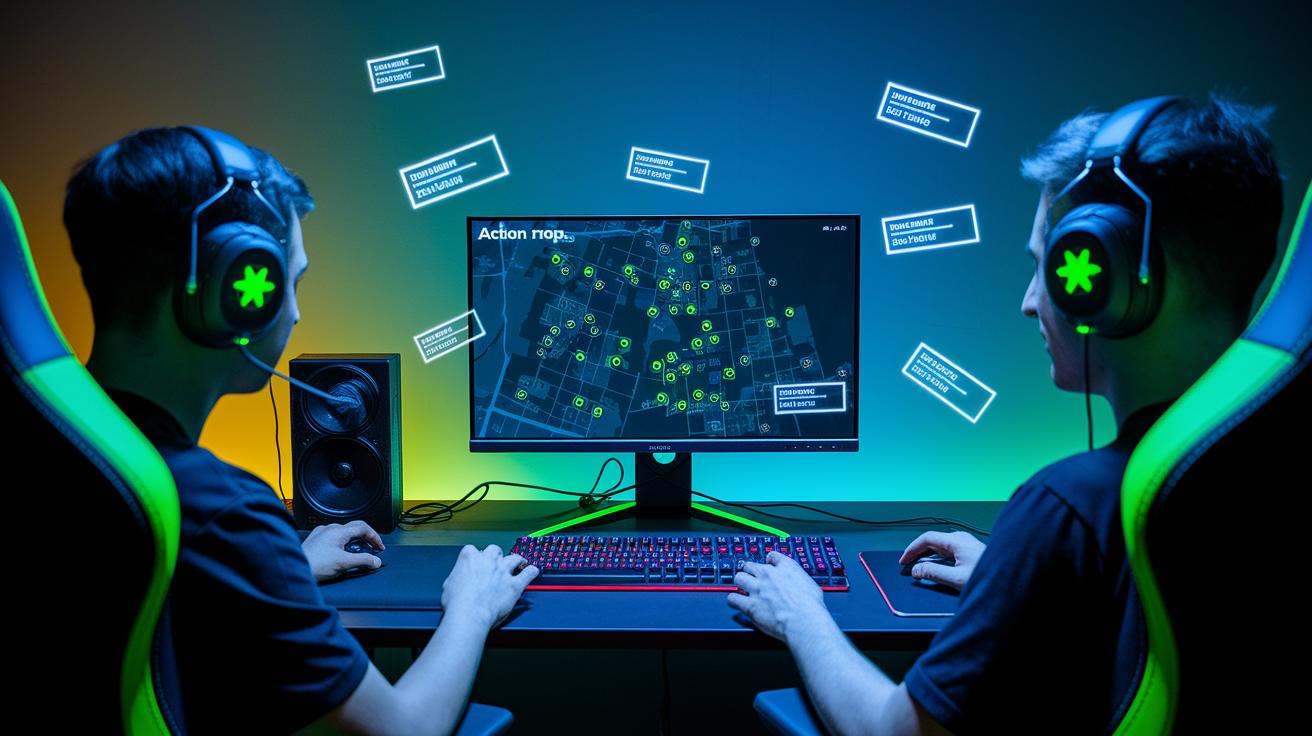
Using standard non-verbal cues like HUD pings and map markers really helps clear up the clutter on your screen. They work like quick visual guides that hang around, so teammates can spot enemy positions or key spots without delay. For example, ever notice how a well-placed map marker can show where an enemy was last seen and force everyone to reposition in a flash?
- Enemy at B
- Rotate to Mid
- Stack Upper
- Plant cleared
- Flank incoming
- Hold position
- Push together
Relying on just visual signals means you always have a clear reminder on screen. HUD pings act as mini signposts that stick around until they're noticed, while map markers do a great job highlighting important spots. This setup skips the lag of voice callouts and works even when the game noise drowns out chat.
Conducting Mission Debriefs with Real-Time Feedback Systems
After every match, having a quick chat about what went down really helps your team level up. A good debrief lets everyone share tips and point out small things that made a big difference. Teammates can quickly highlight what worked and what didn’t, helping improve both individual skills and team tactics. Sometimes, developers even peek at chat logs to tweak the game, making changes faster. Imagine finishing a round and realizing one smart call changed everything – then you get to share that game-winning insight with your crew.
A clear, simple rundown keeps everyone on the same page and builds a solid team vibe. Start by going over the match, then ask clear questions to spot the strengths and areas to fix. This easy chat not only smooths out recurring hiccups but also builds trust among team members. A short, focused discussion reveals what parts of your strategy rocked and which parts could use a boost. Here’s a quick checklist to cover every bit:
- Were any callouts confusing?
- What tactics really paid off?
- Where did communication break down?
- What should we tweak for the next round?
Tools for Feedback Analysis
- Chat-log analyzers
- Replay-review apps
- Shared voice-recording archives
Final Words
In the action, clear communication ties every tactic together. The post covers the critical role of voice and text in harmonizing gameplay, structured pre-match sessions, and effective instant alert systems. It also shows how real-time feedback sharpens overall match performance.
By focusing on key elements like callout clarity, active listening, pace control, immediate feedback, and brevity, you can embrace multiplayer tactics: improving communication for strategic victories. Keep refining these skills for consistent, win-driving team efforts.
FAQ
Q: What are some strategies to improve effective communication and which strategy may be used to improve communication?
A: The effective communication approach uses clear, brief callouts, active listening, immediate feedback, and concise messaging. These techniques help teams coordinate smoothly and boost overall match performance.
Q: How do video games improve strategic thinking?
A: Video games improve strategic thinking by challenging players to plan ahead, analyze situations, and make split-second decisions. This constant practice sharpens decision-making skills in-game and in everyday tasks.
Q: How do online games build friendships, connections, and teamwork among players?
A: Online games build friendships through real-time chats, shared goals, and cooperative gameplay. This environment naturally fosters trust, teamwork, and lasting bonds among players.