

Ever thought a gaming PC could be a total steal?
Picture this: playing your favorite games on a rig that won’t empty your wallet but can still handle all the heavy battles.
In this chat, we're breaking down some seriously cool options that bring solid performance and smart upgrades for any budget. Whether you’re building your own setup or grabbing one that’s ready to go, these picks prove you can get great value without paying top dollar.
So, ready to see just how far your money can take you?
Budget Gaming PC Options: Prebuilt Picks and DIY Builds at a Glance

If you're on a tight budget and want a gaming rig that still packs a punch, you should know the GPU is the star of the show. For a DIY build that won’t break the bank, you can kick off with a setup under $500 using an integrated Radeon 5600GT. It handles 720p gaming pretty well now, and later on, you can swap it for a beefier card like the RTX 5060 or RX 9060 XT when you're ready to level up.
For those of you chasing sharper visuals at 1080p or even dipping into 1440p, mid-range builds priced between $1,000 and $1,500 give you a solid mix. These builds often feature a neat RTX 5060 Ti along with older yet reliable CPUs and memory. In most cases, you’re looking at a decent GPU paired with 16GB of RAM and fast storage that keeps your games running smoothly.
Prebuilt systems offer a hassle-free alternative. Four top picks for 2025 include the Alienware Aurora ACT1250, loved for its small design and cool RGB accents; the Dell Tower Plus, with lots of configuration options from basic Intel graphics to the mighty RTX 5070; the HP Victus 15L, perfect for beginners; and the very flexible NZXT Player PC line, with models like Player One and One Prime ready to custom-tailor your gaming setup. Just remember, the real magic happens with the GPU choice – cards like the AMD RX 6700, delivering roughly 11.3 TFLOPs, even give the PS5 a run for its money.
| Option Type | Model/Build | Price Range | Key Specs |
|---|---|---|---|
| DIY Build | Entry-Level Setup | Under $500 | Radeon 5600GT integrated, upgrade path to discrete GPU |
| DIY Build | Mid-Range Build | $1,000–$1,500 | RTX 5060 Ti, modern CPU, 16GB RAM, 500GB NVMe SSD |
| Prebuilt | Alienware Aurora ACT1250 | $1,000–$1,500 | Compact design, RGB accents, solid performance |
| Prebuilt | HP Victus 15L / NZXT Player PC | $1,000–$1,500 | Entry-level to customizable options for flexible gaming |
DIY Budget Gaming PC Build Guide: Components and Cost Breakdown
Building a gaming PC for less than $500 can actually be a fun challenge. This guide walks you through the process step by step, using everyday parts. Start off with an integrated Radeon 5600GT that handles light 720p gaming perfectly and keeps the door open for a beefier upgrade later, think RTX 5060 or RX 9060 XT.
Pair your setup with a discounted Intel 13th-gen or 14th-gen Arrow Lake CPU that delivers great performance without emptying your wallet. And if DDR5 prices are too high, you can save some cash by going with used DDR4 memory. Always double-check that all the parts work well together, and don’t be afraid to hunt for used parts to stick to your budget.
Here’s a quick breakdown of what you’ll need:
| Component | Cost |
|---|---|
| CPU (Intel 13th/14th-gen Arrow Lake) | ~$90 |
| Integrated GPU (Radeon 5600GT) | Included in CPU cost |
| 16 GB RAM (DDR4 or DDR5 based on deals) | ~$40 |
| 500 GB NVMe SSD | ~$50 |
| 450W PSU | ~$40 |
| Budget Motherboard | ~$50 |
| Case | ~$30 |
With this list, you’re set for a budget-friendly PC that can manage 720p to 1080p gaming today, with plenty of room for upgrades tomorrow. Enjoy the process of putting it together, and get ready to play games on a system built just for you!
Top Budget Gaming PC Prebuilts of 2025: In-Depth Reviews

Recent tests show the Alienware Aurora ACT1250 absolutely nails 1080p gaming while keeping cool without a noisy hum. One gamer even said, "Its compact design and cool RGB lights make setup as easy as flipping a switch in a dark room."
The Dell Tower Plus is getting major praise for smooth, fluid transitions when you dial up the high-end settings. Benchmarks back this up, models with the RTX 5070 breeze through graphic-heavy scenes, clearly standing out from the rest.
Fans of the HP Victus 15L are loving its quiet, efficient performance, even under heavy load. Reviews point out that its neat, compact design and reliable performance make it a perfect starter build for new gamers. For more must-have gear, check out https://funcomputers.com?p=1295.
The NZXT Player PC series, like the Player One and One Prime, catches eyes with nearly 20 different configurations. Recent user updates highlight how easy it is to evaluate components and get everything set up, matching top reviews on the latest gear. Dive into more details at https://funcomputers.com?p=1171.
Budget Gaming PC GPU Hierarchy: Matching Graphics to Your Budget
The Radeon 5600GT built into your system is awesome for smooth 720p gaming. It handles your fave titles nicely without any fuss.
Mid-tier GPUs, like the RTX 5060 Ti, have gotten even better. They improve on design and keep their cool during crazy action scenes. It’s like upgrading to a friendlier, more reliable sidekick in your gaming crew.
Then you’ve got the high-end cards such as the RTX 5080 and AMD RX 6700. These cards work hard to manage heat so you can keep playing for hours without a hitch. Picture this: you choose the RX 6700, and its whisper-quiet cooling means you won’t be bothered by noisy fans during your epic marathon sessions.
For more details on what resolutions to aim for, performance numbers, or even how to build your rig, check out the prebuilt and DIY sections.
CPU and RAM for Budget Gaming PC: Balancing Cost and Performance

When you’re putting together a budget gaming PC, picking the right CPU and RAM is super important. The Intel 13th-gen chip, basically a souped-up 12th-gen, offers solid speed without breaking the bank. Think of it as getting great performance without paying extra.
On the other hand, the 14th-gen Arrow Lake brings improved performance per watt but uses more power. So if you don’t mind a little extra on your energy bill for that extra boost, it might be up your alley.
AMD isn’t left out either. Their Ryzen X3D and Ryzen 7000/9000 series are known for top-notch gaming performance, though they do cost a bit more. If every dollar counts, Intel might be your best bet.
Plus, Intel gives you the choice between DDR4 and DDR5 memory. When DDR5 feels a bit steep, DDR4 still holds its own for your favorite games. Sometimes Intel even throws in free games and software with their bundles, making it an even sweeter deal for budget gamers.
Budget Gaming PC Deals and Pricing Analysis for Wallet-Friendly Rigs
Looking for a good gaming PC deal? Keep an eye out for systems with Nvidia GeForce chips on sale. Often, prices drop during holiday sales or special manufacturer events. It’s all about being patient and ready to grab that bargain when it pops up.
Most of these budget rigs fall in the $1,000–$1,500 range. In that price zone, you’re likely to score a setup with 16 GB RAM, a 500 GB NVMe SSD, a modern processor, and a GPU that easily handles 1080p gaming. It’s like finding the perfect loadout for a smooth gaming session.
Retailers often cut prices well below the usual sticker price, especially during clearance or holiday bundles. For instance, in the UK, a Scan Gaming PC featuring an RTX 5060 Ti can be found for around £960. Savvy gamers know that keeping an eye on rebate deals and limited-time promos can save you even more cash.
So, keep a close watch on both local and online marketplaces. A well-timed purchase might just be your ticket to upgrading from basic graphics to a card that really kicks butt. Stay alert and compare prices, and you'll be set up with an awesome rig that meets both your performance needs and your budget.
Upgrading and Thrifty Tips for Your Budget Gaming PC
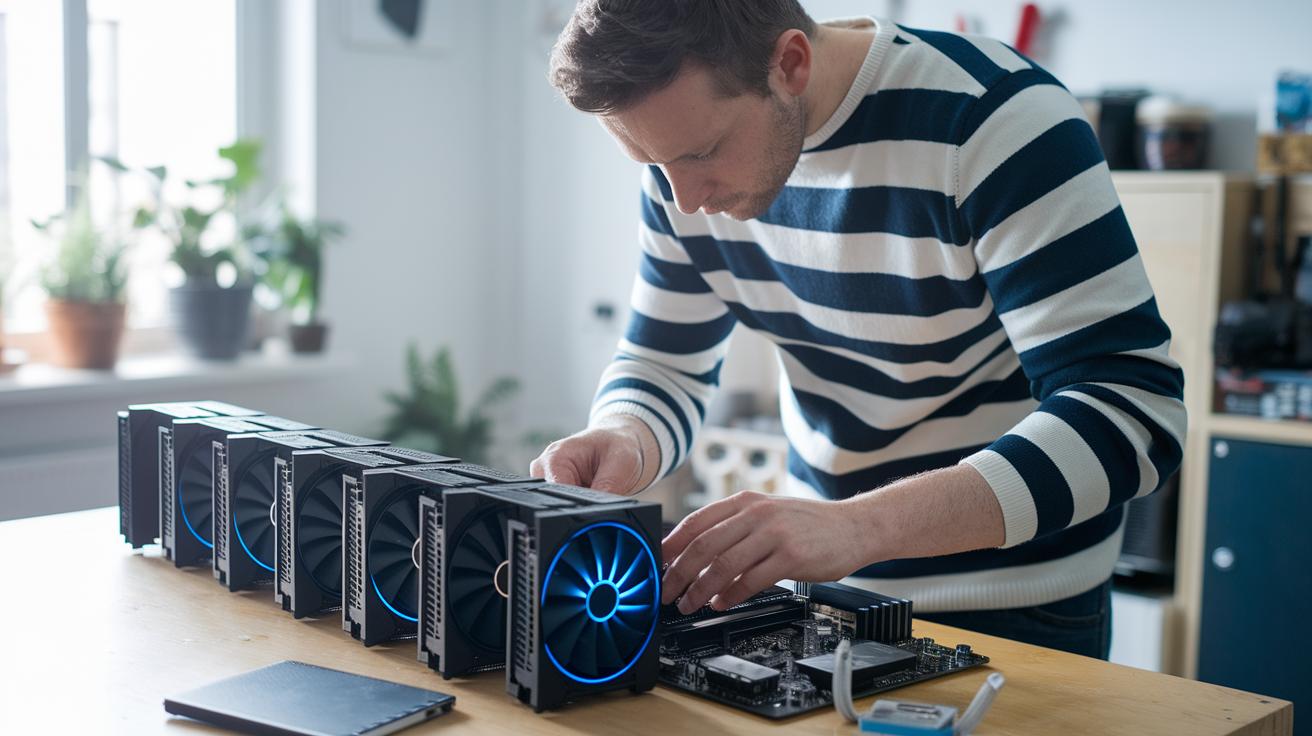
First off, upgrade your graphics. A new GPU can flip your basic integrated setup into one that handles games at smooth 1080p. When you're ready to move on from integrated graphics, check out budget-friendly discrete cards that run modern titles without costing a fortune.
Next, take a moment to verify your motherboard’s socket compatibility for future CPU upgrades. This quick check means you won't have to swap out the whole board when it’s time for a new processor. Plus, look around the second-hand market for gently used GPUs and storage options. You might score parts that give your rig a solid boost without busting your budget.
Also, don’t forget your power supply. A PSU with extra capacity keeps your new components running safely. Small upgrades like faster storage or more RAM can really enhance your 1080p performance. And always keep an eye on heat and power draw, especially if you’re rocking an older Intel CPU. Investing in better cooling now might save you headaches later. Little, cost-effective tweaks today can build a strong foundation for future upgrades and keep your gaming performance on point.
Final Words
In the action, we broke down solid tips for both prebuilt picks and DIY builds. We looked at setups from under-$500 to mid-range choices that bring great gameplay and clear upgrade paths. We also covered key CPU, RAM, and graphics card insights along with money-saving improvements. With this guide, building your budget gaming pc has never seemed easier. Enjoy turning your setup into a solid win every time you play.
FAQ
What insights do Reddit threads offer on budget gaming PCs?
What does building a budget gaming PC involve?
What are the best budget gaming PC prebuilt options available?
What does a budget gaming PC with NVIDIA offer?
| Option Type | Model/Build | Price Range | Key Specs |
|---|---|---|---|
| DIY Build | Custom Budget Build | Under $500 | Integrated Radeon option, upgrade path to discrete GPUs, Intel 13th-gen CPU |
| Prebuilt | Alienware Aurora ACT1250 | $1,000–$1,500 | Compact design, tasteful RGB trim, upgrade-ready |
| Prebuilt | Dell Tower Plus | $1,000–$1,500 | Configurable from integrated graphics to RTX 5070 |
| Prebuilt | HP Victus 15L | Entry-level pricing | Clean compact chassis, cost-efficient design, ideal for new gamers |