


Ever wondered if your PC could capture the thrill of live guitar? Rocksmith on PC makes it happen by turning your computer into your own mini concert hall. Imagine jamming your favorite chords while watching your skill level jump a few notches, it’s kind of like leveling up in a game.
Setting it up is super simple. A few easy steps transform your desk into a smooth, fully tuned rig ready for action. In this guide, we break down everything from installation to fine-tuning your setup so you can kick back and enjoy playing guitar like a pro every time.
Setting Up Rocksmith on PC: Installation & Initial Configuration
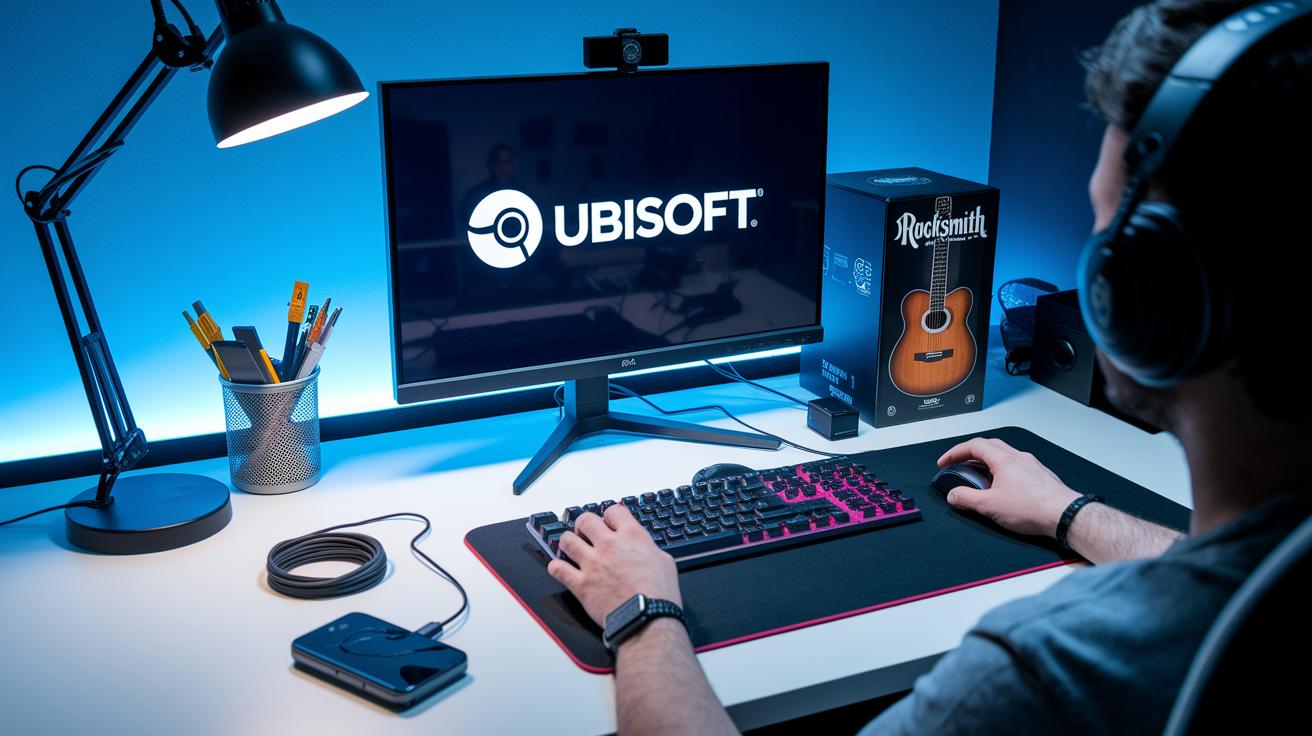
Ready to rock? Grab Rocksmith from Steam or Ubisoft Connect. When you buy it, you’ll get a special PC code to start playing on your Windows computer.
- Purchase and download Rocksmith through Steam or Ubisoft Connect.
- Enter your activation code and sign in to your Ubisoft account.
- Run the installer and pick where you want the game installed.
- Download and install any game patches.
- Connect your Real Tone Cable so Windows can find the right drivers.
- Start Rocksmith and go through the setup wizard to calibrate your game.
Once you finish these steps, your PC is all set. Register with Ubisoft, then jump into the Learn-and-Play mode. This beginner-friendly tutorial helps you get used to the controls using your real guitar. The setup wizard adjusts your audio like you’d tune your guitar before a big show, making sure every chord rings clear. Enjoy the smooth ride from installation to playing your first strum!
Rocksmith PC System Requirements & Compatibility
Having the right hardware is key to a smooth game session. When your PC meets the Rocksmith 2014 system requirements, lag during your riffs and solos becomes a worry of the past. A good setup ensures every chord rings out clear and true, as if you were playing for a live crowd. Stick to these guidelines and you can enjoy your guitar skills without worrying about glitches.
| Component | Minimum | Recommended |
|---|---|---|
| OS | Windows 7 SP1 | Windows 10 64-bit |
| CPU | Intel Core i3 2.0 GHz | Intel Core i5 3.0 GHz |
| GPU | DirectX 10 compatible | DirectX 11 compatible |
| RAM | 4 GB | 8 GB |
| Storage | 6 GB free space | 10 GB free space |
| Audio Interface | On-board sound | USB Real Tone Cable |
Don't forget to double-check your PC against these requirements. Update your drivers or firmware when needed so that your Real Tone Cable works perfectly. Keeping your setup up-to-date means less time fiddling with tech issues and more time jamming out.
Calibrating Your Real Tone Cable for Rocksmith PC

When you start, make sure your cable’s driver is up-to-date. Open the Device Manager on your Windows PC and find the USB Real Tone Cable under Sound Controllers. Right-click to update the driver and check its version. If it shows an old date, update it right away, like swapping out a worn guitar string before a gig. This quick step stops lag and keeps your guitar sound pure.
Next, launch Rocksmith and let its built-in calibration tool work its magic. It listens to your playing and adjusts your input volume and noise gate so that every strum comes out crisp. When it asks, "Is your sound level good?" think of it as a quick sound check before your big performance, making sure your guitar input feels just right.
If you run into any USB issues, check for loose connections or driver conflicts. Give the cable a gentle wiggle to ensure it’s snug in its port, and make sure no background programs are interfering. Sometimes, simply restarting your computer or reinstalling the driver can fix the glitch, kind of like retuning your guitar after a long session. Tackle these issues early so that you can enjoy flawless input in Rocksmith every time.
Rocksmith PC Gameplay Features & Learn-and-Play Guide

Rocksmith on PC makes jamming on your guitar a blast. It gives you neat gameplay modes and learning tools that fit your style. Whether you're just starting out or already rocking hard, it keeps your practice fun and on point.
Dynamic Difficulty Adaptation
Rocksmith checks out how you're playing and shifts the challenge of each riff in real time. It watches your speed and accuracy, then adjusts the difficulty so you're never too stressed or too chill. You can even tweak the leveling slider to find that perfect balance. When a riff suddenly feels too tough, slide it down a bit so you still get a challenge without feeling overwhelmed.
Massive Song Library & DLC
Starting with a set of 50 awesome tracks, Rocksmith lets you explore all kinds of tunes as you learn. And if you crave more variety, you can grab extra songs through official DLC, the in-game store, or even the Steam workshop. There’s always something new to keep your sessions lively and fresh.
Practice Tools & Metronome Mode
Stuck on a tricky riff? No worries. Rocksmith’s practice tools let you loop specific parts so you can nail them one step at a time. With an adjustable tempo, you can slow down those hard sections until you’re ready to speed it up again. The built-in metronome keeps your timing sharp, like having a mini coach right there with you. Plus, all your progress is tracked with handy in-game stats and fun achievements that make every win feel epic.
Troubleshooting Common Rocksmith PC Issues

Silent install hiccups can really throw off your flow. When Rocksmith doesn't install right, give Steam's Verify Files a try. This tool checks for missing or broken files, a bit like tuning up your guitar before you jump into a jam.
Sometimes the Real Tone Cable doesn't get recognized. In that case, unplug it, wait a moment, and then plug it back in. If that still doesn't work, reinstall the drivers and try another USB port. Think of it like tweaking your instrument settings when one note just doesn't sound right.
If you run into audio lag or crackling while playing, switch your audio output or adjust your buffer settings. These simple tweaks can fix timing issues, so that everything sounds sharp, and every chord lands perfectly.
For issues with patch updates or DLC downloads, clear your Steam download cache or log out and back in. This refresh often fixes the problem and gets you back to making music in no time.
Enhancing Rocksmith PC Performance & Subscription Options

Messing around with the game’s graphics and audio settings can totally boost your PC’s performance. Lowering some of the graphic details eases the strain on your CPU, which helps your computer run smoother, especially during those intense play sessions. Adjusting the audio buffer stops annoying delays or choppy sound, keeping every guitar chord crisp and in time. It’s kind of like tweaking your gear before a show, small changes can really smooth out the framerate and overall play. Imagine turning down a few extra details in a chaotic level so your main gameplay can shine bright.
Rocksmith+ gives you a fresh twist on playing the game compared to just buying it once. This subscription setup even offers a free trial, letting you test out new songs and tools without any long-term commitment. With its in-game dashboard, you can keep track of your lesson progress and watch your stats grow as you play. It’s perfect for players who dig a flexible approach and love getting regular updates on their guitar sessions. Think of it as having a buddy who’s always there to help fine-tune your skills.
rocksmith pc: Play Guitar with Pure Joy

When you fire up Rocksmith on PC, you’re not just playing a game, you’re joining a buzzing crew of guitar lovers. There’s a forum packed with over 542,510 members chatting about their gear, sharing progress, and swapping tips in nearly 11,000 lively threads. People are always talking about how to nail that killer sound, smooth out tech issues, or find new ways to crank up the fun. And if you’re into custom song projects, you’ll love the spots dedicated to them, where cool tools like CustomsForge Song Manager, Editor on Fire, and DLC Builder light up endless creative ideas. Every discussion feels like hanging out with a friend who totally gets your guitar passion.
Need a quick assist or a burst of inspiration? Jump into the official Rocksmith Remastered Discord support channel. There, players share live tutorials, dish out hands-on advice, and cheer every new chord that lights up your playing.
Final Words
in the action, we walked through getting Rocksmith running on your Windows PC, from downloading the game to setting up your Real Tone Cable. We broke down system specs, installation steps, and calibration tips to make sure your setup runs smooth and steady.
We also covered gameplay options, performance tweaks, common fixes, and hot community insights. Rocksmith pc offers not only epic tunes but also a fun boost to your gaming style. Enjoy rocking out and leveling up your skills!
FAQ
Q: How do I get Rocksmith on PC via Steam?
A: The question means you can purchase and download Rocksmith on PC through Steam. After buying it, use your PC key to activate the game and install the required updates for smooth performance.
Q: Can I play Rocksmith on my PC?
A: The question means you can play Rocksmith on PC if you have a valid game key and a system that meets the requirements. The game is available via Steam or Ubisoft Connect.
Q: What is Rocksmith Plus?
A: The question means Rocksmith Plus is a subscription option that offers ongoing content, an updated song library, and extra features to enhance your gameplay experience.
Q: What is the Rocksmith PC Cable?
A: The question means the Rocksmith PC Cable is a specialized USB cable required to connect your guitar to your computer, ensuring your instrument’s input is captured accurately during play.
Q: Why was Rocksmith removed from Steam?
A: The question means Rocksmith was removed from Steam due to changes in licensing and distribution, shifting availability mainly to other platforms like Ubisoft Connect.
Q: Is Rocksmith free for PC?
A: The question means Rocksmith is not free for PC. Players need to purchase it through platforms such as Steam or Ubisoft Connect, although a trial option may be available now and then.
Q: Is Rocksmith discontinued?
A: The question means Rocksmith is not discontinued. The game continues to receive support and updates, with Rocksmith Plus providing fresh content and improvements.
Q: On which consoles can Rocksmith be played?
A: The question means Rocksmith is available on multiple consoles, including PS4, PS5, and Xbox, alongside the PC version, offering a choice for fans across dedicated gaming systems.