


Ever noticed how your game suddenly feels different? Patch notes are like your secret teammates. They fix those annoying glitches, tweak the balance, and even add cool new features.
At first, these notes might seem like just a boring list. But really, they hide the magic that makes your gameplay smoother and more fun.
In this guide, we'll chat about how to read these notes like a pro. Focus on the bits that affect your play, and soon you'll see how a little knowledge can really level up your game.
How to Read Patch Notes in Video Games
Patch notes are the updates game makers post after a game's launch to show you all the fixes, tweaks, and cool new additions. They break down what’s been changed, like fewer bugs or fresh gameplay options, so you know exactly why your game might start feeling a bit different.
Most patch notes are set up in a clear, easy-to-read way so you can find what matters fast. You’ll usually see sections like:
- Bug Fixes: Quick details on stopping crashes, glitches, or odd behaviors.
- Balance Changes: Info on little tweaks that keep the game fair and fun.
- New Features: Announcements about extra content or new mechanics.
- Quality-of-Life Improvements: Updates to smooth out controls, menus, or other parts that make playing easier.
When you're flipping through patch notes, keep an eye out for short summaries and clear headings that shout out the important stuff. Devs use these updates to fix urgent problems or roll out creative new content after a game drops, which can really change how you play. Like in Battlefield 2042 Season 3, where a huge update on November 22, 2022, revamped the Specialist system, making a big splash. Zoom in on the key parts, and you’ll quickly catch the changes that hit your game the most, making your gaming experience smoother and way more fun.
Breaking Down Key Patch Note Terminology
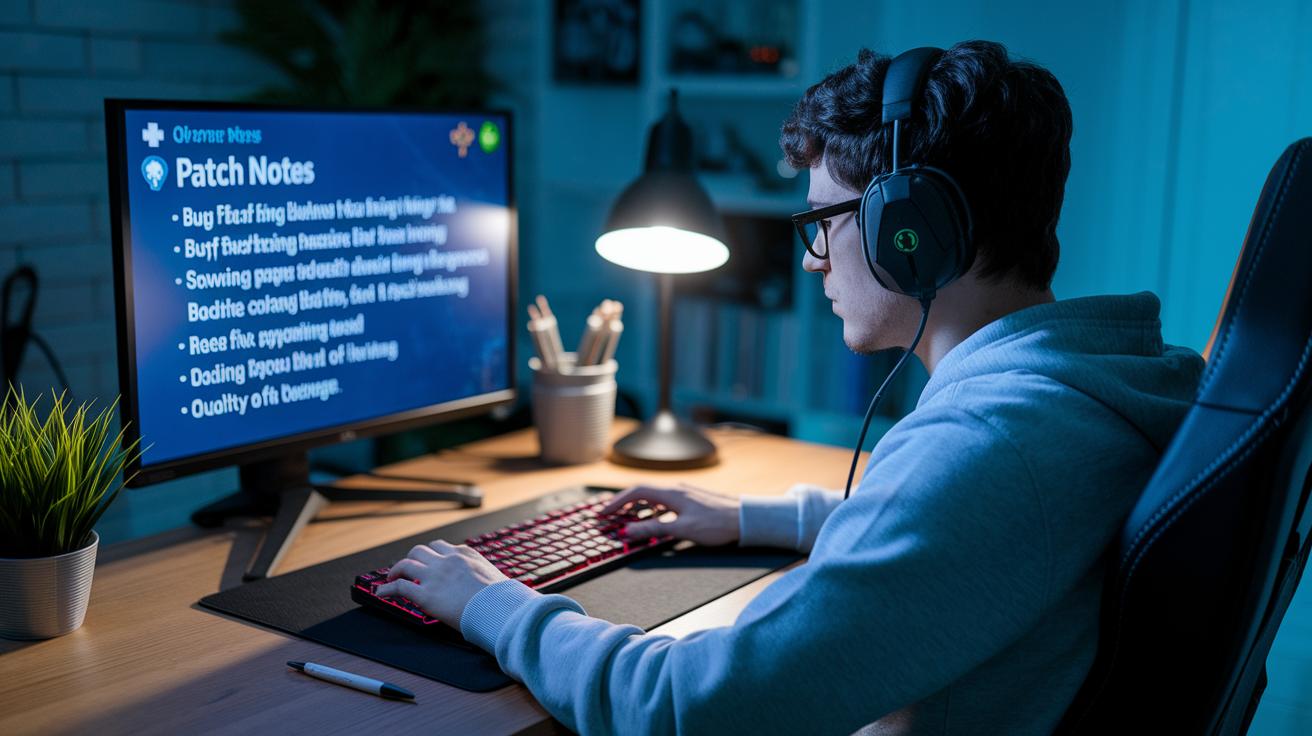
Patch notes are filled with special words that help you quickly understand what's new. Think of it like when you learn a new game trick from a buddy. For example, a bug fix deals with problems like crashes or glitches that interrupt your game. When you see a balance change, it means the game is being tweaked so everyone has a fair shot. And quality-of-life improvements are little tweaks that make menus and controls smoother, kind of like upgrading your game settings for better play.
Other words you might see are buff and nerf. A buff means a character or skill gets a boost, while a nerf dials it back to keep things balanced. Then there’s a hotfix, which is a super-fast update to squash a big issue right away. These terms pop up in update notes so you don't feel lost when changes roll out. Remember how clear details made it easy to jump back into FIFA 23’s World Cup event on November 9, 2022, or in the buzz around leaked God of War Ragnarok details? It all comes down to knowing what these terms mean.
| Term | Definition | In-Game Example |
|---|---|---|
| bug fix | Solves crashes, freezes, or glitches | Cures a crash during an epic fight |
| balance change | Tweaks game mechanics for fair play | Adjusts weapon damage values |
| quality-of-life improvements | Makes controls and menus easier | Redesigns the UI for smoother navigation |
| buff | Boosts a character or skill | Increases a hero’s healing speed |
| nerf | Takes power away to balance the game | Reduces damage for an overpowered skill |
| hotfix | Quick update to fix urgent bugs | Instantly patches an issue during events mode |
Knowing these words helps you spot the important changes faster, so you can adjust your game strategy with ease. With clear patch notes, you can focus on gearing up for new challenges or rethinking your tactics, and then jump right back into the action with minimal downtime.
patch notes explained video games: Game-Changing Clarity
Patch notes break down game updates into neat groups so you know exactly what's happening. They collect all the main changes with clear, simple explanations to dodge any mix-ups.
Bug Fixes & Performance Improvements
This section is all about squashing bugs and boosting game speed. Think of it like fixing those annoying glitches, like when your screen freezes during a heated game session. It even covers tiny stutters in multiplayer rounds, keeping the action smooth.
Balance & Tuning
Here, the game tweaks its systems and weapon stats to keep things fair. It’s like adjusting your controller settings to make every match competitive and fun. The goal is to stop any one side from having an unfair edge.
New Content Additions
These updates bring in fresh features or cool timed events. Imagine getting a brand-new mission or mode that changes how the game feels, like a special event in your favorite soccer game that adds a new twist.
Quality-of-Life Improvements
This part is about polishing up menus and controls. It fixes little bugs like unresponsive buttons or cluttered layouts, making sure your gaming experience stays smooth and easy to enjoy.
Hotfixes & Emergency Patches
Sometimes, issues pop up fast during peak play. This section deals with quick fixes that jump on problems right away, making sure everything runs back to normal in no time.
Patch Notes Explained: Case Studies from Major Video Games
Patch notes aren’t just boring lists of changes, they’re like secret sneak peeks into a developer’s game plan. They show us how updates fuel fresh strategies and ignite buzzing conversations among gamers. It’s kind of like getting a behind-the-scenes look at what makes the game tick.
Battlefield 2042 Season 3 Specialist Overhaul
In this update, Battlefield revamped character skills and fine-tuned weapon stats. Players had to switch up their tactics, sending chat threads and forum posts into overdrive. Ever imagine your favorite specialist pulling off a totally new move in a tight match? That’s the vibe we got.
FIFA 23 World Cup & Out of Position
FIFA’s live events and clever tweaks stirred up plenty of talk about team lineups and game plans. The World Cup event mixed with the “Out of Position” update pushed communities to experiment with new strategies. It was a perfect storm where live updates influenced both how teams played and how developers planned future tweaks.
God of War Ragnarok Leak
When hints of God of War Ragnarok started leaking, the excitement was real. Fans were buzzing with theories, and developers quickly kept an eye on every bit of chatter. Imagine a tiny spoiler that completely reshapes your ideas about the storyline, that’s exactly what happened here.
World of Warcraft Patch Updates
World of Warcraft never stops evolving. Regular patches tweak everything from gear to scenery, sparking long-term discussions and fresh tactics among players. For all the detailed change logs, check out the latest updates here.
Using Visual Aids to Clarify Patch Notes in Video Games
Patch notes don’t have to be a snooze fest. Adding visual aids turns a long list of changes into something that feels like a fun walkthrough with a buddy. Think about it – screenshots, GIFs, and short video clips can break down big updates like new zones, cool cosmetics, or even unexpected weapon tweaks. They let you see exactly what’s been updated in a clear, no-nonsense way.
Imagine scrolling through a side-by-side view that highlights every tiny change. It’s like having a friend whispering, “Hey, check this out!” Start by dropping a fun fact like, “Did you know one simple line in a patch note could hide a major visual overhaul?” Such surprises make the info stick in your brain.
Plus, visuals speed things up. Instead of wading through endless text, a sharp image or clip can quickly show you what’s new. It’s an easy fix to turn boring logs into a handy guide that shows off every update. Here are some quick tips to get the most out of your patch notes:
| Tip | What It Does |
|---|---|
| Annotated Screenshots | Highlight key changes so nothing gets missed. |
| GIFs | Show animations or quick transitions for a dynamic view. |
| Side-by-Side Comparisons | Clearly show before-and-after differences. |
| Short Video Clips | Summarize the big updates in a fun, quick burst. |
| Clear Labels | Guide you through every visual detail with ease. |
Practical Strategies for Adapting to Patch Notes in Video Games

When a new patch drops, it can feel like a rush of fresh info. But don’t stress, you can easily turn these updates into a powerful boost for your gameplay. Start by scanning the main highlights. It’s like getting a quick rundown on what’s changed, so you know exactly where to focus.
Next, try out these simple tips:
- Check the highlight sections to see the big changes at a glance.
- Test any new moves in low-risk game modes, so you don’t get knocked off your ranking.
- Look up community guides for extra tips from fellow gamers.
- Watch a short video walkthrough to see the updates in action.
- Compare your gameplay before and after the update to catch the little tweaks.
- Jump into discussion threads to hear what others are saying.
Taking it step by step can turn what seems like a confusing puzzle into a smart cheat sheet. So next time a patch drops, you’ll be all set to adapt and keep your strategy sharp. Enjoy the new gameplay and keep having fun!
Inside the Developer’s Mind: Insights into Patch Note Creation
Ever wonder how those patch notes come together? The developers work hard to explain game fixes and new features in a way that’s super easy to get. They choose every word with care to keep things clear and short. Sometimes the notes are quick snaps, while other times they dive deeper, kind of like when Final Fantasy XIV dropped that detailed 7.4 live letter. And even if some phrases seem a bit vague, they spark fun chats and memes in the community, hinting at more tweaks coming down the line.
Patch notes do double duty. They not only fix current issues but also set the stage for long-term game balance. The developers use these updates to shout out improvements and roll out fresh features that keep the game feeling new. Their words capture both quick fixes and the bigger picture for the game’s future, helping us know what’s coming while giving us a sneak peek into their planning.
Final Words
In the action, we've explored how to read patch notes, broke down key terms, and dissected game update categories. We covered visual aids that make changes clear and shared handy strategies to adapt quickly after updates. The case studies gave real-life examples to see these concepts in play, while developer insights added a human touch to the notes. Enjoy every update and always keep your curiosity alive with patch notes explained video games, it's all part of leveling up your gameplay experience.
FAQ
What are patch notes in a game?
The patch notes in a game are update logs that detail bug fixes, balance changes, new features, and quality-of-life improvements. They help players know what’s been updated for smoother play.
How do patches work in games?
Patches work by modifying game files to fix glitches, adjust mechanics, and add fresh content. This keeps the game balanced and fun after its release.
How are patch notes explained on platforms like Reddit and YouTube?
Patch notes on Reddit and YouTube are explained through clear commentary and visuals. These platforms break down technical details into easy tips, helping players quickly understand changes.
What do patch notes mean for games like Fortnite, VALORANT, FF, Genshin Impact, and TFT?
For games like Fortnite, VALORANT, FF, Genshin Impact, and TFT, patch notes list updates like bug fixes, balance tweaks, and new features. They offer insight into how each update may change gameplay.