


Ever thought about boosting your game without emptying your wallet? This guide is here to show you that you can still build a cool setup on a budget.
We've handpicked five pieces of gear that prove you don't need to spend a fortune for fast response, clear sound, and long-lasting comfort. Imagine enjoying your favorite game with tech that not only matches your playing style but also saves you cash.
In just a few minutes, you'll learn which affordable gear can give your game an edge. Ready to see how budget-friendly devices can level up your play? Keep reading for top picks that make every dollar count.
Essential Budget Gaming Gear Recommendations to Kickstart Your Setup

This guide brings you a lineup of cool, budget-friendly gaming gear for 2025. We’ve picked items under $50 and under $100 that are built to last, you can count on them for over five years of epic play.
We’ve got everything from quick-response input devices for smooth gameplay to audio gear that delivers clear, crisp sound. Plus, you’ll find displays that show every detail and chairs that keep you comfortable during long play sessions. It’s like gearing up before a big raid!
If you’re hunting for trusted peripherals, check out our section on gaming peripherals. There, you’ll see a full list of must-have gear like mice, keyboards, headsets, monitors, and chairs.
The best part? A solid gaming setup doesn’t have to break the bank. There are even options under $150 that still offer high performance with cool, custom features to boost your gameplay.
When choosing your gear, take a look at player reviews and tech specs. This way, you can pick devices that match your control, sound, and visual needs. Think about factors like weight, responsiveness, and design to find the perfect match for your style and budget.
Budget Gaming Mouse Analysis: Top Low-Priced Computer Mice Under $30
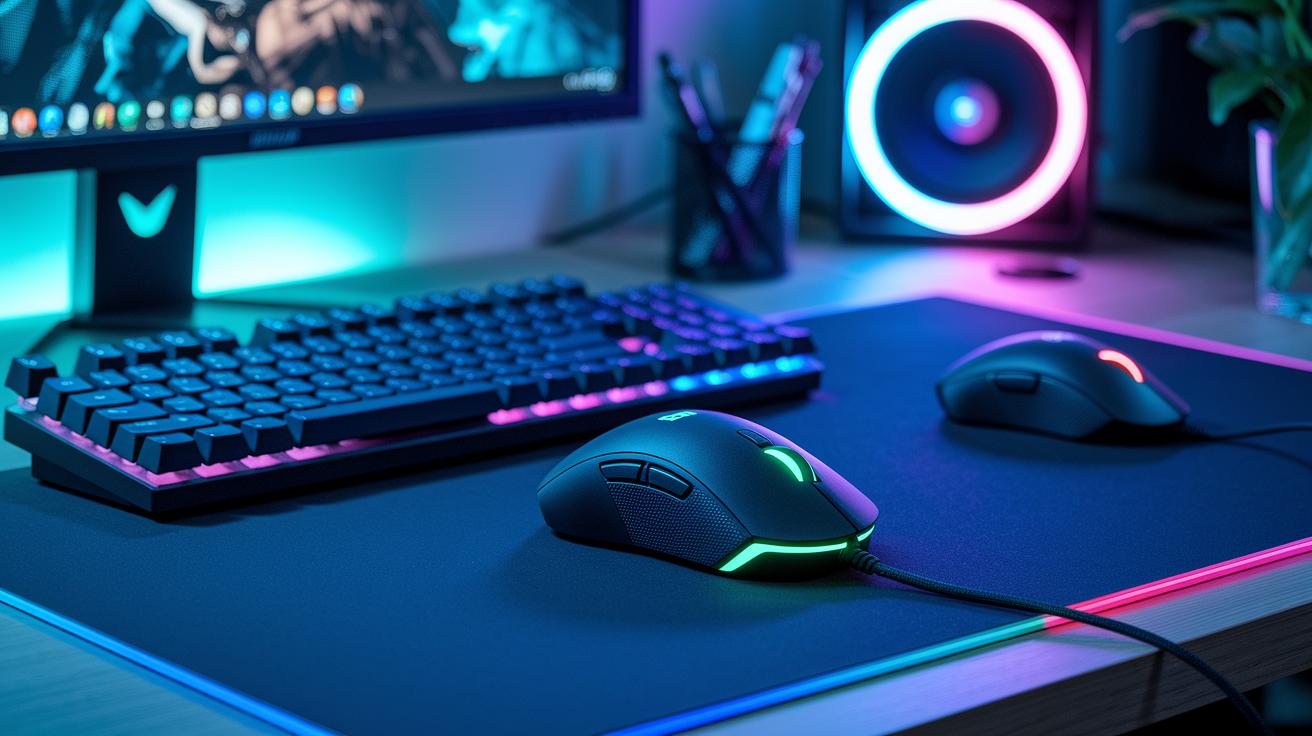
When you're on the hunt for an affordable gaming mouse, pay attention to the basics: DPI (that sets how fast your cursor moves), weight (a lighter mouse can help if you play for a long time), and whether you want a wired or wireless setup. High DPI means speedy cursor movement, while a lighter mouse keeps your hand happy over long gaming sessions. Wired mice usually offer a quicker response, but wireless models give you a bit more freedom to move. Think about how the mouse fits in your hand based on your grip style, whether you're a claw, palm, or fingertip gamer, and the kinds of games you enjoy. For example, if you're into precise shooting, tracking needs to be on point; if fast action is your thing, extra programmable buttons can be a game changer.
| Mouse Model | Price | Score | Pros/Cons |
|---|---|---|---|
| Corsair HARPOON RGB Wireless | $19.99 | 7.5/10 | Good battery life and value; compact build and single-zone RGB limits appeal |
| Logitech G203 Gaming Mouse | $24.73 | 8/10 | High quality and customization; wired-only design may restrict movement |
| SteelSeries Rival 3 | ~$29.99 | 8/10 | Balanced performance with solid tracking; top pick for budget gamers |
| HyperX Pulsefire Core | Under $30 | 7.5/10 | Reliable responsiveness; limited extra features compared to competitors |
So, pick the mouse that feels just right in your hand and fits your style of game for the best gaming experience.
Budget Gaming Keyboards: Value Mechanical Keypad Reviews on a Dime
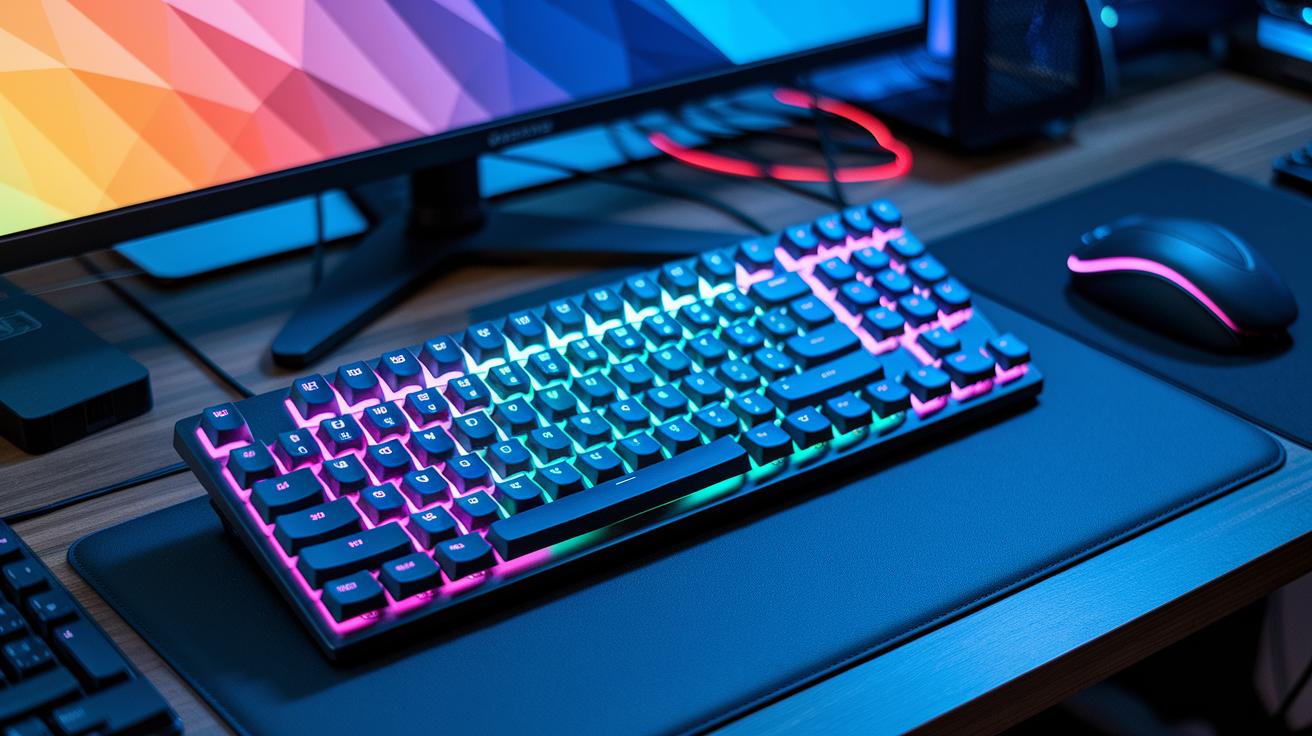
When you're on the hunt for a gaming keyboard, the switch type really matters. Mechanical switches give you a firm hit and quick response, perfect for those tight in-game moments. On the other hand, membrane keyboards have a softer feel but might miss that satisfying snap. Ultimately, choosing between tactile and clicky switches is all about what feels right to you. For more on how each type can change your game, take a look at our page on gaming peripherals.
Here’s a quick glance at a few models:
-
SteelSeries Apex 3
• Pros: With water-resistant build and swanky, customizable RGB lighting, it definitely turns heads.
• Cons: The keys can feel a bit stiff and mushy, throwing off your groove (it scores 6/10). -
Redragon K552
• Pros: Its sturdy metal frame and red switches deliver a solid, beginner-friendly mechanical feel.
• Cons: The thin ABS keycaps and fewer customization options bring it down to a 6.5/10 score. -
Logitech G413 SE ($79)
• Pros: A full-size layout paired with high-quality mechanical switches gives you clear, precise tactile feedback that many gamers love.
• Cons: It misses dedicated media keys, which might not work for everyone.
When you're picking a keyboard, go with what feels best under your fingertips. If you like that firm, satisfying click with every press, tactile keys might be the way to go. But if you prefer a smoother, clicky vibe that matches your play style, that might be your choice instead.
Budget Gaming Headsets: Inexpensive Headset Alternatives and Audio Solutions

If you're on the hunt for a budget headset, there are a few basics to keep in mind. Look for models with a larger driver because it boosts bass and gives you clean, sharp sound. Plus, a good mic makes team chat a breeze. Sure, cheaper headsets might miss out on some fancy extras, but they can still perform well if you check the details closely.
| Product | Price | Score | Main Strength | Main Drawback |
|---|---|---|---|---|
| HyperX Cloud Stinger 2 | Under $50 | 5.5/10 | Super comfy with clear voice quality | May not hold up for long-term play |
| HyperX CloudX Stinger 2 Core | $39.99 | 6.5/10 | Handy flip-to-mute mic for fast in-game chat | Mic static can be annoying during big plays |
| Razer Kraken X | About $40 | 5.5/10 | Lightweight design that keeps fatigue low | Lacks extra customization for sound tweaks |
| TUF Gaming H3 Wireless | Around $50 | 7/10 | Known for top comfort and long battery life | Fewer advanced sound settings might leave you wanting more |
When it comes down to wired versus wireless, it’s all about what fits your play style. Wired headsets usually offer a solid, lag-free connection, while wireless ones give you the freedom to move around without being tethered.
Budget Gaming Monitors: Friendly Display Panel Guide Under $150

Looking for a budget-friendly gaming monitor can be fun if you know what to check for. First, focus on key features like resolution, refresh rate, and panel type. A 1080p resolution delivers sharp images and clear details that are a big help when playing fast-paced games.
The refresh rate, which is measured in Hz, shows how smooth the motion appears on screen. A higher refresh rate means fewer blurry moments during intense game action. And don’t forget about the panel type. IPS screens serve up natural colors and a wide view, making them great for both gaming and watching movies. On the other hand, VA panels offer deeper contrasts, which means darker scenes look richer and more defined.
Even spending a little extra can land you a monitor that lasts for years. A quality gaming setup can easily keep you in the game for over five years. With these factors in mind, you can confidently pick a monitor that fits a $150 budget while still giving you solid performance and durability for your gameplay style.
- 24" 1080p 75 Hz IPS: A solid pick with balanced visuals and color consistency.
- 27" 1080p 60 Hz VA: Great for deeper blacks and enhanced contrast during darker scenes.
- 24" 1080p 144 Hz TN: Designed for a fast response time that minimizes motion blur.
- 27" 1080p 75 Hz IPS: Offers a larger display with crisp, vibrant imagery and wide viewing angles.
Budget Gaming Seating Solutions: Economical Recommendations for Players

Sitting for hours can really mess with your back if your chair doesn't have the right support. You know how long gaming sessions feel like forever? A chair with proper lumbar support, adjustable height, and breathable fabric makes a world of difference. It helps you stay relaxed and dodge that nagging discomfort while you’re deep into play. When you pick a chair made for long-term comfort, you're setting yourself up for years of better gaming, sometimes even over five years.
If you're shopping on a budget, there are some cool options under $100:
- Chair A: Easily adjustable for height and tilt, so it fits you just right.
- Chair B: Loaded with soft padding to give your back the comfort it deserves.
- Chair C: Built tough with breathable materials to keep you cool and steady during matches.
Before you decide, give the chair a test run to see how it feels with your gaming style and body. It might just be the perfect match for your setup.
5 budget gaming gear recommendations: Top Affordable Picks

| Accessory | Price | Rating | Note |
|---|---|---|---|
| SteelSeries QcK Medium Mousepad | $23.00 | 6/10 | Smooth tracking; lacks reinforced edges (gaming accessories) |
| Sony DualSense Charging Station | $29.99 | 6/10 | Charges two controllers at once; no LED indicators (gaming accessories) |
| Budget RGB Lighting Strip | $25.00 | 7/10 | Creates a cool desk vibe; super easy to install |
When picking your gear, think about items that keep your desk neat while adding a bit of style. A good mix of smart cable management and ambient lighting not only cuts down on clutter but also amps up the mood of your gaming space.
Smart Spending Strategies for Budget Gaming Gear Recommendations
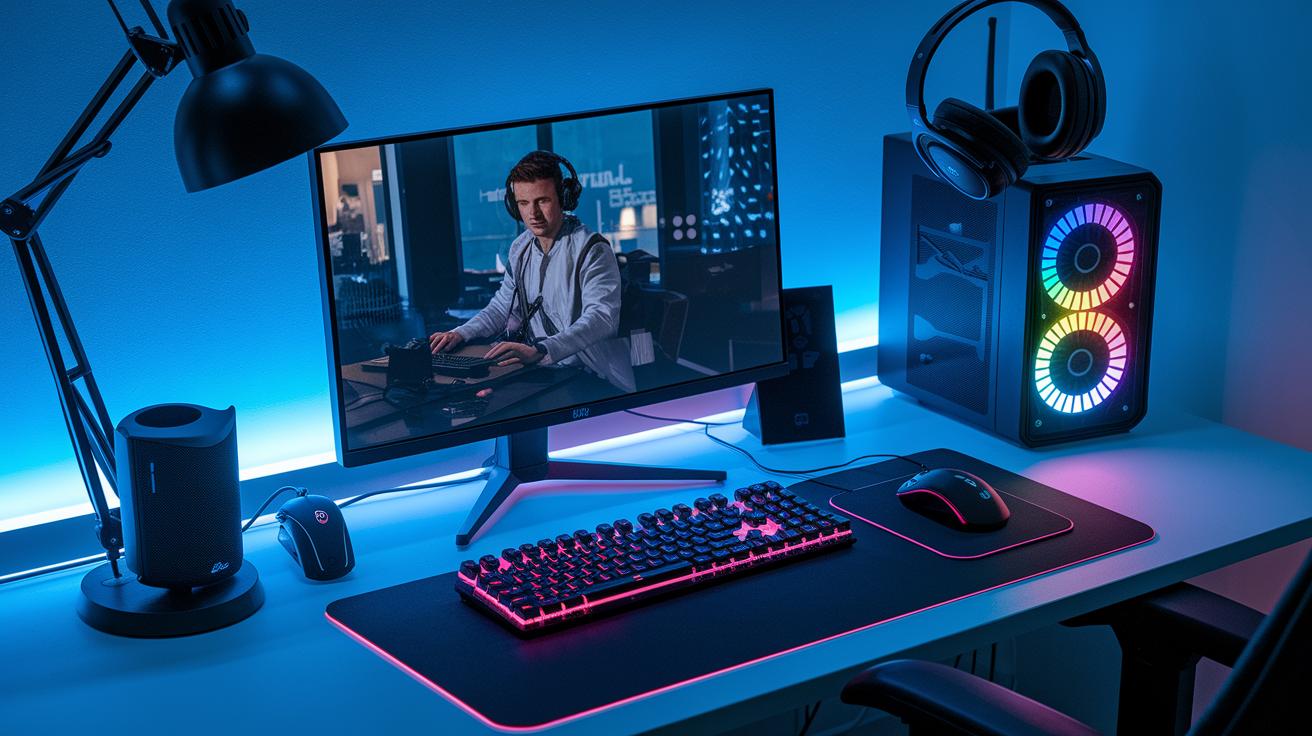
Planning your gaming setup on a budget is all about knowing what you truly need and where to cut costs. Try setting aside around $150 for your must-have gear. Since solid devices can last over five years, spending a bit extra on key items can really pay off in the long run.
Here are some cool tips to help you save while keeping your setup strong:
- Look for bundle deals that include several items at a lower price.
- Check out last-year’s models, they usually drop in price when the new ones drop.
- Consider refurbished options that work just like new but cost less.
- Focus on core devices like your mouse, keyboard, and headset.
- Read reviews and check ratings to avoid low-quality gear.
- Compare prices on trusted sites so you’re sure you’re paying a fair price.
- Think about trading or selling your older gear to help fund upgrades.
Balancing cost with performance is key, invest smartly and keep an eye on long-term savings.
Final Words
in the action, we broke down key parts of setting up your gaming space on a solid budget. You read about affordable mice, responsive keyboards, clear headsets, sharp monitors, and comfy chairs, along with smart add-ons and spending tips. Each section offered practical advice to help you build a quality setup without overspending.
Keep your enthusiasm high and experiment with these budget gaming gear recommendations for a fun and efficient gaming experience.
FAQ
What are budget gaming gear recommendations on Reddit?
Budget gaming gear recommendations on Reddit highlight affordable, user-tested peripherals that work well under a tight budget. They stress quality, durability, and solid performance for both casual and serious gamers.
What are the best gaming accessories for PCs?
The best gaming accessories for PCs include must-have items like mice, keyboards, headsets, and monitors that deliver great performance and value while staying within a budget, as detailed in top guides.
What are the best budget gaming peripherals available?
The best budget gaming peripherals blend quality and affordability. They cover essential items such as gaming mice, keyboards, and headsets that provide reliable performance and longevity without breaking the bank.
What are the top gaming accessory brands?
Top gaming accessory brands are celebrated for their consistent quality and performance. They offer a range of products backed by user experiences on Reddit and rank among the best choices for gamers on a limited budget.
What gaming accessories work best for mobile?
Gaming accessories for mobile include portable controllers, headsets, and compact keypads engineered for on-the-go play. They are designed to deliver a smooth mobile gaming experience while keeping costs low.
What gaming setup accessories are recommended on Amazon?
Gaming setup accessories on Amazon feature budget-friendly options such as sturdy mousepads, efficient charging docks, and practical cable management tools. These selections help create an organized, immersive gaming space.