

Ever feel like you're just watching from the sidelines while others grab the win? It's like being stuck on a bench during the biggest match. New chats and meetups are your power-ups. Imagine every convo is a step toward becoming that player everyone trusts.
Set clear goals, work on a cool pitch, and find your own style. Soon, those everyday talks turn into strong alliances. These tips show how easy it can be to connect with fellow gamers and boost your online confidence.
Gamer Hub Networking Tips: Connect and Conquer
Ever feel like every new connection in online gaming is a power-up for your career? Start by setting clear goals. Whether you want to show off your skills in battle or team up for creative projects, pick events that vibe with what you're after. For example, if you’re looking for design pros, head to meetups focused on creative game development.
Work on a quick, natural pitch before you join any group. Practice in front of a mirror or with a friend. Try saying something like, "I'm Alex, a game fan who builds worlds pixel by pixel." It’s simple and memorable, giving you an edge in crowded chat rooms and local events.
And hey, listening is key. It’s not just about catching game chatter, it’s about picking up cool tips and feedback during demos or sessions. Jot those down for your own projects and show you value others’ ideas.
Your look and words make you instantly stand out. Create your own signature style, whether that’s a custom avatar, a catchy phrase, or a unique profile banner. It’ll mark you as the go-to person in the hub.
Tech is on your side, too. Use event apps and quick QR code exchanges to swap contacts effortlessly. Then, set up one-on-one chats via direct message to really build those connections.
| Step | What to Do |
|---|---|
| Pick events | Choose gatherings that match your goals |
| Refine your pitch | Practice a clear, genuine introduction |
| Listen up | Note key tips and feedback during sessions |
| Create your signature | Develop a unique look or phrase that sets you apart |
| Leverage tech | Use apps and QR codes to quickly exchange contacts |
These simple tips will help you dive into the gaming community with confidence and style. So, get out there, connect with fellow gamers, and start conquering your networking game!
Optimizing Real-Time Connections on Gamer Hubs
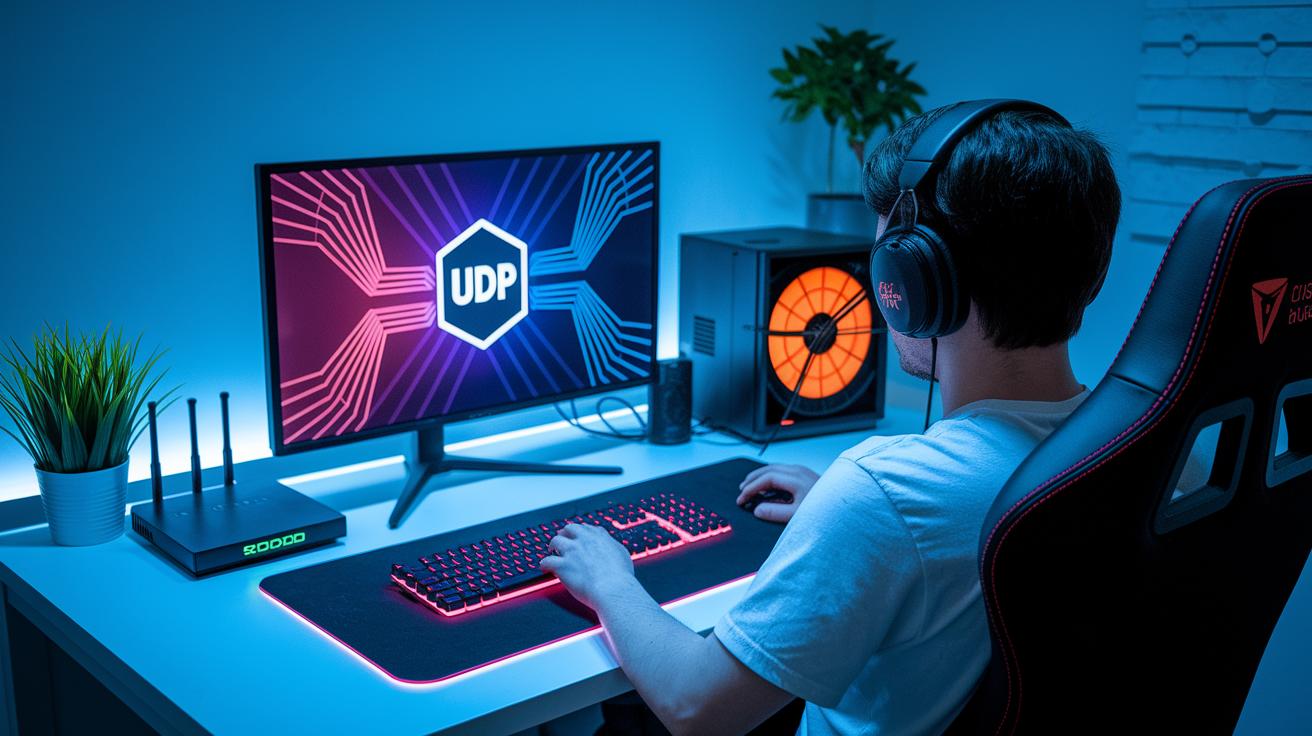
UDP vs TCP for Gaming
When you're in the heat of a match, every millisecond counts. UDP is a go-to choice because it skips the extra checking of each packet, unlike TCP, which double-checks every time. This means actions register faster, kinda like having a shortcut in a game. To see if your router supports UDP, pop into the admin page and check the settings. You might find an option labeled "UDP mode" or settings geared toward boosting low latency. Pretty neat, right?
Router QoS and Bandwidth Allocation
Ever been stuck with lag in a crucial moment? That’s where router QoS (Quality of Service) comes into play. It’s like giving your gaming device VIP access. Just log in to your router using its local IP address, and hunt for a section named "QoS" or "Traffic Management." Once there, assign top priority to your gaming console or PC, so your online matches snag more bandwidth. This tweak can really help smooth out your play by keeping lag spikes at bay. It’s smart to check in every so often and fine-tune things if gameplay feels a bit off.
Testing and Mitigation of Latency
Regularly testing your connection is like doing a pre-match warm-up. Use free online speed tests to measure ping, jitter, and packet loss at different times of the day. If you notice a high ping or wacky jitter during peak times, your network might be feeling the heat. In that case, try using a network emulator to mimic high-latency conditions and pinpoint any weak spots. When results go beyond what you want, adjusting your QoS settings or switching to a different traffic channel might be the key. And don’t forget, keeping your router’s firmware updated can patch up hidden bugs that cause delays. Experiment with these strategies, and soon every session on your hub will feel smooth and responsive.
Building Your Presence on Gamer Hubs
Hey, buddy, getting noticed in the gaming chat is key. Start by adding your secret sauce, a cool avatar, a quick tagline, or even a standout emote. For example, you might rock something like "Pixel Pro in Action" to catch everyone’s eye.
Next, make sure your profile shows off who you are. Use handy apps that set reminders or tweak your profile links automatically. These little hacks keep you in the game without extra stress, so you never miss a beat.
Voice chat deserves some love too! Tweak your mic settings with noise suppression, choose the right volume, and use push-to-talk. Clear voice chat is like landing that perfect power-up, it makes every interaction count and builds trust with your crew.
Here’s a quick rundown:
| Step | Action |
|---|---|
| 1 | Pick a signature look that’s totally you. |
| 2 | Set up automation tools so your profile stays fresh. |
| 3 | Optimize your voice chat for crystal clear communication. |
| 4 | Keep updating your digital presence as your style evolves. |
Try these tips and watch your gamer hub presence light up, just like nailing that critical hit in your favorite game.
Leveraging Gamer Hub Events and Meetups
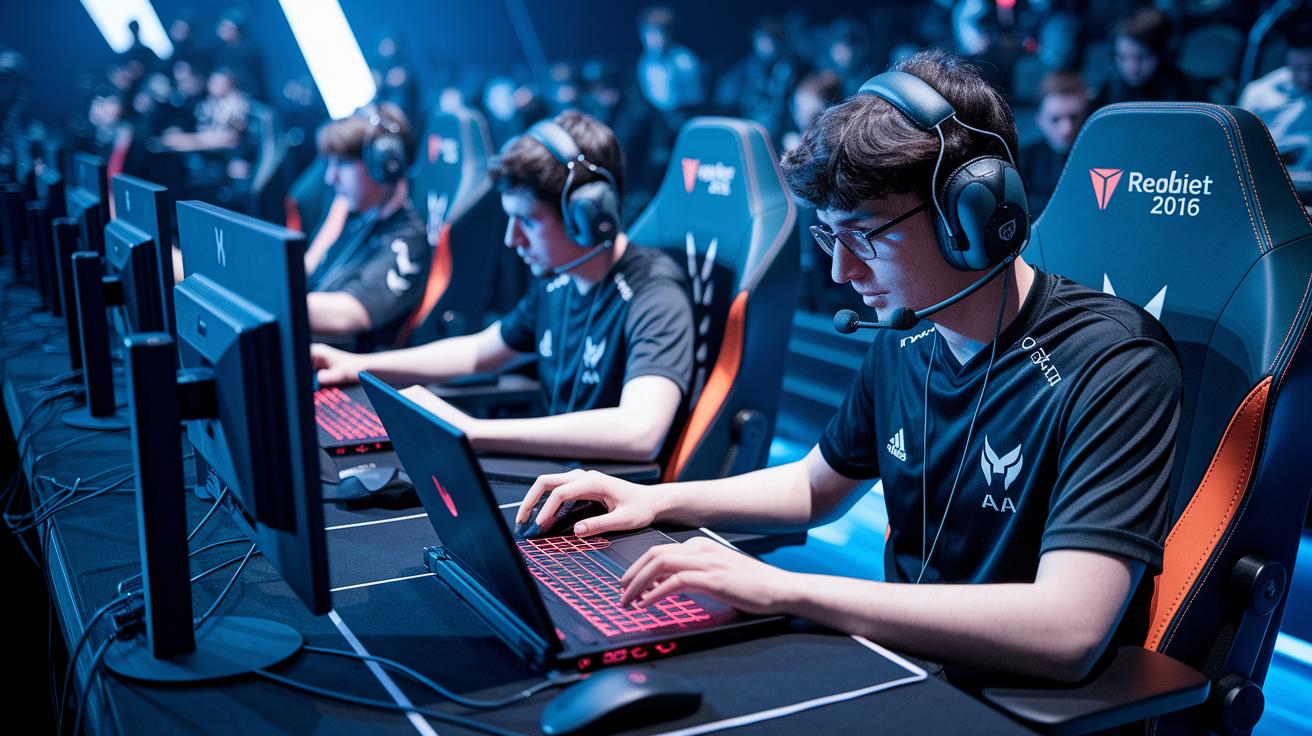
Gamer hubs can be your go-to spots for finding awesome events. Check out their calendars for listings that match your style. Whether you’re into chill sessions or fierce competitions, there’s always something on offer. One week, you might dive into a virtual workshop; the next, hit up a local tournament.
Plan your gaming schedule like you’re gearing up for a marathon. Set aside time for structured matches, hands-on workshops, and even those unplanned mixer moments that spark great conversations. For instance, you might join a focused workshop for an hour and then roll right into a freeform meetup. Every event is a new chance to learn something cool and share your ideas.
It’s important to keep things professional too, even when the vibe is informal. If the timing isn’t right, don’t push your projects too hard, especially late at night. Instead, use that time to listen and gather insights from other gamers. A quick DM or a note during a session could lead to a solid follow-up later on.
Before the event, try to set up a quick meet. Use hub calendars, in-game chats, or even just send a DM. Doing this makes those first interactions feel a lot more natural and relaxed, whether you’re meeting in person or online.
- Pick events that match your needs.
- Schedule time for matches, workshops, and mixers.
- Keep it professional in casual settings.
- Set up pre-event meetups using calendars or DMs.
- Grab every chance to connect and share ideas.
Securing Stable Gamer Hub Connections
To keep your gaming sessions safe, start by setting up a strong firewall. Both hardware and software firewalls work like locked doors that only let in your trusted players, keeping unwanted guests out without slowing your game.
Next, add another layer of protection with a solid VPN for play. A good VPN masks your data, so if anyone tries to crib your signal, they only see scrambled info. This extra shield not only stops DDoS attacks but also builds a secure path for those intense online matches. Ever wonder why top gamers always play it safe? They count on VPNs to keep their moves under wraps.
Finally, don’t forget those regular updates. Check your router and network adapter firmware and install new fixes as soon as they drop. Think of it like patching up your fortress against vulnerabilities. And steer clear of open public networks, stick to your home or a trusted mobile hotspot with a strong password. With these steps, you’re building a solid security setup that keeps your digital playground safe and your gameplay smooth.
Monitoring and Troubleshooting Gamer Hub Connectivity
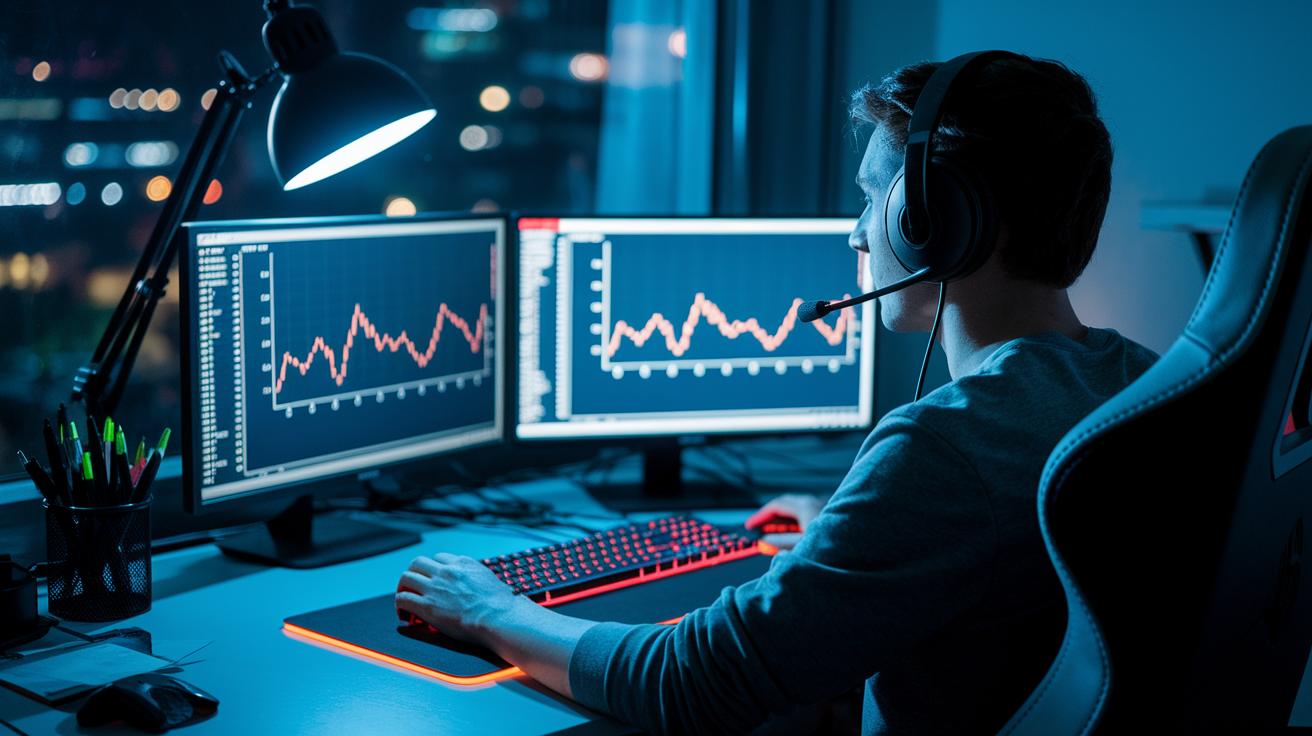
Keeping your connection solid is like making sure your avatar is ready for battle. Start by doing simple ping and jitter tests at different times to see when your network might get slow. For example, I ran a ping test late at night and got 45ms, which shows my network handles busy moments pretty well.
Free speed-test tools give you a quick look at your network's overall health before you dive into more detailed apps. If you run into lag or sudden drops, programs like Wireshark or PingPlotter can help track down packet loss, sort of like following clues in your favorite game to spot the weak links.
You can even simulate tough network conditions with special emulators that mimic high latency and packet drops. This lets you find the fragile spots in your connection before they mess with your gameplay. And if you're still experiencing issues, checking server status pages or hub support channels might reveal whether the problem is just with you or hitting lots of players.
- Run ping and jitter tests at different times.
- Use free speed-test tools for real-time checks.
- Use diagnostic tools like Wireshark and PingPlotter to track packet loss.
- Simulate high latency and packet-drop conditions with network emulators.
- Check server status pages or hub support channels for broader issues.
Final Words
In the action, we broke down how to boost your gaming connections. We explained smart event choices, crafting a neat pitch, paying close attention during chats, setting up a recognizable profile, and using tech tools for quick follow-ups.
• Choose meetups that match your style.
• Practice a clear, brief pitch.
• Use active listening and jot down notes.
• Build a unique personal signature.
• Rely on tech tools for follow-up.
These gamer hub networking tips make playing with others fun and rewarding. Keep experimenting and enjoy your game nights!
FAQ
What are gamer hub networking tips on Reddit and for beginners?
Gamer hub networking tips on Reddit and for beginners suggest starting with clear introductions, joining community meetups that match your gaming goals, and using tech tools for quick contact sharing.
How does game networking work in multiplayer settings?
Game networking works by using protocols like UDP for low-latency data exchange, ensuring smooth multiplayer play and efficient communication between devices.
What is game networking architecture and multiplayer network design?
Game networking architecture involves arranging servers, protocols, and data routes to reduce lag and optimize gameplay, making multiplayer experiences smoother and more reliable.
What does a game networking book cover?
A game networking book covers topics such as latency mitigation, router QoS tweaks, bandwidth management, and server response practices that support stable and responsive gaming sessions.
What is a game dev network and its purpose?
A game dev network connects developers, allowing them to share tools, techniques, and collaborate on projects while exchanging ideas in forums and during events.
What does the 40 second rule in gaming mean?
The 40 second rule in gaming refers to a brief pause to assess lag or connection issues, giving players time to adjust settings or strategize to minimize the impact on play.
How do I optimize my network for gaming?
Optimizing your network involves adjusting router QoS settings, prioritizing gaming traffic, running regular speed tests, and making sure your firmware stays current to reduce latency.
What are the best networking tips for gamers?
The best networking tips for gamers include:
• Selecting events that match your gaming style
• Preparing a short, engaging introduction
• Practicing active listening during discussions
• Building a memorable profile with unique branding
• Following up quickly using tech tools
What are the seven steps of effective networking?
Effective networking can involve selecting the right events, preparing a brief pitch, actively listening, creating a strong personal brand, using tech for follow-up, scheduling one-on-one meetups, and keeping in touch consistently.