
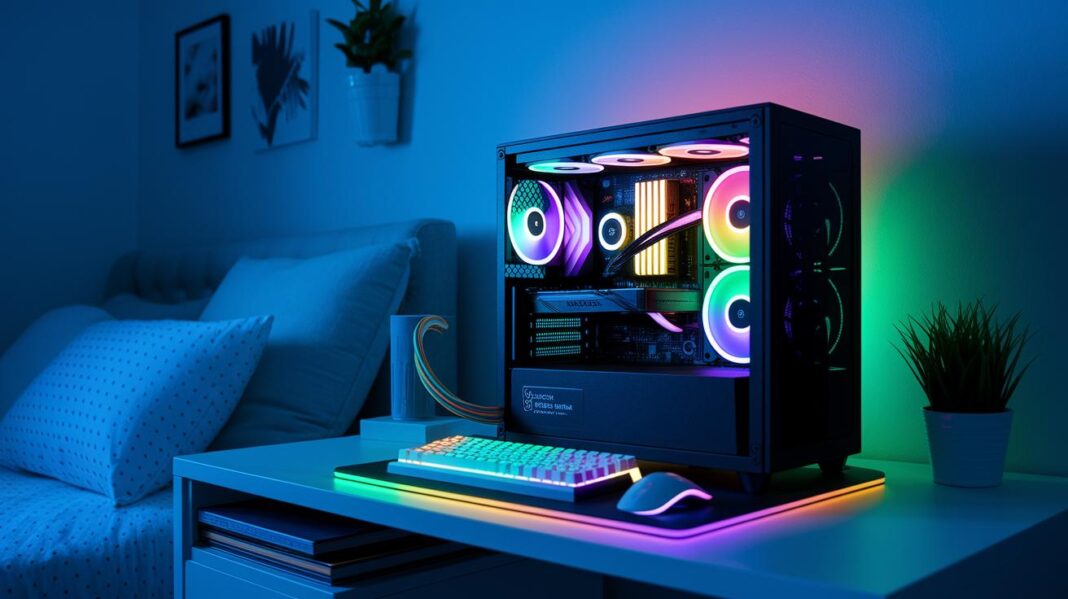

Ever wondered if you can play awesome games without emptying your wallet? This guide shows that a budget gaming PC can still rock, serving up sharp graphics and quick gameplay.
We break things down piece by piece, explaining how every part works together like a tight-knit team on a winning streak. And you know what? You can enjoy smooth 1080p gaming without spending a fortune.
With a few smart picks and a little strategy, epic gaming is totally within reach. Enjoy the ride and happy gaming!
Complete Budget Gaming PC Build Under $900
Ready to dive into smooth 1080p gaming without emptying your wallet? This build is all about delivering crystal-clear visuals and quick responses while keeping costs low. It’s powered by the Intel Core i5-12400F, packing 6 cores and 12 threads for about $155. This chip handles modern games like it's no big deal, and the AMD Radeon RX 9060 XT 8GB, priced under $300, pushes higher frame rates than older cards. Basically, it's a no-brainer for anyone wanting solid performance on a budget.
Every part here is handpicked to keep both your costs and lag low. The ASRock B760M Riptide WiFi motherboard brings cool features like dual M.2 slots, WiFi 6E (fancy fast internet), and DDR5 support. A 16GB DDR5-4800 kit running at just 1.1V makes multitasking smooth, while a 1TB TeamGroup MP44L PCIe 4.0 SSD whips load times down with speeds maxing out near 5,000 MB/s. The Cooler Master Q300L V2 case shows off a mesh front, magnetic filters, a 120mm rear fan, and a tempered glass side panel. Pair that with a Thermaltake Smart 500W 80+ PSU that comes with a 5-year warranty, and you’ve got a setup that holds it all together. Plus, Windows 11 Home on a USB flash drive covers the software basics.
Pulling it all together, this DIY system comes in at around $894. And if you’re looking to level up your gaming space, you can throw in extras like a Sceptre 24″ 1080p 165Hz monitor, a SteelSeries Apex 3 keyboard, a Logitech G502 Hero mouse, and a HyperX Cloud Stinger 2 headset. It’s a sweet deal compared to many prebuilt rigs, giving you an affordable yet mighty gaming setup.
Component Selection Strategy for Budget Gaming PC Builds
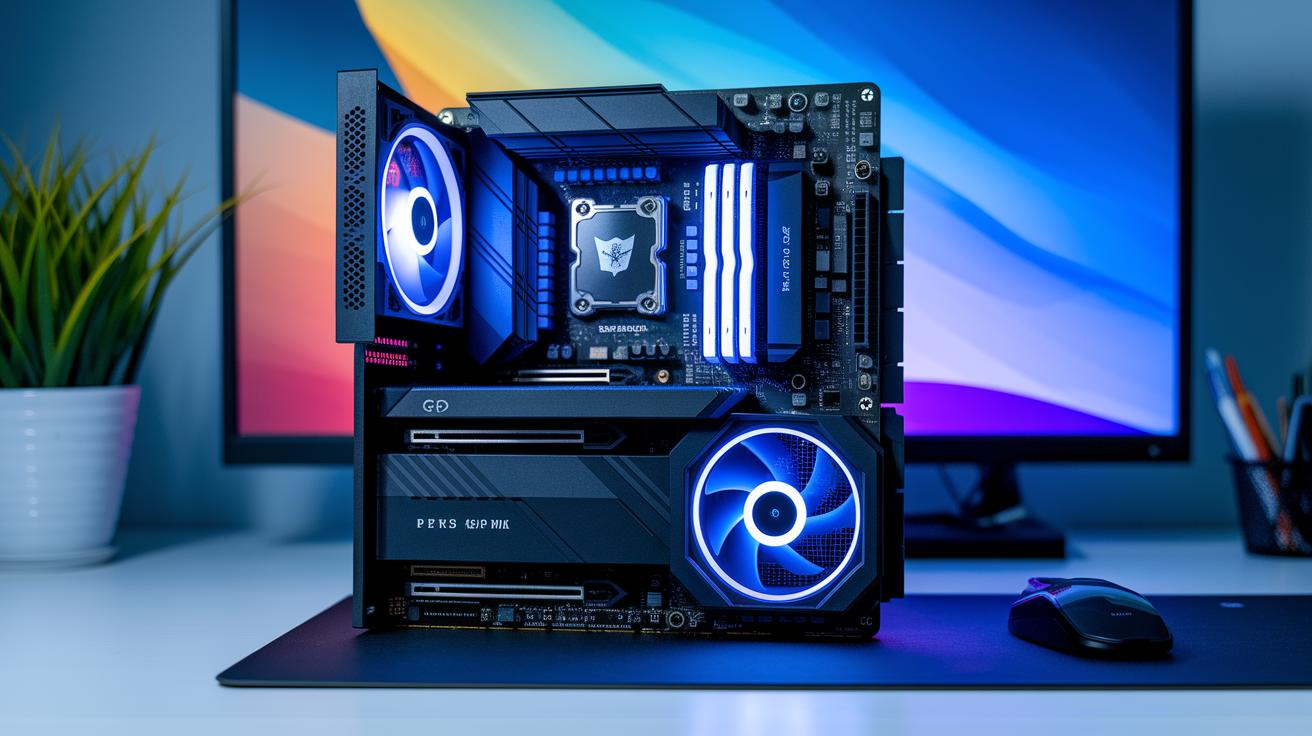
We focus on getting good performance without breaking the bank. Instead of listing every spec, we explain why each part was chosen. We aim for smooth 1080p gaming with room to upgrade later. For instance, the Intel Core i5-12400F was picked for its strong speed and extra L3 cache, think of it as a controller that reacts instantly during an intense multiplayer match. The AMD Radeon RX 9060 XT, on the other hand, delivers smooth frame rates for under $300, so you can game well without overspending.
We consider trade-offs all the time. If your budget is tight, you might choose a cheaper GPU or a simpler motherboard to save cash while still keeping your system strong. Our strategy mixes today’s performance with future upgrade potential, boosting your build’s value without rehashing old details.
Step-by-Step Budget PC Build Tutorial
Ready to build a gaming rig without breaking the bank? This guide walks you through creating a DIY PC that can go toe-to-toe with many pre-built systems. Whether you're just starting out or you've dabbled before, you'll find these steps easy and fun.
- Unpack your parts and set them up on a tidy, static-free surface.
- Screw in the standoffs in your case where the motherboard will sit.
- Gently place the motherboard in the case and secure it.
- Carefully insert the CPU into its socket and lock it down.
- Spread a bit of thermal paste on the CPU and attach the cooler on top.
- Pop the DDR5 memory sticks into their slots on the motherboard.
- Slide the 1TB NVMe SSD into the proper M.2 slot.
- Insert the AMD Radeon RX 9060 XT into the correct PCIe slot.
- Hook up all the power cables and make sure they’re neatly routed for airflow.
- Check every connection, then start up the system and enter the BIOS to get things set up.
After that, install your operating system and add any drivers you need. Run a few system tests to make sure everything boots up smoothly and the temps and fan speeds are just right. This way, your budget build will be set for some seriously epic gaming from the very first boot.
budget gaming pc build: Epic Play for Less

When you're putting together a budget gaming PC, it's key to check all parts for compatibility. Make sure that your CPU fits your motherboard by matching the socket with the chipset. Also, confirm that your motherboard supports the right RAM speed, your rig needs to work well with DDR5 at its given rate. Don’t forget to check your power supply’s wattage to ensure it gives enough power, and verify that your case has enough room for everything. These simple checks help you dodge assembly headaches and save you from expensive mistakes.
Smart builders often use part-picker tools and local deals to cut costs. Look out for discounts on must-have components and skip pricey extras like top-tier cooling or flashy lights that don’t really boost gaming performance. Keeping an eye on seasonal sales or retailer bundles can score you savings without sacrificing quality. Plus, picking basic features now leaves room for upgrades later on. With careful selection and a bit of research, your PC stays flexible, ready for future upgrades, and perfectly game-ready on any budget.
Future Upgrade Paths for Budget Gaming PC Builds
Starting with a budget gaming build is cool, but it's just the beginning. When you start wanting sharper graphics and smoother gameplay, it might be time to upgrade your GPU. Swapping in a better graphics card can really boost your frame rates and overall game performance.
If you're deep into long gaming sessions, think about bumping up your memory from 16GB to 32GB. That extra RAM makes multitasking a breeze, especially when the action heats up. And hey, if you’re tired of slow load times, upgrading to a larger NVMe SSD can really cut down on waiting around. Plus, adding an aftermarket air cooler will help keep your system chill when things get intense.
A smart, budget-friendly upgrade path is to start with a new GPU and more storage. Then, as you notice your system could run smoother, slowly add more memory and improved cooling. These steps can lead to big improvements in FPS and shorter load times, making your games feel much more fluid. Upgrading the graphics card is usually the best move, especially when you're aiming for those high-end setups seen in pricier builds. With every upgrade, your system gets better, giving you clear, measurable gains without draining your wallet. So, gear up – your gaming future looks really promising!
Troubleshooting Tips for Budget Gaming PC Builds
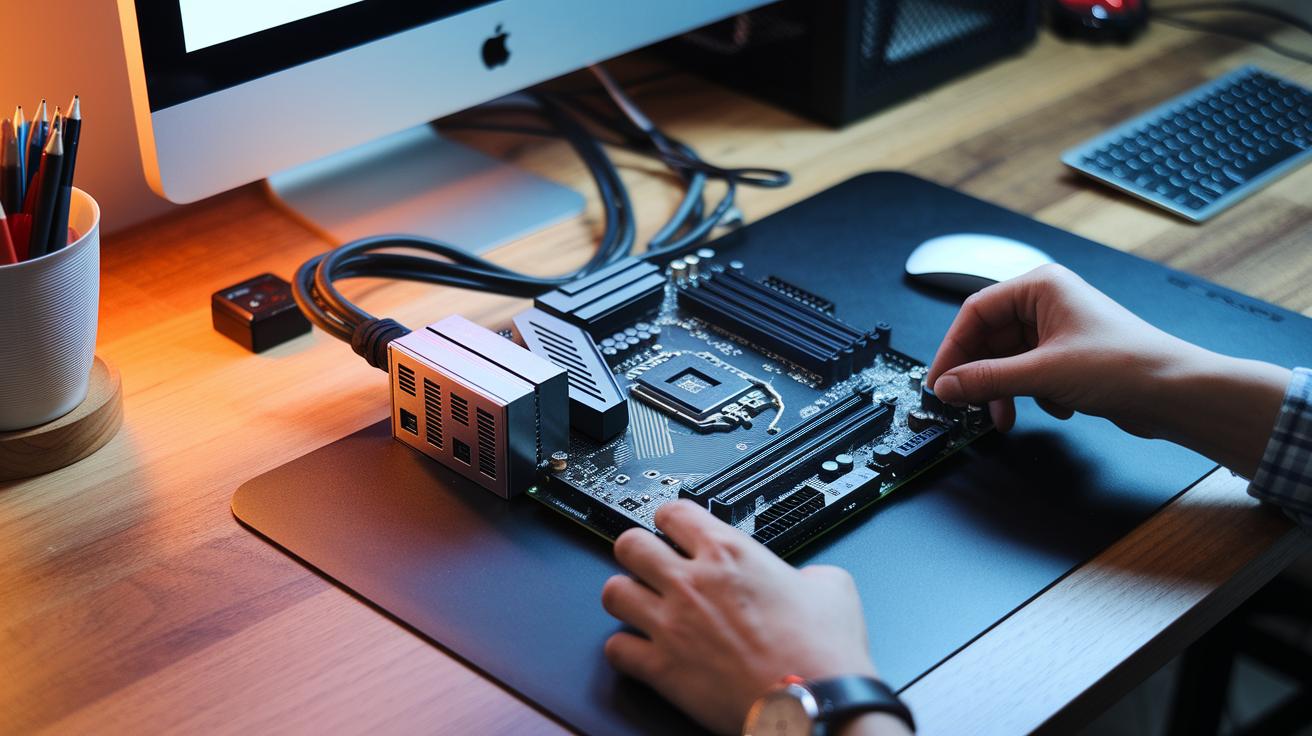
If your PC won’t power up or show a POST, start with the basics. Check every power cable to be sure it’s tight. Reseat your RAM sticks. Often, a loose stick can stop your rig from booting up properly.
If your system starts but then shows error screens or warns of overheating, try a full power-cycle. A quick BIOS reset can clear out small conflicts that might be holding things back.
After sorting out startup issues, work on keeping your system cool and updated. Clear the dust from fans and vents so air flows properly, sometimes even a quick wipe-down can make a big difference. Also, update your firmware and drivers on a regular basis. These simple steps help keep your gaming PC running smoothly without extra costs.
Final Words
In the action, we covered all the key points for a solid budget gaming pc build. We broke down cost-effective parts, step-by-step assembly, compatibility checks, and simple fixes. This guide shared how each component stacks up while keeping expenses in check, along with ideas for future upgrades. It’s a straightforward plan that makes building your own gaming rig feel like a clear mission. Keep experimenting, keep learning, and enjoy the thrill of crafting your own setup.
FAQ
What do Reddit recommendations say about a budget gaming PC build?
The Reddit advice on budget gaming PC builds suggests picking cost-effective parts that offer solid 1080p performance. They stress balancing quality and price to create a system that meets current gaming needs.
What is the best budget gaming PC build?
The best budget gaming PC build mixes affordable components with strong performance. It usually features a mid-range CPU and GPU, ensuring smooth gameplay without overspending.
What should beginners know about building a budget gaming PC?
Building a budget gaming PC for beginners means following clear guides and choosing affordable, reliable parts. It helps avoid common mistakes and sets up a system that performs well at 1080p.
What details are important for a budget gaming PC build in 2025?
A budget gaming PC build in 2025 involves updated parts like modern CPUs and GPUs that deliver excellent 1080p performance. This plan meets future trends and tech advancements without overspending.
What should I consider for an AMD-based budget gaming PC build?
An AMD-based budget gaming PC build focuses on parts compatible with AMD platforms. It recommends AMD processors and graphics cards that offer a good mix of performance and affordability for gamers.
Can I really build a gaming PC for around $500?
Building a gaming PC for around $500 is possible, although it might need sacrifices in graphics quality. This build can still handle light gaming and serves as a solid entry-level system.
What budget works best for a gaming PC build under $1000?
A gaming PC build under $1000 is designed to offer reliable performance at 1080p. It balances cost with quality, providing enough power for most games while leaving room for future upgrades.
Is it cheaper to build my own gaming PC instead of buying a prebuilt one?
Building your own gaming PC is often cheaper, as you can choose every component to maximize cost-to-performance. DIY builds let you avoid the added price of prebuilt systems.
What’s a good overall budget for a gaming PC build?
A good overall budget for a gaming PC build usually falls under $1000, offering a system capable of smooth 1080p gaming with high value for money and potential upgrade paths.
Can a $500 PC run Fortnite effectively?
A $500 PC can run Fortnite well on modest settings. While it may not deliver ultra graphics, it manages smooth gameplay by using cost-efficient components and keeping performance stable.