
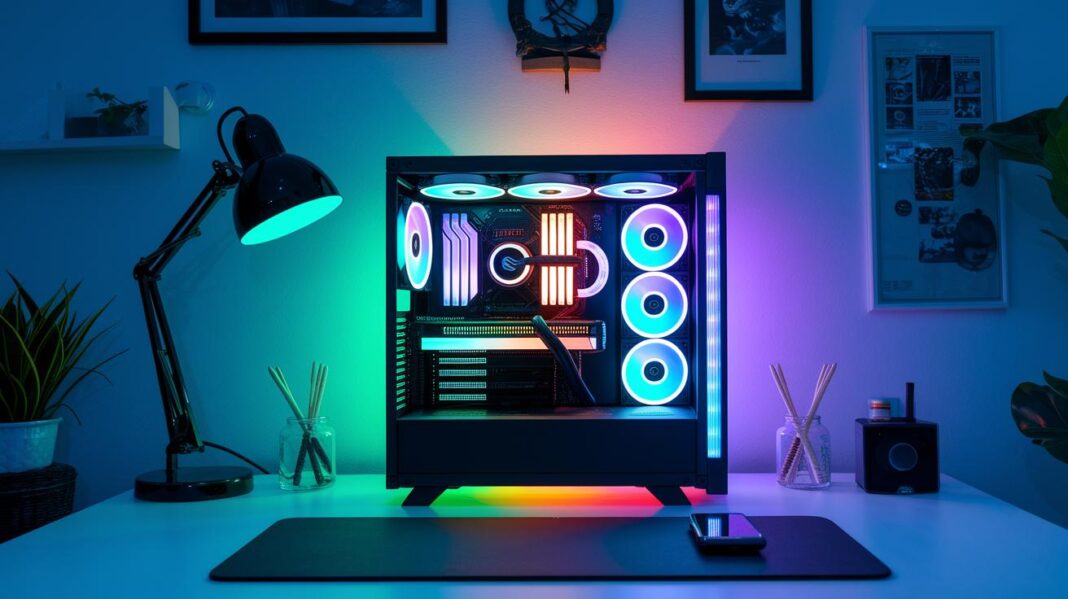

Ever wondered if you could snag an awesome gaming PC without breaking the bank? A lot of folks think powerful rigs have to cost a fortune, but that’s just not true. You can grab a beast for under $1,500 that handles smooth 1080p or even clear 1440p gameplay.
In this guide, we’re laying out smart, budget-friendly picks that pack a real punch for today’s games. Hang tight and see how a little cash can get you a gaming machine that’s as impressive as it is affordable.
Affordable Gaming PC: Radiant Budget Picks
If you're hunting for a solid gaming rig that won't break the bank, check these prebuilt PCs under $1,500. They hit a sweet spot between cost and power, letting you dive into smooth 1080p and even crisp 1440p gaming. The parts are tried and true, so you get punchy performance without emptying your wallet.
These rigs pack modern processors and GPUs built to handle today's games. And hey, with holiday deals slashing prices by up to $600 and free shipping on some, you're all set to jump right in without the extra hassle.
Here's the lowdown:
- Xidax XEN Black – $1,399 – rocking an AMD Ryzen 5 7600 and RX 7600 XT.
- CyberPowerPC Gamer Xtreme – $1,250 – featuring an Intel Core i5 paired with an NVIDIA GTX 1660 Super.
- Redux Gaming PC – $1,450 – sporting an AMD Ryzen 5 5600 and NVIDIA RTX 3060.
Of these, the Xidax XEN Black really stands out. With its Ryzen 5 7600 and RX 7600 XT combo, you can expect great frame rates at both 1080p and 1440p. It’s a balanced, future-ready setup that lets you enjoy modern titles from the get-go, all without a killer price tag.
DIY Affordable Gaming PC Build Guide
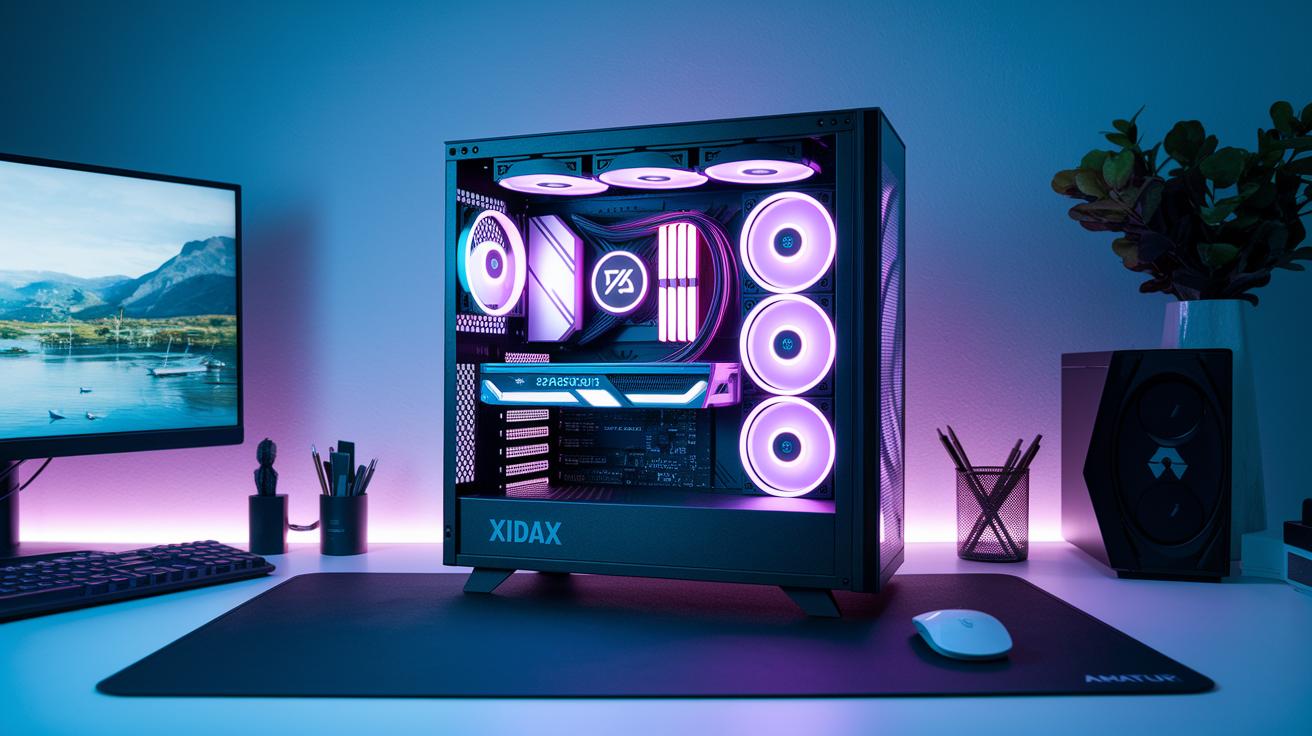
When planning your own gaming rig, first set a clear budget. Think of your budget as your game plan, where every part plays a role. A budget of about $1,200 is a solid starting point for smooth performance without overspending. Break down your funds for each component and be sure they all work together. Check that your processor, graphics card, and motherboard can communicate well. The Xidax X-2 chassis is a great guide here, it's affordable and built for easy upgrades later.
Next, choose the key parts for your build. For example, the AMD Ryzen 5 7600 works great with the RX 7600 XT. This combo fits within your budget while keeping performance high. Pick a motherboard that offers room for future upgrades, and get at least 16GB of fast DDR5 memory. Adding a speedy NVMe SSD makes storage efficient, and a reliable power supply gives your system the energy it needs. Each part acts like a team member, all working together for lag-free gaming.
Finally, take your time during assembly. Clear a workspace, and keep your tools neat. Start by installing the CPU and RAM on the motherboard, then carefully place everything into your case. The design of the Xidax X-2 chassis helps make this step easy. Connect each cable slowly, ensuring every component fits perfectly and all connections are secure. This careful, step-by-step process not only saves money but also turns building your PC into a fun learning experience.
Performance Benchmarks for Affordable Gaming PCs
Our tests on entry-level setups show that even budget systems can hit a solid 60+ FPS at 1080p in modern games. Think about it, a rig with an RTX 4060, or an Intel Core Ultra 5 225F teamed with a GeForce RTX 5060, keeps your gameplay smooth, no matter how intense the action gets. Fun fact: even budget-friendly setups can deliver surprisingly smooth 1080p experiences, proving that quality gaming isn’t only for high-end rigs.
Now, let’s step it up to 1440p. The Ryzen 5 7600 paired with an RX 7600 XT brings around 80-100+ FPS in the latest titles. With such crisp visuals, every moment feels immersive without draining your wallet. It’s a sweet balance, affordable builds that serve both stunning graphics and fast, responsive gameplay. For gamers on a budget, these benchmarks show that you can definitely enjoy quality gaming without breaking the bank.
Upgrade Paths for Affordable Gaming PCs

If you're a budget gamer aiming to ramp up your setup, there are cool ways to upgrade without emptying your wallet. Many budget gaming rigs, like the Xidax X-2 and Xidax X-6 Standard series, let you boost your CPU up to the Intel Core i9-14900K while also giving you space for a new GPU like the RTX 5080. You can even bump your memory from 32GB to 64GB DDR5 and add extra multi-terabyte NVMe SSD storage. In short, you can tune your machine to handle next-gen games and bigger apps.
When planning your upgrades, remember to check your power supply. As you add new parts, your system might need more wattage. Getting a PSU that matches your upgrade plans helps prevent power bottlenecks that slow you down or even cause hardware issues. Think of it like making sure your car has enough fuel for a long road trip.
Overclocking safely is another smart way to get extra performance on a tight budget. Always test your cooling first and keep an eye on your CPU and GPU temperatures when you push them past their stock speeds. Start with a little overclocking and gradually work up to avoid stressing your parts, and use benchmark tests to make sure everything stays stable.
User Reviews and Real-World Impressions of Affordable Gaming PCs
Gamers are buzzing about how these budget rigs hold up in real life. One player even shouted out the Redux gaming PC for its beastly power and excellent value, saying it packs more punch than you’d expect for the price. Lots of folks point out that both entry-level and mid-tier models deliver smooth, reliable gameplay without burning a hole in your wallet.
Plus, the support after you buy is a big win. Every prebuilt system comes with a solid two-year warranty and is rigorously benchmark tested before it hits the shelves. This extra care gives gamers some serious peace of mind. All in all, these reviews show that you can score a quality gaming setup without splurging, making it a great choice for anyone on a budget.
Smart Budget Planning and Buying Tips for Affordable Gaming PCs

Seasonal deals are a total win for gamers. Holiday promotions can chip away up to $600 off the price, and sometimes you even get free shipping. Keep your eyes open for clearance sales and bundle offers that tie together must-have parts like your GPU (that’s the graphics card making your game look killer) and CPU. Catch these deals early, and you might score a high-performance setup for way less than you’d expect, especially during those short winter sale blasts.
If you’re working with a fixed budget, try splitting your funds in a smart way. For example, if you’re planning a $1,500 rig, think about putting 40–50% of your cash into the graphics card, which is the heart of your gaming experience. Then, set aside about 25–30% for the CPU while using the remaining money for the motherboard, memory, storage, and cooling. This balanced approach helps you pick parts that work great together, keeping your performance high without blowing your budget.
Before you lock in your purchase, take a few extra minutes to check out the warranty details and shop with trusted retailers. A solid warranty and reliable post-purchase support can be a real lifesaver. Plus, reading customer reviews and comparing seller reputations can help you make a smart investment that will hold up during those intense gaming sessions.
Final Words
In the action of exploring top prebuilt deals, DIY guides, performance benchmarks, upgrade paths, and real-world reviews, the post kept things clear and fun. We broke down pricing, performance, and savvy buying tips so readers can build a setup that suits both their skills and wallet. Using these insights, you’re ready to select that perfect affordable gaming pc and level up your play. Enjoy putting these tips into practice and have a blast powering up your rig!