


Ever think a small PC can't pack a punch? Well, think again! Mini gaming PCs are here to change your mind. They deliver lightning-fast speeds, sharp graphics, and smooth gameplay that makes every game feel like you’re right in the middle of the action.
These compact machines don't hog your desk space. Instead, they bring the power of a full-sized desktop into a tiny, neat package. Imagine the thrill of an epic boss fight, but with hardware that fits perfectly in your setup.
In this article, we're diving into the best mini gaming PCs around. Even though they're small, these systems can handle the heat of intense digital battles without missing a beat. Ready to see what these little powerhouses can do? Let's jump in!
Best Mini Gaming PCs of 2025
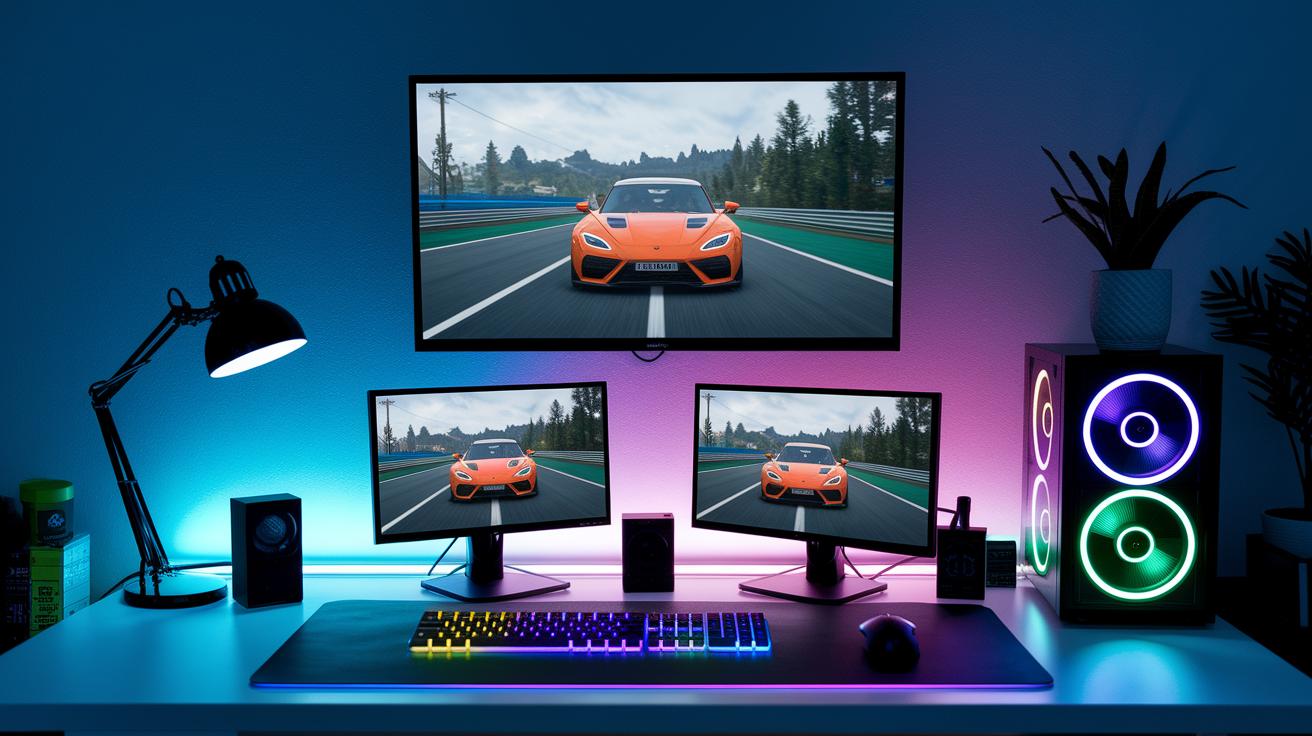
Asus ROG NUC 970 crams a high-quality quad-core processor into a tiny rig. It’s teamed with a mobile-grade RTX 4070 that keeps AAA games super smooth. With at least 16GB of RAM and a 512GB SSD, it’s like having a desktop powerhouse in a mini frame. Imagine blasting Forza Motorsport at max settings on a compact system, totally epic!
MinisForum X1-255 is your go-to if you’re looking for a budget-friendly mini that still packs a punch. Built around a solid mid-range CPU with 16GB of RAM and a speedy 512GB SSD, it’s perfect for competitive gaming without emptying your wallet.
GMKTec Evo-X2 steps in with a Radeon 8060S APU that makes 1080p gaming feel smooth and responsive. It comes with an efficient CPU, 16GB of RAM, and a 512GB SSD, making it a solid mid-tier choice for gamers who need quick reaction times and dependable performance.
Corsair One i600 is engineered for high-resolution gaming. Packing an RTX 5080 and a robust multi-core CPU, along with 32GB of memory and a 1TB SSD, this mini is ready for 4K adventures. Though its premium price tells you it’s top-shelf, it’s perfect for those who crave cutting-edge performance in a small package.
Apple Mac mini M4 brings a sleek design and balanced power to the table. With 10 CPU cores, 10 GPU cores, and enough memory and storage to keep things steady, it’s great if you value both style and efficiency.
Steam Machine rounds out the list as an affordable entry for gamers. Featuring a Radeon RX 7600M, a capable processor, 16GB of RAM and about 256GB SSD, it’s the ideal pick for anyone looking to jump into mini gaming without a heavy price tag.
| Model | CPU | GPU | RAM | Storage | Price Range |
|---|---|---|---|---|---|
| Asus ROG NUC 970 | High-end Quad-Core | Mobile-class RTX 4070 | 16GB+ | 512GB SSD | $1,200 – $1,500 |
| MinisForum X1-255 | Mid-range Quad-Core | Entry-level Graphics | 16GB | 512GB SSD | Budget-friendly |
| GMKTec Evo-X2 | APU-based CPU | Radeon 8060S | 16GB | 512GB SSD | Mid-tier |
| Corsair One i600 | High-performance Multi-core | RTX 5080 | 32GB | 1TB SSD | Premium |
| Apple Mac mini M4 | 10-Core Processor | 10-Core GPU | 16GB+ | 512GB SSD | Mid-range |
| Steam Machine | Efficient CPU | Radeon RX 7600M | 16GB | 256GB SSD | Budget-friendly |
Mini Gaming PC Specifications: What to Look For

Looking for a mini gaming PC? Don’t worry about its small size, it can pack a serious punch. Even though it’s compact, choosing the right components means you won’t miss out on power. Sure, some upgrade options are limited, but a well-built mini PC can still deliver a smooth gaming ride.
When you shop for a mini rig, start with the processor. Pick a mid-to-high-end CPU with at least 4 cores and 8 threads running around 4.0 GHz. This chip is the heart of your machine. A strong CPU makes sure your games run great, even if replacing it later might be tricky in a tiny build.
Next up is the graphics card. Go for a separate Nvidia RTX or AMD Radeon setup instead of relying on integrated graphics. These cards work hard to show off crisp, smooth visuals. Just keep in mind that space in mini systems is tight, so future upgrades can be a bit limited.
Memory matters too. Aim for at least 16 GB of RAM so you can run modern titles and multitask without lag. Often, mini gaming PCs have soldered RAM, meaning you won’t be adding more later. Plan your memory needs wisely from the start.
Storage is equally important. A 512 GB SSD speeds up load times and keeps your system responsive. SSDs also take up less room than old-school hard drives, making them perfect for small builds where every inch counts.
Lastly, check your PC’s input and output options. Make sure it has ports like HDMI or DisplayPort and even Thunderbolt for quick, high-speed connections. This way, you’re set to hook up extra displays or other accessories, which is great during those intense gaming sessions.
Mini Gaming PC Performance Benchmarks

Mini gaming PCs are built to keep your gameplay smooth and fun. Real-world tests like 3DMark Time Spy, Forza Motorsport, Total War: Warhammer 3, Homeworld 3, and Cyberpunk 2077 show that these small systems run games nicely at 1080p. Most of these rigs easily push past 60 fps, even when the games get pretty tough. For example, systems with mobile-class RTX 4070 chips hit top frame rates consistently, keeping every fast move clear and crisp.
But 4K is a whole different story. When you blast your games in 4K, many mini PCs start dropping below 30 fps. If you're set on ultra-high resolution, you might have to dial down some settings to keep things running smoothly. These benchmarks give you a clear look at where mini gaming PCs crush it and where they face challenges, helping you know what to expect before jumping into your next high-octane game.
| Test | Resolution | Avg FPS | Example Model |
|---|---|---|---|
| 3DMark Time Spy | 1080p | 65 | Asus ROG NUC 970 |
| Forza Motorsport | 1080p | 62 | GMKTec Evo-X2 |
| Total War: Warhammer 3 | 1080p | 60 | MinisForum X1-255 |
| Homeworld 3 | 1080p | 64 | Corsair One i600 |
| Cyberpunk 2077 | 1080p | 58 | Steam Machine |
These results show exactly where mini gaming PCs shine and where they hit limits. At 1080p, they deliver a smooth, high-performance experience, but when you bump up to 4K, the trade-offs of a small package come into play.
Cooling and Design in Ultra-Compact Gaming Rigs

Mini gaming PCs might be tiny, but they pack a serious punch. That means keeping everything cool is super important. In these small rigs, you usually use one of three cooling tricks: air, liquid, or passive cooling.
Air Cooling
• Pro: Uses smart little fans that work well even in cramped spaces.
• Con: They can get a bit noisy and might struggle if things are too tight.
Liquid Cooling
• Pro: Some rigs include small all-in-one liquid loops (like in the Corsair One i600) that cool quietly and efficiently.
• Con: They’re trickier to set up and maintain in a small case.
Passive Cooling
• Pro: Uses parts like vapor-chamber heatsinks that don’t have any moving bits, so it’s super quiet.
• Con: Not ideal for heavy gaming and can be tough to upgrade later.
Mini setups often push their limits. You might find that tight cases restrict GPU height and cooler depth. For example, the MinisForum Venus UM790 Pro scores big with its clever heat-pipe layout. It saves space and keeps a sleek profile, but sometimes airflow gets messy and upgrades become a challenge.
DIY Mini Gaming PC Build Guide
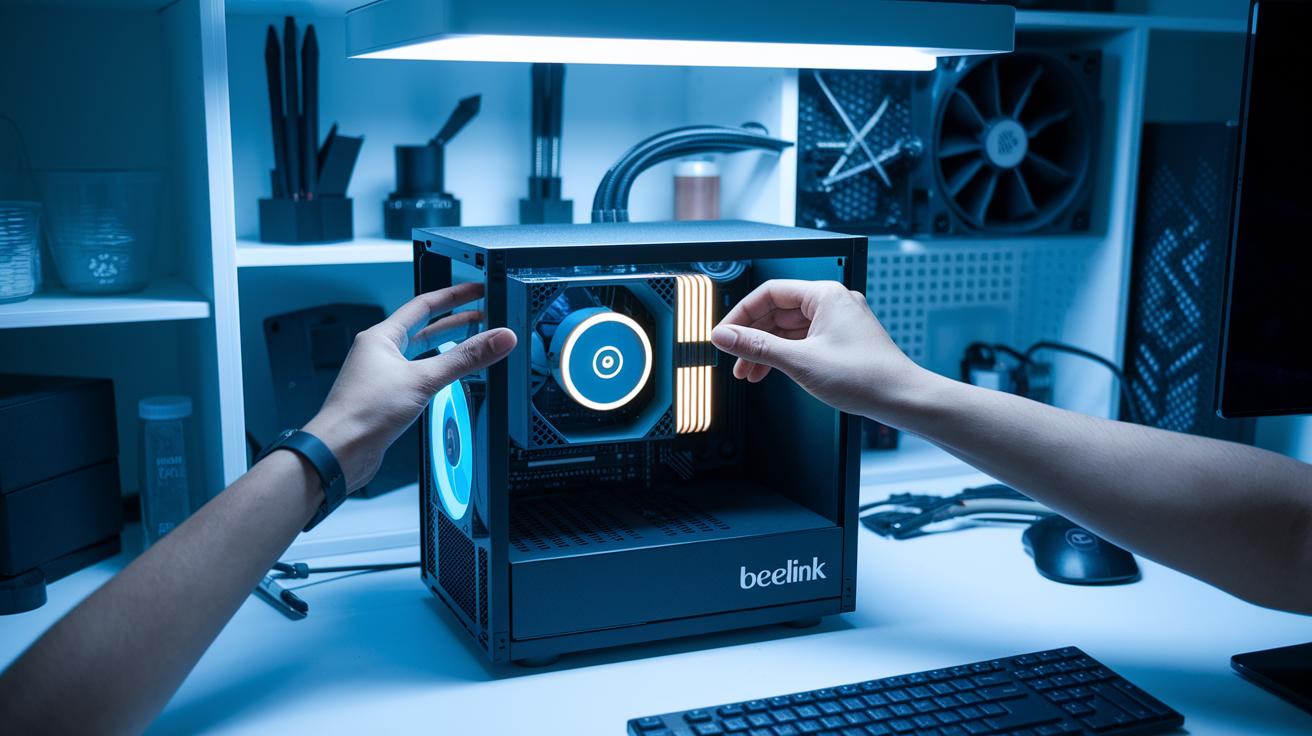
Start by gathering all your essential tools and parts. You’ll need a mini-ITX motherboard, an SFX or SFX-L PSU (think of these as small, efficient power sources), a low-profile CPU cooler, and a matching GPU or APU. Cases like the Beelink or Geekom micro towers work great if you’re after a compact, clean setup. Also, grab a screwdriver set, some zip ties for tidying up your cables, and thermal paste to ensure your CPU is installed just right. Imagine it like piecing together your favorite gaming controller, where every component clicks into place for one smooth, epic session.
Next, follow this simple step-by-step checklist:
-
Install the motherboard
Start by planning your PCIe slot layout. Place the mini-ITX board inside the case and secure it properly. Make sure all the standoffs line up perfectly. -
Mount the CPU and cooler
Squeeze out a pea-sized dab of thermal paste on the CPU. Then, attach your low-profile CPU cooler, making sure it sits flush without crowding other parts. -
Cable routing
Tuck your power and data cables neatly behind the motherboard tray. Use zip ties to keep everything in order, it helps with airflow and keeps the setup looking clean. -
Validation and testing
Before sealing up your case, hook up the system to your monitor and peripherals, and fire it up for a quick boot test. Run some software to check the temperatures and stress test your build with games. If you spot any heat problems, double-check your cooler’s setup and ensure no cables are blocking the airflow.
After assembly, jumping into a few gaming sessions is a smart way to test stability. There’s nothing like real gameplay to show you that every part of your mini rig is performing at its best. Enjoy the build and happy gaming!
Budget vs High-End Mini Gaming PC Price Comparison

Mini gaming PCs come in a variety of prices to match different gaming needs. If you’re gaming on a budget, systems under $700, like the GMKTec Evo-X2, are made for esports and smooth 1080p play. They pack a good punch without emptying your wallet and work great for fast-paced competitive matches.
Mid-range builds, priced around $1,200–$1,500 such as the Asus ROG NUC 970, offer a neat blend of power and price. These machines handle AAA games and competitive titles pretty well, giving you solid frame rates with quality processing and graphics.
For gamers ready to spend $2,000 or more, premium choices like the Framework Desktop AI offer beefy performance. These rigs can handle special tasks like AI work and even 4K gaming. But here’s a tip: spending over $1,500 might not always boost your performance as much as you’d expect.
| Price Tier | Model | GPU | CPU | Expected 1080p FPS |
|---|---|---|---|---|
| Budget | GMKTec Evo-X2 | Radeon 8060S | APU-based CPU | 60+ |
| Mid-Range | Asus ROG NUC 970 | Mobile-class RTX 4070 | High-end Quad-Core | 65+ |
| Premium | Framework Desktop AI | High-end Dedicated GPU | 16-core Zen 5 | 70+ |
A few extra tips if you’re shopping:
• Look for refurbished or open-box models to save some cash.
• Set up price alerts from trusted tech stores.
• Focus on the features you really need, skipping the extras you don’t.
• Choose systems with solid reviews for heat management and long-term performance.
Final Words
in the action, we covered top mini gaming PCs that pack serious punch. We broke down specs, performance, cooling details, and tips for your own build. We compared price ranges, helping you see what fits your play style. Every section served to boost your skills and community vibe. Grab your mini gaming pc, test new strategies, and get ready for more wins. Every bit of effort gets you closer to that next epic play. Enjoy the ride and have fun!
FAQ
What does a mini gaming PC with a graphics card offer?
The mini gaming PC with a graphics card offers sharper visuals and smoother gameplay by using dedicated Nvidia or AMD GPUs. This setup gives you improved performance compared to systems with integrated graphics.
How do RAM options like 32GB or 64GB benefit mini gaming PCs?
The mini gaming PC with 32GB or 64GB RAM helps run games and multitask more smoothly. More memory keeps load times short and game performance steady during play.
Where can I buy mini gaming PCs, including options from Amazon, Dell, or Alienware?
The mini gaming PC available from retailers like Amazon or directly from brands such as Dell and Alienware gives gamers a range of design styles and performance options in compact form.
Are mini gaming PCs under $250 or $200 a good gaming option?
The mini gaming PC under $250 or even under $200 can handle light gaming and eSports titles, though they may struggle with more demanding AAA games, making them best for casual play.
What does a DIY mini gaming PC build involve?
The mini gaming PC build process involves picking a mini-ITX motherboard, a compact power supply, a low-profile CPU cooler, and a suitable GPU. This lets you customize your rig to meet your specific gaming needs.
Do any mini gaming PCs come with a monitor?
The mini gaming PC with a monitor combines a compact computing unit with a display. This ready-to-use package is perfect for users who seek an all-in-one solution in a small setup.
Can a mini PC run GTA effectively?
The mini PC can run GTA effectively when it is outfitted with a mobile-class RTX or a capable Radeon GPU. These configurations typically deliver smooth frame rates at 1080p in popular titles.
What is considered the smallest portable gaming PC?
The smallest portable gaming PC packs high-performance parts into a very compact case. This system blends portability with the hardware needed for satisfying gaming performance on the move.
How do reviews generally rate mini gaming PCs?
Reviews of mini gaming PCs often highlight their compact design, good performance in popular titles, and space-saving benefits. Gamers appreciate these rigs for bringing solid gaming experiences into smaller form factors.