
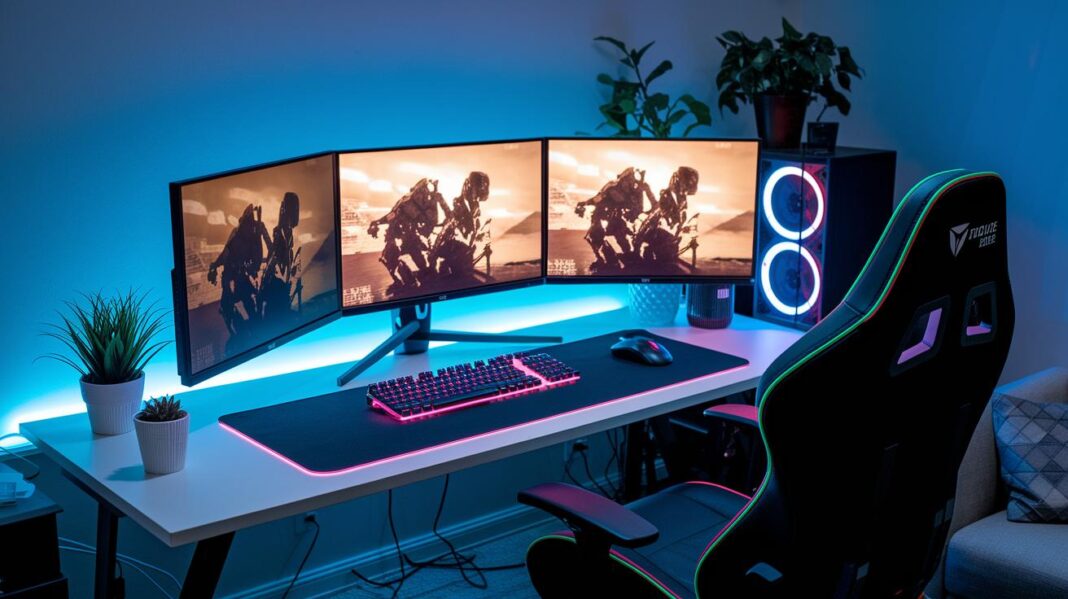

Ever wonder if your gaming gear is really helping, or just holding you back? We know it can be confusing with so many options out there.
This guide is like a buddy giving you the lowdown, clear, simple tips that cut through all the clutter. We've gathered advice on everything from comfy chairs to high-performance PCs, all chosen based on top reviews and real gameplay.
Imagine having a friend point you to smart buys so you can upgrade your setup without all the hassle. Ready to jump in and level up your game?
Complete Overview of the Ultimate Gaming Gear Buying Checklist
We've put together a gear list that gathers every piece you'll need to build an epic gaming setup in 2024. This friendly guide dives into the specialized equipment that works as hard in high-stakes competitive play as it does during big streaming sessions. It’s like having a buddy help you sift through all the confusing online listings and in-store options with ease.
Each piece was handpicked based on top reviews and performance standards. Whether you're after a sturdy gaming chair for those long sessions or a high-performance PC that can keep up with the latest games, this checklist helps you find the right mix of comfort, speed, and reliability.
- Gaming Chairs designed to support your posture
- Gaming Desks that blend comfort with a smart layout
- High-performance PCs loaded with the latest components
- Headsets that deliver clear sound with dependable mics
- Gaming Mice featuring extra buttons you can customize
- Gaming Monitors with fast refresh rates and vibrant displays
- Keyboard and Mouse Mats to ease strain during play
- Mechanical Keyboards built for fast response
- RGB Lighting systems with over 300 cool effects you can set up your way
- Gaming Speakers that offer quality surround sound
- Multi-monitor Setups for more screen space during intense sessions
- And other must-have peripherals to round out your setup
By following this checklist, you’re set to make smart, balanced buying decisions. With each section clearly broken down, you can confidently create a gaming zone that meets your performance goals, whether you're prepping for the next big tournament or streaming your favorite moments.
Gaming Gear Buying Checklist: PC Performance Criteria
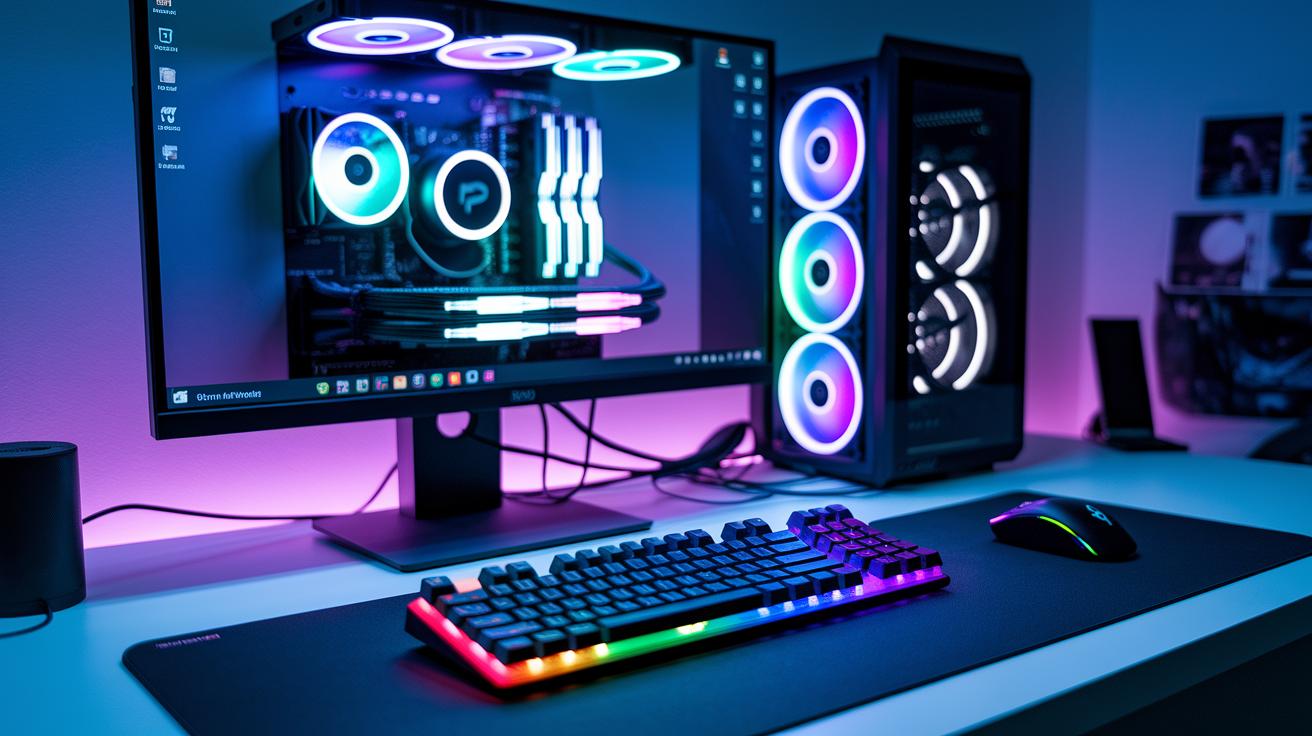
A gaming PC is like the heart of your epic sessions. It brings your high-speed battles and vivid worlds to life. This powerhouse handles everything, from detailed graphics to super-fast input commands that keep up with your every move.
| Component | Minimum Spec | Recommended Spec |
|---|---|---|
| CPU | Quad-core processor | High-performance processor (e.g., Intel i7 or Ryzen 7) |
| GPU | Mid-tier graphics card (e.g., GTX 1660/RX 560) | Top-notch graphics card (e.g., RTX 3080/RX 6800 XT) |
| RAM | 16 GB | 32 GB |
| Storage | NVMe SSD 500GB | NVMe SSD 1TB+ |
| Cooling | Basic fan or budget cooler | Liquid cooling or high-end air cooler |
Deciding between a desktop build and a gaming laptop? It's all about weighing your options. Desktops often pack more power and let you easily upgrade key parts like the CPU and GPU. They’re built to run cool and fast, making sure your gaming stays smooth and steady. On the flip side, gaming laptops give you the freedom to play anywhere, even if they sometimes trade a bit of cooling and raw power for portability. It’s like choosing between unleashing high-octane power at home or enjoying compact flexibility when you're on the go.
Gaming Gear Buying Checklist: Precision Input Devices
A gaming mouse can be a total game changer when you're in the heat of battle. When every click matters and split-second decisions count, having a trusty mouse gives you that extra edge in fast matches. The perfect mouse offers smooth moves and reliable clicks that help keep lag at bay, so your gameplay stays sharp and responsive.
- DPI range: Look for settings from 400 to 16,000 to match both slow, careful snipes and quick, snappy flicks
- Sensor accuracy: Options include optical and laser for clear, precise tracking
- Programmable buttons: Extra keys let you set up custom moves for your play style
- Weight-tuning system: Adjustable weights mean you can fine-tune the mouse to feel just right
- Cable/connector build: A braided cable boosts durability and ensures a solid signal
When trying out a gaming mouse, experiment with different DPI settings to get a feel for how the sensitivity changes. Take some time to adjust the weight and examine the cable's build to ensure you have smooth, uninterrupted control. A hands-on trial can quickly show you which mouse fits your vibe, making every in-game action swift and on point.
Gaming Gear Buying Checklist: Mechanical Keyboard Insights
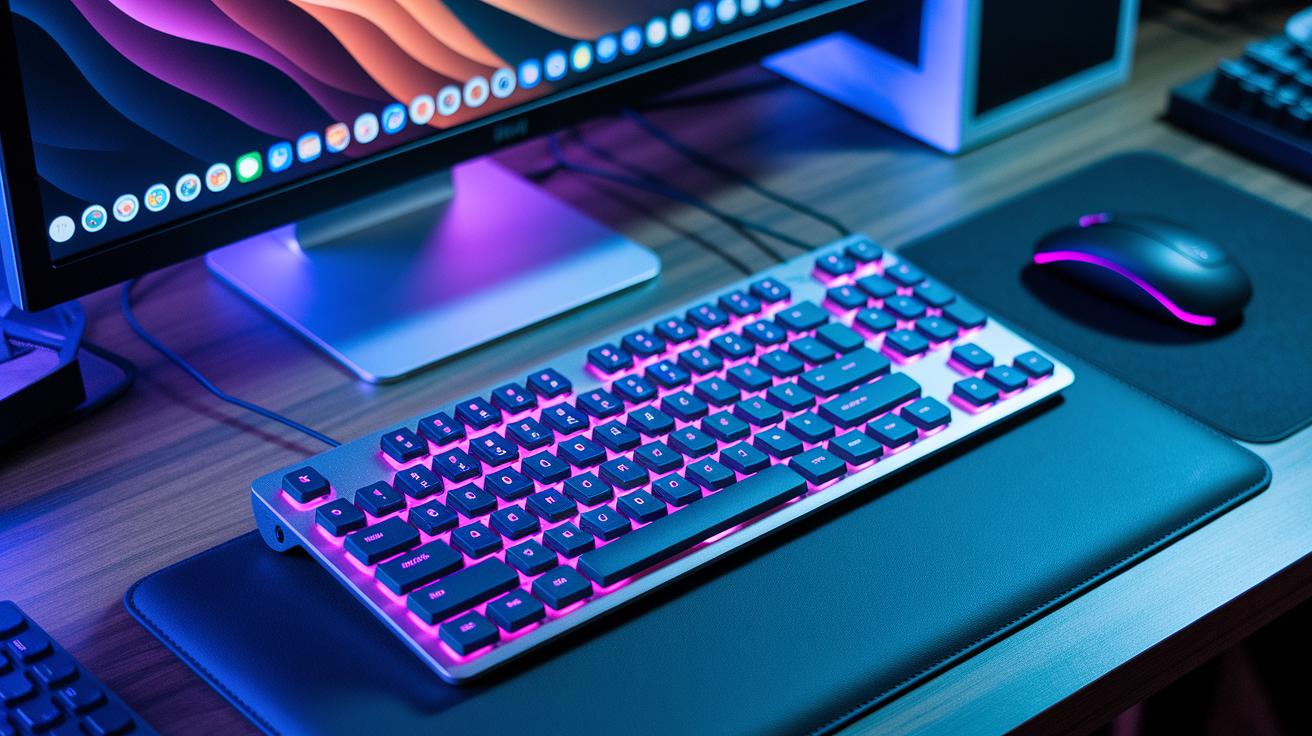
Mechanical keyboards come with different switch types that change how each key feels. Linear switches feel smooth and quiet for quick taps, while tactile ones give you a little bump with every press. And then there are clicky switches that make a clear click sound many gamers swear by for accuracy.
Layouts matter, too. Full-size keyboards include a number pad, tenkeyless boards free up desk space, and compact ones keep your setup looking neat. Ever try a tactile switch? It’s like getting a tiny reward every time you press a key.
It’s not just about feel and layout, build quality counts as well. Keyboard frames made from aluminum offer extra strength and last longer, while plastic builds keep things light. LED lighting isn’t just cool; it helps you see the keys during those intense sessions. And remember, wired (USB) keyboards usually react faster than wireless ones. Try a few in a store to find the one that gives you that competitive edge.
Gaming Gear Buying Checklist: Visual Setup & Displays
When you're picking a monitor, think about what resolution works best for your games, whether it’s 1080p, 1440p, or even 4K. The resolution sets the stage for how clear the image will be. And don’t forget about refresh rates! Ranging from 60 to 360 Hz, they keep gameplay smooth during those heart-pounding moments. Plus, you’ve got different panel types to consider: IPS panels give you bright, vivid colors; TN panels are super quick, so they’re great when every second counts; and VA panels offer rich contrast for deeper darks.
If you’re setting up multiple screens, it’s a neat way to boost your game and work setup. Adding extra monitors lets you track performance stats, keep an eye on streams, and even crank up your productivity. A few tweaks here, like adjusting brightness or color balance, can make everything look just right. And you can mount these screens with arms or stands for the best viewing angles while keeping your desk tidy. A little experimentation with your layout can really up your comfort and edge in the game, making it easier to focus and react fast during the heat of battle.
Gaming Gear Buying Checklist: Sound & Headsets Review
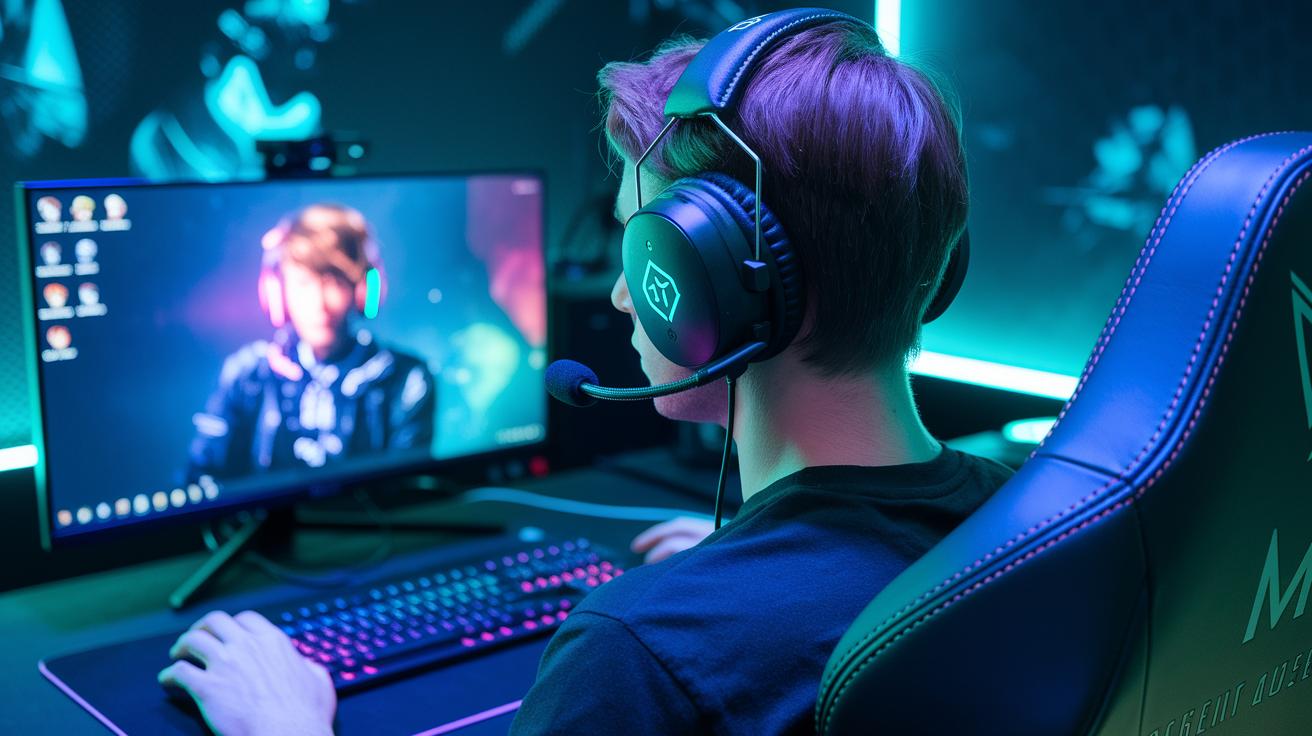
Clear audio is a total game changer whether you're flying solo or teaming up with friends. Every tiny sound matters, so having a headset that gives you sharp sound and lets you chat smoothly can really boost your play. Whether you're honing in on enemy footsteps or calling out strategies, crisp audio means you won't miss a beat.
- Driver type: Go for surround-sound drivers that drop you right into the action.
- Mic quality: Pick headsets with clear mics so your game calls come through loud and clear.
- Comfort: Choose headsets with soft, over-ear padding to keep you comfy during those long sessions.
- Build durability: Look for models built tough so they can handle hour after hour of play.
- Wired vs. wireless: Decide based on whether you need a rock-solid connection or more freedom to move around.
If chatting with your team and nailing in-game commands are your top priorities, headsets are the way to go (check out how to choose the best gaming headset at https://funcomputers.com?p=413). But if you're after big, room-filling sound or want gear that works for both gaming and your tunes, then high-quality speakers with 5.1 or 7.1 surround sound can give you extra directional clues, making your gaming world even more immersive.
Gaming Gear Buying Checklist: Seating & Ergonomics Guide
Finding the right chair really sets you up for a comfy gaming marathon. A good gaming chair backs up your posture and fits your body just right, like the perfect setup when you're gearing up for a co-op match. Look for ones with built-in lumbar support and neck cushions that ease the strain during long sessions. For example, the Karnox Suede and Slate Gray models are designed to bring that extra bit of comfort. It’s like choosing your favorite park bench; if it doesn’t feel right, it just won’t do. Checking the exact dimensions and weight limits can really help you nail down that ideal fit.
When it comes to fine-tuning, little adjustments are key. Think about chair features like armrests that swing in every direction or the ability to recline, tilt, and set your height, plus a sturdy frame for breathability and long-lasting use. Trying out different setups can show you which one gives you the best support, kind of like finding that perfect game setting that clicks. Models such as the popular gamer gear gaming chair (https://funcomputers.com?p=93) get top marks for their flexibility and strong build. Their materials are picked not just for a cool look, but to keep you comfortable and resistant to wear, so you can dive into your games with zero fuss.
Gaming Gear Buying Checklist: Setup Accessories & Ambience
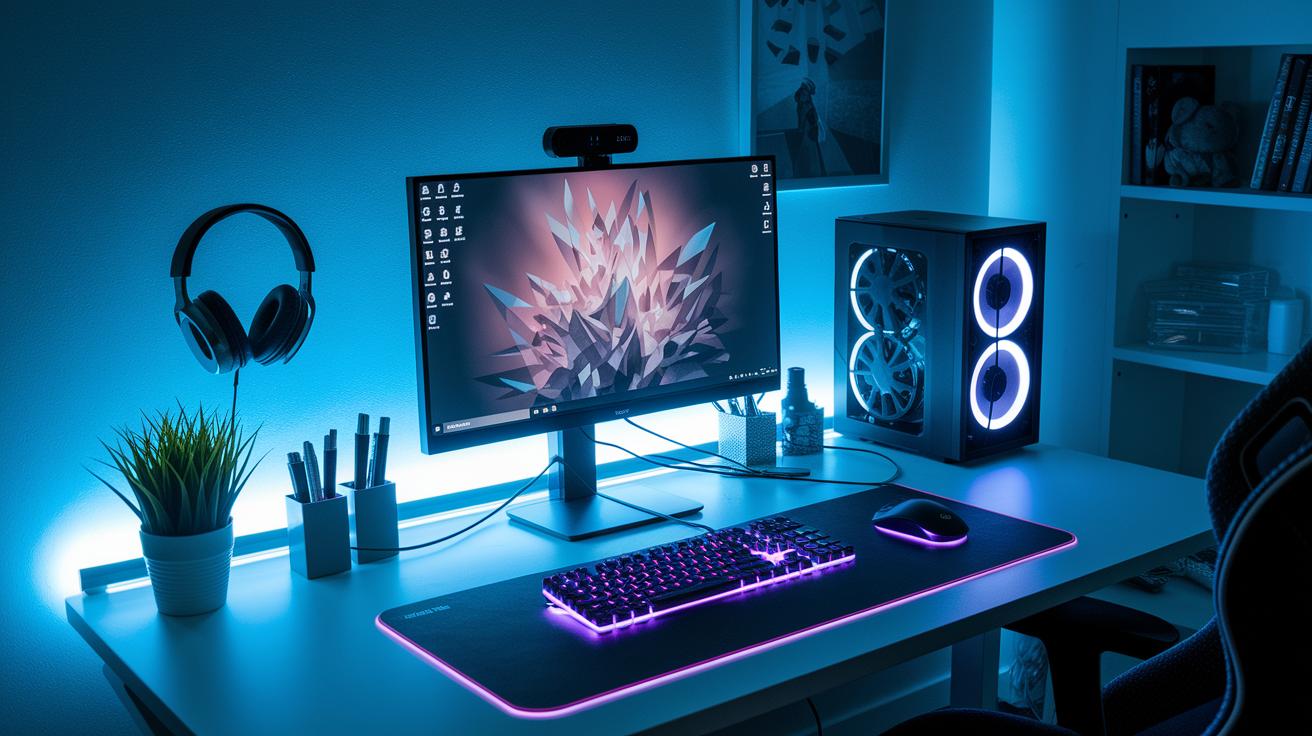
Lighting and desk mats aren’t just for looks, they create a vibe that pulls you into your game. Imagine LED lights with over 300 settings, letting you change your mood like swapping out your favorite weapon mid-battle. A sturdy desk mat under your keyboard and mouse keeps everything in place, gives your wrists some relief, and lets your moves flow smoothly. A smooth, grippy mat can even feel like a hidden bonus, easing strain during those long gaming marathons.
Cable organizers, stands, and headphone hooks round out the setup by keeping things tidy and distraction-free. Neat cables mean no frustrating tangles that could break your focus, and dedicated stands give your tech gear a safe spot to rest. Little touches, like game-themed posters or subtle LED strips, add character without cluttering your space. Try mixing and matching these accessories to craft a high-tech, clutter-free zone that amps up every moment of your play.
Gaming Gear Buying Checklist: Budget & Purchase Planning
When you're putting together your dream gaming setup, it helps to map out your budget. Break it down into three levels: low-end (under $500), mid-range ($500–$1,000), and enthusiast (over $1,000). That way, you can focus on performance features without getting lost chasing just the flashiest parts.
| Build Tier | Approximate Cost | Key Gear Included |
|---|---|---|
| Low-End | Under $500 | Core parts, basic peripherals, entry-level monitor |
| Mid-Range | $500–$1,000 | Better processor and graphics, improved sound setup, comfy chair |
| Enthusiast | Over $1,000 | High-performance PC, top-tier peripherals, multi-monitor setup, pro accessories |
Keep a lookout for deals – they can seriously cut down your costs. You might snag free shipping on orders over €99 or enjoy a free 10-pack when you spend $60, and sometimes even free shipping kicks in on $65+ orders. Timing your purchases right around these promotions means you get the upgrades you need without splurging. Stay on top of seasonal sales and special offers to tweak your gear list as needed. It's a smart plan that gets you great performance without busting your budget, no matter if you're just starting out or diving into high-end rigs.
Gaming Gear Buying Checklist: Vendor & Warranty Considerations
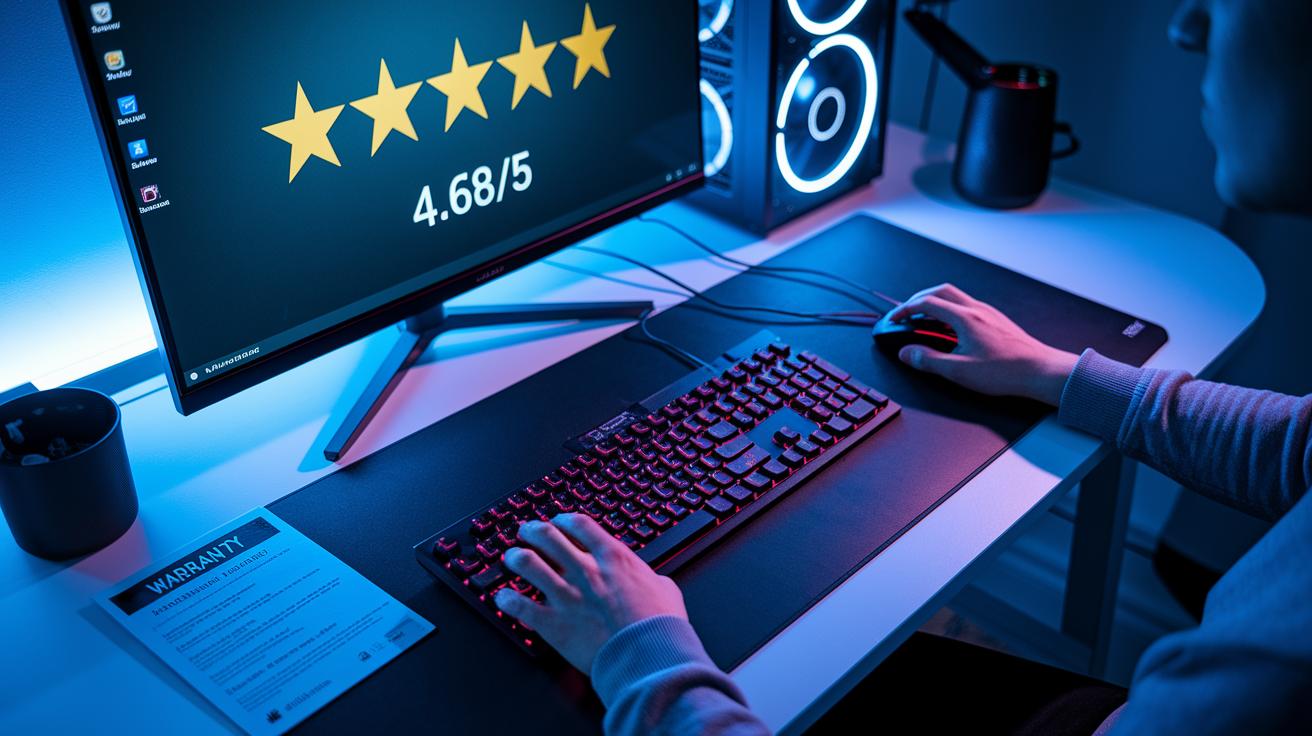
When you're on the hunt for new gaming gear, start by checking if the seller is someone you can trust. Look at reviews and ratings, like seeing a 4.68 out of 5 from nearly 800 players, to know you're in good hands. Also, take a quick peek at the warranty for each item, whether it's that high-end gaming PC or your favorite mouse and keyboard duo. Check how long the warranty lasts and exactly what parts they cover. It’s like knowing your backup plan, so you can focus on leveling up your setup without worries.
Then, make sure to review the return policy and shipping details before you hit that buy button. Find out how you’d send something back if it isn’t quite right, and see how fast the gear will actually land on your doorstep. A clear, fair return policy and speedy shipping mean you can quickly get back into your game if anything goes off track.
Final Words
In the action, we broke down the ultimate gaming gear buying checklist. We covered everything from top-notch PCs to input devices, mechanical keyboards, displays, sound gear, ergonomic seating, extras, budget planning, and vendor checks.
We shared smart tips and clear setups to help you make informed choices. Each section builds on a practical guide to improve your setup and boost your play. Keep this checklist handy for an awesome gaming experience and sharper gaming skills. Enjoy leveling up your game!
FAQ
What are the best gaming accessories for PC and those recommended on Reddit?
The best gaming accessories for PCs and those popular on Reddit consist of high-quality keyboards, precise mice, and comfortable headsets designed to boost performance and immerse players in fast-paced gaming environments.
What are the best gaming accessories brands?
The best gaming accessories brands offer reliable gear built on performance and durability, with top names providing keyboards, mice, headsets, and more that satisfy a range of budgets and gamer needs.
What are the best gaming accessories for laptops?
The best gaming accessories for laptops center on portable, high-performance gear like external mice, compact keyboards, and versatile headsets that enhance mobile play without sacrificing comfort.
What are the best gaming accessories for mobile?
The best gaming accessories for mobile include controllers, cooling solutions, and sturdy mounts that let players enjoy smooth, responsive gameplay on smartphones, creating an engaging experience anywhere.
What are the best gaming accessories for PS5?
The best gaming accessories for the PS5 include specialized controllers, headsets, and charging docks engineered for optimal performance and compatibility, helping gamers enjoy immersive play on Sony’s console.
What are the best gaming accessories for Xbox?
The best gaming accessories for Xbox include dedicated controllers, headsets, and external storage options designed to match the console’s performance, ensuring smooth and immersive gameplay.
What are the best gaming accessories for 2025?
The best gaming accessories for 2025 are expected to feature cutting-edge tech, ergonomic designs, and smart integrations that provide gamers with future-ready gear to stay ahead in play.