
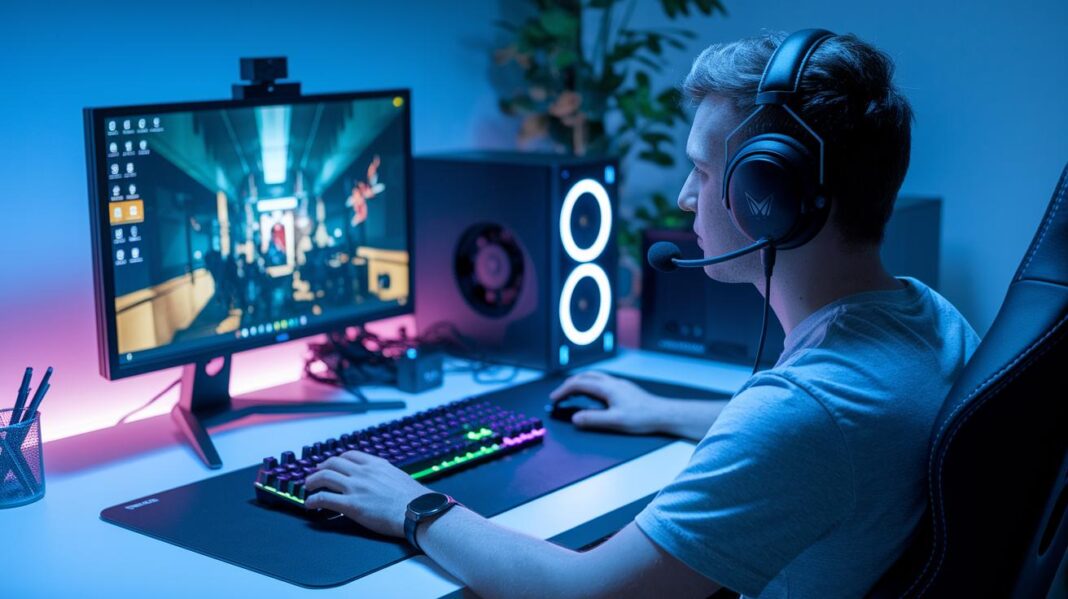

Ever wondered if your gaming setup might be holding you back? The market is booming, and having the right gear can really level up your play. Think of your equipment like your in-game character, starting off right gives you a big edge. A sturdy PC or the newest console along with a bright monitor and quick, responsive controller can change your whole game. In this post, we're diving into the must-have items that every beginner needs for a smooth and exciting gaming experience.
Must-Have Gaming Gear for Beginners: Starter Checklist
When you're getting into gaming, having the right gear is a must. The gaming world is booming, with last year hitting an insane $134.9 billion and growing by 10%, so investing in solid equipment can seriously boost your play. Think of it like crafting your own game character; it all begins with the basics.
A reliable setup means you can jump into games like Portal 2, Minecraft, and The Witcher 3 without any annoying lag. Whether you're eyeing a PC built with an AMD Ryzen 5 or Intel i5, 16GB of RAM, and a GTX 1660 Super on Windows, or you’re leaning toward a console like the PS5 or Xbox Series X/S, picking the right gear is your ticket to smooth gameplay.
Your starter checklist should include:
- PC or console
- Monitor
- Keyboard
- Mouse
- Headset
- Controller
- Desk & chair
When choosing your setup, be sure to consider your budget and playstyle. For example, a $500 entry-level PC can run most games at 1080p and medium settings, while your personal comfort drives your choices in headsets and controllers. Customize these essentials to match your play needs and reflect your unique style.
Choosing the Right PC or Console Gear for Beginners
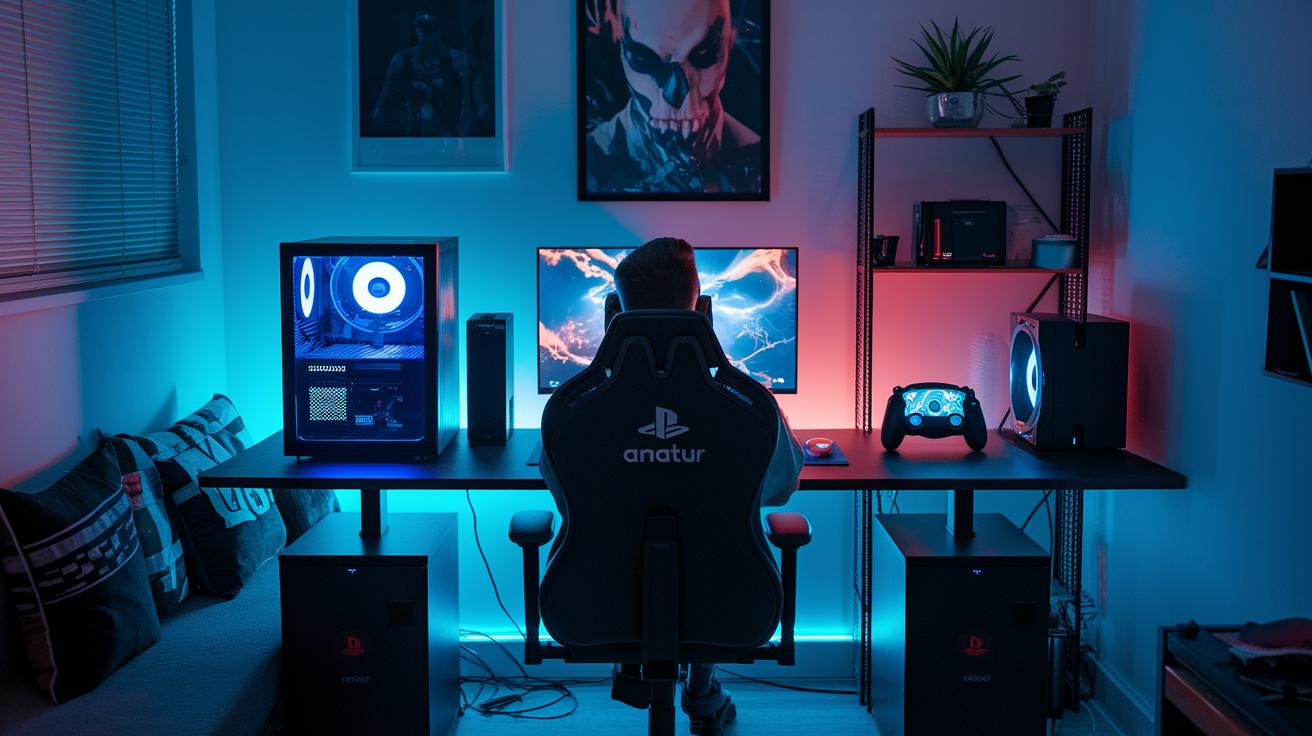
When you're new to gaming, picking the right setup is like choosing your character for an adventure. It sets the mood and feel for every game session. For instance, a PC built on an AMD Ryzen 5 or Intel i5, with 16GB of RAM and a GTX 1660 Super, gives you a blend of power and flexibility, running games at 1080p on medium settings for around $500. On the other hand, consoles such as the PS5, Xbox Series X/S, PS4, or Xbox One not only offer exclusive games but are also really easy to use. And if you’re always on the go, a handheld like the PlayStation Vita can be your perfect portable sidekick, while a VR headset like PlayStation VR2 can take immersion to a whole new level.
| Device Type | Advantages | Disadvantages |
|---|---|---|
| PC | Highly customizable, upgradeable, multifunctional | May need extra setup time and a bit of tech know-how |
| Console | Simple to use, steady performance, exclusive games | Less flexible with upgrades or changes |
| Handheld | Portable and perfect for quick gaming sessions | Smaller screen and not as powerful as home systems |
At the end of the day, the best choice comes down to your budget and the games you love. If you enjoy tweaking settings and boosting performance, a PC might be the perfect partner. But if you’re after something straightforward with a great game lineup, a console or handheld could be just the trick.
Cost-Effective Gaming Headsets for Beginners
Gaming audio matters a lot. Clear sound helps you spot enemies fast and makes chatting with your team a breeze. A headset with crisp surround sound and a noise-canceling mic can really up your game. When your audio is on point, every in-game moment feels more immersive, even if you're keeping an eye on your wallet.
- Surround sound so you hear even the quietest enemy move
- Noise-canceling mic to keep your voice crisp in chats
- An adjustable design that stays comfy during long sessions
- Detachable mic so you can switch between gaming and calls
- A lightweight build that helps you play longer without fatigue How to Choose the Best Gaming Headset
For beginners on a budget, two headsets shine. One from HyperX has great audio, a snug adjustable frame, and a mic you can easily remove, all for around $30 to $50. On the flip side, a SteelSeries headset also fits the bill and is known for its sturdy build and clear voice chat. Both give you the key features you need at a friendly price, letting you choose one that suits your game style and comfort.
Fundamental Keyboard and Mouse Picks for Beginners
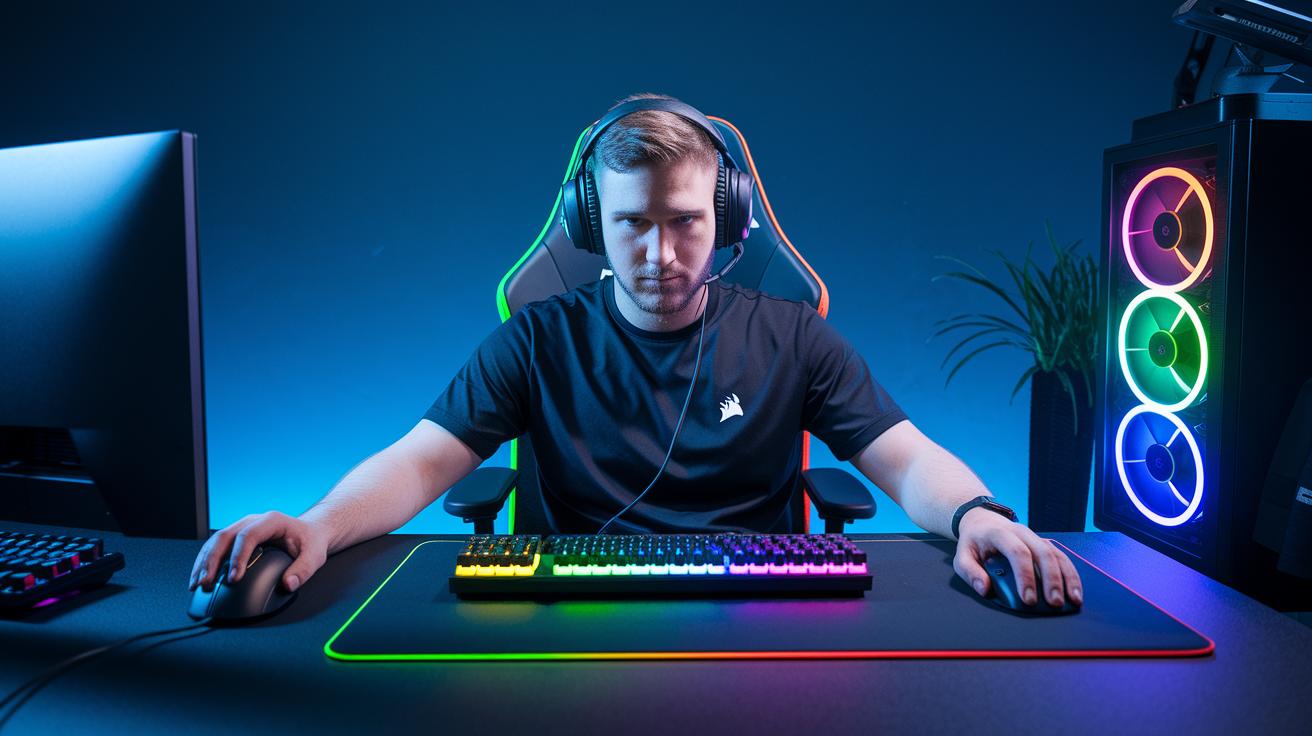
When you're gaming, every move counts. A solid keyboard and mouse make sure that every click and keystroke shows up right on your screen. Quick responses can be the difference between winning and losing, especially in those close, intense battles.
Here are some great picks to get you started:
- Corsair Mechanical Keyboard: This board has anti-ghosting and programmable keys with Cherry MX switches. It’s built for speed and costs about $100.
- Logitech Pro Keyboard: Enjoy crisp keystrokes and a sturdy build that feels smooth during play. This one is roughly $80.
- Cooler Master Keyboard: It comes with customizable macros and tough switches for lasting play. Expect to pay around $90.
- Logitech G203 Mouse: With adjustable DPI settings, extra buttons, and a comfy grip, this mouse is a solid pick at around $30.
- Razer DeathAdder Essential: It offers smooth tracking with very precise control, making it a favorite for about $40.
- SteelSeries Rival 3 Mouse: This mouse features extra programmable buttons and a design that feels just right. It’s near $35.
Pairing your keyboard with the right mouse is like having a well-coordinated team. Every press and click works together, making sure your moves register just the way you want them to. Choosing gear that matches not only boosts your performance but also gives your setup a sharp, unified look. A great pair can speed up your reactions and save you from that tired feeling after long gaming sessions.
High-Performance Budget Gaming Controllers for Beginners
If you're starting out in gaming, having a good controller can really change the way you play. It gives you that satisfying feel when you press a button, and it reacts fast so you can pull off cool moves. A solid controller can almost feel like an extra part of your hand, boosting your fun and helping you nail those tricky levels.
- Xbox Series X Controller: Great for both Xbox and PC. It usually costs about $40–$60.
- PlayStation DualShock 4: A favorite for PS4 and PC players, and it falls in the $40–$60 range.
- Razer Third-Party Controller: This one lets you remap buttons and has extra triggers. It works well on consoles and PC, costing roughly $70–$100.
- Scuf Lite Controller: Known for its customizable buttons and comfy grip. Perfect for competitive play, priced around $70–$100.
- Wireless Bluetooth Option: Enjoy gaming without cables, and it works with lots of devices. Also priced between $40–$60.
Choosing a controller comes down to comfort, build quality, and how well it fits your gaming style. Some allow you to tweak things like trigger sensitivity or change how the buttons work, which can really up your game. With a range that goes from classic console types to advanced third-party designs, you can start with a budget-friendly option and later find upgrades as you get better at gaming. Enjoy the journey and level up your play!
Essential Monitor Features for Immersive Beginner Setups
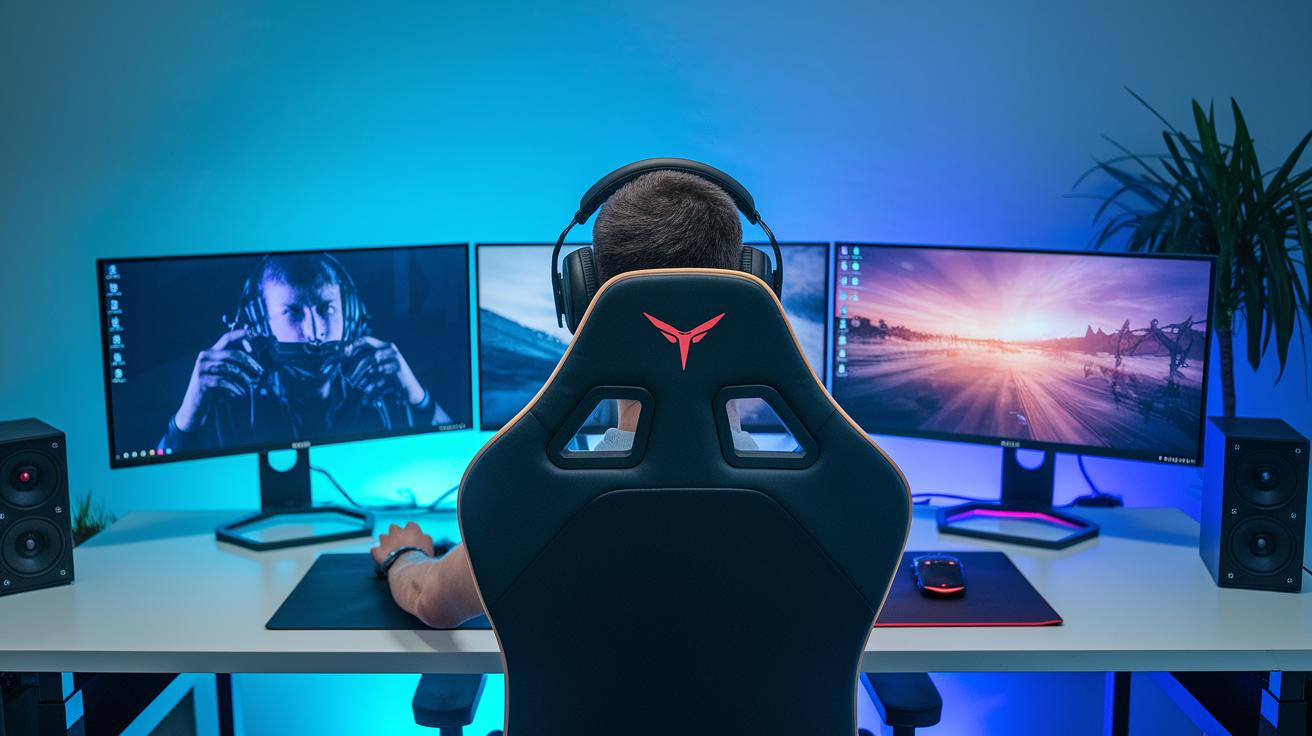
Great visuals can seriously boost your gameplay. Picking the right monitor is like unlocking a bonus level, it fires up your screen with vivid colors and super clear details, making every game feel more exciting.
Here's what you need to look for:
- 1080p resolution with a 60 Hz refresh rate and a 5 ms response time for smooth action.
- A 144 Hz display that offers super fluid motion (usually around $150–$200).
- HDMI 1.4/2.0 and DisplayPort connections for reliable, speedy signals.
- TN panels if you need low input lag, or IPS panels if you want more accurate colors.
When you pick a monitor, think about what fits your gaming style. Fast shooters and competitive games really shine with a 144 Hz refresh rate at 1080p, since it helps you catch every move with precision. On the other hand, if you dig rich, immersive visuals in story-driven games, hitting up a 4K monitor might be worth it, just make sure your system can handle the extra load.
At the end of the day, it’s all about balancing what you can spend with what you need for an awesome experience. Whether you go for a TN panel’s quick response or the vibrant colors of an IPS, your new setup should amp up your gameplay and overall digital adventure.
Beginner Chair Solutions and Adaptive Desk Setups
When you’re in the zone for a long gaming session, sitting right is a total game changer. A comfy chair paired with a smart desk setup can keep you feeling fresh and on point, letting you focus on the action. Even budget-friendly chairs (think around $100–$150) come packed with cool features like armrests you can adjust, a back design that keeps your spine happy, and a reclining option to help you chill between matches.
Top picks for chairs are the ones with adjustable armrests, solid lower back support, and reclining settings that feel just right. For instance, the Gamer Gear Gaming Chair is known for its reliability and cozy comfort.
Next, when it comes to desks, look for ones that are at least 48 inches wide. They often come with built-in cable trays. This means your wires stay neat, leaving more space for your gaming gear.
| Feature | Description |
|---|---|
| Chair | Adjustable armrests, lumbar support, reclining function for all-day comfort |
| Desk | At least 48 inches wide with built-in cable trays for an organized workspace |
| Cable Management | Under-desk kits to keep cables tidy for smooth focus during gameplay |
Setting up everything right is just as important as having the right gear. Arrange your chair, desk, and accessories so that everything is within easy reach, like a well-organized inventory screen. When your setup is balanced, you can move freely and keep a sharp focus throughout your session. Smart planning helps you play harder and longer with less fatigue.
Must-Have Gaming Add-Ons for Beginners and Future Upgrades
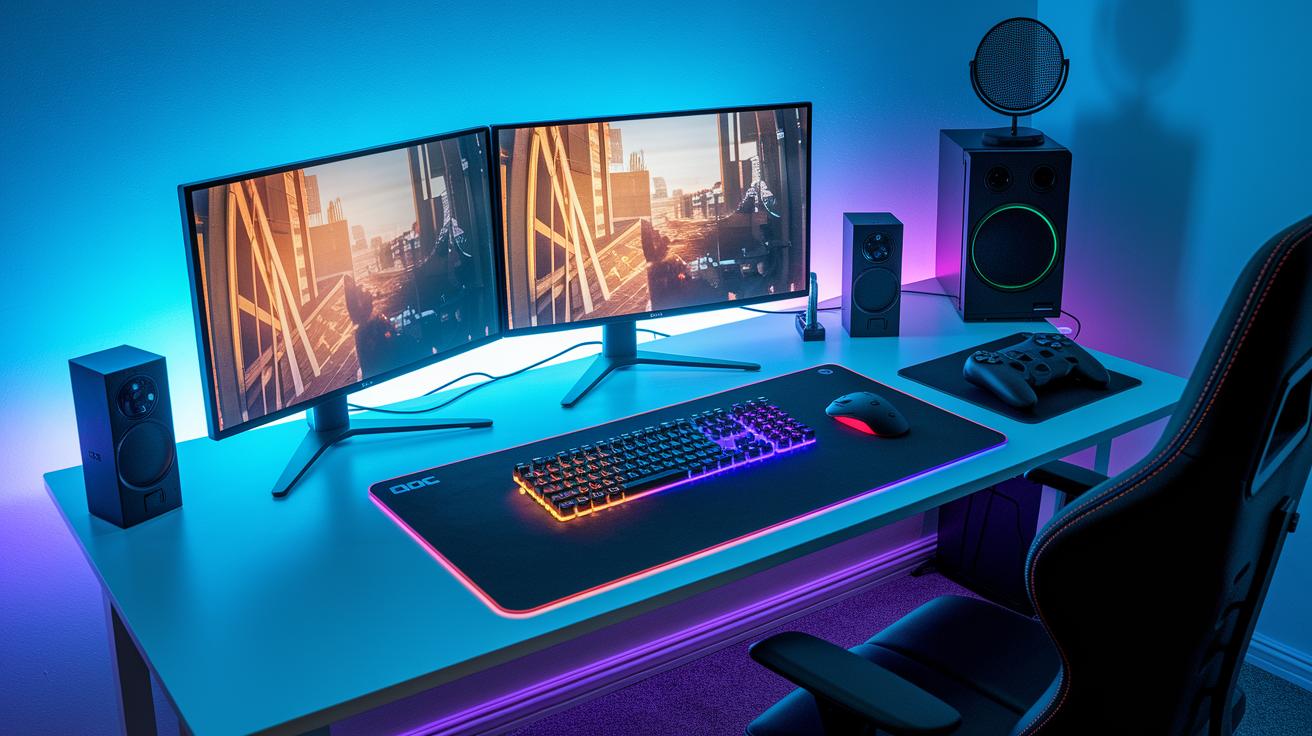
Customizing your gaming setup can seriously boost both comfort and style. It’s all about adding that personal touch that makes your station feel uniquely yours while keeping everything smooth and fun to use. These cool add-ons let you dive into the game world more deeply and even make it easier to swap out key parts later on.
- A big cloth mouse pad for smooth, accurate moves
- An RGB lighting kit to light up the mood and vibe with your gear
- A streaming mic so your live sessions are crystal clear
- An entry-level VR headset (like PS VR2) to get a taste of immersive play
- A racing wheel that brings a real driving feel to your games
- A desk mat combined with a headset stand to keep your space neat
- Cable clip organizers to help you keep wires tidy and out of the way
Upgrading your tech bit by bit is a smart plan to keep your gaming area fresh without emptying your wallet all at once. Start with these fun add-ons to level up your play space, and then, as your game progresses, you can gradually invest in major upgrades like a speedy SSD, more RAM, or a new GPU. By going modular with things like PSUs and motherboards that allow extra slots, you'll be ready to grow your system in step with your gaming ambitions.
Final Words
In the action, we've covered a quick guide that breaks down your must-have checklist. We explored choices for PCs or consoles, crisp monitors, reliable keyboards and mice, and audio gear that helps you hear every move. The guide also touched on comfortable chairs and desks plus fun add-ons that let you personalize your setup. With clear steps to match gear with your style and budget, more players can build the must-have gaming gear for beginners and score big. Keep pushing forward and game on!
FAQ
Q: What gaming gear is good for beginners and what equipment do you need to start gaming?
A: The gaming gear for beginners includes essentials like a PC or console, monitor, keyboard, mouse, headset, controller, and desk or chair. This basic setup covers what you need for a smooth gaming experience.
Q: What should beginners get for gaming gear from sources like Reddit, Amazon, and for PS5 setups?
A: The gaming gear highlighted on Reddit, Amazon, and PS5 setups emphasizes platform-specific needs. It generally includes a quality console or PC and matching accessories that suit your play style and budget, ensuring performance and comfort.
Q: What are the best gaming accessories and setup add-ons for a PC?
A: The best gaming accessories for PC include high-quality monitors, responsive keyboards, comfortable mice, reliable headsets, and ergonomic chairs. These add-ons are popular on forums and deliver great performance without overspending.
Q: Is $1000 enough to build a gaming PC?
A: The budget of $1000 is workable for building a gaming PC. With smart component choices, you can assemble a rig that plays most modern games at 1080p with smooth performance on medium settings.
Q: Why is choosing the right gaming gear important for new gamers?
A: The right gaming gear sets the stage for an awesome play experience. It boosts performance, comfort, and immersion, helping you enjoy every match and level with ease right from the start.