


Ever wonder why some gaming setups get all the praise? It's because every piece is treated like an essential part of a finely tuned machine, kind of like a race car engine working in perfect sync. This guide helps you arrange high-end gear and design a desk that fits your play style. We cover everything from setting up your PC tower for the best airflow to picking parts that mesh seamlessly, giving your rig the boost from ordinary to totally epic.
Pro Gaming Rig Setup Ideas: Core Hardware & Station Layout
Let’s kick things off by treating your PC tower like the heart of your gaming setup. Place it front and center, so its size, location, and airflow work well with high-end parts like killer graphics cards and beefy CPUs. Think of it like your race car’s engine, without proper breathing room, nothing runs at its best.
Next up, you need a motherboard that’s ready for the future. Make sure it can handle upgrades and smoothly connect to all your powerful components. It should have plenty of slots for extra storage and fast memory. Choosing the right motherboard now saves you a headache later, kind of like picking the perfect base for your custom-built gaming fort.
Finally, design your station with balance in mind. Arrange your monitors, keyboard, mouse, and other gear so that everything stays cool and is easy to reach. Keep your cables tidy to make future upgrades a breeze. With a clear plan for where each part goes, you’re not just building a powerful rig, you’re setting up a gaming station that’s ready to grow with you. Enjoy the setup and get ready to dive into your next epic gaming session!
Cooling & Airflow Strategies for a Pro Gaming Rig
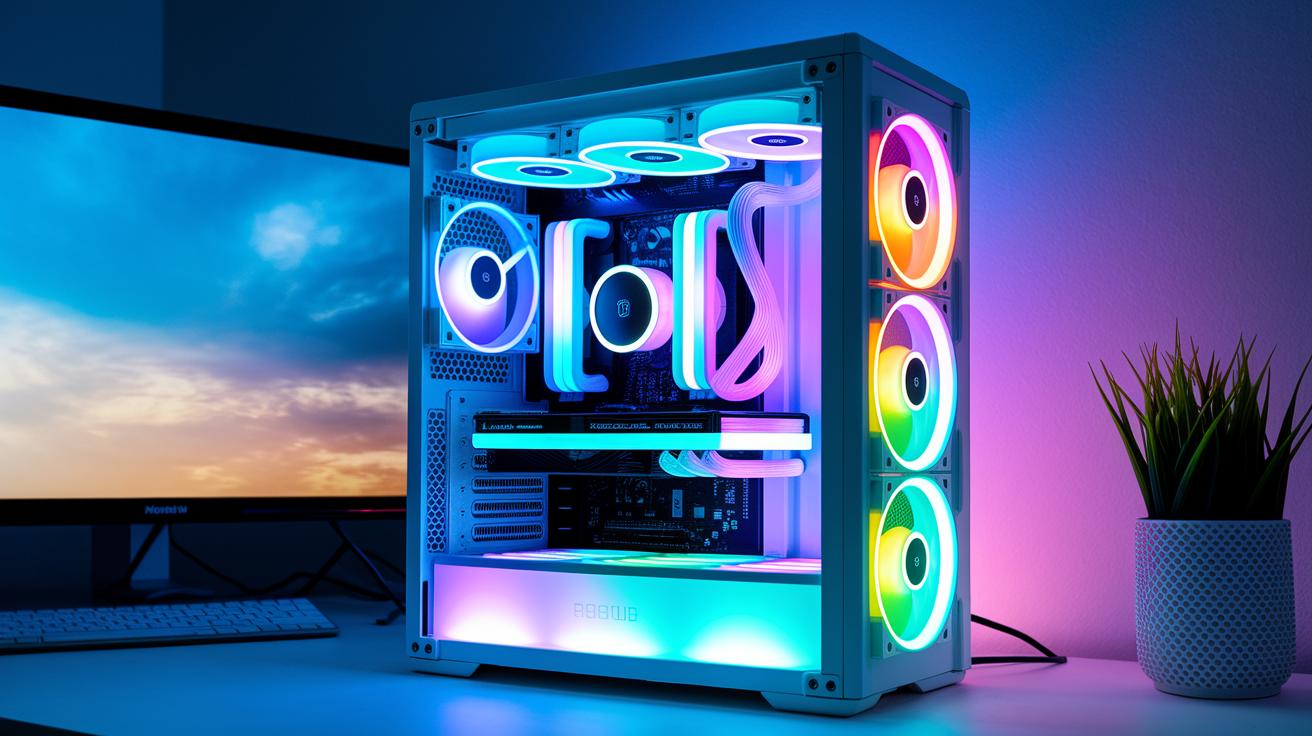
Getting your rig to stay cool without making a lot of noise is super important. Try using liquid cooling and custom water-cooling loops to pull heat away from your best parts. For example, when you set up your own loop that sends coolant through your CPU and GPU, it not only shields your hardware but also lets you push your system harder during those epic gaming marathons.
A cool trick is to add airflow ducts to guide fresh air in and push hot air out. Pairing intake and exhaust fans works like magic, much like taking a quick breath in between tough rounds. And if noise bugs you, you can line your case with foam or swap out your fans for silent ones with anti-vibration mounts, sorta like trading a clunky engine for a smooth, low purr.
Don’t forget to check up on your cooling setup regularly. Cleaning your radiator and dusting off your case can help your hardware last longer. With the right balance of cooling and airflow, your rig stays chill even under heavy load, keeping your gaming spot as quiet as a stealth match.
Display Setup Ideas for a Pro Gaming Rig: Monitors & Multi-Screen Layouts
Picking the right displays is huge for nailing that perfect gaming performance. High-refresh monitors, like 144 Hz or even 240 Hz, give you the edge when every frame counts during those epic battles.
Using two monitors on adjustable arms not only clears up your desk, it makes switching between gaming and other tasks super easy. Imagine dangling dual screens on flexible arms, it’s like turning your rig into a comfy, all-in-one control center.
Monitors with ultra-clear, vivid colors make every game detail pop. Wide screens with slim bezels create a seamless, edge-to-edge view that pulls you right into the action. When everything is arranged just right, it not only boosts your view but makes handling cables a total breeze.
Think about using adjustable mounts so you can tilt, rotate, or tweak your screens for long gaming sessions without a hitch. Many gamers swear by dual monitor setups on flexible arms, they free up space and lend a slick, organized look. Meanwhile, wide-view displays deliver that crisp, engaging picture we all crave.
A well-placed screen helps you zero in on the game and keep distractions at bay. Picture your setup as a command center where tech-savvy design meets pure comfort, turning every session into a dazzling performance.
Play around with your screen angles to match your play style, and mess with the lighting to cut down on glare. And don’t forget: tidy up those cables behind your monitors for a neat, clutter-free setup that amps up your game even more.
Desk & Seating Arrangements for a Pro Gaming Rig Setup
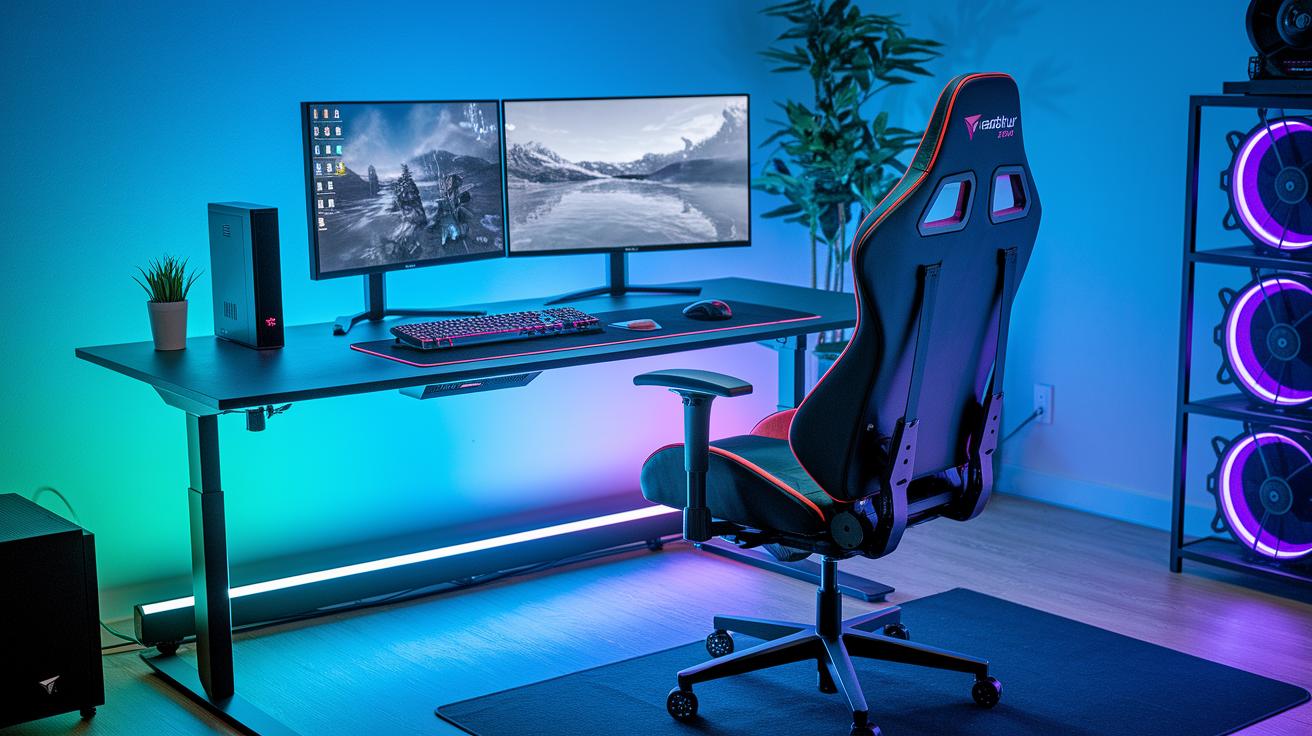
Pick a desk that puts a smile on your face. Check out modern options like the Autonomous Desk 5. This desk sports a scratch-proof finish and a big surface to set up your gear. Plus, you can put it together in just about 30 minutes – like solving a simple puzzle for your gaming zone.
Then, grab a comfy chair like the ErgoChair Ultra 2. It gives your back a friendly boost with solid lumbar support and gets ready in a snap for those epic gaming marathons. Imagine trading in a stiff office chair for one that practically gives you a hug every time you play.
Plan your space carefully. You don’t need to sacrifice style just because you’re short on room. A height-adjustable desk really helps mix up your posture, and an under-desk cable tray keeps all the wires tucked away neatly. It’s like having your own mini circuit board hidden right under your battle station.
Finally, think about your layout to keep things simple. A tidy setup with clean cable routing makes adding new gear easier and lets you focus on the game. Picture every component in its perfect place so you can get lost in your gameplay without any unwanted distractions.
Cable Management & Power Distribution in a Pro Gaming Rig
Keeping your cables neat makes a huge difference, just like nailing the perfect combo in your favorite game. Using things like cable rails, Velcro ties, and special channels keeps your setup tidy and makes fixing issues a breeze, kind of like quickly sorting out your joystick wires after an intense session.
Smart power distribution is just as important. Place your power strips where you can easily reach them, and add surge protectors to guard your gear from sudden voltage spikes. Imagine it as setting up your own mini power hub that gives every part of your rig exactly what it needs.
If you’re after an extra boost in organization, integrated rack solutions are worth checking out. They let you bundle cables together while also giving a spot for multi-zone temperature sensors. This means you can watch the heat build-up in real time while keeping your cables safely out of the way.
A few tricks to remember:
- Use different channels for each type of cable
- Set up your power sources thoughtfully
- Protect key power strips with surge protectors
These simple tips make troubleshooting a snap and keep your rig looking sleek and running smoothly.
Aesthetic Enhancements & Lighting for a Pro Gaming Rig

Boost your gaming setup with vibrant LED lights that totally change the vibe. Imagine wrapping your monitor or PC tower in cool RGB strips, they not only pack a visual punch but also help cut down on glare with soft backlighting. And if you’re using programmable fan lights, syncing them to shift from a chill blue when you’re cruising to a hot red when things get intense is a game-changer.
Get creative with some personal PC mod ideas too. Picture a build where sleek, minimal mods mix with neon accents, like a stylish panel on your case or decals that pay tribute to your favorite game. With synchronized RGB software, you can even set up light shows that groove to sounds or react to game events. Ever see your entire rig light up like a live stage show? It’s an electrifying way to power up every session.
Mix themed decor with smart, practical upgrades. Installing programmable lights isn’t just about style, it also steers your eyes and cuts down on stray glare during those epic battles. Build a setup that screams your personality, where every LED and mod works together to create a battlestation that’s as immersive as it is high-performing.
Peripheral & Accessory Recommendations for a Pro Gaming Rig
Gaming mice kick off your gear setup. They’re built for speed and precision, and you can choose between wired options or the freedom of wireless. With adjustable sensitivity (think DPI and polling rates), you can tune it just right. Imagine a mouse that responds instantly, like a runner blasting off the starting line.
Mechanical keyboards are game-changers too. You might opt for a full-size model if you love that classic feel, or a compact tenkeyless design if you need more desk space. They come packed with tactile switches and LED backlights, so every keystroke pops with precision, just like upgrading to a supercharged version of your everyday keyboard.
But don’t stop at just a basic mouse. Look for one with extra customizable buttons to handle macros and quick in-game commands. Every click counts when you’re in the heat of a match.
Top-notch audio gear also matters. A comfy, ergonomic headset with a dedicated mic delivers clear voice chat and immersive sound. Imagine hearing in-game cues and enemy footsteps in crisp detail, like catching the soft click of a door in a tense round.
Here are some quick tips to consider:
- Pick wired or wireless gaming mice based on your play style.
- Try both full-size and compact mechanical keyboards to find your best fit.
- Look for devices with extra buttons to nail those precision moves.
- Choose headsets with clear audio and long-session comfort.
Check out gaming accessories and learn how to choose the best gaming headset for more gear insights.
Advanced Features: Streaming, VR & Network Tuning in a Pro Gaming Rig
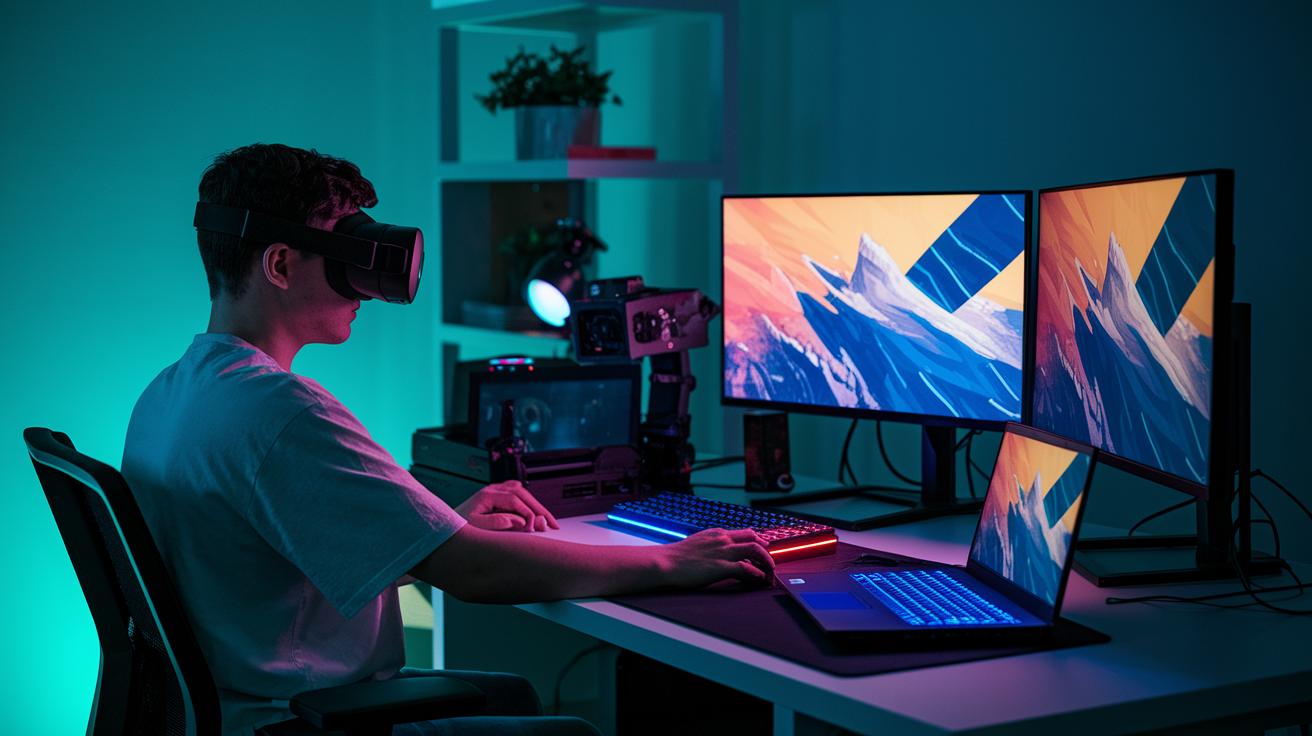
Level up your rig with built-in streaming gear that makes going live feel totally natural. Capture cards and ready-to-use stream decks act like secret power-ups, letting you launch key actions with the push of a button, almost like using a cheat code when you're deep in the game.
If virtual reality is your jam, you can turn your setup into a real playground. Think of gaming laptops that hook up to docking stations, giving you big screens and full-size peripherals for immersive VR moments. It’s a bit like switching from a small handheld game to a full console experience that pulls you right into the action.
For those fast-paced multiplayer sessions, fine-tune your network with performance tracking software that keeps a close watch on your system. Adjust your router’s QoS settings and use gigabit switches so every data packet moves as smoothly as a well-planned strategy in your favorite match.
And don’t forget the little tweaks, like fine-tuning headset placement and optimizing your signal. With these upgrades, your rig is all set for epic streaming, deep VR adventures, and totally lag-free online battles.
Budget Levels & Future-Proofing Tactics for a Pro Gaming Rig
If you're just starting out in pro gaming, you can build an entry-level rig for less than 500 €. With a solid mid-range CPU/GPU pairing and a basic monitor, these setups give you all the basics without emptying your wallet. It’s like grabbing a classic handheld console that still rocks, it’s simple, fun, and ready for future upgrades.
For those looking for a bit more muscle, mid-tier builds cost between 500 € and 1,500 €. These rigs strike a great balance between power and price. You'll find energy-smart parts that keep power draw low while handling intense gaming sessions. Think of it like refreshing your favorite game with a cool patch, it makes everything run smoother. At this level, features like modular cases and firmware updates really shine.
Now, if you want to go all out, high-end setups start at 1,500 € and up. Here, you get top-tier GPUs, high-performance CPUs, and premium gaming gear that’s built to perform. Future-proofing is key at this level. Choosing a motherboard with extra slots and solid firmware support is like gearing up your character with the best equipment before a big level-up.
And don’t forget, regular system updates and modular cases can make future upgrades a breeze. These best practices help keep your rig competitive as new games and even better hardware hit the market.
Final Words
In the action, we broke down creating a strong gaming station, from setting up the core hardware and smart station layout to cooling tricks and display options. We covered everything from desk choices and neat cable work to cool aesthetic mods and key peripherals. Plus, tips on streaming, VR upgrades, and smart budget paths help guide your build. These setup ideas for a pro gaming rig can boost your play and make your space feel uniquely yours. Enjoy building a setup that’s ready for every match and every win!
FAQ
Q: What are some pro gaming rig setup ideas from Reddit, PS5 insights, and other sources?
A: The setup ideas combine advice like positioning your PC tower for optimal airflow, using smart display placements, and adding LED lighting. Tips from Reddit and PS5 setups inspire a sleek and functional pro gaming station.
Q: What accessories should you get for a gaming setup?
A: The gaming accessories list features a mechanical keyboard, high-DPI mouse, ergonomic headset, and quality audio devices. These items boost performance and make your play sessions more comfortable and responsive.
Q: What is a gaming setup PC?
A: A gaming setup PC acts as your central hub with a powerful processor and graphics card to power smooth gameplay. Its design supports efficient cooling, organized cable management, and room for future upgrades.
Q: How can you create a gaming setup in small rooms or PC rooms?
A: Creating a compact gaming setup focuses on using space-saving desks, adjustable monitor arms, and smart cable management. This design keeps your room organized while offering clear sightlines and quick access to controls.
Q: What are some budget gaming setup ideas?
A: Budget gaming setups concentrate on essential components like a reliable mid-range PC, cost-effective peripherals, and tidy cable organization. These choices help build a competitive station that works well without overspending.
Q: How do you create the perfect gaming setup?
A: Creating the perfect setup means combining strong hardware, smart cooling, and ergonomic furniture. Arranging displays for eye comfort, managing cables neatly, and personalizing with lighting accents all add up to a great gaming station.
Q: How many fps does a 700-dollar PC typically run?
A: A 700-dollar PC typically runs around 60 to 90 fps on many modern games at medium settings. Actual performance can vary based on the specific hardware components and game requirements.
Q: What GPU works best for a 1000-dollar build?
A: For a 1000-dollar build, a good choice is an NVIDIA RTX 3060 or an AMD Radeon RX 6600. These GPUs typically offer smooth gameplay with high-refresh visuals and solid performance across competitive titles.