


Ever notice how your gaming rig might be holding you back when the pressure is on? Upgrading your battle station is like trading in a beat-up sedan for a super-fast sports car.
Swapping out old parts for speedy processors, killer graphics cards, and better cooling can make your gameplay feel smooth and snappy. It’s like gearing up before a boss fight.
In this post, I’m breaking down how a few simple tweaks can boost your system’s speed and take your game to the next level. Ready for some epic wins? Let’s jump in and level up your setup.
Core Hardware Upgrades For Your Gaming Battle Station
A high-speed PC is the heart of any awesome gaming setup. When you swap out your old processor and graphics card, you get a serious boost, think of it like upgrading your ride to a super-fast sports car so you can keep up with those intense battles.
Keeping your system cool is key, too. A well-cooled PC not only lasts longer but also stays on its game during long play sessions. Whether you pick a solid air cooler or go for an all-in-one liquid cooling unit, stable temps mean you won’t slow down when the action heats up.
Upgrading your memory and storage shows major benefits, too. Recent tests show a 20–30% jump in FPS when you swap out an old SATA SSD for an NVMe one and add some extra RAM. Faster storage and more memory help your games load quicker so you can dive into the action without waiting around.
Here's a quick guide:
| Component | Recommendation |
|---|---|
| Processor | Ryzen 7 or Intel i7 (like the Intel Core i7-10700) |
| Graphics Card | Nvidia RTX 3080 from the RTX 30-series |
| Memory | 16 GB+ using DDR4 (or DDR5 if possible) |
| Storage | 500 GB–1 TB NVMe SSD (for example, the Samsung 980 Pro) |
| Cooling | Reliable air cooler (like Noctua NH-D15) or liquid cooler (like Corsair H100i) |
These upgrades work together to slash lag and speed up load times, so your gaming feels smooth and responsive, just what you need for those epic gaming sessions.
Performance Boosting Modifications For Seamless Gameplay
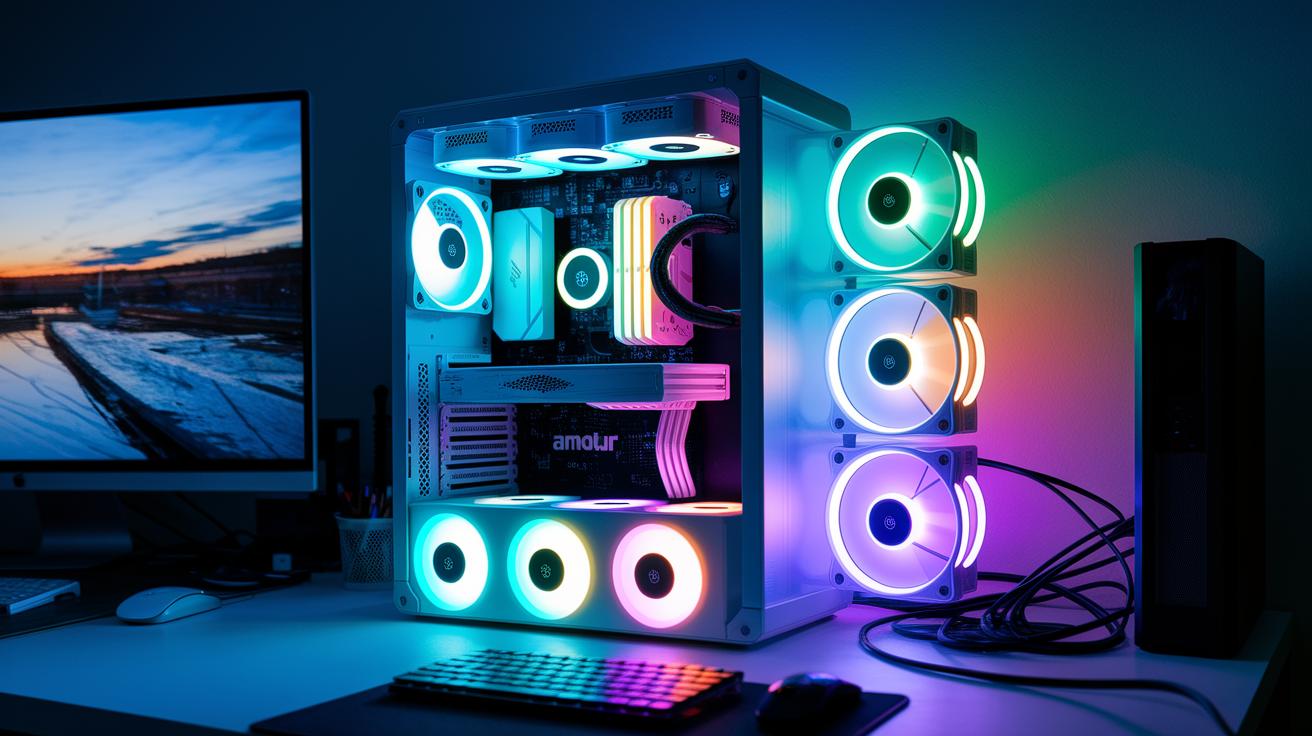
Kick things off by tweaking your system with some basic overclocking. Try bumping your CPU or GPU speeds slowly using your motherboard’s built-in tools or a program like MSI Afterburner. Start with tiny boosts, testing your clock speeds one step at a time with quick benchmarks in between. Keep an eye on your temperatures using HWMonitor, think of it like dipping a toe in for that extra burst in a racing game. This careful tuning helps you extract a bit more power from your hardware without cranking up the heat too much.
Next, level up your cooling and airflow for an even smoother ride. Add a few extra 120 mm PWM case fans and tweak their settings so your system stays below 70 °C, even when pushed hard. Neatly tuck away cables behind the motherboard tray to clear up airflow and avoid any hot spots near your GPU. Smart fan placement and tidy cables work like a hidden trick in a tight match, ensuring every part stays cool while your overall performance jumps. Enjoy your well-tuned battlestation that stays quick and responsive, even when the action gets intense.
Ergonomic and Cable Management Strategies To Improve Your Gaming Battle Station
Getting your setup comfy is a must for long gaming marathons. A smart arrangement with cozy chairs, monitor risers, and keyboard trays can help ease neck and back strain so you can play without distractions. Keeping your desk tidy not only looks cool but also helps you concentrate on your game.
- Use plastic or metal raceways to hide cables neatly along the desk edges.
- Secure loose cables with Velcro straps to keep them from tangling.
- Mark your wires with labels so you can spot them easily when fixing things.
- Put in grommets on your desk to guide cables away from your work area.
- Clip cables together with special cable clips for a cleaner look.
- Bundle cords with cable ties to cut down clutter and boost airflow.
When you're picking out your gear, remember that your desk and seating are part of your comfort team. A roomy desk with a solid monitor stand makes it easy to keep your eyes at a natural level, and a monitor riser means your screen stays right in your view for better posture. Also, think about investing in a good gaming chair with adjustable lumbar support and armrests. For example, check out the Gamer gear gaming chair at https://funcomputers.com?p=93 – it’s a model that’s been reviewed for easing back and neck strain. With these ergonomic and cable management upgrades, you’ll game smarter and stay comfy session after session.
Peripheral Upgrades And Customizable Input Devices For Precise Control
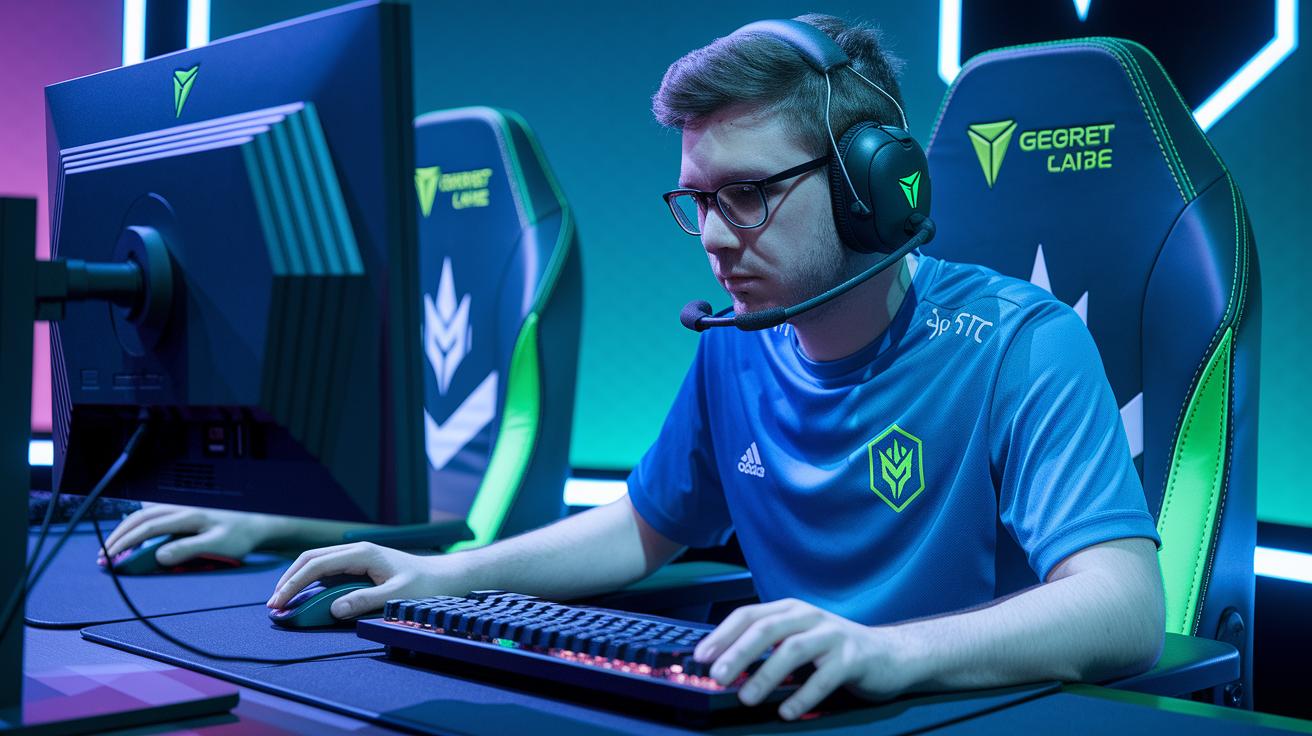
When you’re deep in a close match, having the right input devices can really tip the scales. They let you react fast and handle every intense moment with confidence.
If you’re serious about leveling up, grabbing a keyboard, mouse, and headset that fit your style is a must. Each one can be tweaked for performance, comfort, and personal flair, so your moves come through perfectly on screen. Every upgrade feels like unlocking a new skill, every click matters.
Mechanical keyboards are a top pick when speed and precision are key. Aim for models with actuation forces between 45 and 60 grams for those rapid, reliable keystrokes. Lots even let you set custom key mappings for those critical in-game moments. Wanna see quality in action? Check out best gaming keyboards for eSports (https://funcomputers.com?p=483).
For fans who need perfect aim, high-DPI mice have your back. With options from 8,000 to 16,000 DPI, they offer fine control over your cursor. Add programmable buttons and adjustable weights into the mix, and you’ve got a mouse tuned exactly to your play style for fast, furious matches.
And let’s not forget audio, closed-back headsets deliver a crisp, immersive sound experience. Look for ones with 7.1 virtual surround or high-fidelity speakers so you pick up every subtle in-game cue. A solid headset boosts your spatial awareness and keeps you locked into the action, giving you that extra edge when it counts.
Visual Enhancements And Lighting Configuration For Immersive Gaming
High-refresh-rate screens totally change the gaming experience. Picture playing on a 4K monitor at 144 Hz or a 1440p display at 165 Hz. These screens reduce blur and input lag, so every fast move comes through sharp and clear. If you’re into racing or simulation games, a dual or triple monitor setup widens your view and even supports cool stream overlays. It’s a bit like having extra eyes catching every detail of the action.
Getting your screen placement right is key to a stress-free gaming setup. When your monitors sit at the perfect distance and angle, your eyes feel less strained, and you stay locked in during long sessions. Try aligning your displays so that they merge into one smooth view, it matches the natural curve of your vision. Imagine each monitor acting like a window into your digital world, all set up just for you.
Adding RGB and ambient lighting can really level up your battlestation. You can hook up LED strips or smart light panels to sync up with in-game events, boosting that immersive vibe. Plus, some ambient backlighting behind your screens easy on the eyes in dark rooms. Together, these lighting tweaks blend perfectly with your visuals to create one epic, immersive gaming setup.
Budget-Friendly Battle Station Makeovers And Cost-Effective Tips
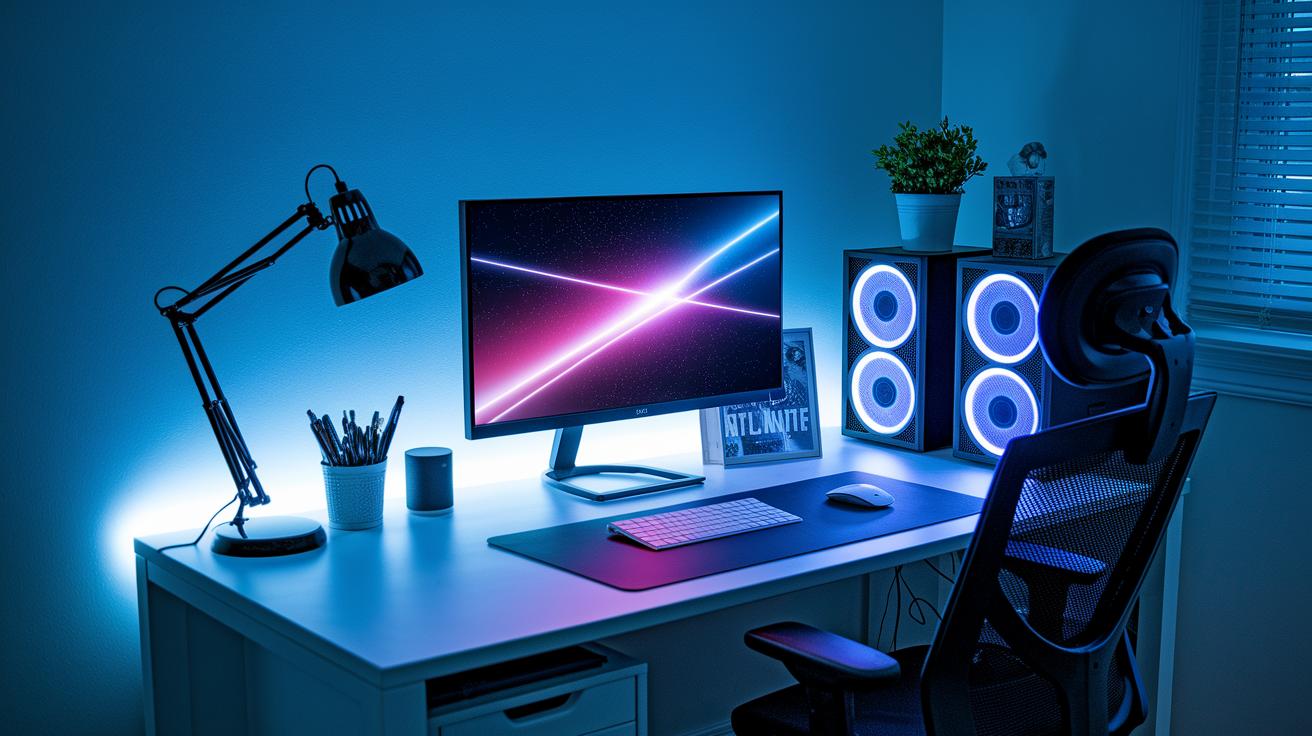
Want to refresh your gaming setup without blowing your budget? Try spicing up your battlestation with cool DIY hardware and décor hacks that keep costs low while boosting style. Think about adding LED strips for neat lighting effects or repurposing old office furniture into a tailor-made monitor stand. Second-hand gear can work wonders too, offering good performance without the high price. And a few cable sleeves can tie it all together, letting you focus on the fun of upgrading your space instead of worrying about overspending.
Plan your upgrades step-by-step to dodge surprise costs. Here’s a simple five-step guide to keep things organized and wallet-friendly:
- Check out your current setup and note what needs a fix.
- Jot down budget-friendly parts like LED strips, cable sleeves, or pre-loved gear.
- Explore DIY décor ideas and think about giving old furniture a second life.
- Set up a timeline so you spread your expenses out.
- Track your spending with a simple checklist to make sure each upgrade counts.
Final Words
In the action, we broke down key steps to boost your battlestation’s performance. We covered high-end hardware upgrades, smart cooling tweaks, smooth overclocking, comfy ergonomic setups, and slick peripheral improvements.
We also talked about enhancing visuals with smart lighting and cost-effective makeover tips. All these ideas mix together to let you make your setup shine while keeping it within budget. Use this guide on how to upgrade your gaming battle station to level up your play and have a blast.
FAQ
What is a battle station in gaming?
The battle station in gaming refers to a complete setup that includes a high-performance PC, a dedicated gaming desk, quality peripherals, and tidy cable management. It’s built to boost both performance and style.
How do you level up your gaming setup?
Leveling up your gaming setup means upgrading core components like your PC, monitor, and peripherals while adding ergonomic furniture and organizing cables for smoother, more comfortable play.
How can you improve a console gaming setup?
Enhancing a console setup involves upgrading your display, refining your seating and living space, and ensuring clear cable management. This creates better visuals and comfort during extended play sessions.
How does one make a gaming setup look better for free?
Making your gaming setup look better for free means reorganizing cables, decluttering surfaces, adjusting lighting, and reconfiguring your desk layout to create a clean, visually appealing space without extra spending.
What is a battle station game?
A battle station game typically involves strategy and combat where you build or maintain a control setup. It emphasizes tactical decisions that mirror real command center operations in an engaging virtual world.
What does Battle Stations Navy refer to?
Battle Stations Navy relates to military-themed setups or media that showcase naval command centers and strategic control, often featured in movies or games with a focus on robust operational tactics.
What is the battle station movie?
The battle station movie centers on high-stakes military or strategic combat. It highlights vivid command centers and dramatic tactical scenarios, drawing viewers into a world of intense, calculated action.