25.5 C
Washington

Best Gaming Community Platforms: Epic Picks For Gamers

Date:

Share:

Have you ever thought about whether gaming online really levels up your play? With almost 3 billion gamers out there swapping tips and tricks, these online hangouts are where real wins happen.

We're diving into the top sites that bring players together. Think of Discord with its buzzing chats or Reddit packed with lively threads, each space helps you score more than just high marks; they build a scene and foster real community vibes.

Ready to check out the best picks? Let's jump in and explore!

Overview of Best Gaming Community Platforms
img-1.jpg

Gamers everywhere are meeting up in cool community hubs where they swap tips, share game tricks, and celebrate epic wins. With 2.8 billion players in 2021 and a whopping 3 billion expected by 2023, these spots help gamers of all styles connect and level up together.

Discord leads the pack. Its servers offer text, voice, and video chats, buzzing with fans from Fortnite to Genshin Impact. Reddit is a haven for niche game chats, you can find threads for almost any game you can think of. Then there’s Steam Community, where players dive into discussions about game libraries and share cool finds.

Facebook Groups mix it up with varying moderation styles, while Telegram sees 55.2 million active users every month, sharing vibrant gaming content. And if you need some deep game secrets, GameFAQs, born in 1995, is loaded with nearly 40,000 guides and walkthroughs to help you through tough levels.

For a one-stop hub that brings it all together, check out gamer hub.

Platform Key Features Monthly Active Users Pricing Tiers
Discord Text, voice, video channels; customizable servers Millions Free, Nitro plans ($4.99–$9.99/month)
Reddit Niche subreddits; broad topic coverage Millions Free
Steam Community Game libraries; discussion forums Millions Free
Facebook Groups Social media integration; variable moderation Billions (platform-wide) Free
Telegram Instant sync; cross-device messaging 55.2 million Free
GameFAQs Game guides; walkthroughs; Q&A forums N/A Free

In-Depth Look at Discord as a Gaming Community Platform
img-2.jpg

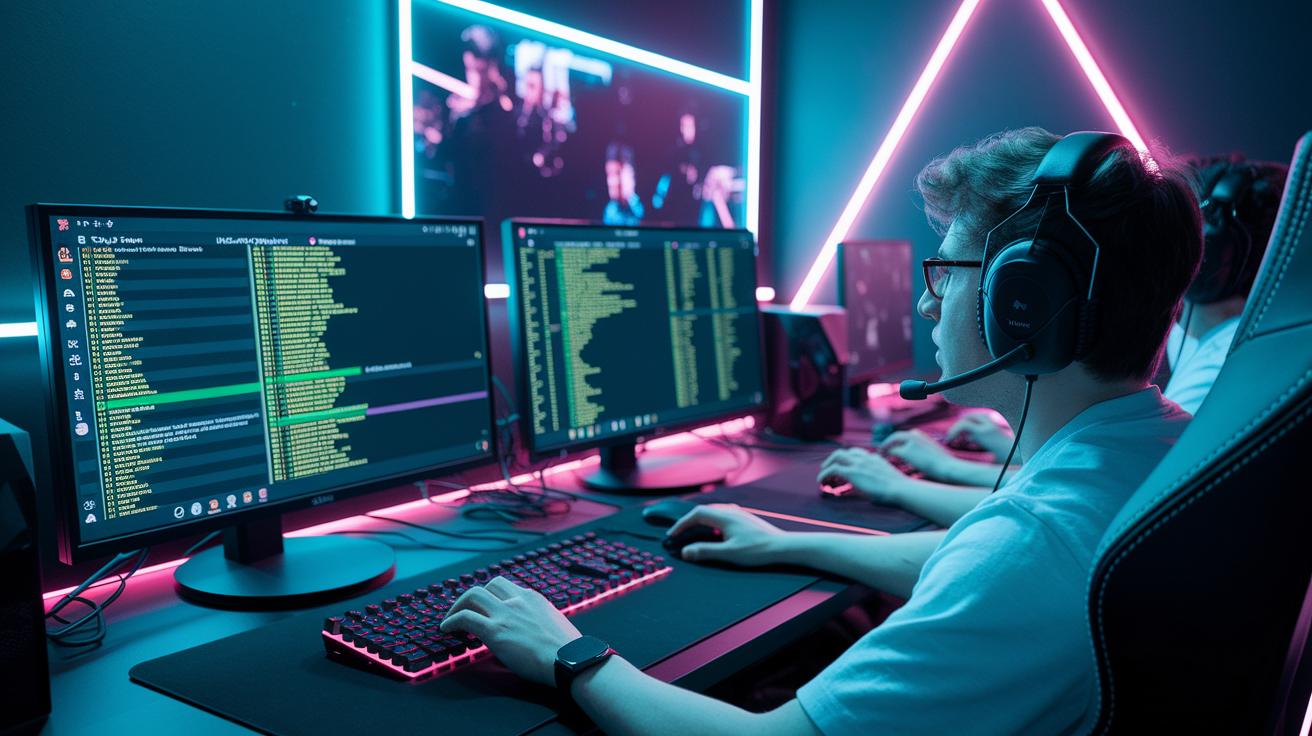
Discord started off as a simple chat and voice app, but now it’s a full-on hangout spot for gamers. You get servers with text, voice, and video channels, each one like its own room for discussing everything from casual play to competitive tournaments. Servers are split into channels so you can easily organize topics, share your latest gameplay clips, or jump into a group call. Fans of games like Fortnite and Genshin Impact love this setup because it keeps the conversation alive and buzzing.

Moderators also benefit big time from Discord’s tools. Admins can set up custom role permissions so only the right people have control over particular channels, keeping things neat and secure. And check out the bots, they help by filtering spam and firing off quick replies, which makes everything run smoother. With clear roles, easy media sharing, and smart automation, Discord is a top pick for building a tight, lively gaming community.

The best part? Discord’s basic features are totally free, giving you robust text, voice, and video chats that work for most players. If you’re after extra perks, Nitro plans kick off at $4.99 a month for the Classic tier and $9.99 for the full Nitro experience. These paid plans offer enhanced screen sharing quality, bigger file uploads, and fun extras like animated emojis. While the free version covers the essentials, many gamers find that Nitro can really ramp up the overall community vibe.

Detailed Comparison of Discord Alternatives in Gaming Community Platforms

img-3.jpg

If you’re checking out alternatives to Discord, you’re in luck, there are many cool choices with their own perks and quirks. Each platform has its own free plan limits and standout features, making it easier to find the right match for your crew’s size and technical know-how. Take a look at the table below to compare ten popular options side by side.

Core Features to Evaluate in Gaming Community Platforms
img-4.jpg

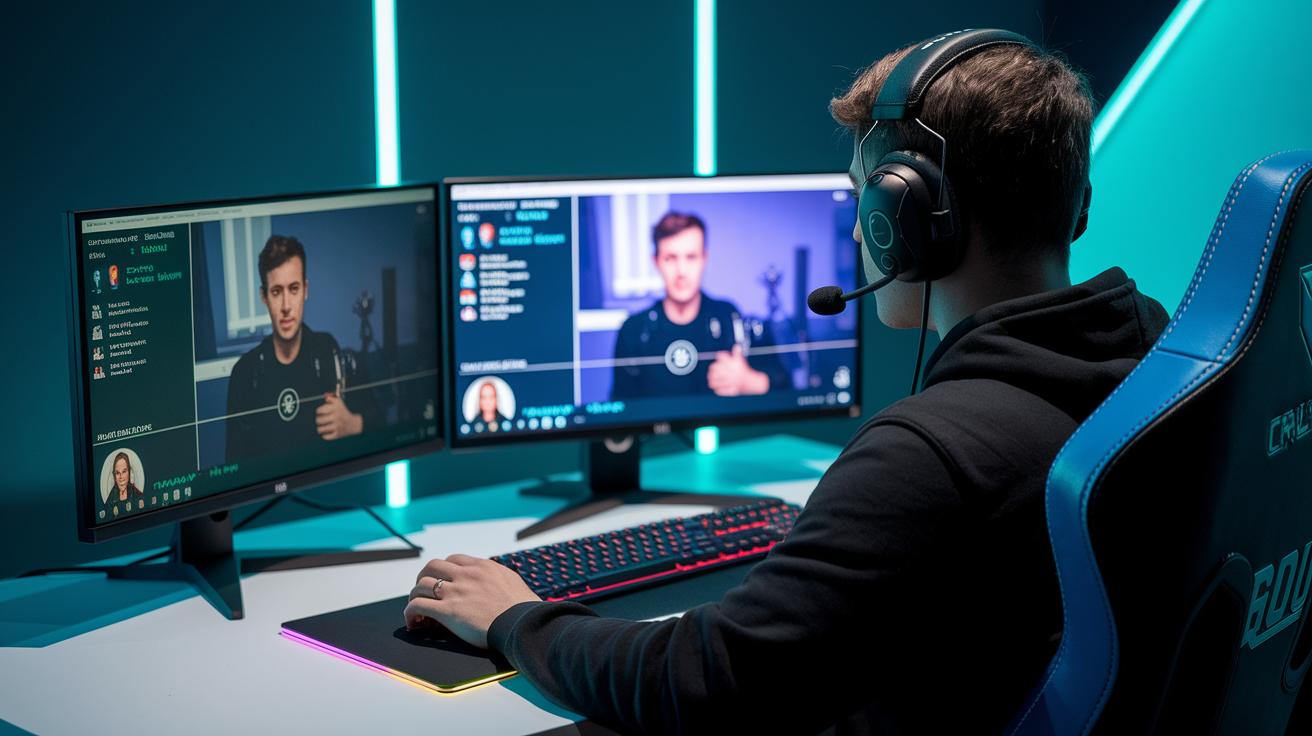
Good communication is the heart of any gaming community. Chat tools let you share quick updates, jokes, and game tips with your crew. And with voice channels that feature noise reduction and positional audio (which makes sounds come from the right direction), you can really feel part of the action. Plus, video streaming means you can show off your gameplay or jump into lively live chats, just like being in an epic in-game arena.

Keeping the space safe is just as important. Smart moderation tools like custom role settings and automated bots help keep spam and toxic behavior away. You’re also covered with encryption and anti-spam measures that protect your private info. This way, you can swap strategies and share tips without any worry.

Event hosting and content integration add a cool twist for community fun. Built-in tools let you set up online tournaments, watch parties, or interactive sessions that bring everyone together. And if your clan loves customizing things, third-party integrations like API support and overlays let you match the vibe to your group. It brings a personal touch to every gathering.

Staying connected is key, too. With cross-platform support and a rock-solid mobile app, you can keep up with the crew no matter where you are. Whether you're on your desktop or on the go with your smartphone, these features ensure you never miss a beat in the gaming action.

Pricing Models for Best Gaming Community Platforms

img-5.jpg

Starting a gaming community is easier than you might think. Free plans give you all the basics, text chat, voice calls, and even a bit of history to go back on. Discord and Slack both offer great free options (though Slack wipes your chat history after 90 days), and platforms like Telegram or Steam Chat keep it completely free with no hidden charges.

Need extra perks? Paid plans come packed with cool features. For example, Discord Nitro ranges from $4.99 to $9.99 per month, loading on extra features like improved emojis and server boosts. Chanty is another option, at around $3 per member each month. If you’re looking for advanced integration options, Microsoft Teams Premium commands about $5 per user per month, and Flock Pro starts at roughly $4.50 per user each month.

For small groups, free plans cover essential stuff like messaging, quick voice chats, and limited file sharing. But for larger communities that crave longer chat histories and better admin controls, a paid plan can be a game changer. Whether your squad is casual or gearing up for serious raids, there’s a pricing model that fits just right.

Effective Community Engagement Strategies on Gaming Community Platforms

img-6.jpg

When it comes to building a lively gaming community, getting everyone involved is key. Think about setting up fun tournaments, like Fortnite showdowns, that add a thrill of friendly competition and get gamers hyped. And how about hosting themed Twitch watch parties where everyone can chill together and relive those epic game highlights?

Running smart moderation and cool feedback bots keeps the chat buzzing and upbeat. Plus, letting members run their own channels for game tips, fan art, or sharing strategies makes everyone feel like a real part of the team. Even adding custom roles and rewards can give gamers that extra boost of recognition and excitement.

Live Q&A sessions and AMAs with gaming influencers are a game changer too. These real-time chats let members ask questions and share their own thoughts while making everyone feel closer to the action. Using simple analytics to track event vibes helps you tweak activities so they hit home every time.

Last but not least, show off content created by your own members. Setting up cool galleries for game mods or jaw-dropping screenshots can keep the energy creative and fun. Mix all these strategies together and watch your community turn into a dynamic, engaging space where every gamer feels right at home.

Final Words

In the action, we reviewed top platforms, checked out Discord’s strong features, and weighed up cool alternatives. We explored key tools, pricing plans, and smart tricks for keeping communities active. These insights help you find the right hub to boost both gameplay and team chat. The article wraps up with a nod toward making the most of the best gaming community platforms. Keep enjoying your play sessions and leveling up your community experience, one game at a time.

FAQ

Frequently Asked Questions

What are some of the best gaming community platforms?

The best gaming community platforms include Discord for its text, voice, and video channels, Reddit for niche discussion threads, and Steam Community for game library chat. Each offers unique ways to connect and share.

Which game community is the best?

The best game community is often found on platforms like Discord and Reddit, where active discussions, regular events, and engaged user bases help create a dynamic space for gamers with shared interests.

What is the biggest gaming community?

The biggest gaming community is typically seen on Discord and Reddit, both hosting millions of active users discussing a wide range of games and topics, making them hubs for diverse gaming interactions.

What is the best platform for gaming content?

The best platform for gaming content often comes down to personal taste; however, platforms like Reddit allow for deep threads and ongoing discussions while Discord offers real-time interaction and multimedia sharing.

What are some popular community games on PC?

The popular community games on PC include Deep Rock Galactic, Warframe, No Man’s Sky, Destiny 2, Sea of Thieves, and Minecraft, each with large, active communities that share guides, tips, and live play sessions.

What defines a strong gaming community website?

A strong gaming community website is defined by active engagement, regular events, user-generated content, and seamless integration of text, voice, and video communications that keep players connected and informed.

How can gamers find groups or gamer gatherings online?

Gamers can find groups or gamer gatherings online by joining platforms like Discord, Reddit, or dedicated gaming forums where members post event details, group play sessions, and social meet-ups for fans to join in.

What makes a gaming group successful?

A gaming group is successful when it promotes regular interaction, hosts events like tournaments or watch parties, and supports a friendly, inclusive environment that encourages sharing tips, media, and game experiences.

Subscribe to our magazine

━ more like this

Strategy Guide For Interpreting And Countering Enemy Patterns In Games!

Master effective tactics for reading enemy moves in games. Learn clever counters and responses, but can you outsmart the next strike?

7 Gaming Pc Build Kit: Superb Performance

Curious about assembling your gaming pc build kit? Compare models, follow concise guides, and learn what hidden tricks await beyond.

2 Advanced Guide To Predictive Strategies In Competitive Gaming!

Step into an advanced guide blending AI insights and game tactics, where cutting-edge strategies reshape play styles, but what happens next?

3 Pc Build List: Great Component Options

Explore our pc build list for top parts and pricing insights; brace yourself as a jaw-dropping twist emerges unexpectedly soon.

Essential Guide To Efficient Unit Management In Strategy War Games: Elevate Wins

Master efficient unit management in strategy war games with agile tactics, precise timing, and resource control, and one secret remains hidden…

LEAVE A REPLY

Please enter your comment!
Please enter your name here

Platform Free Plan Limits Key Features Pros Cons Price
Rocket.Chat Up to 50 users End-to-end encryption Highly secure Requires technical self-hosting Free
Chanty Five members Intuitive UI User-friendly interface Group calls need paid plan From ~$3/member/month for upgrades
Slack 90-day history, 10 app integrations Channel organization Easy integration with tools Message archive is limited